3D CAD Modeling: Expert Workflows, Tools, and Best Practices
3D CAD modeling is the backbone of modern design, engineering, and entertainment workflows. Over years of hands-on work, I’ve learned that the right combination of process, tools, and best practices can make the difference between a frustrating slog and a streamlined, creative experience. Whether you’re developing for games, product design, or XR, mastering both manual and AI-assisted approaches is essential. In this article, I’ll break down my end-to-end workflow, tool selection strategies, and actionable tips for producing clean, production-ready models efficiently.
Key takeaways
- 3D CAD modeling is foundational across industries—understanding the workflow is vital for efficiency.
- AI-powered tools (like Tripo) drastically reduce modeling time and technical barriers.
- Proper project organization, retopology, and optimization are crucial for high-quality results.
- Choosing the right platform depends on project needs, compatibility, and collaboration requirements.
- Avoid common pitfalls by planning ahead and leveraging automation where it counts.
What Is 3D CAD Modeling? Core Concepts and Applications
Defining 3D CAD Modeling in Practice
3D CAD (Computer-Aided Design) modeling involves creating digital representations of objects or environments in three dimensions. In my practice, this means using specialized software to sculpt, assemble, and refine geometry that can be visualized, simulated, or manufactured. The process ranges from rough conceptual sketches to highly detailed, production-ready assets.
Key concepts include:
- Parametric modeling: Using parameters to drive geometry—ideal for engineering.
- Polygonal modeling: Manipulating vertices, edges, and faces—common in entertainment and visualization.
- Procedural modeling: Using rules or scripts to generate complex structures.
Key Industries and Real-World Use Cases
3D CAD modeling is indispensable in:
- Product design & manufacturing: Prototyping, CNC machining, and 3D printing.
- Architecture & construction: Visualization, BIM, and construction planning.
- Gaming & film: Asset creation, animation, and VFX.
- XR (AR/VR/MR): Interactive environments and digital twins.
In my experience, each industry has unique requirements, but the core principles of clean topology, scale accuracy, and efficient workflows remain consistent.
My Essential 3D CAD Modeling Workflow
Step-by-Step Process: From Idea to Model
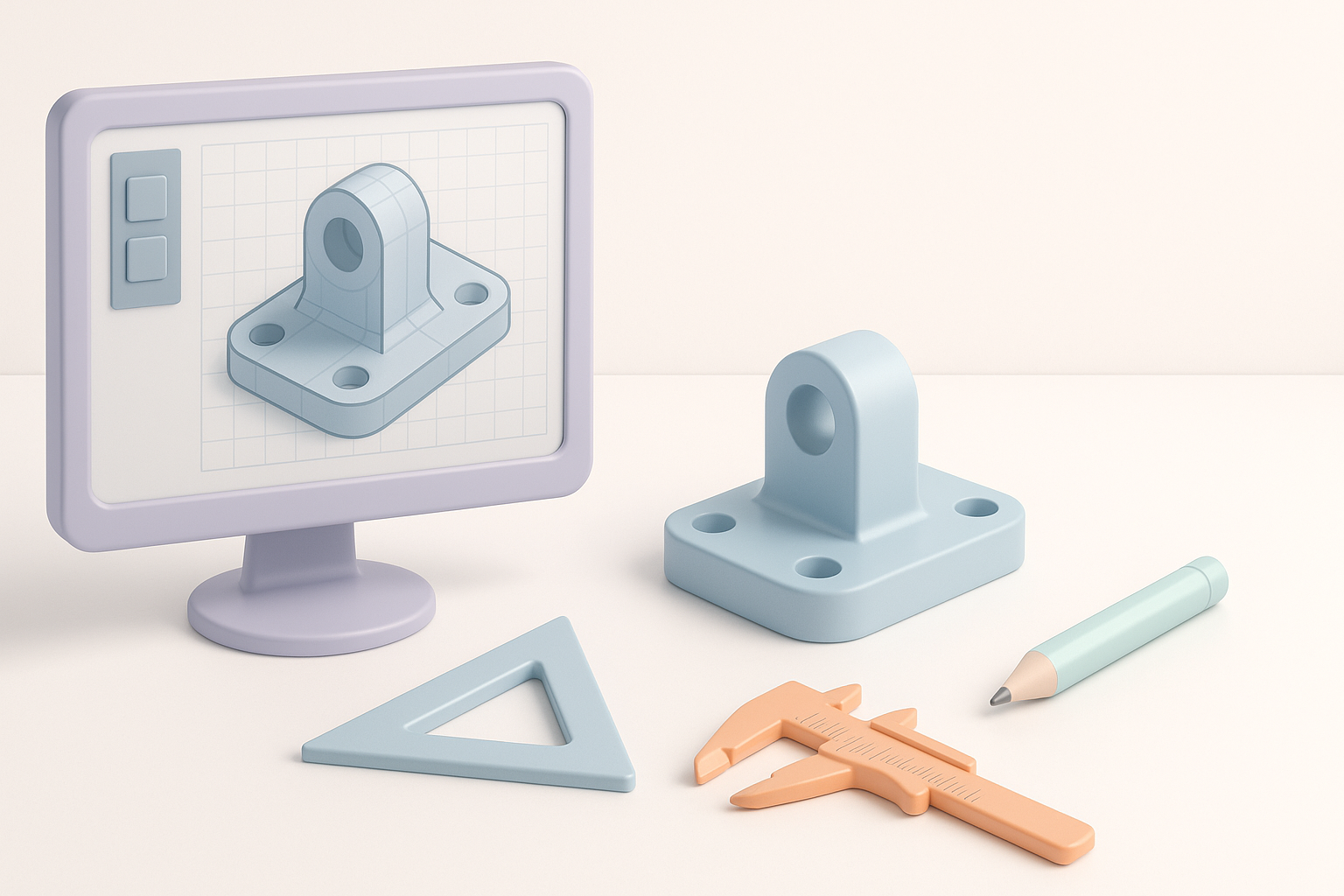
My typical workflow looks like this:
- Concept & Reference Gathering: Collect sketches, photos, or text prompts to clarify intent.
- Blocking Out Forms: Roughly shape the model using basic geometry.
- Detailing: Add features, refine proportions, and ensure accuracy.
- Retopology: Optimize mesh for performance and downstream use.
- Texturing & UV Mapping: Apply materials and prepare for rendering or real-time use.
- Export & Integration: Output in the required format for the next stage.
When speed is critical, I’ll use AI-driven tools like Tripo to generate a base mesh from text or sketches, then refine manually as needed.
Tips for Efficient Project Organization
- Version control: Regularly save iterations; use clear file naming (e.g.,
model_v03_final.fbx). - Layer management: Organize components (e.g., separate moving parts, reference geometry).
- Reference folders: Keep all supporting images, blueprints, and notes in a dedicated directory.
- Checklist before export:
- Freeze transformations
- Clean up unused geometry
- Verify scale and orientation
Choosing the Right Tools for 3D CAD Modeling
AI-Powered Solutions vs. Traditional Software
AI-powered platforms like Tripo have transformed my workflow, especially for ideation and rapid prototyping. They excel at:
- Turning text, sketches, or images into editable 3D models in seconds
- Automating segmentation, retopology, and basic texturing
Traditional CAD software remains essential for:
- Precise parametric modeling (e.g., engineering parts)
- Complex assemblies and simulation
My approach is hybrid: I often start with AI for speed, then switch to traditional tools for refinement and detailed control.
Factors I Consider When Selecting a Platform
- Project requirements: Engineering accuracy vs. visual fidelity
- Import/export compatibility: Does it support the file formats I need?
- Collaboration features: Version control, sharing, cloud support
- Learning curve and support: Is onboarding quick? Are resources available?
- Automation capabilities: Built-in retopology, UV unwrapping, rigging
Best Practices for High-Quality 3D CAD Models
Retopology, Texturing, and Optimization Techniques
- Retopology: Always optimize mesh density—AI tools can automate this, but manual checks are crucial for edge flow and UVs.
- Texturing: Use PBR (Physically Based Rendering) workflows for realism; keep texture sizes appropriate to the target platform.
- Optimization: Remove hidden faces, merge overlapping vertices, and decimate where detail isn’t needed.
Quick checklist:
- Are normals consistent and facing outward?
- Is the UV map non-overlapping and efficiently packed?
- Are polygon counts suitable for the intended platform (e.g., real-time vs. offline render)?
Common Pitfalls and How I Avoid Them
- Overcomplicating geometry: I keep meshes as simple as possible until detail is needed.
- Ignoring scale: Always set units and check against real-world dimensions early.
- Neglecting file organization: Disorganized assets waste time—use clear naming and folder structures.
- Skipping QA: I always review models in the target environment before final delivery.
Comparing 3D CAD Modeling Methods
Manual Modeling vs. AI-Assisted Workflows
Manual modeling gives me full control over topology, detail, and precision, but it’s time-consuming—especially for complex or repetitive tasks.
AI-assisted workflows (like those enabled by Tripo) rapidly generate base models and automate tedious steps. This is invaluable for:
- Early-stage ideation
- Quick client iterations
- Projects with tight deadlines
When to Use Each Approach in My Experience
- Manual: Final engineering parts, highly detailed hero assets, or when exact specifications are required.
- AI-assisted: Concept art, background props, rapid prototyping, or when exploring multiple ideas quickly.
Hybrid workflows—starting with AI, then refining manually—often deliver the best results.
Exporting, Sharing, and Integrating 3D CAD Models
File Formats and Compatibility Tips
I primarily export in:
- .FBX / .OBJ: Widely supported for 3D applications and engines
- .STEP / .IGES: Preferred for engineering and manufacturing
- .GLTF / .USDZ: Optimized for web and XR
Tips:
- Always check scale and axis orientation on export
- Test imports in target applications before delivery
- Use embedded textures or reference folders as needed
Collaborative Workflows and Version Control
- Cloud platforms: Enable real-time sharing and feedback (many AI tools offer built-in collaboration)
- Versioning: Use naming conventions and backup systems to avoid confusion
- Documentation: Attach notes or changelogs to files, especially in team environments
Pitfall to avoid: Overwriting or losing progress—always keep incremental saves and backups.
By combining structured workflows, the right mix of manual and AI-powered tools, and a focus on best practices, I consistently deliver high-quality 3D CAD models efficiently—no matter the industry or project scope.
