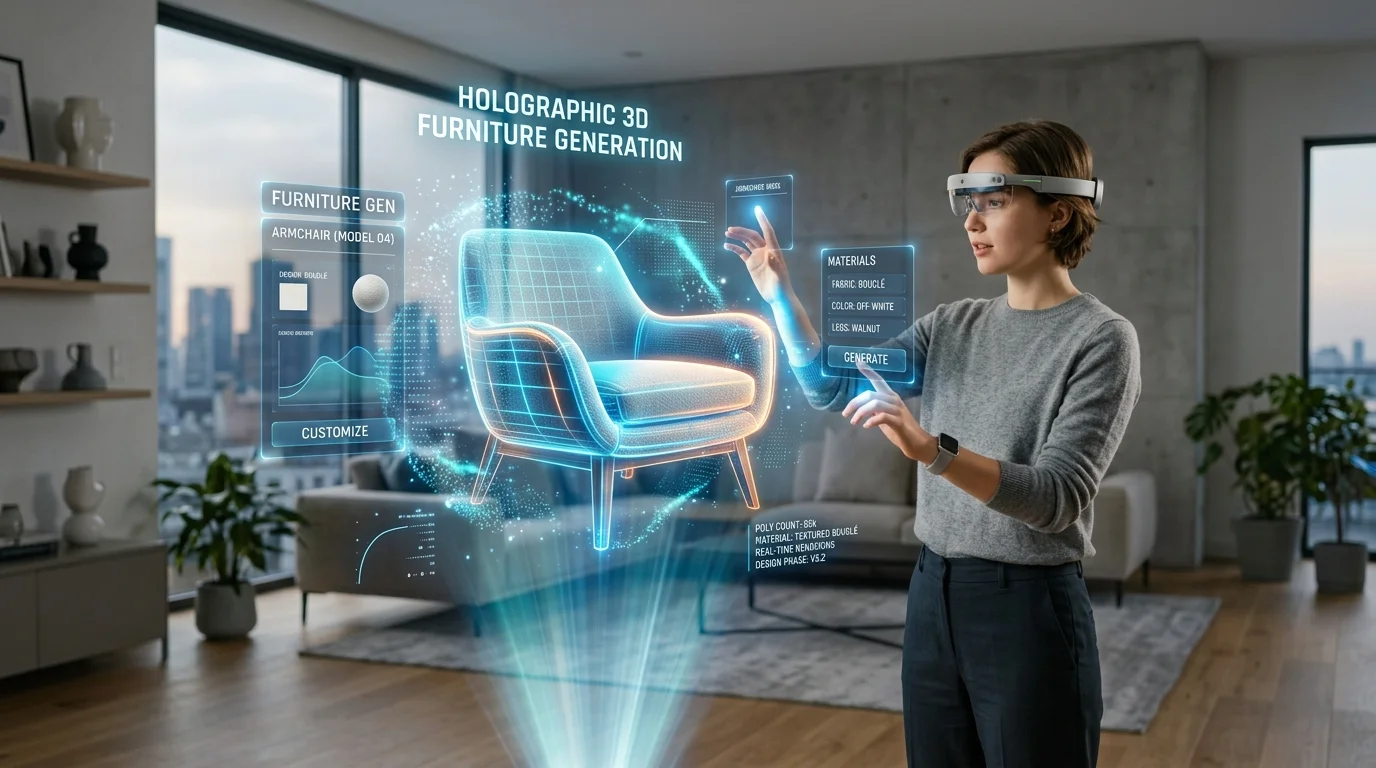
Domina la colocación de muebles en RA para obtener reflejos realistas
Una guía profesional sobre el renderizado basado en la física y los reflejos de materiales en la computación espacial
Colocar muebles virtuales en espacios físicos para el diseño de interiores 3D con IA a menudo resulta en objetos flotantes de aspecto artificial que rompen la inmersión del usuario. Esta fricción se debe principalmente a reflejos de materiales imprecisos y a la incapacidad de igualar dinámicamente las condiciones de iluminación del mundo real dentro de los entornos de computación espacial. Al dominar los principios del renderizado basado en la física y utilizar un generador de modelos 3D con IA avanzado, los profesionales pueden integrar sin problemas la decoración digital en cualquier habitación física, garantizando la consistencia óptica y una verdadera presencia espacial.
Puntos clave
- El renderizado basado en la física (PBR) constituye la base fundamental de los entornos de realidad aumentada creíbles al estandarizar cómo reaccionan las superficies digitales a la luz física.
- La ejecución precisa de mapas de metalicidad y rugosidad dicta el realismo de los reflejos especulares y difusos en la computación espacial.
- Las sondas ambientales y la estimación de luz en tiempo real son esenciales para anclar las sombras y reflejos virtuales a las fuentes de luz del mundo real.
- Los flujos de trabajo de exportación optimizados y los formatos de archivo estandarizados garantizan que la fidelidad del material se mantenga intacta en diversas plataformas de RA móviles y portátiles.
El papel del reflejo del material en la colocación de muebles en RA
El reflejo realista del material es un factor crucial en la colocación de muebles en RA que cierra la brecha entre los modelos 3D virtuales y las habitaciones físicas. Al simular con precisión cómo la luz física rebota en las superficies digitales, los diseñadores logran una inmersión real en entornos de diseño de interiores 3D con IA.
Entendiendo el renderizado basado en la física (PBR) en RA
El renderizado basado en la física (PBR) es la metodología estándar de la industria para lograr el fotorrealismo en gráficos por computadora en tiempo real, particularmente dentro de las aplicaciones de realidad aumentada. A diferencia de los modelos de sombreado más antiguos que dependían de valores arbitrarios para aproximar cómo debería verse un objeto, el PBR utiliza modelos matemáticos que se adhieren estrictamente a la física de la luz. Este sistema garantiza que los materiales conserven energía; una superficie no puede reflejar más luz de la que recibe. Para la colocación de muebles en RA, este principio no es negociable. Cuando un usuario ve un sofá de terciopelo digital junto a una mesa de caoba física, la tela virtual debe absorber y difundir la luz con la misma lógica óptica que los textiles del mundo real.
Imagen de capas de material PBR que incluyen albedo, metalicidad, rugosidad y mapas normales
El flujo de trabajo PBR se basa en un conjunto específico de mapas de textura para definir las propiedades del material, principalmente el albedo (color base), la metalicidad, la rugosidad y los mapas normales. El mapa de metalicidad actúa como un interruptor binario en la mayoría de los escenarios, dictando si un material es un aislante (dieléctrico) o un conductor (metal). Los conductores reflejan casi toda la luz entrante, derivando su identidad visual completamente de su entorno. El mapa de rugosidad controla las irregularidades microscópicas de la superficie. Un valor de rugosidad bajo crea una superficie lisa con reflejos especulares nítidos y similares a un espejo, ideales para patas de sillas de cromo pulido. Por el contrario, un valor de rugosidad alto dispersa la luz en múltiples direcciones, lo que resulta en la apariencia suave y mate necesaria para la tapicería virtual o el grano de madera natural.
Cómo interactúa la luz ambiental del mundo real con las superficies virtuales
Para que los muebles virtuales pertenezcan a un espacio físico, el motor de realidad aumentada debe analizar continuamente el entorno del mundo real y proyectar esas condiciones de iluminación sobre los modelos digitales. Los marcos de trabajo de RA modernos utilizan la transmisión de la cámara del dispositivo y algoritmos avanzados de visión por computadora para realizar una estimación de luz en tiempo real. Este proceso implica extraer la temperatura de color promedio, la intensidad y la direccionalidad de la luz ambiental en la habitación física.
La interacción de la luz ambiental se vuelve muy compleja cuando se trata de superficies reflectantes. En una habitación física, la luz ambiental rebota en paredes, suelos y otros objetos, creando una iluminación indirecta. Las superficies virtuales deben simular este comportamiento a través de la iluminación basada en imágenes (IBL). El sistema de RA construye un mapa ambiental simplificado a partir de la transmisión de la cámara, que luego se utiliza para iluminar los muebles digitales desde todos los ángulos. Esto significa que una mesa de centro virtual brillante reflejará sutilmente los colores de la alfombra física sobre la que se asienta, anclando el objeto en su entorno inmediato.
Optimización de modelos 3D para entornos de RA con Tripo AI
Para lograr reflejos realistas, los modelos de muebles 3D deben poseer mapas de textura precisos antes de ingresar al espacio de RA. Tripo AI permite a los diseñadores generar modelos de alta fidelidad con propiedades de metalicidad y rugosidad adecuadas, asegurando una preparación completa para la estimación avanzada de luz ambiental en todas las plataformas.
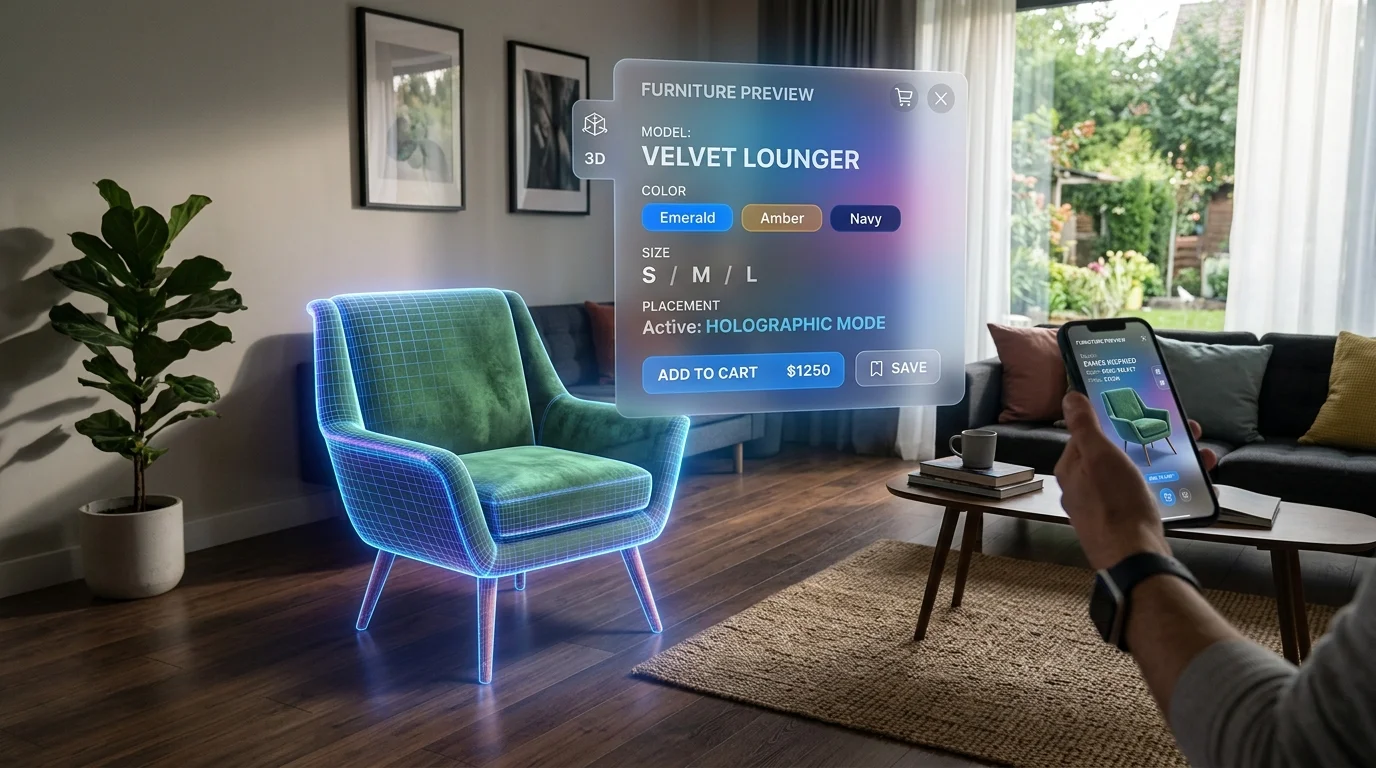
Generación de texturas listas para reflejos para decoración del hogar
La creación de texturas de alta fidelidad listas para reflejos ha sido tradicionalmente un cuello de botella en la producción de activos 3D. Los flujos de trabajo impulsados por IA han reestructurado fundamentalmente este proceso. Al aprovechar arquitecturas neuronales y algoritmos de generación avanzados, Tripo AI automatiza la creación de materiales PBR precisos. Operando con el Algoritmo 3.1 con más de 200 mil millones de parámetros, el sistema analiza la geometría espacial del objeto generado para aplicar reflejos conscientes del contexto.
Este nivel de precisión automatizada es fundamental para generar texturas 4K que resistan el escrutinio de cerca en entornos de computación espacial. La IA evalúa el significado semántico del objeto para distribuir los valores de rugosidad de forma lógica; por ejemplo, añadiendo manchas sutiles o brillo variado a una silla de cuero vintage, evitando la perfección artificial que a menudo afecta a las imágenes generadas por computadora.
Exportación de los formatos correctos (GLB, USD) para la integración en RA
Una vez que un modelo de mueble 3D está equipado con texturas físicamente precisas, la siguiente fase crítica es la integración de software y la exportación. Para evitar la pérdida de datos, los profesionales utilizan formatos estándar que incluyen USD, FBX, OBJ, STL, GLB, 3MF. Entre ellos, GLB (la versión binaria de glTF) y USD (específicamente USDZ para los ecosistemas de Apple) son los estándares de la industria para la integración en RA. Utilizar una conversión de formatos 3D eficiente garantiza que las complejas estructuras de nodos que dictan los reflejos de los materiales se traduzcan correctamente a estos contenedores estandarizados.
Mejores prácticas para la colocación realista de muebles en RA
La colocación exitosa de muebles en RA requiere una alineación estratégica de los modelos virtuales con las condiciones de iluminación de la habitación física. El uso de sondas ambientales y la adaptación de las fuentes de luz virtuales a las ventanas o lámparas del mundo real garantiza que los reflejos de los materiales se comporten de forma natural.
Uso de sondas ambientales y HDRI en tiempo real
Las sondas ambientales son los motores invisibles que impulsan los reflejos realistas en la computación espacial. Las aplicaciones de RA utilizan sondas de reflexión para capturar una imagen de alto rango dinámico (HDRI) de 360 grados del espacio físico en tiempo real. Este mapa de cubos capturado se proyecta luego sobre el objeto digital. Para materiales altamente reflectantes como una mesa de centro de cristal virtual, este proceso es lo que permite que el objeto refleje la habitación real.
Imagen de una sonda ambiental de RA capturando un mapa de cubos HDRI en tiempo real para reflejos
Alineación de sombras virtuales y fuentes de luz físicas
Mientras que los reflejos definen la superficie del objeto, las sombras definen su peso y su relación espacial con el suelo. Para lograr una colocación en RA fotorrealista, la fuente de luz virtual que proyecta la sombra debe alinearse con precisión con la fuente de luz física dominante en la habitación. Los marcos de trabajo de RA modernos automatizan gran parte de esto mediante la estimación de luz direccional. Para capturar la sombra resultante, los desarrolladores utilizan un "capturador de sombras" (shadow catcher), un plano geométrico invisible colocado directamente debajo del objeto virtual que se alinea con el suelo físico detectado por el sistema de RA.
Preguntas frecuentes
P: ¿Cómo soluciono que los muebles brillantes se vean planos en RA?
R: Los diseñadores pueden resolver este problema verificando meticulosamente el mapa de rugosidad aplicado al modelo 3D. Si los valores de rugosidad son demasiado altos, o si el espacio de color del mapa se convirtió incorrectamente a sRGB durante la exportación, el material dispersará la luz en lugar de reflejarla. Además, asegúrese de que el entorno de RA de destino utilice funciones de estimación de luz en tiempo real activas.
P: ¿Qué formatos 3D son óptimos para los reflejos de materiales en RA?
R: Para un soporte óptimo de materiales PBR, los profesionales de la industria recomiendan exportar formatos GLB o USD directamente desde Tripo AI. GLB es el estándar para entornos de RA basados en web y Android, mientras que USDZ es necesario para el ecosistema ARKit de Apple.
P: ¿Por qué las texturas metálicas se ven mal en la vista de RA de mi habitación?
R: Las superficies metálicas derivan su identidad de reflejar su entorno. Si una escena de RA carece de sondas de reflexión ambiental, el metal reflejará un cielo predeterminado y vacío, viéndose plano. Además, verifique que su mapa de metalicidad utilice valores de blanco puro para las partes conductoras.
