Domina la colocación de muebles en RA para probar conceptos de diseño de interiores
Estrategias profesionales para integrar modelos 3D generados por IA en flujos de trabajo de diseño de interiores
Traducir conceptos de diseño de interiores a la realidad física a menudo implica errores de cálculo costosos en la planificación espacial y la selección de materiales. Integrar flujos de trabajo de diseño de interiores 3D con IA ayuda a resolver esto proporcionando una conciencia espacial precisa. Los prototipos físicos tradicionales y los paneles de inspiración planos fallan constantemente al comunicar el volumen real de una habitación, lo que genera fricciones graves durante las presentaciones a clientes y las etapas de aprobación.
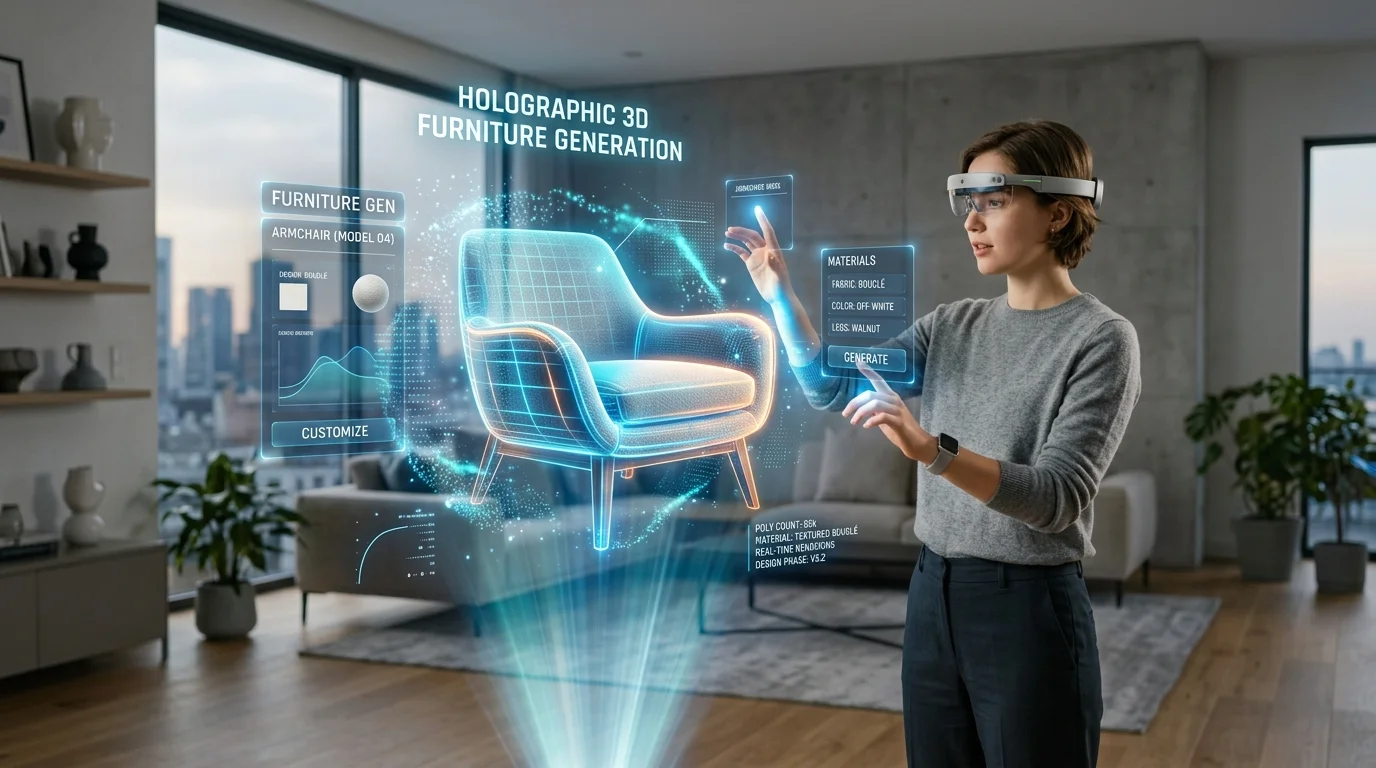
Al integrar la realidad aumentada con una IA generativa 3D capaz, los profesionales del diseño pueden proyectar instantáneamente muebles personalizados directamente en entornos físicos, garantizando la confianza estructural y estética antes de finalizar la adquisición.
Perspectivas clave
- La realidad aumentada cierra la brecha crítica entre los planos conceptuales y la ejecución física al permitir pruebas espaciales en tiempo real.
- La generación rápida de activos 3D permite a los diseñadores probar prototipos de muebles personalizados sin esperar archivos CAD del fabricante.
- Dominar el anclaje espacial y la sincronización de la iluminación garantiza que los activos virtuales se mezclen perfectamente con las condiciones físicas de la habitación.
- Los protocolos de exportación estrictos (GLB/USD) garantizan un rendimiento fluido en diversas plataformas de hardware de RA móvil.
El impacto de la IA en la planificación espacial moderna en 2026
En 2026, la generación 3D impulsada por IA permite a los diseñadores convertir instantáneamente conceptos en activos de RA funcionales. Probar conceptos de diseño de interiores con la colocación de muebles en RA reduce los costos de creación de prototipos físicos y acelera las aprobaciones de los clientes.
Generación de prototipos de muebles personalizados con Tripo AI
Los catálogos estándar a menudo limitan la visión creativa cuando un proyecto exige carpintería a medida o tapicería única. Usando Tripo, los profesionales evitan por completo la larga fase de modelado tradicional. Al describir materiales y estilos específicos, los diseñadores utilizan flujos de trabajo de texto a modelo 3D para generar activos funcionales en solo segundos.
Esta capacidad de creación rápida permite la visualización inmediata de piezas únicas, como un sillón moderno de mediados de siglo con tapicería de terciopelo azul verdoso. Debido a que la generación ocurre casi instantáneamente, los arquitectos de interiores pueden iterar sobre la marcha durante un recorrido con el cliente, transformando una presentación estática en un proceso de desarrollo interactivo.
Evaluación visual del flujo y la ergonomía de la habitación
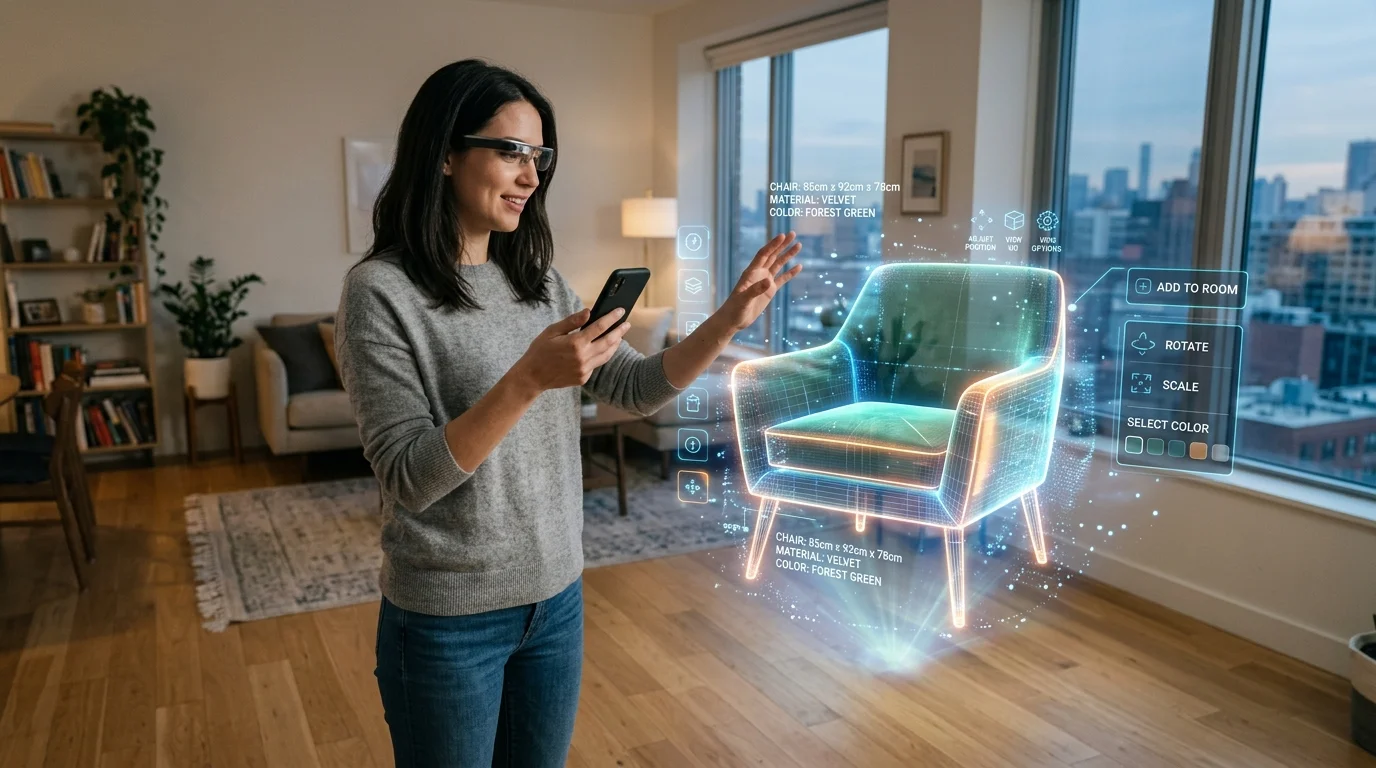
Proyectar un gemelo digital de un sofá seccional personalizado en una sala de estar física permite a los diseñadores y clientes caminar físicamente alrededor del objeto. Esto verifica las vías de circulación principales, asegura un espacio libre adecuado para los gabinetes circundantes y confirma el flujo funcional de un espacio. La realidad aumentada elimina las conjeturas sobre si una pieza abarrotará una habitación, proporcionando retroalimentación visual inmediata sobre la proporción y la armonía espacial.
Flujo de trabajo paso a paso para la colocación de muebles en RA
La ejecución de la colocación de muebles en RA requiere un proceso optimizado desde la generación 3D hasta el anclaje espacial.
Creación de modelos conceptuales rápidos usando Tripo
El flujo de trabajo comienza con una medición precisa del espacio físico. Una vez establecida la base, los diseñadores utilizan Tripo para crear los activos de mobiliario necesarios. Al generar primero la pieza de anclaje principal (como una estructura de cama en la remodelación de un dormitorio), los diseñadores establecen una referencia de escala fundamental. Se aplican mapas de textura de alta resolución durante la fase de generación para garantizar que las vetas de la madera y los tejidos de las telas estén preparados para las rigurosas demandas visuales de la RA.
Exportación de formatos de archivo listos para RA (GLB y USD)
Mover activos a un visor de RA exige un estricto cumplimiento de los estándares de integración de software. Para aplicaciones de RA móvil, el estándar de la industria dicta el uso de GLB para Android y entornos basados en web, y USD (específicamente USDZ) para ecosistemas espaciales de iOS. Si bien otros tipos de archivos como FBX u OBJ cumplen roles cruciales en los flujos de trabajo tradicionales, las plataformas de RA requieren la eficiencia empaquetada de GLB y USD para mantener la integridad de la malla durante el renderizado en tiempo real. Los profesionales utilizan con frecuencia flujos de trabajo de conversión de formato 3D para garantizar que estas extensiones específicas se generen correctamente.
Anclaje y evaluación de la iluminación en espacios físicos
Los dispositivos de RA modernos utilizan escáneres LiDAR para mapear el suelo y las paredes. Una vez que se reconoce el plano del suelo, el mueble digital se coloca en la escena, bloqueando sus coordenadas en el mundo real. Para lograr una evaluación verdaderamente inmersiva, el activo digital debe reflejar la luz ambiental y direccional del espacio físico. Asegurarse de que las sombras virtuales caigan exactamente en la misma dirección que las sombras reales proyectadas por los objetos existentes es fundamental para engañar al ojo humano.
Resolución de desafíos espaciales y de textura comunes en la RA
Los diseñadores deben implementar una verificación dimensional estricta y optimizar las texturas de alta resolución para garantizar que los activos se mezclen perfectamente.
Coincidencia de escala y dimensiones del mundo real
La deriva de escala ocurre cuando un modelo digital pierde su tamaño absoluto, lo que a menudo resulta en una alfombra demasiado grande o una lámpara demasiado pequeña. Para combatir esto, verifique las dimensiones del cuadro delimitador dentro de Tripo antes de exportar. Comparar la huella digital con las medidas físicas con cinta métrica garantiza que se preserve la escala 1:1. Colocar un objeto de referencia físico en el suelo también puede ayudar a la aplicación de RA a calibrar su comprensión espacial.
Optimización de texturas y mallas para RA móvil
El realismo depende del detalle, pero un conteo excesivo de polígonos bloqueará los visores de RA móviles. Los diseñadores deben lograr un equilibrio utilizando mallas optimizadas mientras confían en mapas de textura de alta resolución (PBR) para simular la profundidad. Una configuración PBR estándar (que incluye mapas de albedo, normales y rugosidad) permite que un sofá de cuero visualmente impresionante funcione perfectamente en una tableta estándar sin causar latencia de renderizado o sobrecalentamiento del dispositivo.
Preguntas frecuentes
P: ¿Cómo me aseguro de que los modelos de muebles de Tripo se escalen con precisión en RA?
R: Para garantizar una escala precisa, defina siempre unidades precisas del mundo real antes de exportar. Verifique las dimensiones del cuadro delimitador con las medidas de su plano de planta físico. Asegúrese de que el área esté bien iluminada durante la colocación para permitir que el dispositivo mapee el plano del suelo con precisión.
P: ¿Cuáles son los formatos de archivo óptimos para las pruebas de diseño de interiores en RA?
R: GLB es el estándar universal para Android y RA basada en web, mientras que USD es obligatorio para la integración nativa QuickLook de Apple iOS. Exportar directamente a estos formatos evita la pérdida de texturas durante la transición de escritorio a móvil.
P: ¿Puedo probar diseños de RA complejos con varios muebles simultáneamente?
R: Sí, pero requiere una gestión cuidadosa de la escena. Para un rendimiento óptimo, combine los grupos de muebles estáticos en un solo archivo optimizado antes de exportar y establezca un anclaje espacial principal sólido antes de cargar los modelos consolidados.
