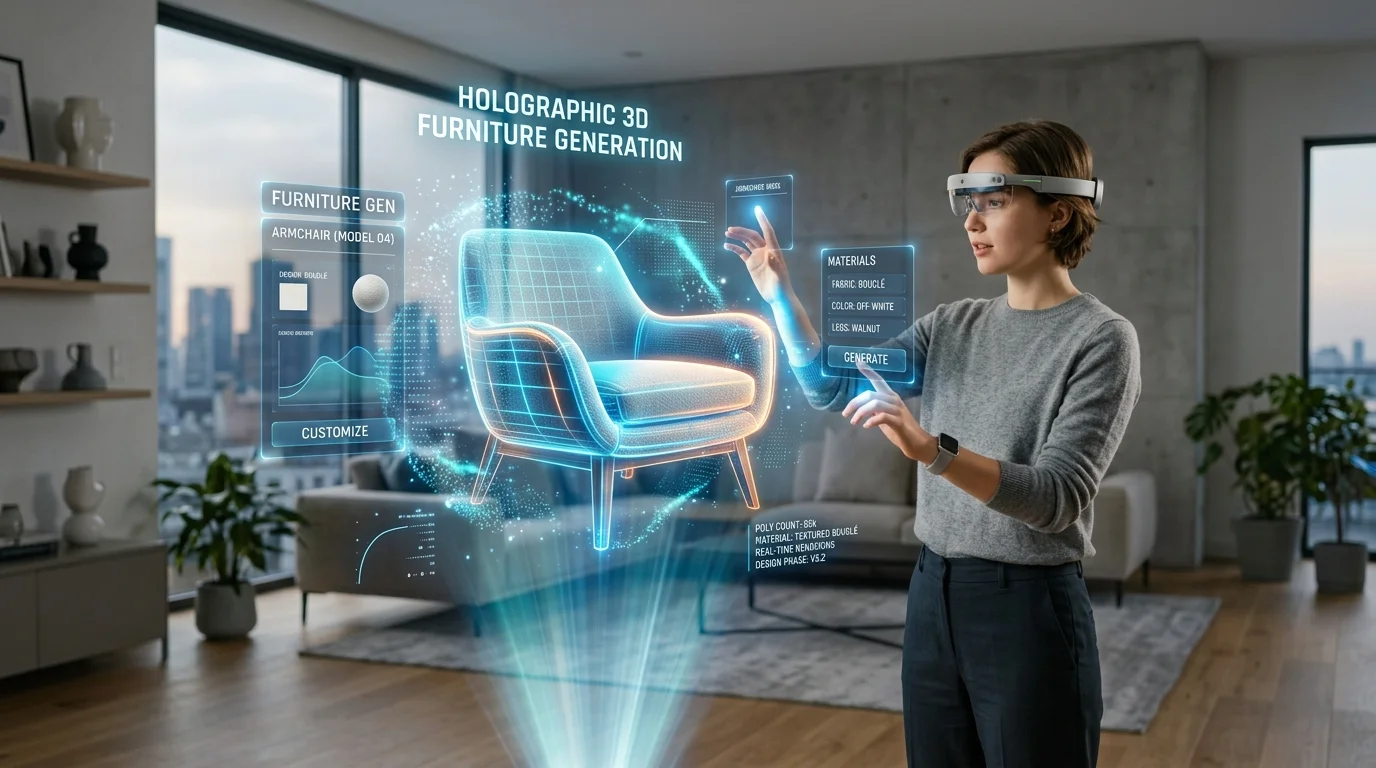
Generador de muebles 3D con IA: Exportación directa a GLB
Transforma texto e imágenes en activos espaciales 3D de alta calidad para diseño de interiores
El modelado 3D tradicional para diseño de interiores a menudo atrapa a los profesionales en un ciclo de tediosa manipulación de vértices, despliegue de UV complejo y tiempos de renderizado prolongados. Cuando las demandas de los clientes cambian rápidamente en el diseño de interiores 3D con IA, estos tiempos de respuesta lentos crean graves cuellos de botella en el flujo de trabajo e inflan los presupuestos de los proyectos.
Un generador de modelos 3D con IA resuelve esta fricción traduciendo conceptos de texto e imagen en activos espaciales de alta fidelidad al instante, permitiendo a los profesionales de la arquitectura generar y desplegar modelos funcionales con gran eficiencia.
Perspectivas clave
- La conceptualización rápida reemplaza el modelado manual, acortando el ciclo de iteración del diseño de semanas a solo minutos.
- El formato GLB sirve como el estándar definitivo para la integración web y de realidad aumentada, transportando geometría y materiales en un solo paquete eficiente.
- Los flujos de trabajo generativos requieren una atención estricta a la escala del mundo real y a las propiedades de renderizado basado en la física (PBR) para garantizar que los activos virtuales se traduzcan con precisión.
- Las capacidades de exportación directa cierran la brecha entre la ideación inicial y la puesta en escena funcional en entornos espaciales estándar de la industria.
¿Por qué usar un generador de muebles 3D con IA para el diseño del hogar?
Descubre cómo Tripo AI transforma el diseño de interiores convirtiendo al instante conceptos de texto o imagen en modelos de muebles 3D de alta calidad. Al utilizar un generador de muebles 3D con IA, los diseñadores pueden crear prototipos rápidos de distribuciones de habitaciones, iterar sobre piezas personalizadas y reducir significativamente el tiempo de modelado 3D tradicional.
Cerrando la brecha entre ideas conceptuales y planificación espacial
La fase inicial de la decoración de interiores depende en gran medida de tableros de inspiración, bocetos 2D y fotografías de referencia. Si bien estas herramientas comunican eficazmente las paletas de colores y la estética general, no logran transmitir el volumen espacial y la presencia física. Los clientes a menudo tienen dificultades para visualizar cómo una imagen plana de una cómoda moderna de mediados de siglo ocupará el espacio físico de su sala de estar.
Los modelos generativos cierran esta brecha conceptual materializando instantáneamente ideas 2D en el espacio 3D. La capacidad de traducir un texto a modelo 3D básico permite a los arquitectos poblar habitaciones virtuales con activos a medida que aún no existen en los catálogos comerciales. En lugar de pasar horas buscando en bibliotecas de activos de terceros un mueble que solo se aproxime a la intención del diseño, los profesionales pueden generar representaciones exactas. Esta ventaja en la planificación espacial garantiza que el flujo de tráfico, las líneas de visión y el equilibrio volumétrico se evalúen con precisión mucho antes de que comience la adquisición física.
Acelerando el proceso de iteración para los clientes
Los ciclos de retroalimentación de los clientes representan una de las fases que más recursos consumen en el diseño espacial. Tradicionalmente, si un interesado solicitaba un estilo de pata diferente en una mesa de comedor o un cojín más grueso en una silla, el artista 3D tenía que alterar manualmente la malla base, reevaluar la topología y volver a hornear las texturas. Este proceso de revisión manual a menudo retrasaba los cronogramas del proyecto varios días.
La inteligencia artificial acelera fundamentalmente este ciclo de iteración. Al simplemente ajustar los parámetros descriptivos o introducir una imagen de referencia modificada en el generador, los diseñadores pueden producir múltiples variaciones de un mismo concepto de mueble en segundos. Este prototipado rápido permite a los equipos de diseño presentar tres o cuatro opciones distintas durante una sola reunión con el cliente, facilitando la toma de decisiones inmediata y evitando el estancamiento del proyecto. El énfasis cambia de la mecánica del modelado 3D a la estética pura de la curaduría espacial.
Cómo exportar muebles 3D generados por IA directamente al formato GLB
Revisa el flujo de trabajo exacto para exportar muebles 3D generados por IA directamente al formato GLB usando Tripo. El formato GLB empaqueta perfectamente la geometría, las texturas y los materiales en un solo archivo, convirtiéndolo en el estándar de la industria para una integración fluida en herramientas de diseño de hogar basadas en web y visores de RA.

Generación del activo de mueble personalizado en Tripo AI
La fase de generación comienza con la entrada estratégica de parámetros de diseño. Los profesionales pueden cargar una imagen clara y aislada de un mueble o proporcionar un prompt de texto altamente detallado que especifique el material, la época y los componentes estructurales. Detrás de escena, los algoritmos de generación requieren una inmensa potencia de cómputo para traducir estas entradas 2D en una topología 3D coherente. Tripo AI aprovecha algoritmos avanzados, lo que permite al sistema interpretar con precisión los matices estructurales de la geometría compleja de los muebles, desde el intrincado tejido del ratán hasta las curvas suaves de la madera contrachapada moldeada. Durante esta fase, el motor no solo construye la malla poligonal, sino que también sintetiza los datos de superficie correspondientes. Genera automáticamente los mapas de albedo (color base), rugosidad y metálicos necesarios para un renderizado fotorrealista. Esta generación automatizada de materiales garantiza que el activo resultante reaccione adecuadamente a los entornos de iluminación virtual, un requisito crítico para la visualización arquitectónica de alta gama.
Selección de GLB y otros formatos compatibles (USD, FBX, OBJ, STL, 3MF)
Una vez que se completa la generación del activo, los usuarios se enfrentan al paso crucial de exportar el modelo para aplicaciones posteriores. Tripo AI admite una amplia gama de tipos de archivos para la integración de software, específicamente USD, FBX, OBJ, STL, GLB y 3MF. Si bien formatos como OBJ y STL son útiles para la impresión 3D o la edición geométrica básica, carecen del robusto empaquetado de materiales requerido para el diseño espacial moderno.
Se recomienda estrictamente el formato GLB para los flujos de trabajo de diseño de interiores. Como versión binaria del estándar glTF (GL Transmission Format), GLB encapsula el encabezado JSON, la carga útil de geometría binaria y todos los mapas de textura PBR asociados en un solo archivo cohesivo. Esto elimina el notorio problema de los enlaces de textura faltantes que afecta a formatos como FBX u OBJ. Si un motor heredado específico requiere un formato diferente, las herramientas nativas a menudo actúan como un flujo de trabajo de conversión de formato 3D, pero comenzar con un GLB completo garantiza que no se pierdan datos de materiales durante la exportación inicial.
Importación del archivo GLB en software de diseño espacial
El despliegue del archivo GLB exportado en un entorno de diseño espacial es altamente eficiente debido a la estandarización universal del formato. Los planificadores 3D basados en web, los marcos de realidad aumentada (como ARCore y ARKit) y motores integrales como Unreal Engine y Unity admiten de forma nativa la ingesta de GLB. Tras la importación, el software anfitrión lee automáticamente los materiales PBR incrustados, lo que significa que el diseñador no necesita reconstruir manualmente los nodos de sombreado. El mueble reflejará inmediatamente la iluminación ambiental de la habitación virtual. Los profesionales simplemente necesitan utilizar las herramientas de transformación para posicionar el activo dentro del plano de planta, aprovechando las funciones de detección de colisiones y ajuste del software para garantizar una puesta en escena precisa.
Mejores prácticas para la decoración de interiores asistida por IA
Maximiza el realismo visual de los proyectos espaciales virtuales siguiendo estrictamente estas mejores prácticas para la decoración de interiores asistida por IA. Los profesionales deben centrarse en generar activos con iluminación consistente, escala adecuada y representaciones de materiales precisas antes de exportarlos directamente al entorno principal de diseño del hogar.
Mantenimiento de escala y proporciones precisas
Uno de los desafíos más críticos al fusionar activos generados con planos arquitectónicos es la precisión dimensional. Los modelos generativos construyen geometría basada en la proporción en lugar de unidades de medida estrictas del mundo real. En consecuencia, una silla exportada podría importarse en un planificador espacial significativamente más grande o más pequeña que su contraparte física.
Los profesionales deben establecer un protocolo de escalado riguroso. Al importar el archivo GLB, el siguiente paso inmediato es hacer referencia a las dimensiones del cuadro delimitador del activo. Si una mesa de comedor generada debe tener 2,2 metros de largo, el diseñador debe usar las herramientas de escalado del software anfitrión para ajustar la malla a esos parámetros físicos exactos. Configurar el entorno del software en una métrica estándar (típicamente 1 unidad = 1 metro para archivos GLB) evita desajustes proporcionales que podrían arruinar el análisis espacial de una habitación.
Garantizar la compatibilidad de texturas y materiales
Si bien el formato GLB transporta de forma segura los datos de materiales, el prompt de generación inicial dicta la calidad de esos materiales. Para garantizar una integración fluida, los diseñadores deben usar descriptores de iluminación neutros durante la fase de generación. Solicitar "sombras dramáticas" o "iluminación de atardecer" en el prompt hará que la IA hornee esos artefactos de iluminación directamente en la textura de color base, haciendo que el mueble se vea poco natural cuando se coloque en una habitación virtual con una iluminación ambiental diferente.
Para los estudios profesionales, gestionar los derechos de distribución comercial y los presupuestos es primordial al generar bibliotecas masivas de texturas y modelos personalizados. Dentro de este ecosistema, la moneda operativa son los créditos. El nivel gratuito proporciona 300 créditos por mes sin derechos de uso comercial, limitándolo estrictamente al prototipado interno. Por el contrario, el nivel Pro proporciona 3000 créditos por mes, asegurando la licencia comercial necesaria para entregables de clientes y aplicaciones de RA orientadas al público.
Además, al estructurar la pila técnica de una empresa, los equipos deben evaluar la generación masiva frente a las herramientas web para artistas individuales. La API y el espacio de trabajo de estudio son independientes. El nivel avanzado no tiene API empresarial, lo que significa que los flujos de trabajo de generación masiva empresarial deben configurarse por separado del espacio de trabajo web individual utilizado por decoradores independientes.
Preguntas frecuentes
P: ¿La exportación GLB incluye texturas y materiales horneados para los muebles?
R: Sí, la exportación GLB incrusta automáticamente todas las texturas de color base generadas y materiales PBR (renderizado basado en la física) directamente en el archivo. Debido a que GLB es un formato binario, empaqueta la malla poligonal, las coordenadas de mapeo UV y las texturas de imagen (como mapas de rugosidad y metálicos) en un solo activo no fragmentado. Esto elimina la necesidad de volver a conectar manualmente los nodos de material después de importar el mueble a un nuevo entorno de software.
P: ¿Puedo usar los modelos de muebles GLB exportados en planificadores de hogar con RA basados en web?
R: Absolutamente. El formato GLB es universalmente compatible con los marcos de RA modernos y las plataformas de diseño web, lo que lo convierte en el estándar de la industria para la computación espacial basada en web. Marcos como Three.js y Babylon.js renderizan de forma nativa archivos GLB con alto rendimiento. Esto permite a las empresas de diseño de interiores cargar muebles generados directamente en sus portales web orientados al cliente, permitiendo a los usuarios finales proyectar los modelos 3D en sus salas de estar físicas utilizando las capacidades de RA estándar de los teléfonos inteligentes.
P: ¿Cómo me aseguro de que la silla o mesa generada por IA quede plana sobre el suelo en formato GLB?
R: Debido a que los modelos generados pueden tener orígenes espaciales arbitrarios, no siempre se alinean perfectamente con el plano del suelo tras la importación inicial. Para corregir esto, los diseñadores deben ajustar el activo dentro de su software de diseño espacial. El procedimiento estándar es centrar el punto de pivote (el origen de transformación del objeto) en el centro inferior absoluto del cuadro delimitador. Una vez corregido el pivote, establecer el eje Z (o el eje Y, dependiendo del sistema de coordenadas del software) exactamente en cero asegurará que el mueble quede perfectamente plano sobre el plano de planta virtual.
