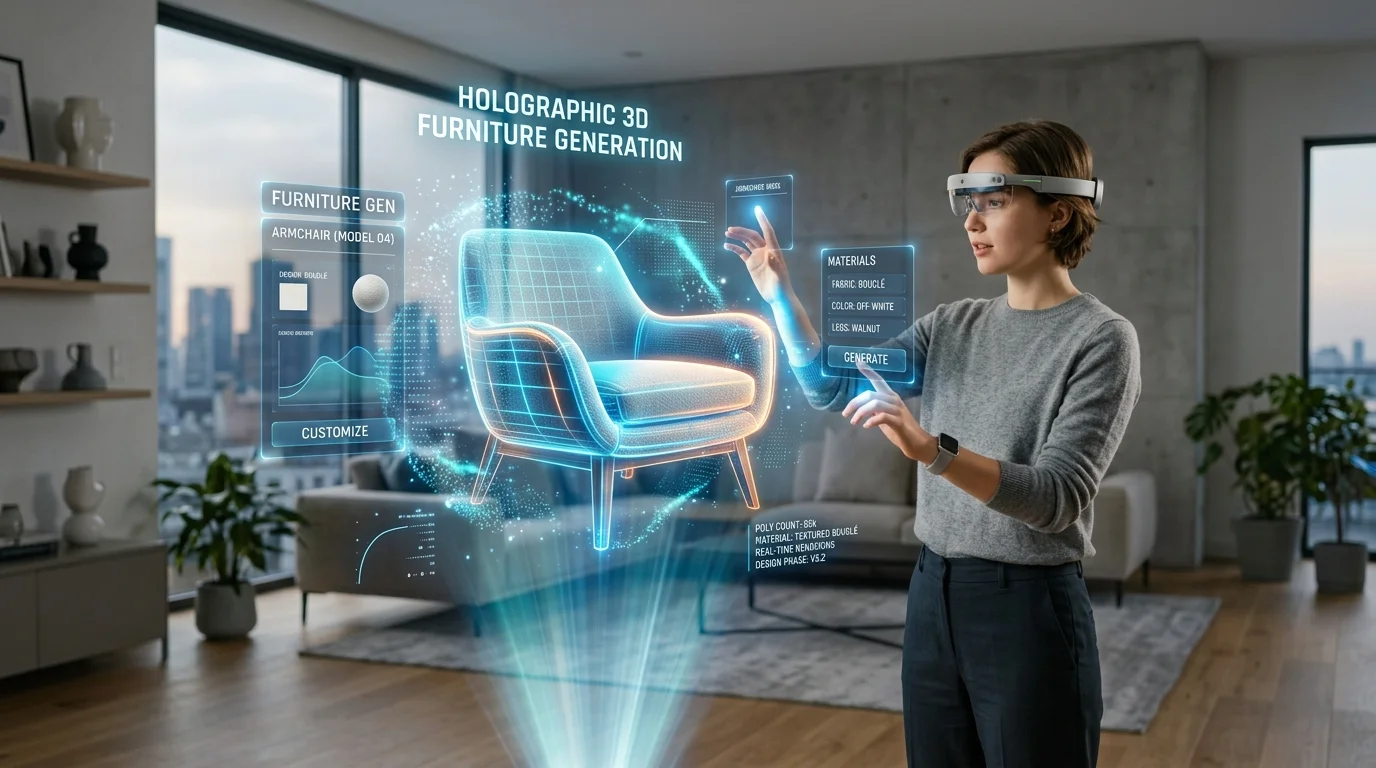
Configuración de iluminación de planos 2D a 3D para espacios con IA
Una guía completa para automatizar la iluminación arquitectónica y la generación volumétrica mediante IA.
Los arquitectos y diseñadores espaciales se encuentran frecuentemente con un grave cuello de botella al traducir dibujos planos en presentaciones iluminadas. La extrusión manual y el montaje de luces requieren horas de configuración. Al utilizar técnicas avanzadas de conversión de 2D a 3D para su diseño de hogar 3D con IA, los profesionales pueden generar instantáneamente entornos volumétricos con iluminación base. Esta metodología automatizada acelera drásticamente el proceso de visualización, permitiendo que los equipos de diseño se centren en el refinamiento espacial.
- La generación espacial automatizada elimina la necesidad de extrusión manual de paredes al interpretar planos de planta vectoriales y ráster en mallas volumétricas.
- El mapeo de luz inteligente identifica la fenestración arquitectónica, asignando automáticamente luz diurna direccional a ventanas y puertas.
- La iluminación base establece una profundidad espacial inmediata, permitiendo a los diseñadores centrarse en ajustar la oclusión ambiental y la iluminación global.
- La exportación de entornos iluminados mediante formatos de archivo estandarizados garantiza una integración fluida con motores de renderizado arquitectónico profesionales.
Introducción a la iluminación automatizada de 2D a 3D
Tripo AI traduce de forma inteligente planos 2D planos en volúmenes espaciales completos, aplicando instantáneamente una iluminación base para definir con precisión las habitaciones, la profundidad arquitectónica y el flujo espacial en el modelo 3D generado. Este proceso automatizado reemplaza la tediosa extrusión manual, proporcionando una base inmediata para la visualización profesional.
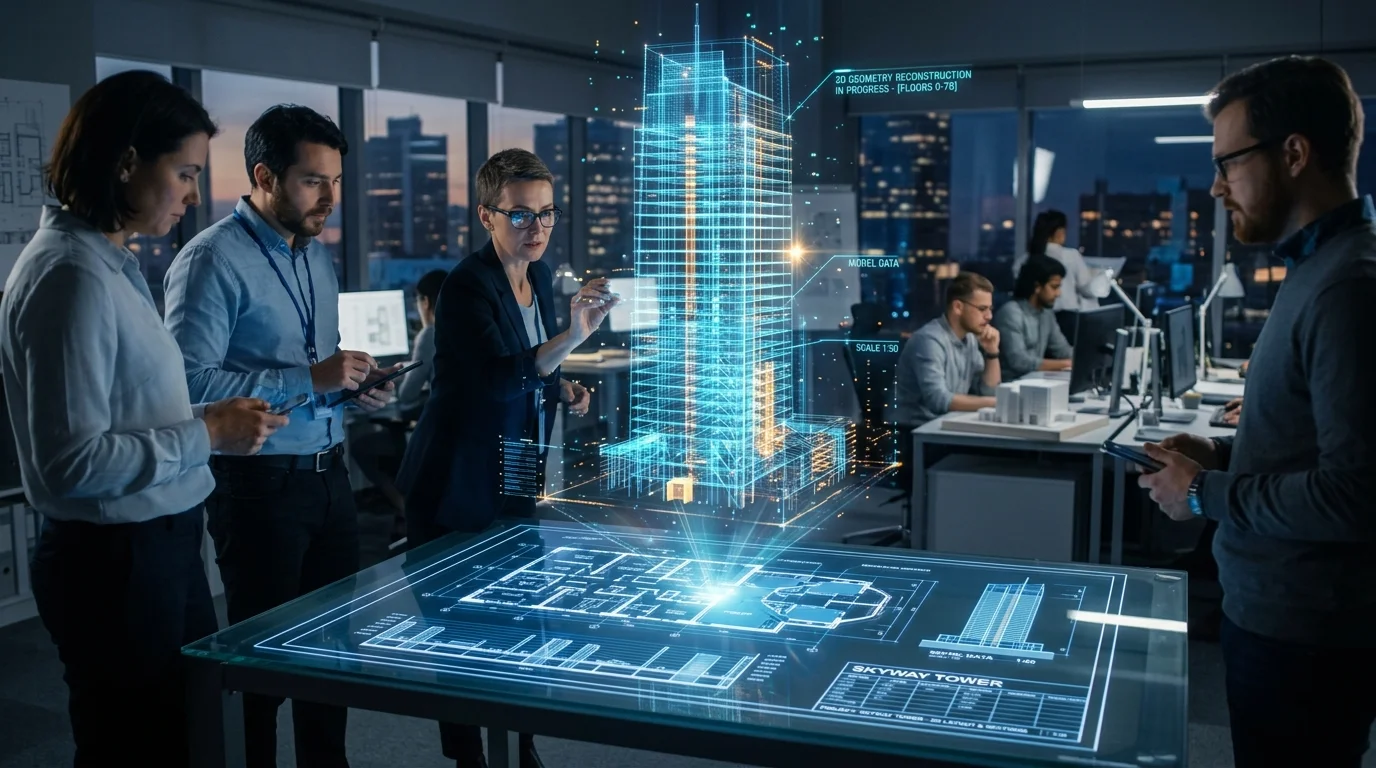
La transición de un esquema plano a un entorno volumétrico tradicionalmente requiere que un artista 3D dedicado construya manualmente la geometría, asigne materiales y posicione fuentes de luz virtuales. Esta metodología manual introduce una latencia significativa en el proceso de diseño arquitectónico. La integración de IA generativa 3D cambia este paradigma por completo al interpretar la lógica espacial inherente al plano. Cuando se procesa un plano de planta, el sistema no solo extrude líneas; calcula los volúmenes cerrados para comprender los espacios interiores frente a los exteriores. Esta comprensión estructural es fundamental para aplicar condiciones de iluminación iniciales precisas. Al establecer una iluminación global base, el software garantiza que los clientes y las partes interesadas puedan percibir inmediatamente la escala, la profundidad y la proporción de una habitación sin esperar a un renderizado final de alta fidelidad. Este paso de iluminación inicial actúa como una guía estructural, destacando el flujo de movimiento entre espacios y la jerarquía volumétrica del diseño arquitectónico.
Análisis del plano 2D para fuentes de luz
La inteligencia artificial identifica puntos de entrada de luz natural como ventanas y puertas, junto con símbolos eléctricos estándar, para establecer una jerarquía de iluminación 3D precisa y realista directamente desde el plano original. Esto garantiza que la iluminación espacial resultante se alinee perfectamente con la intención arquitectónica original.
La capacidad de analizar con precisión la taquigrafía arquitectónica requiere capacidades sofisticadas de visión artificial. Impulsada por algoritmos avanzados con parámetros masivos, la generación escanea profundamente el archivo ráster o vectorial 2D cargado para diferenciar entre muros de carga, paredes divisorias y aberturas funcionales. Este análisis estructural profundo y la arquitectura neuronal forman la base computacional para todos los cálculos de iluminación posteriores, asegurando que la malla generada soporte físicamente una propagación de luz realista.
Mapeo de ventanas e iluminación natural
El sistema reconoce las notaciones arquitectónicas estándar para ventanas, puertas correderas de cristal y tragaluces estructurales. Una vez identificados estos puntos de entrada, el software los asigna automáticamente como portales para la luz natural direccional. Este proceso imita el comportamiento del sol, proyectando sombras realistas a través del suelo interior según el tamaño y la orientación calculados de la fenestración. Al determinar las dimensiones exactas de los recortes de las ventanas, el sistema garantiza que la caída de luz y la nitidez de las sombras resultantes reflejen con precisión las limitaciones físicas de la arquitectura propuesta.
Interpretación de símbolos eléctricos para luces artificiales
Más allá de la luz natural, los planos de planta completos incluyen esquemas eléctricos que detallan la ubicación de iluminación empotrada, lámparas colgantes y apliques de pared. El sistema analiza estos símbolos estandarizados y los traduce en emisores de luz virtuales dentro del volumen arquitectónico generado. Aunque no asigna archivos web fotométricos específicos automáticamente, establece una jerarquía funcional de luces puntuales y focos en las coordenadas designadas. Esto crea un escenario inmediato de iluminación nocturna o interior, destacando la estrategia de iluminación funcional del espacio.
Configuración de la iluminación 3D en Tripo AI
Este flujo de trabajo práctico para ajustar los parámetros de iluminación automatizados cubre los ajustes esenciales necesarios para la iluminación global, la suavidad de las sombras y la luz de rebote interior dentro del entorno espacial 3D recién generado.
Aunque la iluminación base proporciona una base estructural sólida, lograr una presentación lista para producción a menudo requiere un refinamiento específico. La generación inicial de IA prioriza la velocidad y la claridad estructural, pero la visualización arquitectónica matizada exige un control preciso sobre cómo la luz interactúa con las superficies físicas.
Ajuste de la configuración de Iluminación Global (GI)
La iluminación global dicta cómo rebota la luz en las superficies para iluminar áreas que no son alcanzadas directamente por una fuente de luz primaria. En el entorno de estudio en línea, los usuarios pueden manipular la intensidad y la temperatura de color del entorno ambiental. Aumentar el multiplicador de GI ayuda a rellenar las sombras duras, particularmente en espacios interiores profundos. Modificar el mapa ambiental de Imágenes de Alto Rango Dinámico (HDRI) también juega un papel fundamental aquí, permitiendo a los diseñadores simular sin problemas diferentes momentos del día o cambios estacionales.
Ajuste fino de sombras y oclusión ambiental
La calidad de la sombra es un indicador principal del realismo del renderizado. Los usuarios deben ajustar con frecuencia la suavidad de las sombras proyectadas por las luces direccionales para que coincidan con las condiciones ambientales previstas. Las sombras nítidas implican un día claro y soleado, mientras que las sombras más suaves sugieren una iluminación interior filtrada. Además, los parámetros de oclusión ambiental (AO) deben ajustarse para mejorar las micro-sombras donde las paredes se encuentran con los suelos o techos, evitando que el espacio parezca plano o desconectado.
Exportación de su espacio 3D iluminado
Los usuarios pueden exportar sin problemas el espacio 3D generado automáticamente y completamente iluminado utilizando formatos estándar compatibles como USD, FBX, OBJ, STL, GLB o 3MF.
Una vez configurada la jerarquía de iluminación y los volúmenes espaciales, la fase final implica migrar el activo 3D a procesos de visualización especializados. Por ejemplo, exportar como formato GLB o USD a menudo conserva los datos de iluminación base y la jerarquía espacial mejor que los formatos heredados más antiguos. Al planificar la distribución comercial, los usuarios deben asegurarse de tener la licencia adecuada. La plataforma opera en un sistema donde la moneda son los créditos; el nivel predeterminado permite pruebas extensas, mientras que los niveles profesionales otorgan derechos comerciales completos. Para los estudios que necesitan migrar datos entre motores propietarios, utilizar un flujo de trabajo de conversión de formato 3D dedicado garantiza que toda la geometría compleja y los datos de iluminación permanezcan intactos.
Preguntas frecuentes
P: ¿Cómo corrijo la iluminación incorrecta de las ventanas en un espacio 3D generado automáticamente?
R: Cuando el sistema automatizado interpreta erróneamente la dirección principal de la luz solar, los usuarios deben ajustar manualmente el ángulo de la luz solar direccional en Tripo girando la fuente de luz ambiental principal a lo largo de los ejes Z e Y.
P: ¿Puede la IA interpretar salidas de lúmenes específicas de las notas del plano 2D?
R: La conversión inicial se centra en datos geométricos. Aunque el sistema coloca luces virtuales donde se detectan símbolos, el diseñador debe ingresar manualmente valores de lúmenes específicos y temperaturas Kelvin en su motor de renderizado final.
P: ¿Por qué las habitaciones interiores cerradas están oscuras en mi plano 3D generado?
R: Si las habitaciones parecen oscuras, aumente los parámetros de luz de rebote ambiental o agregue manualmente luces puntuales auxiliares a los espacios sin ventanas para garantizar que todas las áreas permanezcan visibles durante el proceso de revisión espacial.
