Creating a Realistic Sun 3D Model: Workflow and Best Practices
Creating a realistic sun 3D model requires a blend of artistic vision, technical skill, and the right tools. Over the years, I’ve refined a workflow that balances accuracy, visual impact, and production efficiency—whether I’m building for games, film, or XR. In this article, I’ll walk you through my process, from concept to final optimization, highlighting practical tips and pitfalls to avoid. I’ll also share how I leverage AI-powered tools like Tripo to streamline repetitive tasks and focus more on creative decisions. This guide is for 3D artists, technical directors, and anyone aiming to deliver production-ready sun models with minimal friction.
Key takeaways
- Start with clear references and requirements tailored to your use case.
- Focus on dynamic texturing and shading for realism—surface detail is everything.
- Optimize the mesh early for your target platform to avoid rework.
- Use AI tools like Tripo to accelerate base modeling and texturing steps.
- Always test lighting and scale in your actual scene environment.
- Plan for compatibility across rendering engines and platforms.
Understanding Sun 3D Model Requirements
Key features for realism and accuracy
In my experience, a convincing sun model isn’t just a glowing sphere. The essentials are:
- Surface detail: Granular solar granules, sunspots, and subtle noise add realism.
- Dynamic effects: Animated flares and corona give the sun life.
- Correct scale and luminance: Even if stylized, the sun should feel appropriately massive and luminous.
I always start by defining the level of detail needed. For close-up shots, I include high-res textures and animated shaders. For backgrounds, a lower-res model with clever shading suffices.
Common use cases in games, film, and XR
The target medium drives technical choices:
- Games: Real-time performance is critical. I use efficient meshes, baked textures, and shader-based glow.
- Film/VFX: I prioritize high-res outputs, volumetric effects, and complex animation.
- XR: Optimization is key—keeping polygon count and texture sizes in check without sacrificing believability.
Before modeling, I clarify the camera distance, animation requirements, and platform constraints with stakeholders.
My Step-by-Step Workflow for Sun 3D Modeling
Concepting and reference gathering
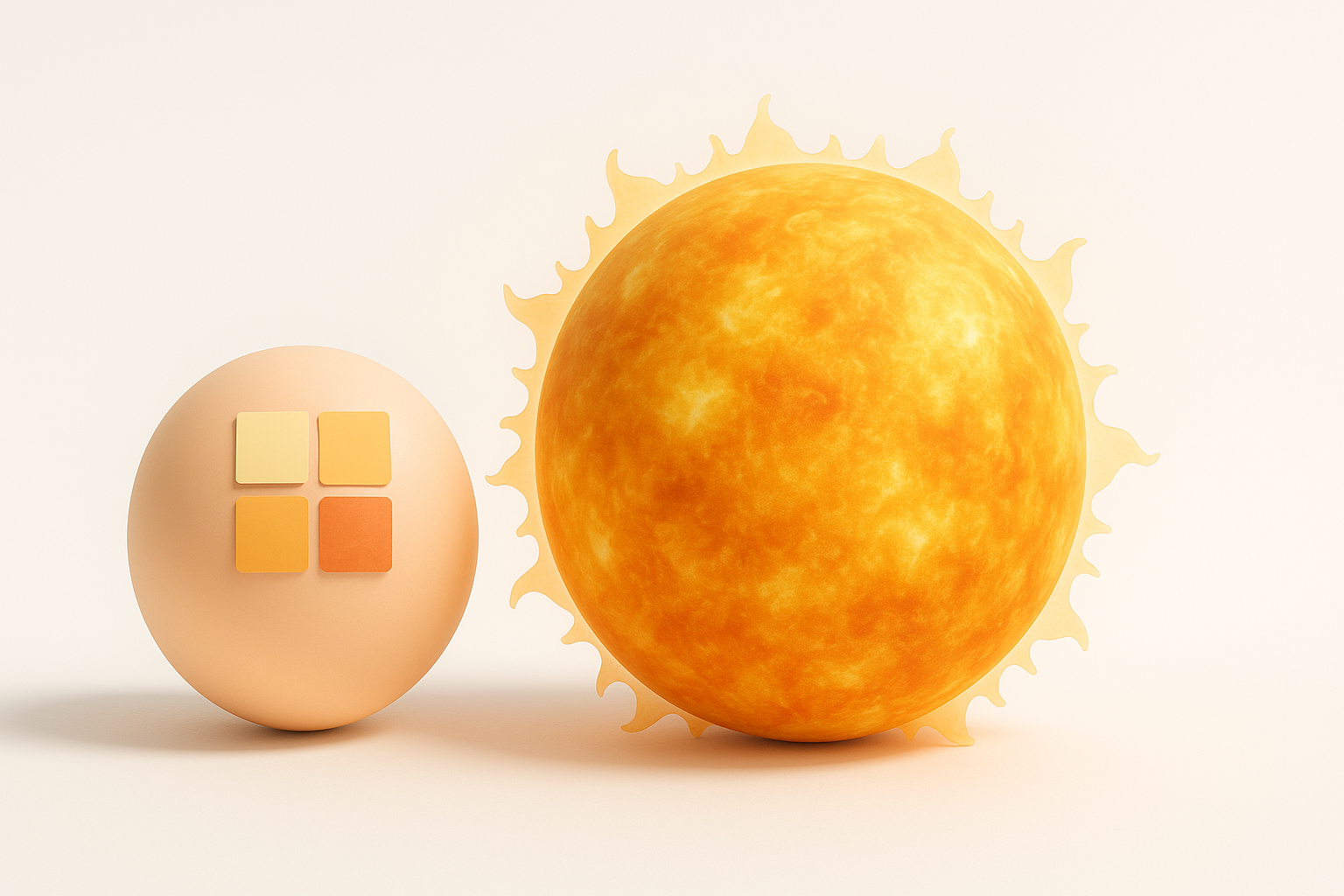
I always begin with a mood board of solar imagery—NASA photos, scientific visualizations, and stylized references. This step clarifies the visual goals and technical constraints.
My checklist:
- Gather real-world sun images for surface and corona reference.
- Note color palettes and lighting variations.
- Define animation needs (static, rotating, flares, etc.).
Blocking out the base shape and structure
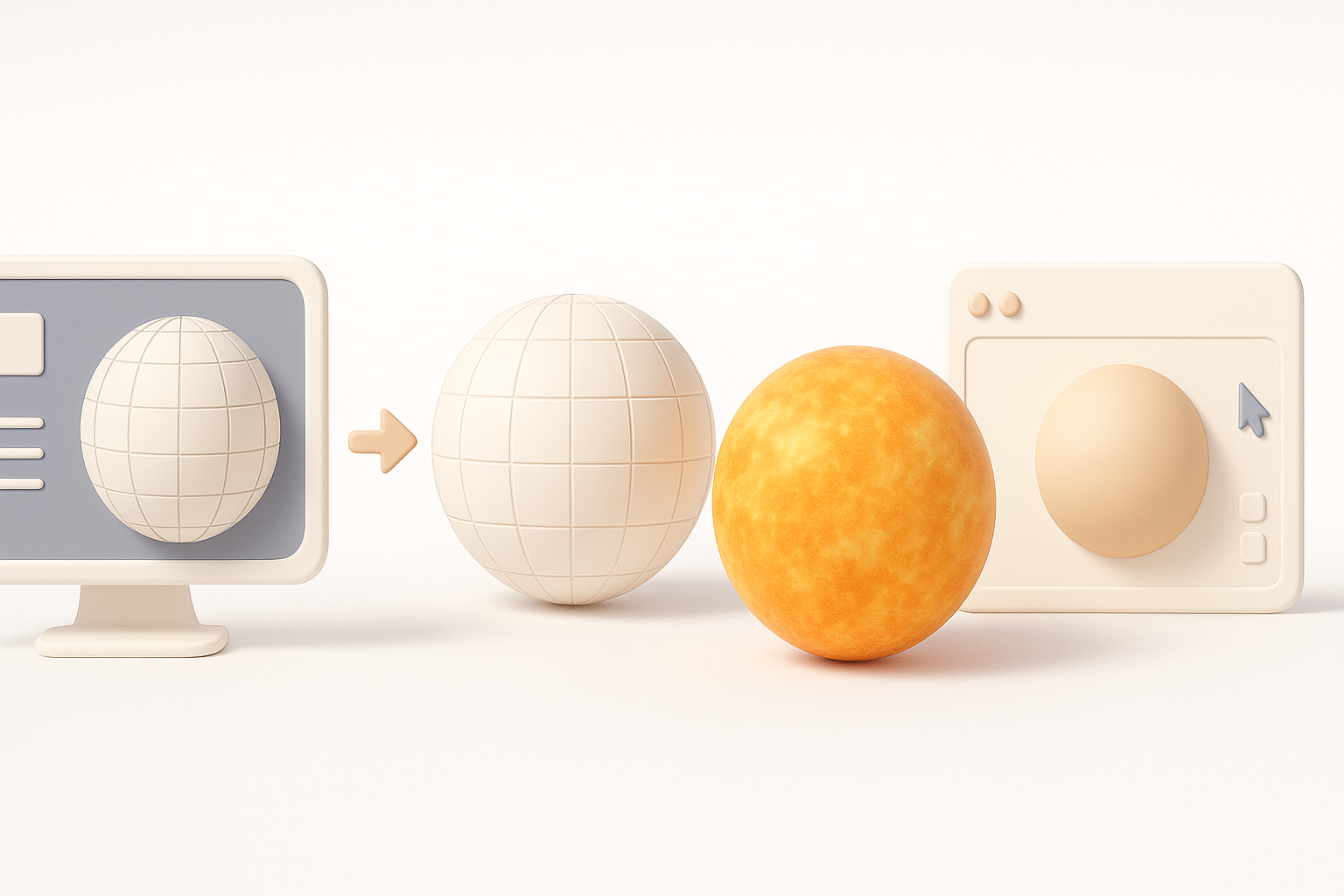
I start with a simple sphere as the base mesh. For quick iterations, I often use Tripo to generate a preliminary sun mesh from text prompts or rough sketches—this gives me a solid starting point.
Blocking steps:
- Adjust sphere subdivisions for desired detail.
- Add basic displacement or normal maps for surface variation.
- Test in the intended scene lighting for immediate feedback.
Pitfall: Over-modeling geometry for distant shots wastes resources. I stick to the minimum detail needed for the shot.
Texturing and Shading Techniques for the Sun
Creating dynamic solar surface textures
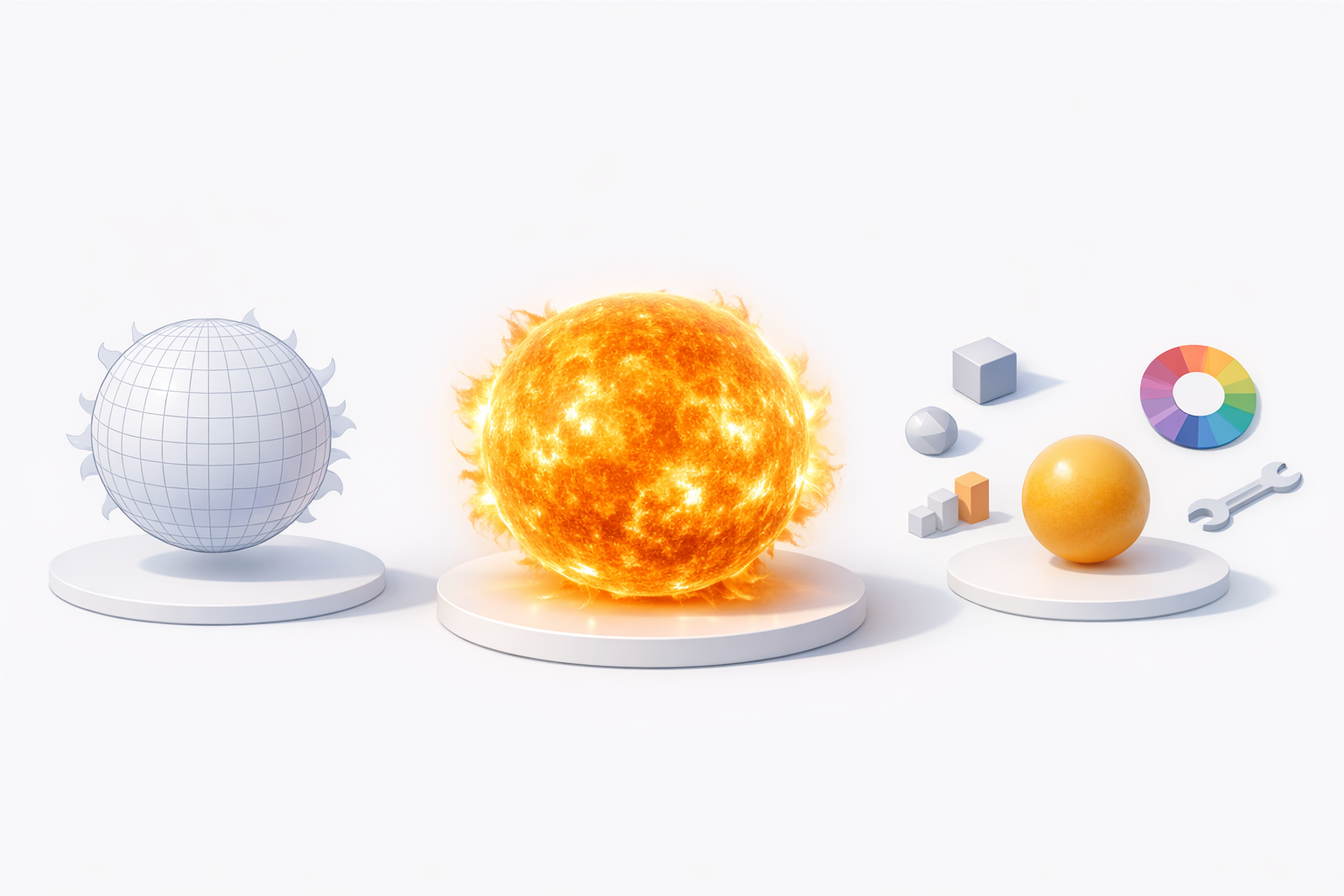
Realistic solar textures are a mix of procedural and hand-painted elements. I typically:
- Use procedural noise and Voronoi patterns for granulation.
- Overlay painted sunspots and subtle color variation.
- Animate UVs or shader parameters for a “boiling” effect.
Practical tip: Tripo’s texturing tools let me quickly generate base solar textures, which I refine in my preferred painting app.
Simulating glow, flares, and atmospheric effects
The sun’s glow is mostly a shader effect. Here’s my approach:
- Use emissive shaders for the main glow.
- Add layered, transparent planes for corona and flares.
- Animate opacity and distortion for dynamic solar activity.
Mini-checklist:
- Test glow intensity in both HDR and LDR environments.
- Use additive blending for flares.
- Preview in-engine to ensure the effect holds up in context.
Optimizing the Sun Model for Production

Retopology and mesh efficiency tips
Clean topology is crucial, especially for real-time projects. My steps:
- Run automated retopology (Tripo handles this well) to reduce unnecessary geometry.
- Remove hidden faces and optimize UV layout.
- Check for n-gons and non-manifold edges.
Tip: For static backgrounds, I bake details into textures instead of geometry.
Preparing for real-time and offline rendering
I tailor exports to the target renderer:
- For games/XR: Export as low-poly with baked normals and emissive maps.
- For film: Keep high-res meshes and export layered textures for compositing.
Always test imports in the final engine or renderer to catch issues early.
AI-Powered Tools and Alternative Methods

How I leverage Tripo for rapid sun model creation
Tripo lets me go from prompt to base sun mesh in seconds. I typically input a text description (“realistic sun with animated corona”) and refine the output as needed. The built-in texturing and retopology tools save me hours, especially for quick iterations or concept work.
Workflow tip: I use AI-generated assets as a starting point, then add custom detail for hero shots.
Comparing manual and AI-assisted workflows
Manual modeling offers full control but is time-consuming. With AI assistance:
- I get 80% of the way instantly, focusing my time on polish and integration.
- For production, I always review and tweak AI outputs—especially topology and shader setup.
Pitfall: Don’t rely on AI alone for critical shots; always validate results in your pipeline.
Common Challenges and My Solutions
Dealing with scale and lighting realism
The sun’s scale and luminance are tricky. What I’ve found:
- Use physically-based values for emissive intensity where possible.
- Adjust exposure in your renderer to avoid blown-out highlights.
- Test with scene elements to ensure the sun feels appropriately massive and distant.
Ensuring compatibility across platforms
Cross-platform compatibility means:
- Stick to standard shader models and texture formats.
- Test in all target engines (Unity, Unreal, WebGL, etc.).
- Keep polygon counts and texture sizes within platform limits.
Pro tip: I always maintain a “master” sun asset, from which I export platform-specific versions.
Conclusion
Crafting a realistic sun 3D model is all about balancing detail, performance, and workflow efficiency. By starting with solid references, leveraging AI tools like Tripo for rapid iteration, and focusing on dynamic texturing and shading, I consistently deliver production-ready assets for any platform. Regular testing and optimization ensure the sun looks great—no matter where it shines.