Creating and Using Starfield 3D Models: Expert Workflow Guide
As a 3D artist working across gaming, XR, and film, I’ve streamlined the process of creating starfield 3D models—those dynamic, space-inspired visuals—using both traditional and AI-powered workflows. Starfields are deceptively simple but demand careful attention to geometry, texturing, and integration for optimal results. In this guide, I’ll share how I approach starfield modeling, optimize assets for real-time engines, and troubleshoot common issues. Whether you’re a designer, developer, or creative looking to add cosmic flair to your project, you’ll find actionable steps and best practices here.
Key takeaways:
- Starfield 3D models are versatile assets for space, sci-fi, and ambient visuals.
- AI-powered tools like Tripo AI accelerate creation and reduce technical friction.
- Optimizing geometry and textures is essential for performance and quality.
- Compatibility checks prevent integration headaches across engines and platforms.
- Lighting and animation can elevate starfield realism; troubleshooting is key.
What Is a Starfield 3D Model?
Definition and Common Uses
A starfield 3D model typically represents a spatial expanse filled with stars—used for backgrounds, environments, or interactive scenes. In my projects, they serve as immersive backdrops for space games, cinematic shots, or VR experiences. Unlike simple 2D skyboxes, true 3D starfields offer depth, parallax, and dynamic effects.
Common uses:
- Game environments (space exploration, sci-fi levels)
- XR/VR experiences (ambient immersion)
- Film VFX (background plates)
- Digital art and design (motion graphics)
Visual Styles and Application Contexts
Visual style depends on context: realistic, stylized, or abstract. I often tailor star density, color gradients, and glow effects to match project needs. For interactive scenes, I add animated elements (moving stars, nebulae) for depth.
Style checklist:
- Realistic: Subtle color variation, physically accurate star sizes
- Stylized: Exaggerated glows, color palettes, unique shapes
- Abstract: Particle-based, animated, often used for motion graphics
How I Create Starfield 3D Models: Step-by-Step
Choosing the Right Tools and Platforms
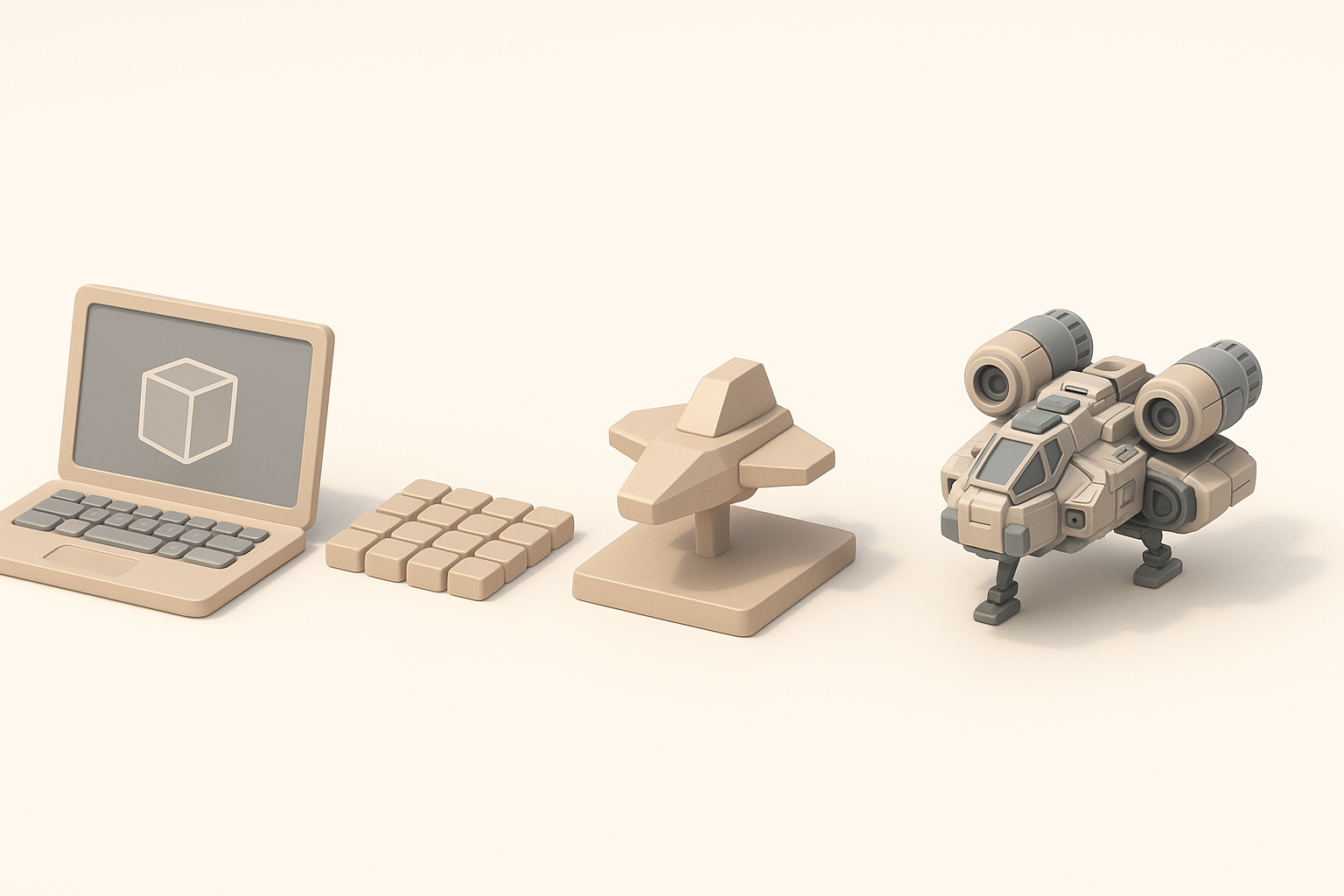
My toolset varies by project scope and speed requirements. For rapid prototyping or production-ready assets, I rely on Tripo AI to generate base geometry and textures from text or sketches. For custom tweaks, I use traditional DCCs (digital content creation tools) for manual editing.
Tool selection tips:
- AI tools: Fast, ideal for iteration and concepting
- DCCs: Precision, control for bespoke effects
- Engine integration: Export formats (FBX, GLTF) matter
My Workflow: From Concept to Export
Here’s my typical workflow for starfield modeling:
- Concept: Define the look—realistic or stylized, density, color scheme.
- Asset Generation: Use Tripo AI to create base starfield (text prompt: "dense blue nebula with scattered stars").
- Segmentation & Retopology: Let AI handle mesh segmentation; manually check edge flow for optimization.
- Texturing: Apply or tweak procedural star and nebula textures; check for seamless tiling.
- Rigging/Animation: Add subtle movement if needed (star twinkle, nebula drift).
- Export: Choose engine-friendly format (GLTF, FBX); verify scale and orientation.
Pitfalls to avoid:
- Overly dense meshes (performance hit)
- Texture seams or artifacts
- Incorrect export settings (scale, axis alignment)
Best Practices for Starfield 3D Model Production
Optimizing Geometry and Textures
Efficient geometry is key. I keep star meshes low-poly or use billboards/particles for distant stars. Textures should be compressed and tile seamlessly. For nebulae, I use layered alpha maps and procedural generation for flexibility.
Optimization checklist:
- Minimize vertex count (especially for large backgrounds)
- Use instancing or particle systems for stars
- Compress textures (avoid large PNGs)
- Test seamless tiling in-engine
Ensuring Compatibility Across Engines
I always check model compatibility early—different engines handle materials, shaders, and animation differently. Tripo AI’s export options simplify this, but I still verify settings (unit scale, axis orientation) and test in target engines.
Compatibility tips:
- Export in standard formats (GLTF, FBX)
- Check material/shader support
- Verify animation playback (if used)
- Run test imports in engine before finalizing
Comparing AI-Powered and Traditional Starfield Modeling Methods
Speed, Quality, and Flexibility
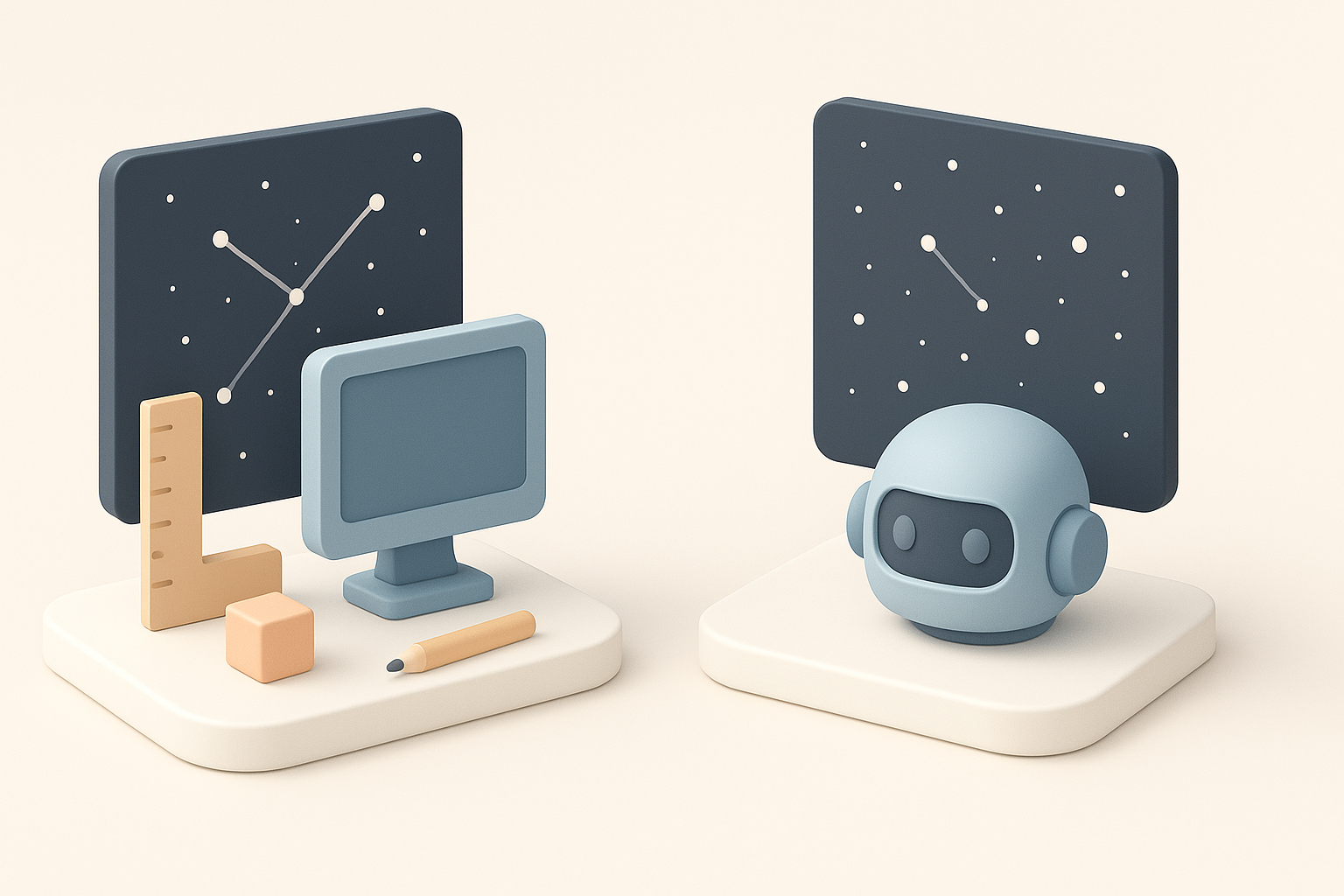
AI-powered workflows (like Tripo AI) are noticeably faster—generating usable starfield assets in seconds. Quality is generally high for backgrounds, but custom artistic control may require manual tweaks. Traditional methods offer deep control but are slower.
Comparison:
- AI: Rapid iteration, good for prototyping and background assets
- Traditional: Best for unique, highly customized visuals
When to Use Each Approach
I use AI tools for quick backgrounds, concept art, or when deadlines are tight. For hero assets (foreground starfields, cinematic shots), I combine AI output with manual editing for maximum quality.
Decision points:
- Tight timelines: AI
- Custom visuals: Traditional + AI hybrid
- Complex animation: Manual workflow
Tips for Integrating Starfield 3D Models in Projects
Animation and Lighting Considerations
Animating starfields (twinkles, drifting nebulae) adds realism. I use engine particle systems or simple rigging for movement. Lighting should be subtle—avoid overexposure, and use ambient light for depth.
Integration tips:
- Add subtle star twinkle via shader or animation
- Layer nebulae for parallax effects
- Match lighting to scene mood
Troubleshooting Common Issues
Common issues include texture seams, performance drops, and integration mismatches. I test assets in-engine early, check for scale issues, and optimize textures/geometry as needed.
Troubleshooting checklist:
- Test for texture tiling/seams
- Monitor performance (FPS, draw calls)
- Check scale and orientation on import
- Adjust materials/shaders for engine compatibility
Conclusion:
Creating starfield 3D models is efficient and flexible with the right tools and workflow. AI-powered platforms like Tripo AI streamline asset generation, but manual optimization and integration remain crucial for quality results. By following these steps and best practices, you can produce stunning starfields ready for any project.