Creating and Using Skyrim 3D Models: Expert Workflow Guide
скачать 3d модель для chicken gun
As someone who’s spent years creating and optimizing game assets, I know that Skyrim 3D models demand a blend of authenticity, technical precision, and creative flair. Whether you’re modding, designing for a new RPG, or building immersive environments, the right workflow saves time and ensures compatibility. In this guide, I walk through my proven steps for sourcing references, generating models (including AI-powered techniques), optimizing for game engines, and exporting assets for seamless integration. This is ideal for artists, modders, and developers who want production-ready results without getting bogged down in complexity.
Key takeaways:
- Skyrim models require unique attention to style, polycount, and lore accuracy.
- AI-powered tools can dramatically speed up asset creation and iteration.
- Legal and ethical sourcing is crucial—avoid copyright pitfalls.
- Optimization (retopology, UV mapping) is essential for game performance.
- Export settings and in-game testing prevent integration headaches.
Understanding Skyrim 3D Models
What Makes Skyrim Models Unique
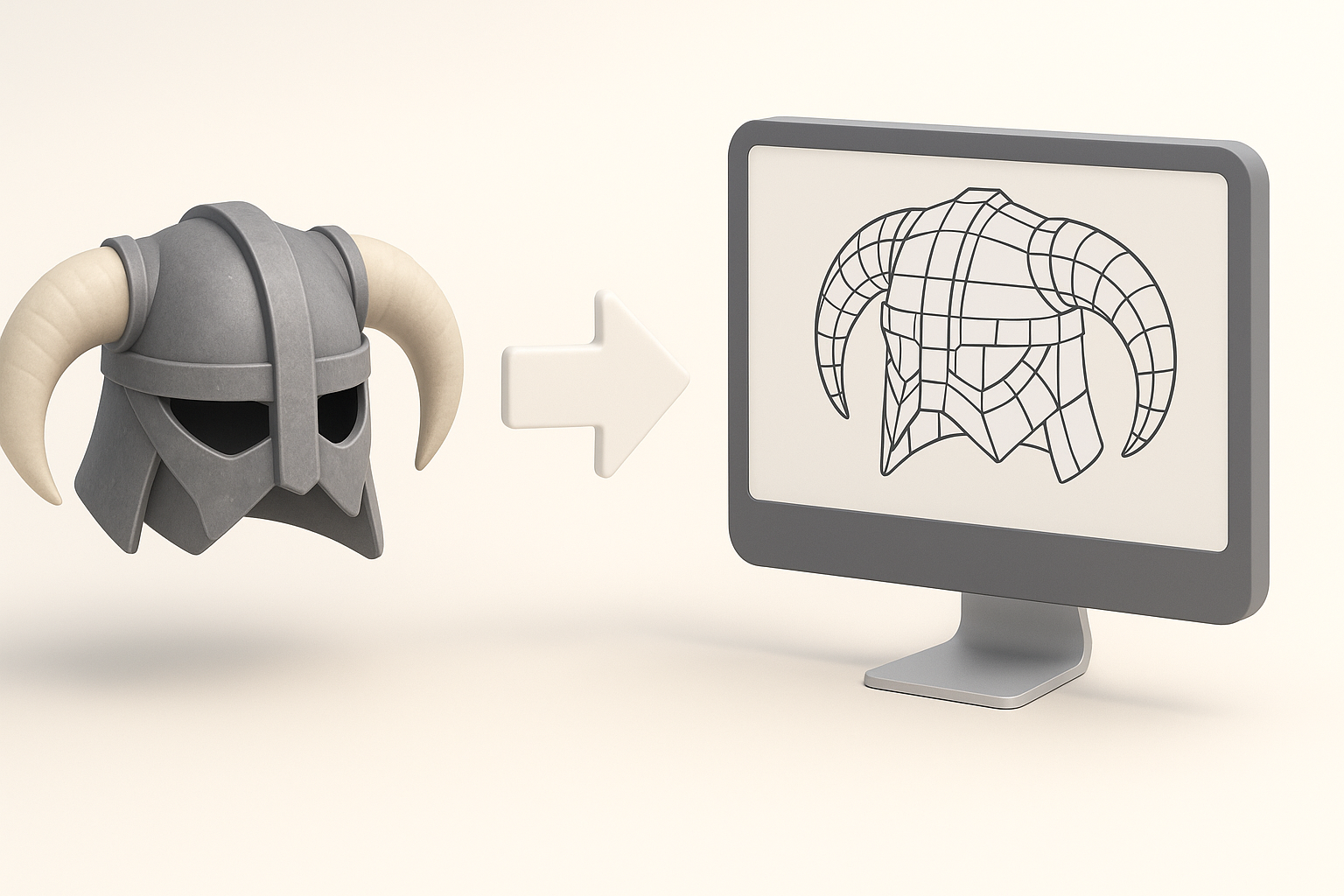
From my experience, Skyrim models stand out due to their Nordic-inspired aesthetics, weathered textures, and relatively low polycounts compared to modern AAA games. The models must fit seamlessly into the game’s atmospheric world, which means paying attention to proportions, material realism, and lore accuracy. I always reference in-game assets and concept art to capture these details.
Tips:
- Match Skyrim’s muted color palette and rugged surface details.
- Keep polycount moderate—performance is key for mods and custom assets.
- Study lore and reference existing models for style consistency.
Common Uses in Modding and Game Design
Most often, I use Skyrim models for character mods, new weapons, environmental props, and architectural elements. Modders and indie devs benefit from assets that are easily integrated and visually cohesive. Game designers may also use these models as templates for new projects inspired by Skyrim’s world.
Common use cases:
- Custom armor and weapons for player characters.
- Environmental props (barrels, crates, flora).
- Architectural elements (doors, ruins, bridges).
How I Source and Prepare Skyrim 3D Models
Finding High-Quality Model References
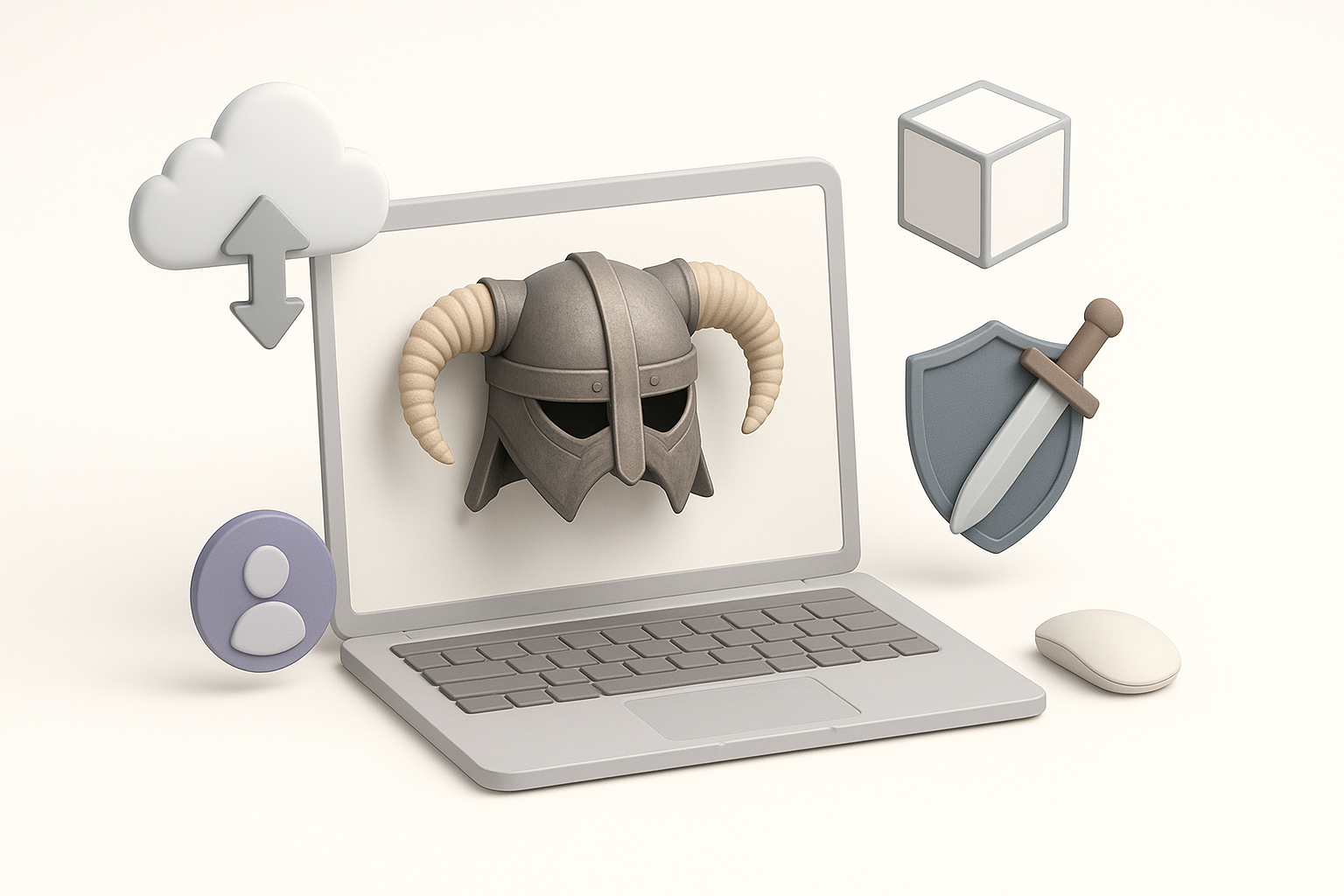
Quality references are foundational. I typically start by capturing in-game screenshots, browsing official art books, and searching for fan-made concept art. When working with AI tools like Tripo, high-resolution images or sketches provide the best input for accurate model generation.
Checklist:
- Gather multiple angles of target assets.
- Use official sources where possible.
- Prepare clear, annotated sketches for AI input.
Legal and Ethical Considerations
It’s critical to respect Bethesda’s IP and community guidelines. I avoid direct asset extraction for redistribution and instead focus on creating original, inspired works. Always check modding terms and seek permission for third-party resources.
Pitfalls to avoid:
- Using ripped models from the game without modification.
- Ignoring licensing for textures and concept art.
- Distributing assets without proper credit or permissions.
My Workflow: Creating Skyrim-Inspired 3D Models
Using AI-Powered Tools for Model Generation
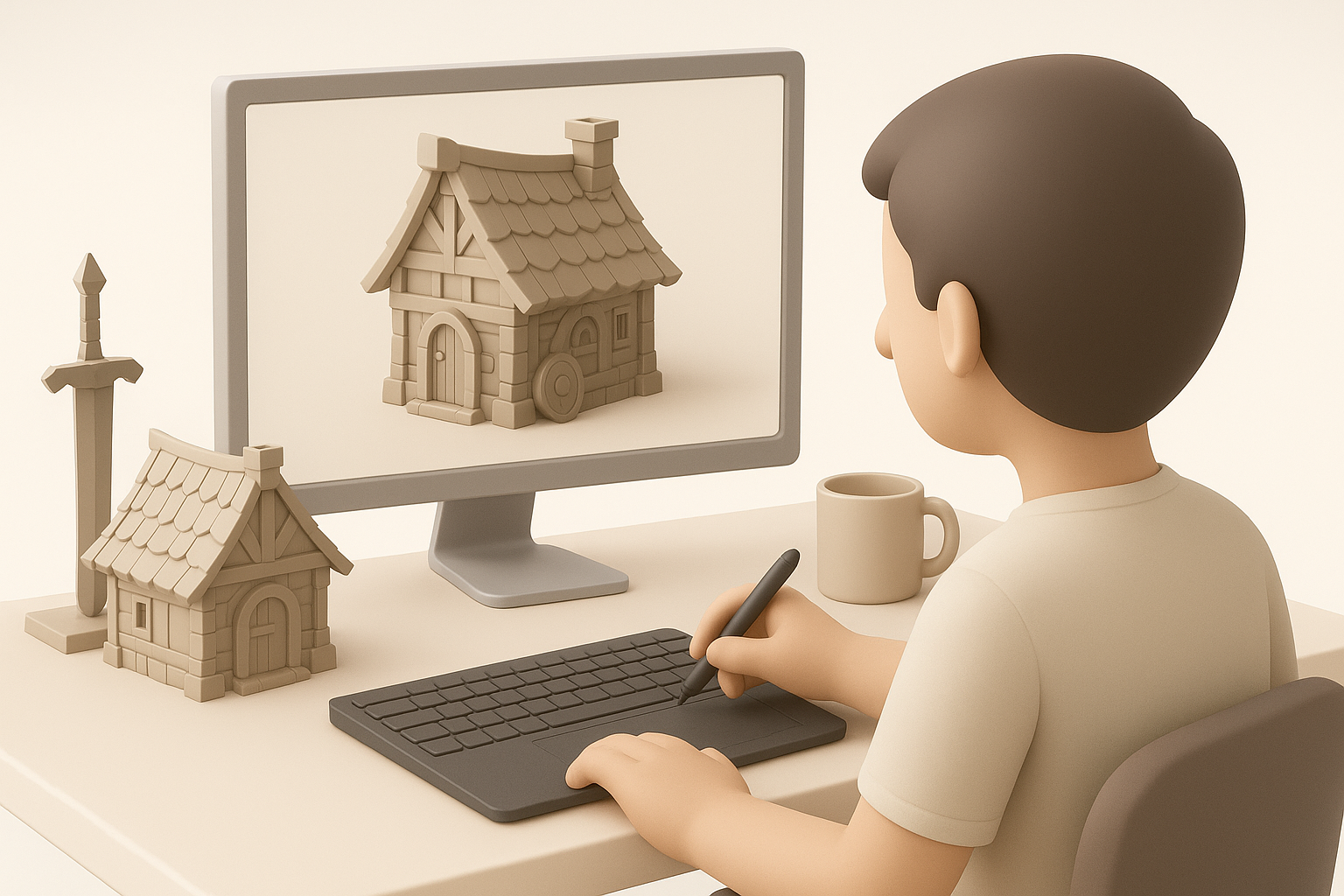
AI-powered platforms like Tripo have streamlined my workflow. I input text prompts, reference images, or sketches to generate base meshes quickly. This lets me iterate on concepts and fill asset libraries without manual modeling from scratch.
Steps:
- Input descriptive prompt or upload reference image/sketch.
- Review generated mesh for accuracy and adjust parameters.
- Export for further editing or direct integration.
Tips:
- Use specific prompts (e.g., “Nordic axe with worn iron texture”).
- Refine outputs with manual tweaks for lore fidelity.
Manual Techniques and Best Practices
Even with AI, manual modeling remains essential for fine-tuning. I use sculpting tools to add unique details, optimize topology, and ensure animation compatibility. Blender and similar software are staples for this phase.
Best practices:
- Block out basic shapes before detailing.
- Check scale and proportions against Skyrim assets.
- Use layers for iterative sculpting and feedback.
Optimizing, Texturing, and Animating Skyrim Models
Retopology and UV Mapping Tips
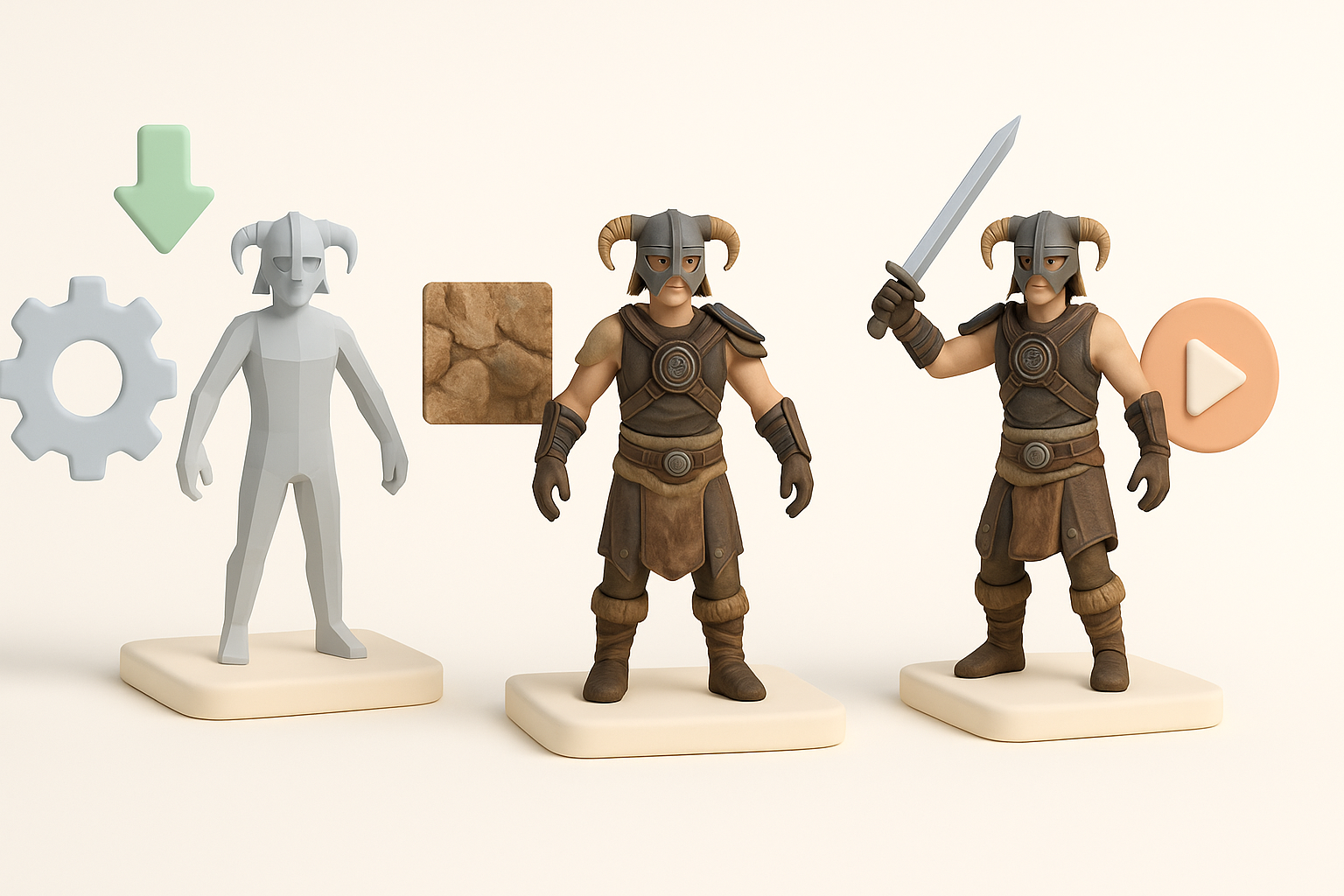
Optimization is non-negotiable. I retopologize AI-generated meshes to reduce polycount and clean up geometry. UV mapping is next—efficient layouts prevent texture stretching and simplify material assignment.
Checklist:
- Retopologize for clean edge flow and low polycount.
- Unwrap UVs with minimal seams and logical islands.
- Test UVs with checker maps before texturing.
Texturing and Animation for Game Engines
Skyrim’s engine favors diffuse maps and simple normal maps. I create hand-painted or procedural textures, focusing on weathering and realism. For animation, I rig models with basic skeletons compatible with Skyrim’s format.
Tips:
- Bake textures for performance.
- Use Skyrim-compatible animation rigs and export formats.
- Preview animations in-engine for timing and deformation.
Comparing AI Tools and Traditional Methods

When to Use AI for Efficiency
AI tools excel at rapid prototyping and bulk asset generation. I lean on them for background props, quick iterations, and filling asset gaps. For hero assets or highly detailed models, manual methods still offer superior control.
When AI is best:
- Generating base meshes or variations quickly.
- Creating props and environmental assets.
- Iterating on concept ideas.
Integrating Alternative Methods in My Pipeline
I combine AI-generated bases with manual sculpting, retopology, and texturing. This hybrid workflow lets me balance speed and quality, ensuring assets meet both creative and technical standards.
Steps:
- Generate base mesh with AI tool.
- Refine and optimize manually.
- Texture, rig, and animate as needed.
Exporting and Implementing Skyrim 3D Models
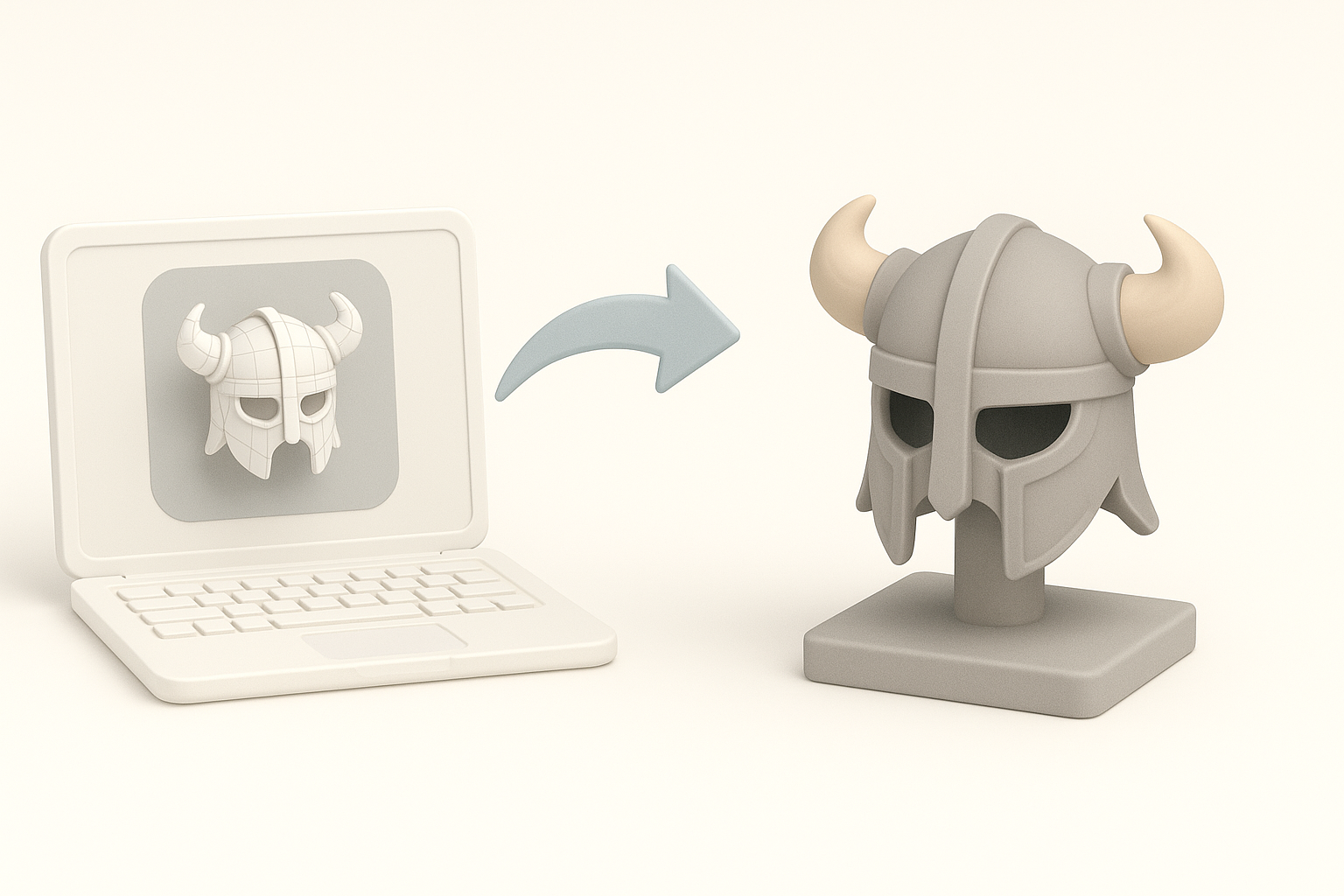
Export Settings for Skyrim Compatibility
Exporting for Skyrim requires specific settings. I use .NIF or .OBJ formats, depending on the asset type. Proper scale, pivot placement, and material assignment are crucial for in-game functionality.
Checklist:
- Export in Skyrim-compatible format (.NIF recommended).
- Set correct scale and axis orientation.
- Assign materials and textures per engine requirements.
Testing and Troubleshooting in Game
I always test assets in-game to catch issues early. Common problems include missing textures, incorrect scale, and animation glitches. Iterative testing and feedback from modding communities help refine assets.
Pitfalls to watch for:
- Broken normals or missing UVs.
- Texture paths not matching Skyrim’s directory structure.
- Animation not syncing with in-game skeletons.
Conclusion:
Creating Skyrim 3D models is a blend of artistry and technical know-how. By leveraging AI-powered tools and traditional techniques, I streamline asset production while maintaining lore fidelity and game compatibility. Careful optimization and rigorous testing ensure assets are ready for Skyrim’s immersive world.