How to Create a Pirate Ship 3D Model: Expert Workflow & Tips
Creating a pirate ship 3D model can be daunting, but with the right workflow and tools, it’s surprisingly efficient. In my experience, combining solid reference gathering, smart planning, and AI-powered platforms like Tripo accelerates the process and ensures production-ready results. This guide is for artists, game devs, and XR creators who want to build a pirate ship model that’s both visually striking and technically optimized. I’ll walk through each stage—from blocking out shapes to final rendering—with practical, hands-on advice and pitfalls to avoid.
Key takeaways:
- Reference and planning are crucial for authentic, stylized results
- Blocking and detail layering saves time and avoids rework
- Texturing and UV mapping require careful attention for realism
- Retopology and export settings matter for game/XR compatibility
- AI tools like Tripo can speed up modeling and segmentation
- Rigging and animation add dynamic value for interactive uses
Executive Summary: Key Takeaways for Pirate Ship 3D Modeling
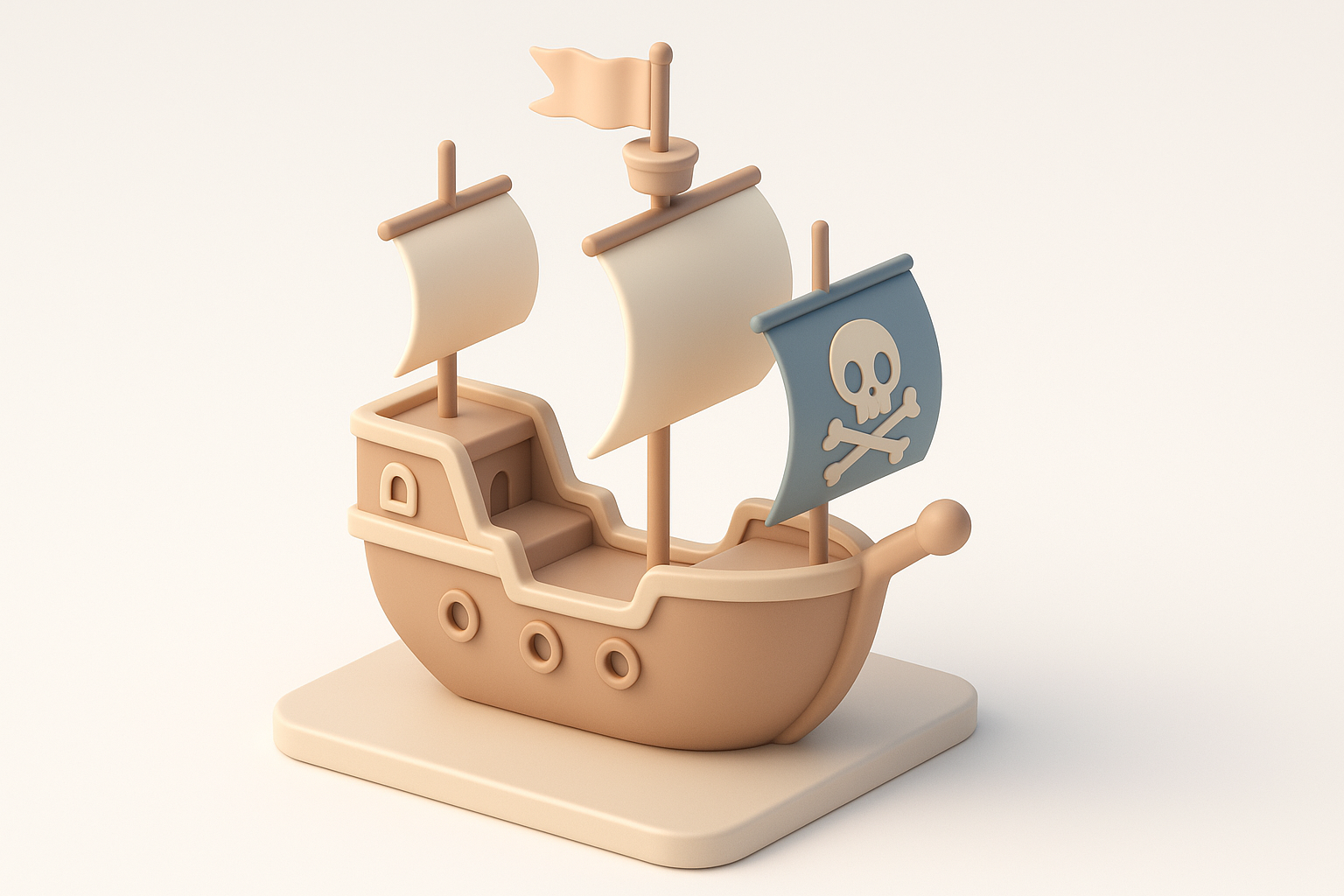
What makes a great pirate ship model
A standout pirate ship model balances historical accuracy, stylized flair, and optimized geometry. From my experience, the best models capture iconic features—like billowing sails, weathered wood, and detailed rigging—without overloading the scene with unnecessary polygons.
My top recommendations for fast, high-quality results
I recommend starting with strong references and clear goals. Use AI-powered platforms for rapid base mesh generation and segmentation, then refine manually for artistic control. Always keep production requirements (game, film, XR) in mind, and regularly check scale and topology.
Planning and References: Laying the Foundation
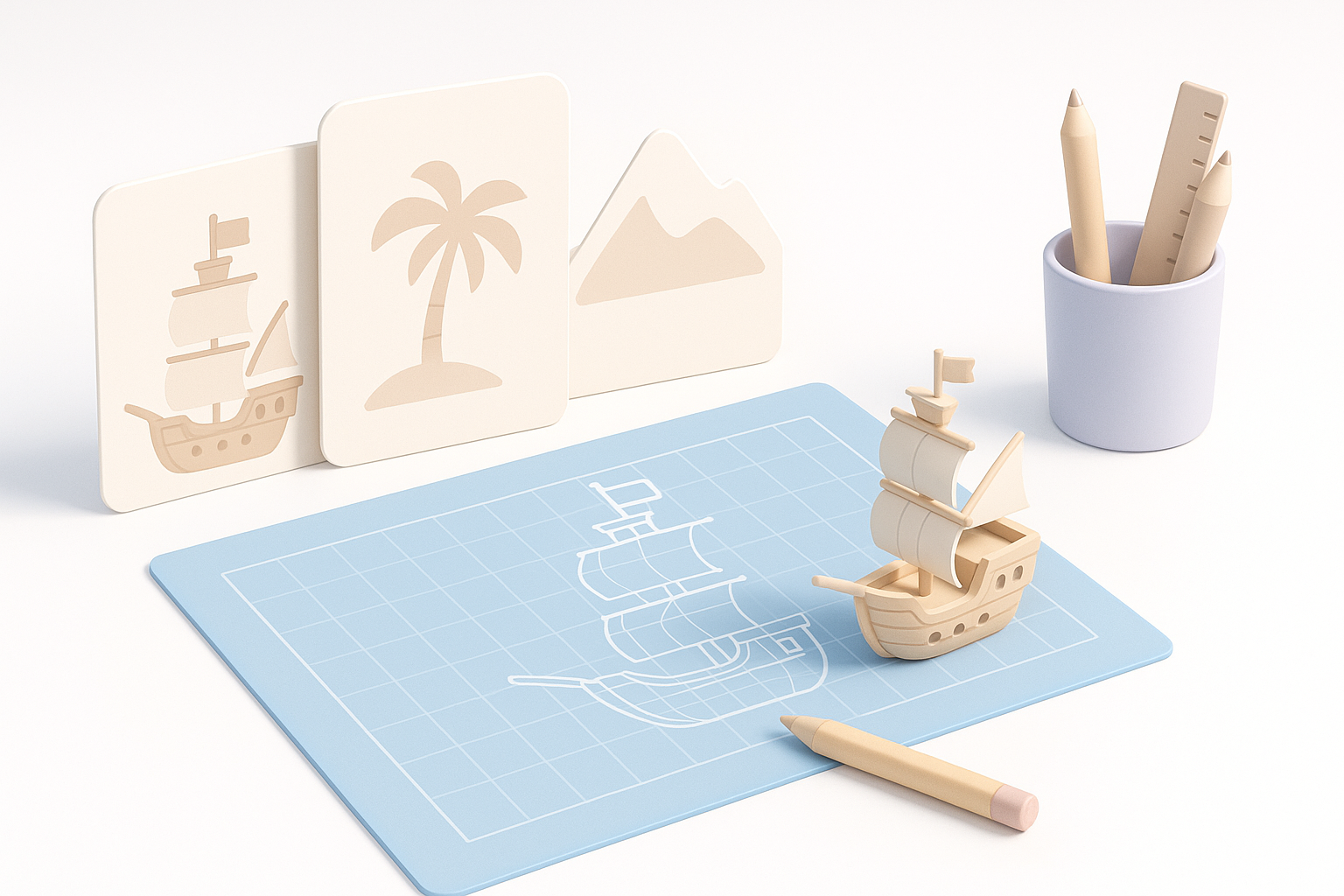
Gathering visual references and inspiration
I always start by collecting reference images—historical ships, movie stills, concept art, and even toy models. Pinterest, museum archives, and naval history sites are great sources. I organize references into folders for hull shapes, sails, cannons, and deck details.
Checklist:
- Gather 10–20 high-quality images
- Note key features: shape, color, materials
- Identify unique pirate ship elements (flags, figureheads)
Defining style, scale, and level of detail
Before modeling, I define the style: realistic, stylized, or somewhere between. I set the scale based on target use (game, VR, cinematic). Level of detail is crucial—too much detail slows performance, too little loses impact.
Pitfalls:
- Over-detailing early; add details after blocking main forms
- Ignoring scale—always check measurements in your scene
Modeling the Pirate Ship: Step-by-Step Process
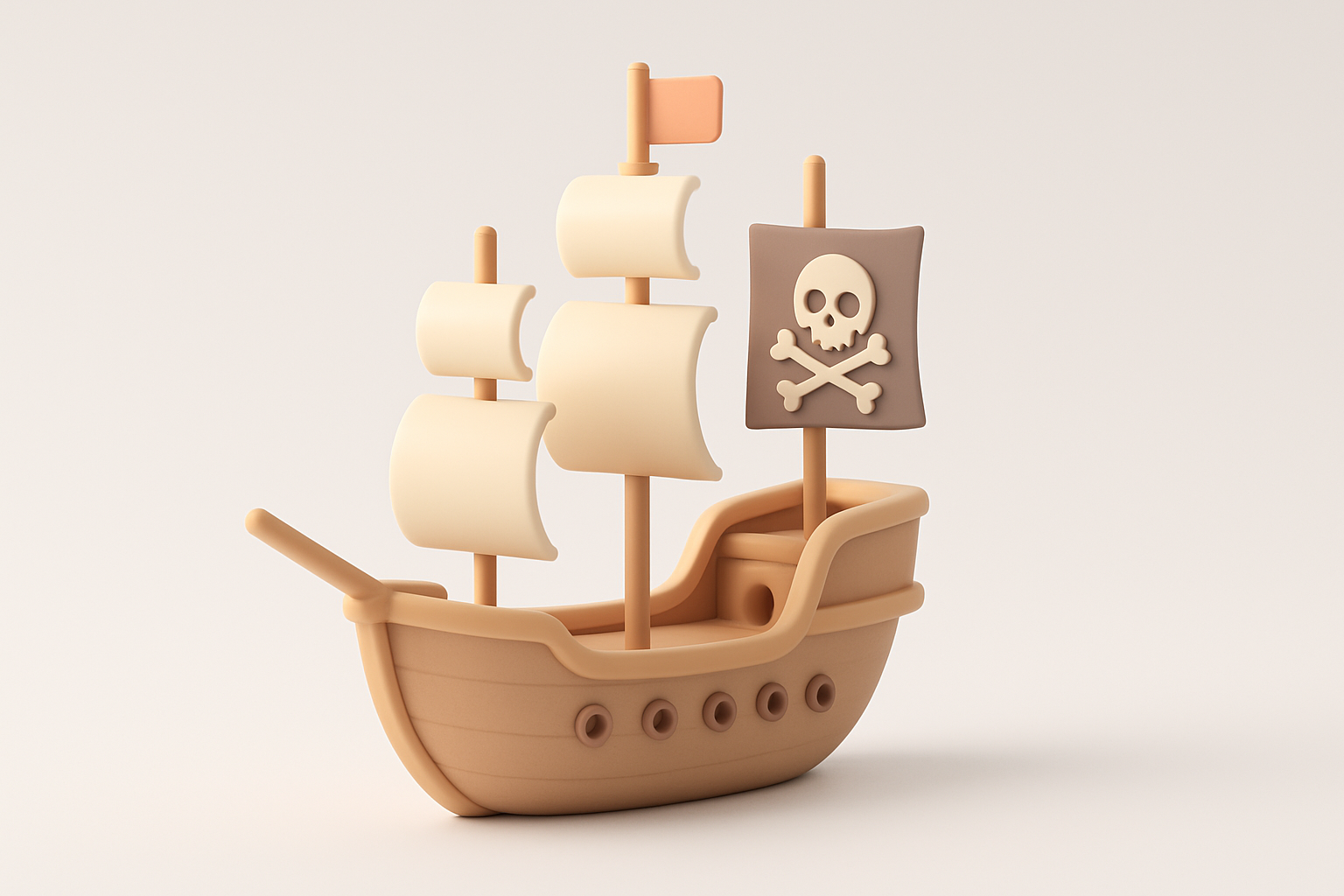
Blocking out the main forms
I block out the hull, deck, and masts using simple shapes—boxes, cylinders, and planes. AI platforms like Tripo can generate a base mesh from text or sketches, which I then tweak for proportion and silhouette.
Steps:
- Start with hull shape (box or spline)
- Add deck and mast placeholders
- Adjust proportions before detailing
Adding details: sails, cannons, and rigging
Once the main forms are set, I layer in details. Sails are modeled as planes or cloth objects, cannons as cylinders, and rigging with curves or ropes. I use intelligent segmentation tools to separate parts for easier texturing and animation.
Tips:
- Use instances for repeated elements (cannons, ropes)
- Model sails slightly billowed for realism
- Group details logically for easier edits
Texturing and Materials: Bringing the Ship to Life
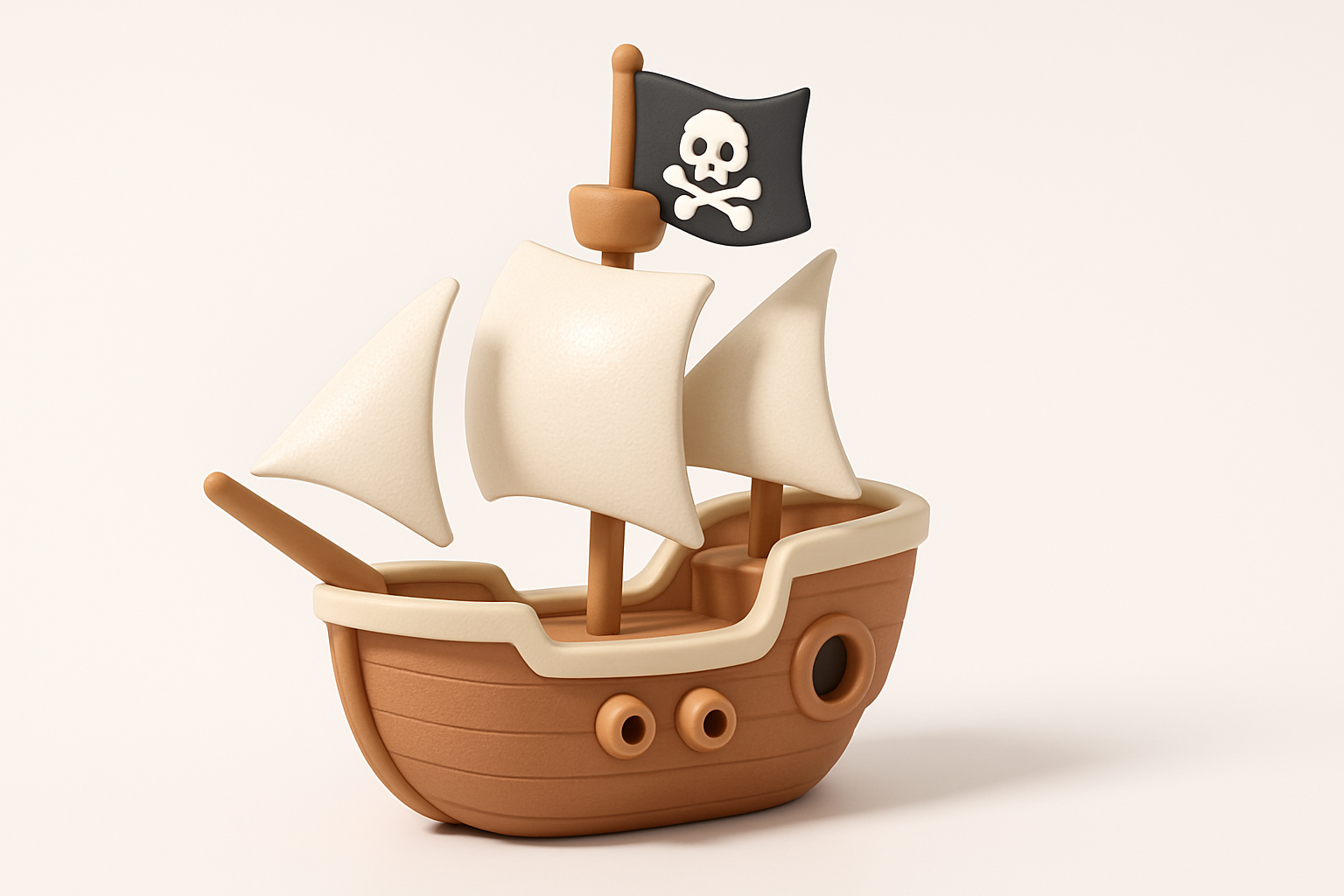
Choosing textures and materials for realism
I select wood, metal, and fabric textures, often leveraging procedural materials for weathering and variation. AI platforms can auto-generate base textures, which I refine in my painting software.
Recommendations:
- Use layered materials (base + dirt/edge wear)
- Reference real ship photos for color and roughness
UV mapping and painting tips
Clean UVs are essential for seamless texturing. I unwrap hull and sails separately, ensuring minimal distortion. For hand-painting, I focus on highlights, shadows, and storytelling details—like torn sails or rust.
Pitfalls:
- Overlapping UVs cause texture artifacts
- Forgetting to pack UVs efficiently for game assets
Optimizing for Production: Retopology and Export
Retopology best practices for games and XR
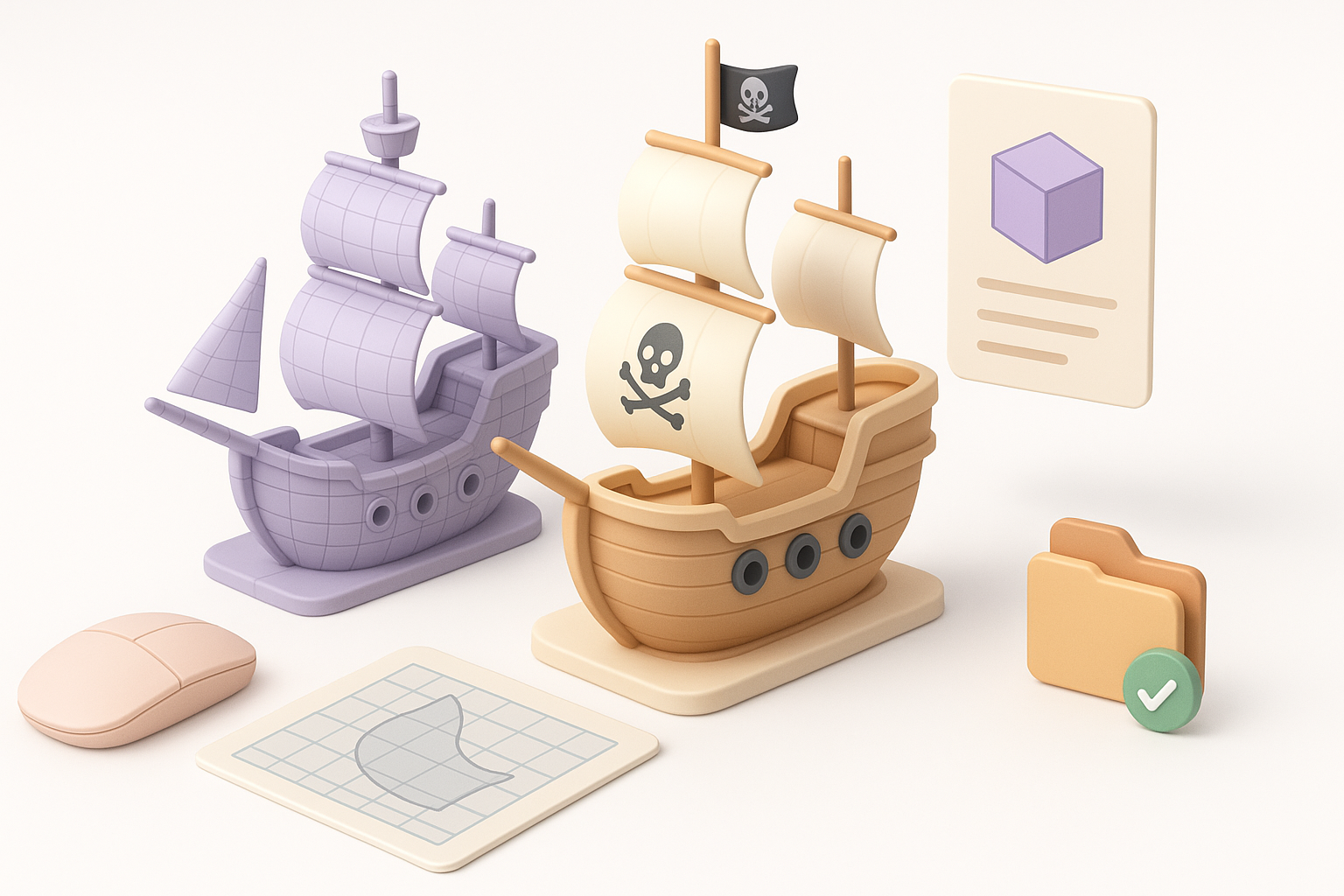
I retopologize high-poly meshes to create efficient, low-poly versions. Tripo’s automated retopology helps, but I always check edge flow and polycount manually.
Best practices:
- Keep polycount under target budget
- Maintain edge loops for animation
- Test mesh in engine for performance
Export settings and file formats I use
I typically export in FBX or GLTF for broad compatibility. I bake textures and check normal maps for correct orientation.
Checklist:
- Export with triangulated faces if needed
- Include baked textures (Albedo, Normal, Roughness)
- Verify scale and axis orientation
Rigging and Animation: Making the Ship Dynamic
Basic rigging for sails and movement
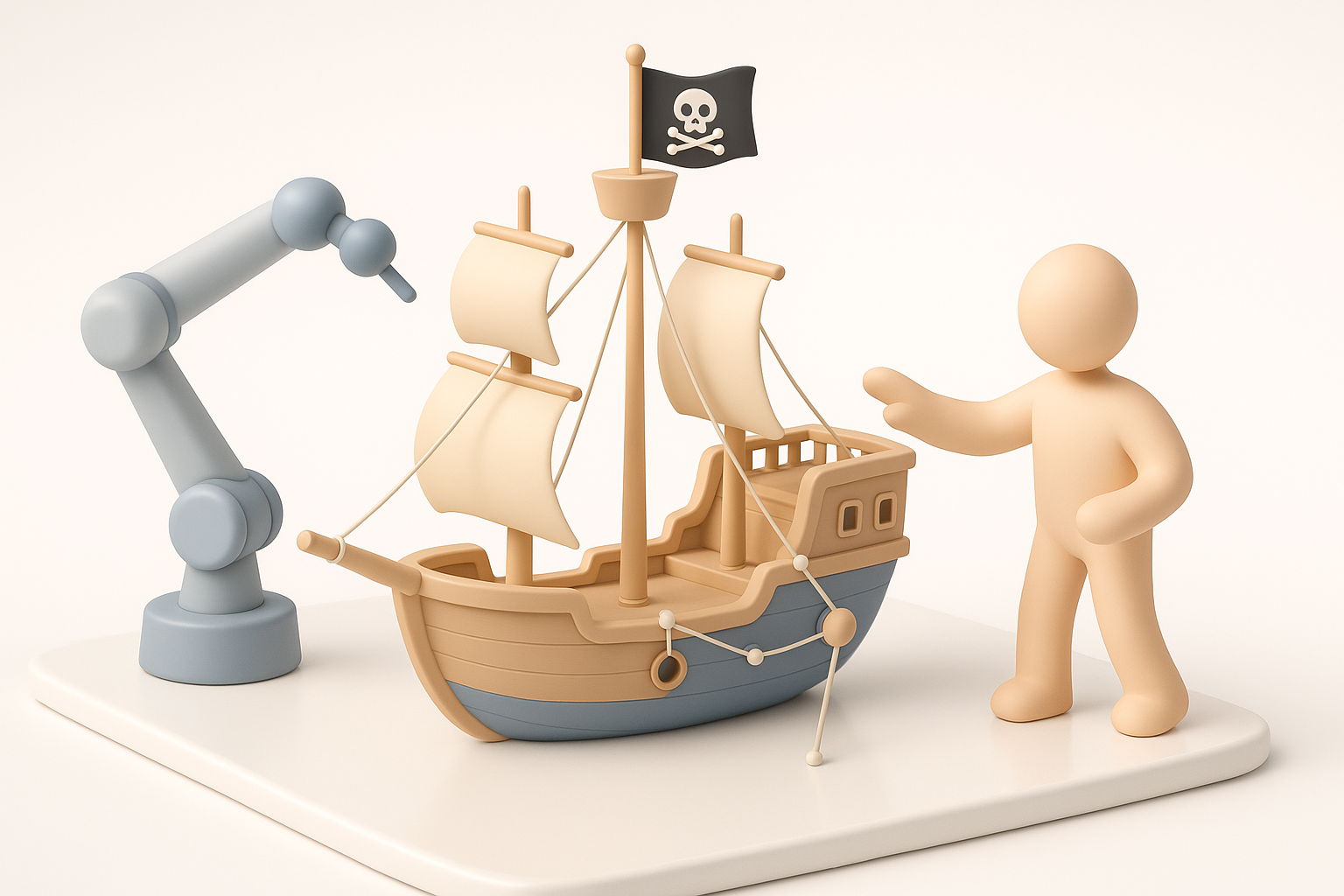
For interactive or cinematic use, I rig sails, flags, and sometimes the hull for rocking motion. I use simple bones or deformers, and Tripo’s auto-rigging speeds up setup.
Steps:
- Add bones to sails/flags
- Skin mesh and test deformations
- Set up basic ship movement (rocking, turning)
Animating for cinematic or interactive use
I animate sails billowing, flags waving, and cannons firing. For games, I keep animations loopable and efficient.
Tips:
- Use blend shapes for subtle sail deformations
- Test animations in target engine (Unity, Unreal, etc.)
AI-Powered Tools and Workflows: My Experience
How I use AI platforms to accelerate modeling
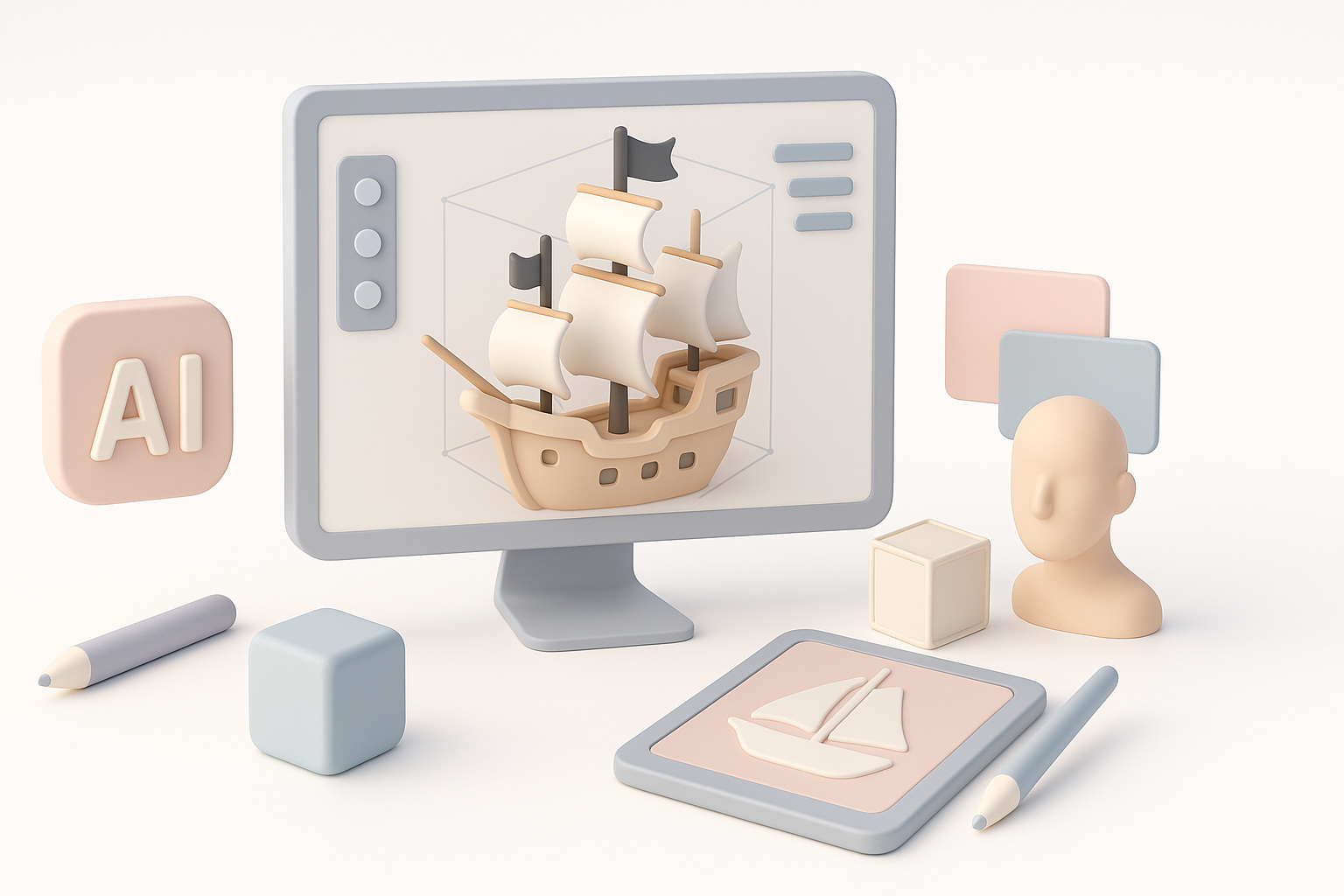
AI tools like Tripo let me generate base meshes and segment parts from text prompts or sketches. This saves hours, especially for complex ships. I often use AI for initial blocking, then refine details manually.
Advantages:
- Rapid prototyping from text/image inputs
- Automated segmentation and retopology
- Streamlined texturing workflows
Integrating AI-generated assets with manual workflows
I always review and adjust AI-generated assets for artistic control. Combining AI speed with manual polish gives the best results.
Workflow:
- Generate base model with AI
- Refine shapes and details manually
- Apply custom textures and rigging
Comparing Methods: Manual vs. AI-Accelerated Modeling
Pros and cons from my hands-on experience
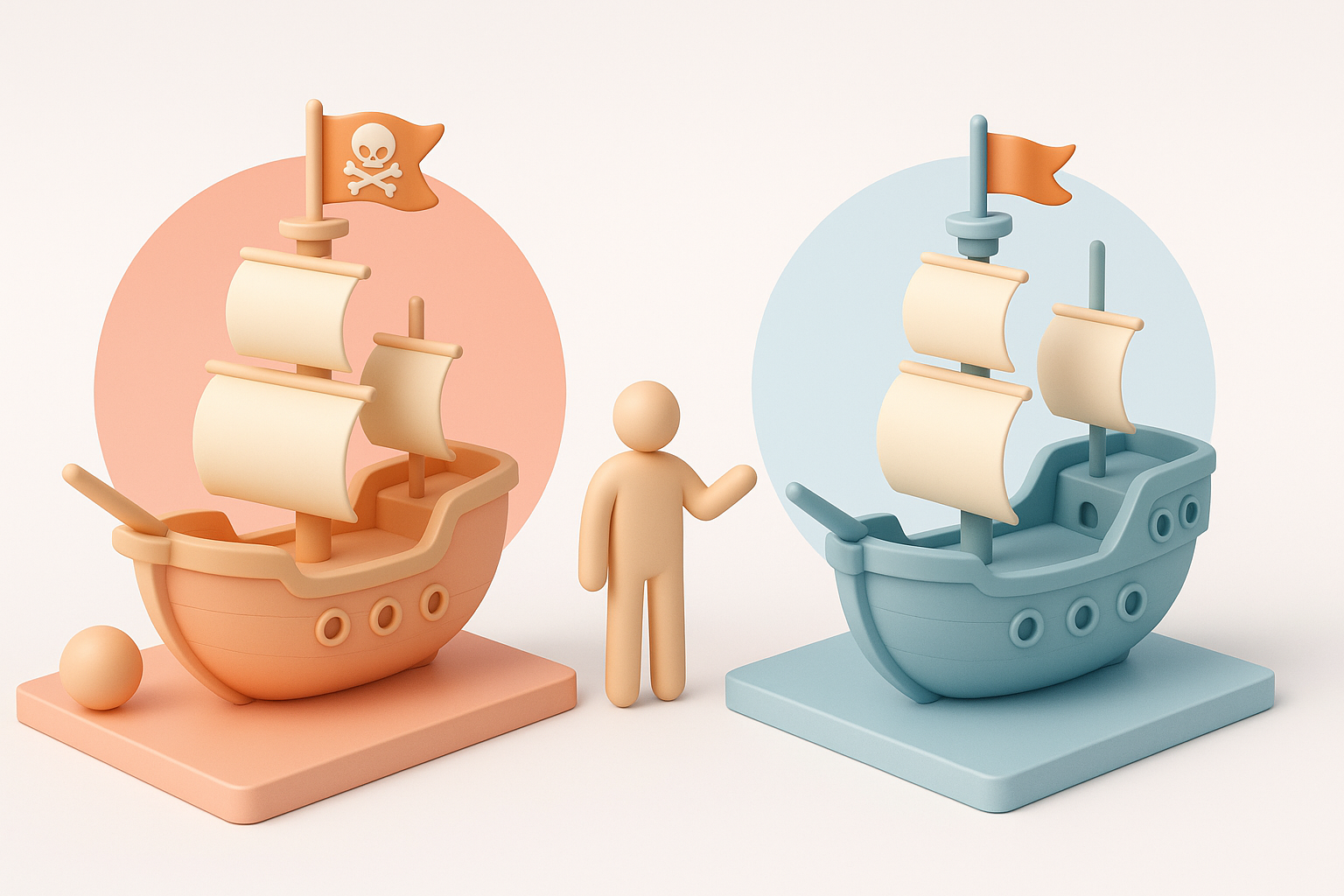
Manual modeling offers full control and customization but is time-consuming. AI-accelerated workflows are faster and great for prototyping, but may need manual adjustments for quality.
Pros (AI):
- Speed
- Automated segmentation/retopology
- Accessible for non-technical users
Cons (AI):
- Less artistic nuance
- May require cleanup
When to choose each approach
I use AI-powered workflows for quick iterations and concepting. For final assets or unique artistic requirements, I prefer manual modeling or hybrid approaches.
Decision guide:
- Use AI for rapid prototyping or when under tight deadlines
- Go manual for high-end cinematic work or unique designs
Final Checks and Presentation: Showcasing Your Pirate Ship
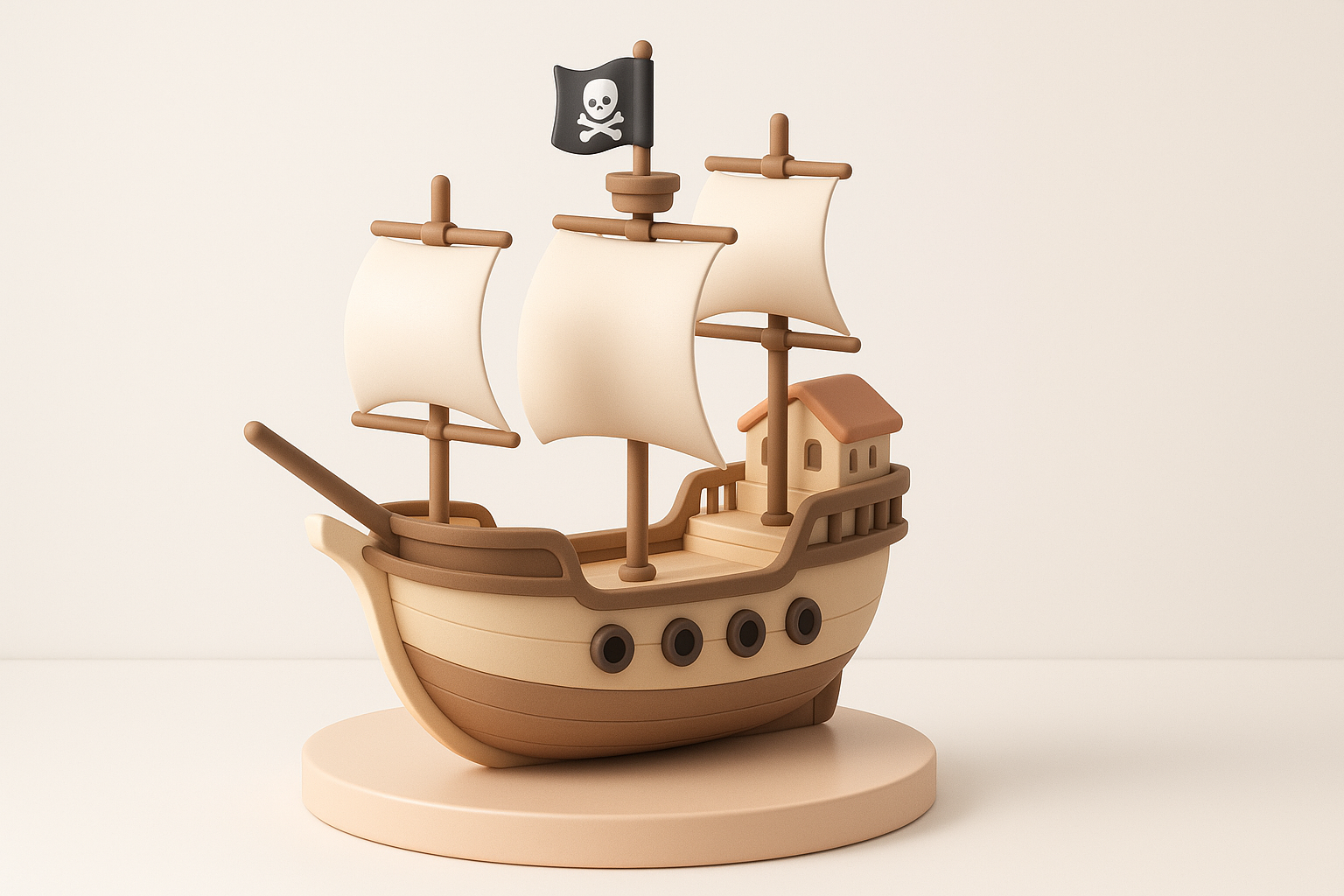
Lighting and rendering for portfolio shots
I set up dramatic lighting—sunset or stormy skies work well for pirate ships. I use three-point lighting and add subtle fog or water reflections.
Tips:
- Use HDRIs for realistic environments
- Highlight key features (sails, cannons, figurehead)
- Render at high resolution for portfolio
Tips for sharing and publishing your model
I export renders and turntables for portfolio sites, and upload optimized models to 3D platforms. Include wireframe and texture breakdowns for credibility.
Checklist:
- Prepare renders, turntables, wireframe shots
- Write a short project description
- Share on art communities and professional networks
Conclusion:
With a clear workflow, strong references, and the right mix of manual and AI-powered tools, creating a pirate ship 3D model is both achievable and rewarding. Focus on authenticity, efficiency, and presentation to make your model stand out.