Creating and Using Neuron 3D Models: Expert Workflow Guide
скачать 3d модель для chicken gun
As someone who’s built neuron 3D models for both scientific visualization and creative projects, I know the process can be daunting—especially if you’re new to 3D or aiming for production-ready assets. With the right workflow and tools, however, you can generate, optimize, and animate neuron models efficiently, whether you’re a researcher, designer, or game developer. In this guide, I’ll walk you through my hands-on workflow, best practices, and lessons learned for creating neuron 3D models that are both realistic and usable in real-world pipelines.
Key takeaways
- Modern AI-powered platforms drastically speed up neuron 3D model creation from text, images, or sketches.
- Proper segmentation, retopology, and texturing are essential for realism and usability.
- Automated rigging and animation tools can save time, but manual tweaks are often needed for scientific accuracy.
- Integrating neuron models into your pipeline requires attention to file formats, scale, and optimization.
- Common pitfalls include overcomplicating geometry and neglecting real-world references.
Understanding Neuron 3D Models
What Is a Neuron 3D Model?
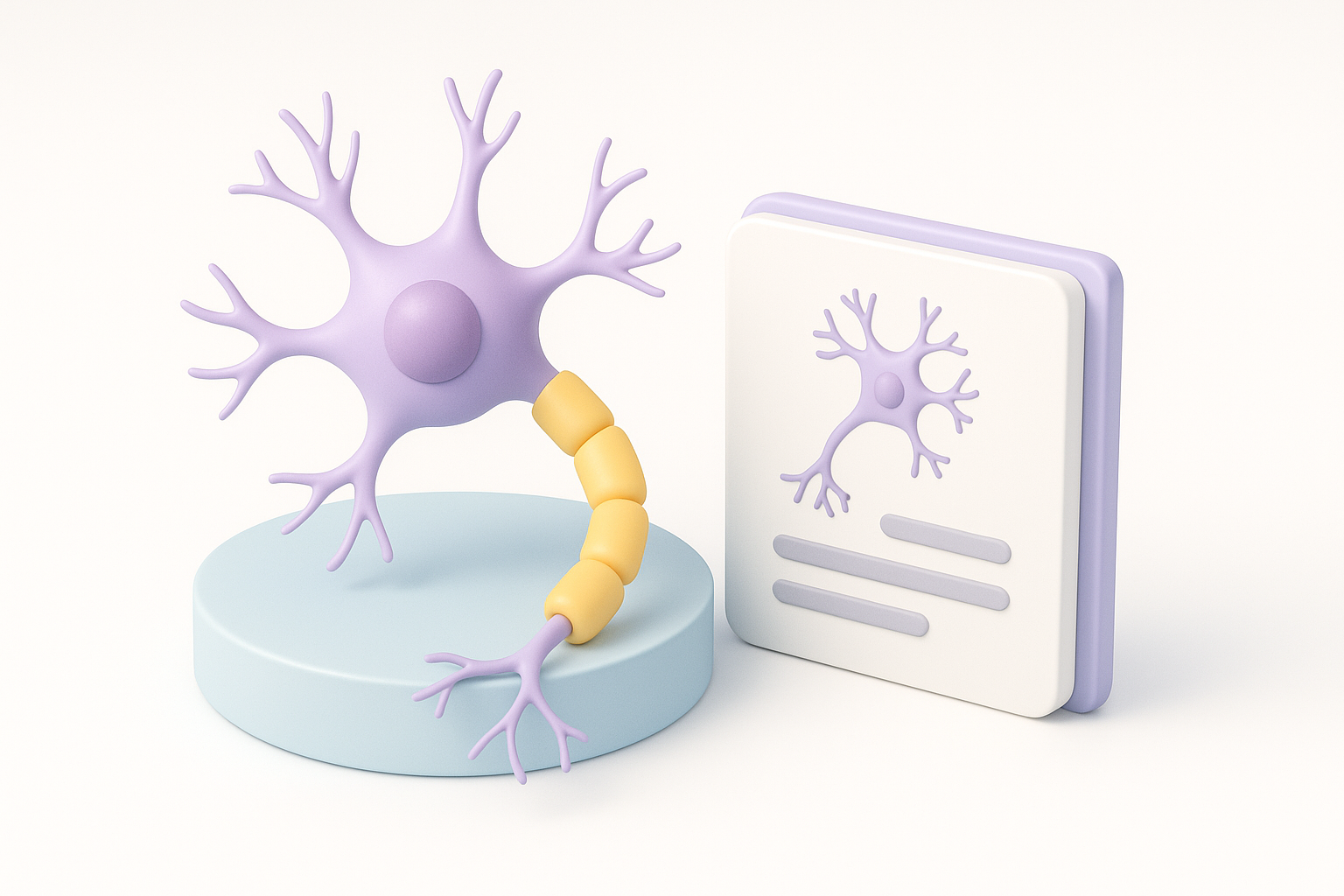
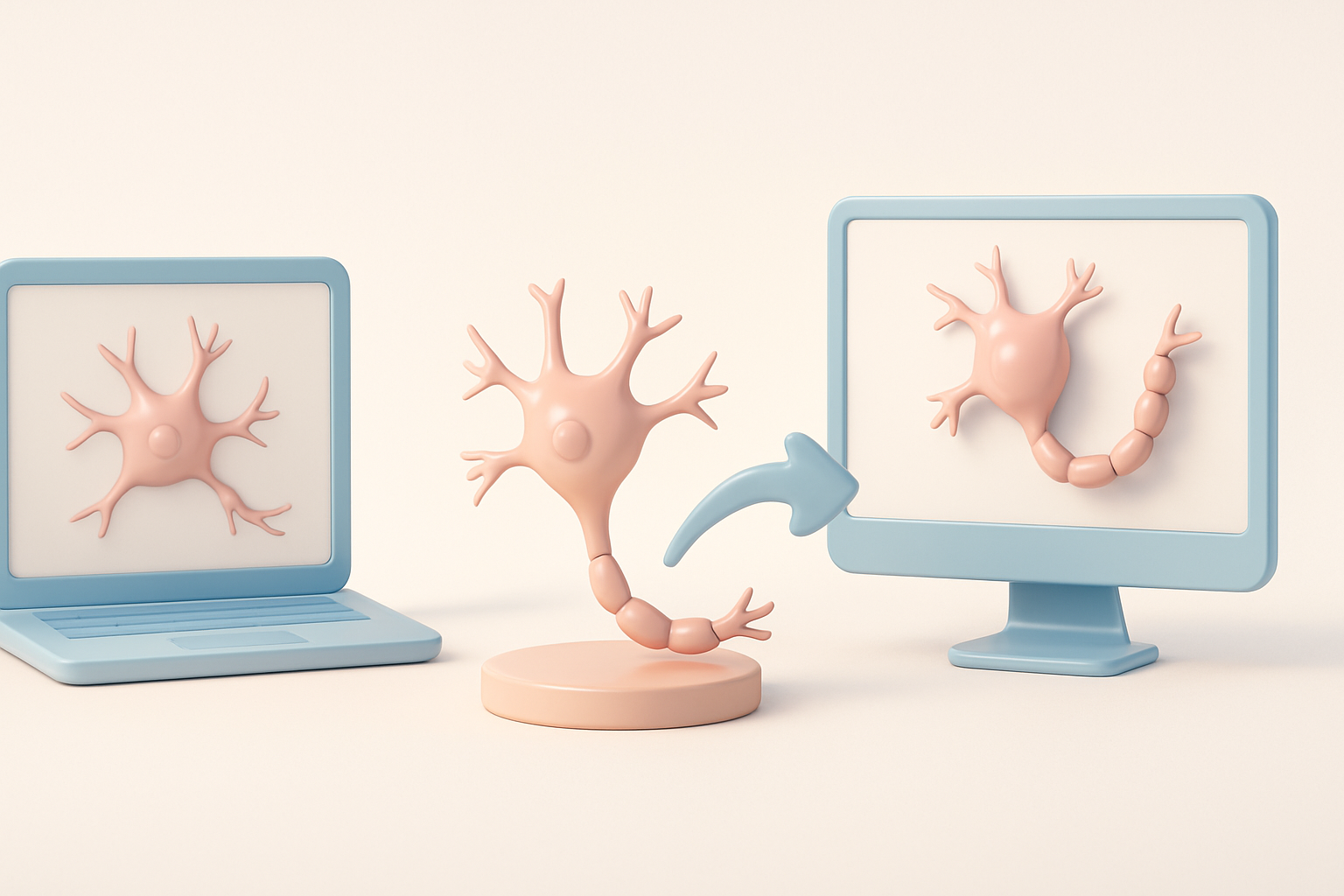
A neuron 3D model is a digital representation of a nerve cell, capturing its unique structure—soma, dendrites, axon, and synaptic terminals. These models vary in complexity, from stylized forms for education or games to highly detailed, anatomically accurate meshes for research and medical visualization.
In my experience, the level of detail you need depends on your application. For interactive media, simplified models with clean topology work best; for scientific analysis, accuracy in branching and scale is critical.
Common Use Cases in Science and Design
Neuron 3D models are widely used for:
- Scientific visualization: Illustrating neural circuits, supporting research papers, and creating educational animations.
- Game and XR development: Adding biological realism or abstract neuron visuals to environments.
- Medical and biotech design: Prototyping neural interfaces or simulating drug interactions.
I’ve found that clear communication with stakeholders is key—clarifying whether the model is for real-time use, high-res rendering, or interactive simulation shapes every workflow decision.
My Workflow for Generating Neuron 3D Models
Text-to-3D and Image-Based Creation Methods
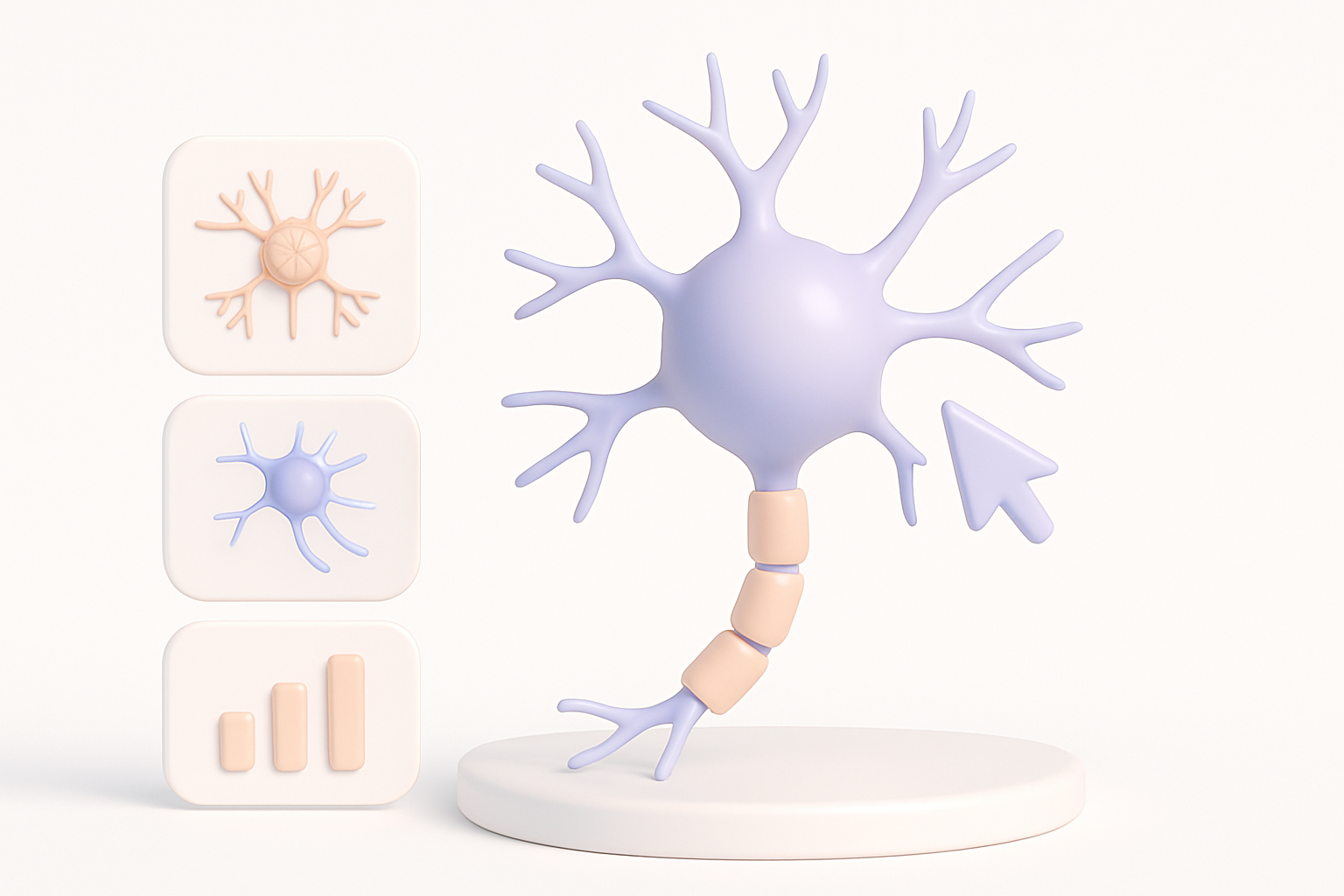
I typically start with AI-powered platforms that support text prompts, images, or sketches as input. For neuron models, I’ll often use:
- Text prompts like “realistic cortical neuron with branching dendrites”
- Reference images from microscopy or scientific illustrations
- Quick sketches to capture unique neuron shapes
Steps I follow:
- Input a clear prompt or upload a reference image.
- Review the auto-generated base mesh—check for correct proportions and branching.
- Iterate: Refine the prompt or upload new references as needed.
Tripo AI, for instance, allows me to rapidly generate a base neuron model and move straight into refinement, saving hours compared to manual modeling.
Tips for Efficient Model Generation
- Be specific with prompts: Mention neuron type, scale, and level of detail.
- Use high-quality references: The better your input, the better the output.
- Iterate quickly: Don’t settle for the first result—tweak and regenerate as needed.
- Check topology early: Poor base geometry leads to more work down the line.
Pitfall: Overly generic prompts often result in models that lack scientific credibility or usability.
Best Practices for Optimizing Neuron 3D Models
Segmentation, Retopology, and Texturing
Even with AI-generated models, manual optimization is crucial. My process:
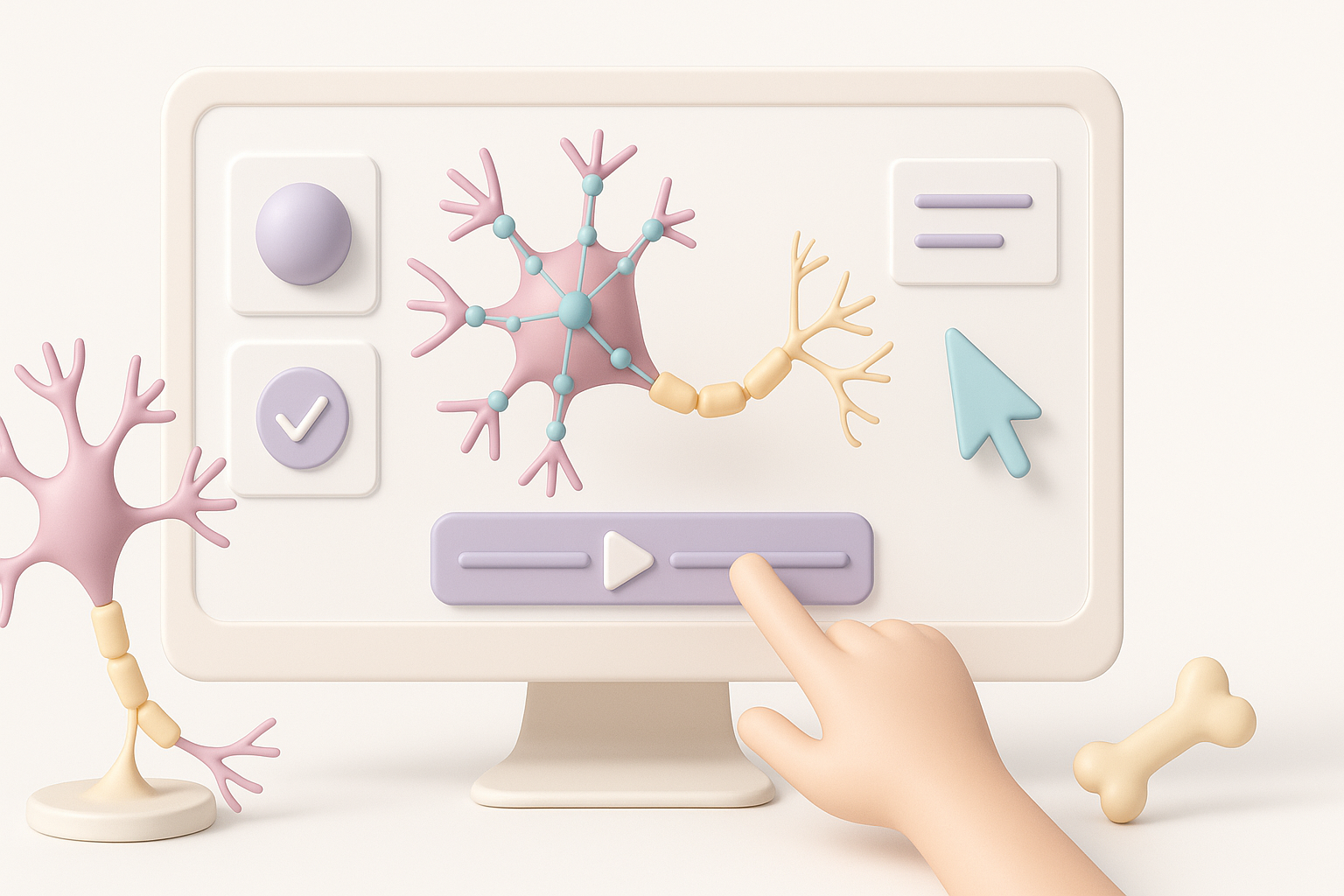
- Segmentation: Use built-in tools to isolate soma, dendrites, and axons for easier editing and texturing.
- Retopology: Clean up mesh flow for animation and real-time use. Automated retopology tools are a huge time-saver, but I always check for artifacts.
- Texturing: Apply realistic or stylized textures. For scientific work, I rely on microscopy images; for games, I use hand-painted or procedural textures.
Mini-checklist:
- Is the mesh watertight and free of non-manifold edges?
- Are UVs unwrapped cleanly?
- Does the texture map match the intended style or reference?
Ensuring Realism and Usability
- Reference real neurons: Compare your model to microscopy data or scientific illustrations.
- Balance detail and performance: Too much geometry can kill performance in real-time apps.
- Test in context: Import the model into your target engine or renderer early.
Pitfall: Neglecting scale and proportion—always double-check units and reference measurements.
Rigging and Animating Neuron Models

Automated vs. Manual Rigging Approaches
For neuron models, rigging is often about simulating growth, signal transmission, or simple movement. I typically:
- Use automated rigging tools for basic setups (e.g., skeletons for dendrite bending).
- Manually adjust bones and weights to match the neuron’s branching structure.
Automated tools can get you 80% of the way, but for scientific animations, I often need to refine weights and constraints manually.
Animating for Scientific and Creative Applications
- Scientific: Animate signal propagation (e.g., glowing action potentials along axons).
- Creative: Add stylized pulses, growth effects, or dynamic morphs.
Animation steps:
- Rig the neuron mesh (auto or manual).
- Create keyframes or procedural animations for signals or growth.
- Test playback in your target software.
Pitfall: Overcomplicating rigs—keep it simple unless the project demands complex movement.
Comparing Tools and Platforms for Neuron 3D Modeling

AI-Powered Solutions vs. Traditional Methods
From my experience:
- AI-powered tools: Drastically reduce modeling time, especially for organic shapes like neurons. Great for rapid prototyping and iteration.
- Traditional modeling: Offers full control but is time-consuming and requires advanced skills.
I often use AI platforms for the initial model, then switch to traditional tools for fine-tuning and integration.
Integrating Models into Pipelines
- Export in compatible formats (FBX, OBJ, GLTF)
- Check scale and orientation before importing into your target application
- Optimize for your use case (polycount, texture size, rig complexity)
Pitfall: Ignoring pipeline requirements—always verify compatibility with your downstream tools.
What I’ve Learned: Tips and Common Pitfalls
Lessons from Real-World Projects
- Iterate rapidly: Early feedback saves headaches later.
- Prioritize usability: A beautiful model is useless if it doesn’t fit your pipeline or performance needs.
- Document your process: Notes on scale, references, and workflow make future edits much easier.
Avoiding Common Modeling Mistakes
- Don’t skip mesh cleanup—artifacts can break animation and texturing.
- Avoid excessive subdivision—keep geometry as simple as possible for your needs.
- Always use references—guesswork leads to unrealistic or unusable models.
By refining your workflow and leveraging modern tools, you can produce high-quality neuron 3D models efficiently, whether for science, design, or creative media. Focus on clarity, iteration, and real-world integration for the best results.