Creating Naruto Storm Connections 3D Models: Expert Workflow & Tips
скачать 3d модели для chicken gun
Creating production-ready 3D models for Naruto Storm Connections demands a blend of technical skill, anime-specific artistry, and efficient workflows. In my experience, leveraging AI-powered tools like Tripo has dramatically accelerated the process—from concept generation to game-ready assets. This article is for artists, game developers, and animators seeking practical, real-world strategies to build high-quality Naruto-inspired models quickly, without sacrificing detail or performance. I’ll share actionable steps, expert tips, and pitfalls to avoid, based on hands-on projects and industry standards.
Key takeaways:
- Anime-style models require careful attention to stylized proportions and expressive features.
- AI-powered workflows streamline segmentation, retopology, and texturing, saving hours.
- Rigging and animation for dynamic gameplay depend on clean topology and smart bone placement.
- Optimizing for game engines means balancing visual fidelity and performance.
- Common challenges include facial rigging and maintaining style consistency across assets.
Executive Summary: Key Takeaways for Naruto Storm Connections 3D Modeling
What makes Naruto Storm Connections models unique
Naruto Storm Connections characters stand out due to their stylized anime proportions, exaggerated expressions, and fluid motion. I’ve found that capturing these elements requires a deep understanding of both the source material and game asset constraints. The environments are equally stylized, with vibrant colors and simplified geometry that support fast-paced gameplay.
Essential skills and tools for efficient workflow
Efficient modeling hinges on mastering both traditional and AI-driven tools. Skills like anatomy, topology, and UV mapping are foundational, but AI platforms like Tripo can automate segmentation and texturing, drastically reducing manual workload. Familiarity with animation pipelines and game engine requirements is essential for seamless integration.
Understanding Naruto Storm Connections 3D Model Requirements
Analyzing character and environment specifications
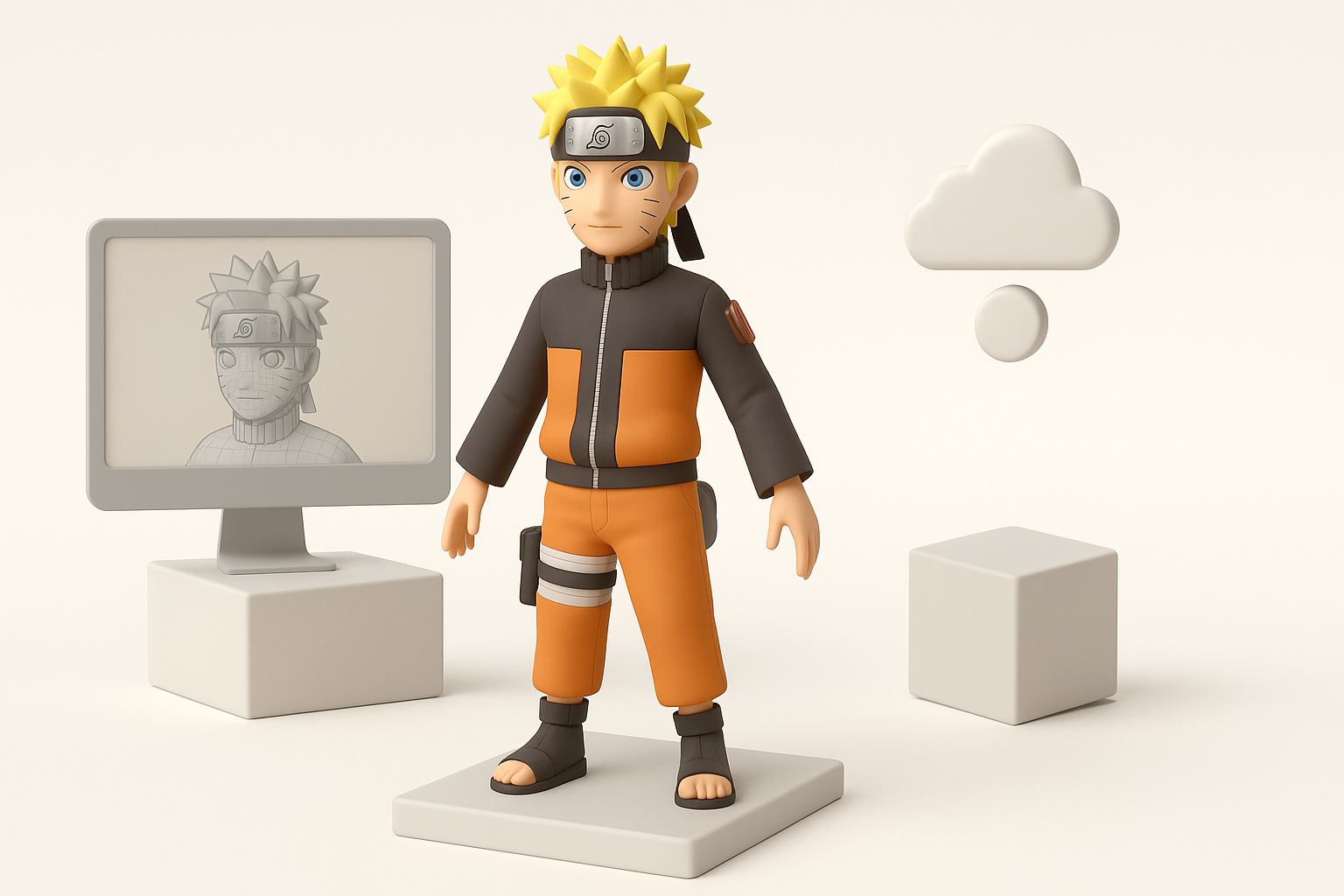
Before modeling, I always analyze reference images, concept art, and game requirements. Naruto characters demand accurate facial features, hair shapes, and costume details—often exaggerated for anime style. Environments must balance visual impact with gameplay clarity and performance.
Checklist:
- Gather high-res references from official sources
- Identify key silhouette and proportions
- Note costume and accessory details
Production-ready standards for game assets
Game assets need optimized geometry, clean UVs, and efficient textures. In my workflow, I target poly counts and texture resolutions suited for real-time rendering. Models must be compatible with rigging and animation, with consistent scale and pivot placement.
Pitfalls:
- Overly dense meshes slow performance
- Inconsistent scale disrupts animation and integration
Step-by-Step Workflow: From Concept to Completion
Generating base models from text, images, or sketches
I often start with AI-driven platforms like Tripo to generate base meshes from sketches or descriptive prompts. This speeds up the ideation phase and gives me a solid foundation to refine.
Steps:
- Input detailed text or upload sketches/images
- Adjust parameters for stylized proportions
- Review generated mesh for accuracy
Intelligent segmentation, retopology, and texturing
After generating a base model, I use built-in segmentation tools to separate clothing, hair, and accessories. Automated retopology ensures clean edge flow for animation. Texturing tools help create cel-shaded or hand-painted looks typical of Naruto.
Tips:
- Use segmentation to isolate parts for easier rigging
- Check retopology for proper loop placement around joints
- Test texture maps for color consistency and style
Rigging and Animation: Bringing Naruto Characters to Life
Best practices for rigging anime-style models
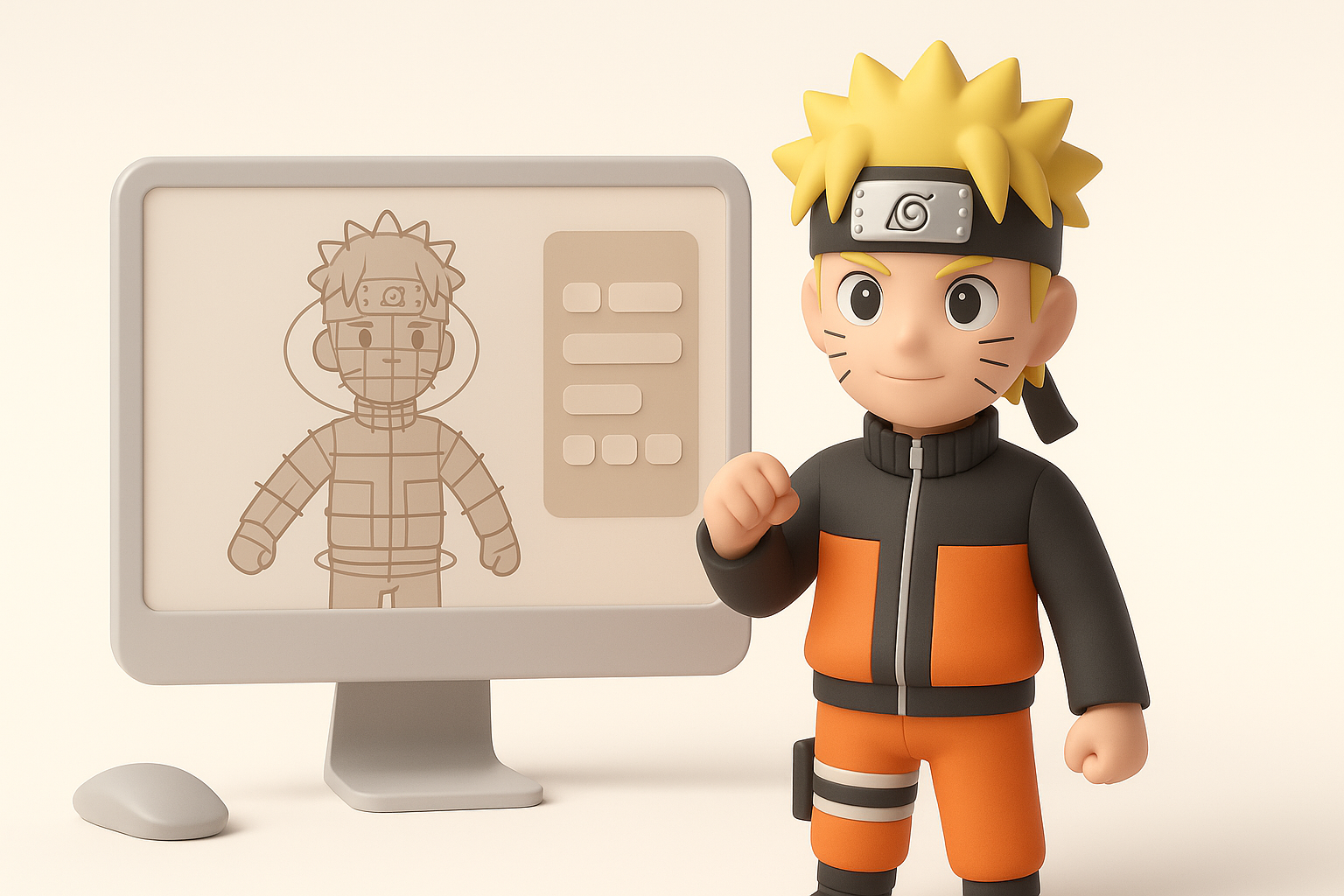
Anime characters require expressive facial rigs and flexible body rigs. I prioritize clean topology around joints and facial features to enable exaggerated poses. Automated rigging tools can speed up bone placement, but manual adjustments are often needed for stylized anatomy.
Rigging checklist:
- Place bones for hair and accessories
- Use blend shapes for facial expressions
- Test deformations with extreme poses
Animating for dynamic gameplay and cutscenes
Dynamic gameplay animations rely on snappy, exaggerated motion. I use reference videos and in-game footage to match timing and style. Cutscene animation benefits from layered animation and secondary motion for clothing and hair.
Pitfalls:
- Rigid rigs limit expressive poses
- Overly complex rigs can slow down animation workflow
Optimizing Models for Game Integration
Balancing detail and performance
I always optimize models by reducing unnecessary polygons and simplifying textures. For Naruto Storm Connections, maintaining silhouette and key details is more important than micro-detail. I use LODs (levels of detail) for environments and secondary characters.
Optimization tips:
- Remove hidden geometry inside clothing
- Use texture atlases to reduce draw calls
- Test models in engine for real-time performance
Exporting and testing in game engines
Exporting requires correct formats (FBX, GLTF) and consistent scale. I run quick tests in the target engine to check for lighting, animation, and collision issues. Iterative testing catches errors early.
Checklist:
- Set pivot points for proper placement
- Verify material assignments
- Run animation tests in engine
Comparing AI-Powered and Traditional 3D Creation Methods
Advantages of AI-driven workflows
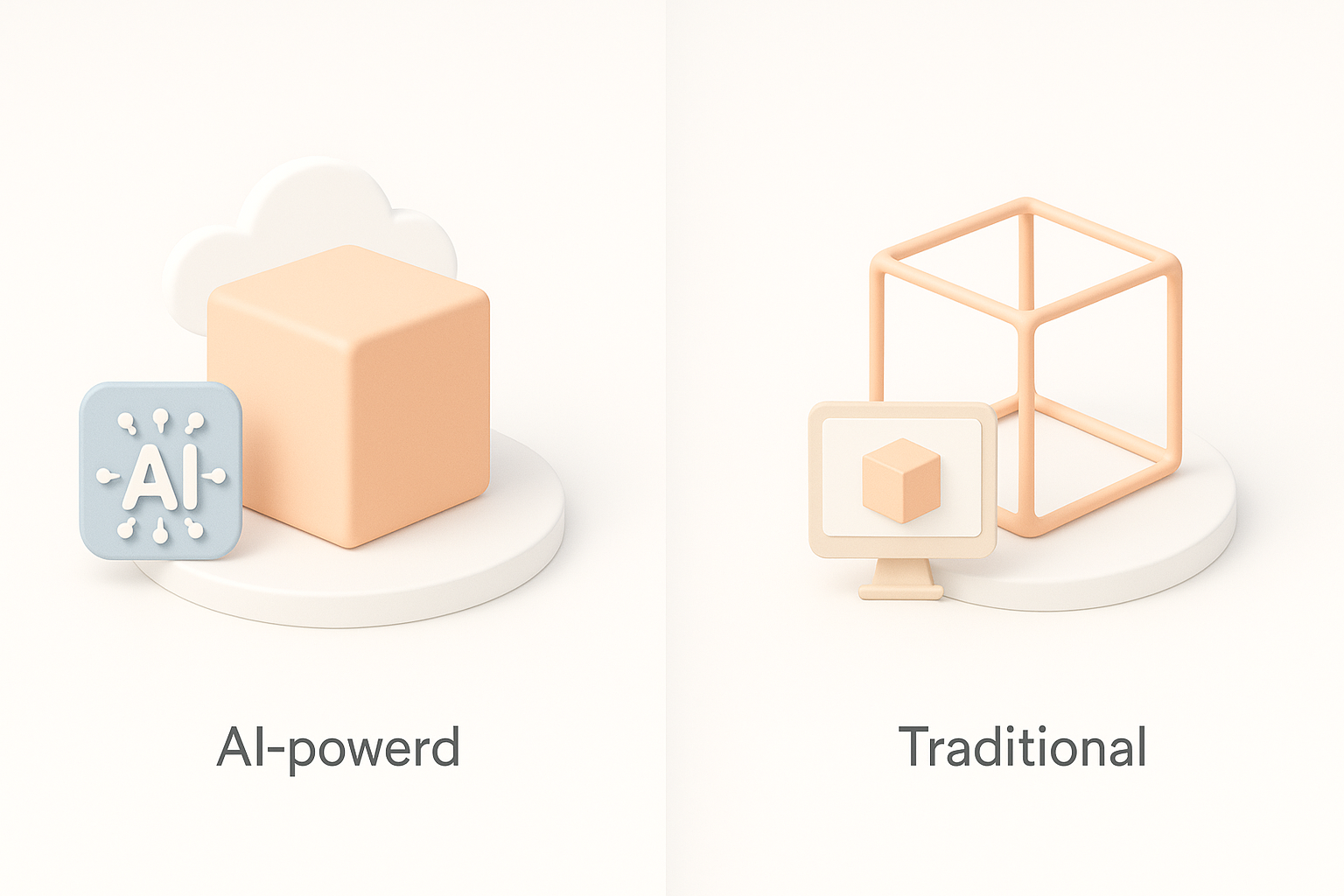
AI-powered tools like Tripo significantly speed up base mesh creation, segmentation, and texturing. In my experience, this allows me to focus on creative refinement and animation rather than repetitive technical tasks.
Benefits:
- Rapid prototyping from text/sketches
- Automated retopology and UV generation
- Consistent style across assets
When to use alternative methods
Traditional modeling is still essential for custom shapes, complex rigs, and highly detailed assets. I switch to manual methods when AI outputs need significant refinement or when unique character features are required.
Pitfalls:
- AI-generated meshes may need manual cleanup
- Stylized details often require hand sculpting
Expert Tips: What I’ve Learned Creating Naruto Storm Connections Models
Common challenges and solutions
Facial rigging and maintaining style consistency are the biggest hurdles. I solve these with blend shapes for expressions and by establishing a style guide early. Hair and clothing often need extra bones for dynamic motion.
Solutions:
- Use reference sheets for style consistency
- Create reusable rig templates
- Automate repetitive tasks where possible
Personal workflow enhancements and tool recommendations
Integrating AI tools into my workflow has cut production time in half. I recommend starting with AI-generated bases, then refining with traditional sculpting and rigging. Keep a library of reusable assets and scripts for efficiency.
My workflow tips:
- Start with AI-generated base, refine manually as needed
- Batch process textures and UVs for consistency
- Test regularly in engine to catch issues early
If you’re aiming to create high-quality Naruto Storm Connections 3D models, combining AI-powered automation with traditional artistry delivers the best results—both for speed and style.