Creating a Marvel Rivals Squirrel Girl 3D Model: Expert Workflow
Designing a game-ready Squirrel Girl model for Marvel Rivals is a practical showcase of modern 3D workflows. I leverage AI-powered tools to accelerate modeling, segmentation, and texturing, drastically reducing production time without sacrificing quality. This article is for artists and developers seeking efficient, production-ready pipelines—especially those working in gaming and XR environments. My hands-on approach highlights common pitfalls, optimization strategies, and integration tips for seamless game asset deployment.
Key takeaways:
- AI-driven platforms can cut modeling times from hours to minutes.
- Reference gathering and style definition are crucial for character consistency.
- Intelligent segmentation and retopology ensure clean, efficient meshes.
- Rigging and animation prep must match game engine requirements.
- Export settings and in-engine testing are vital for asset performance.
Executive Summary and Key Takeaways
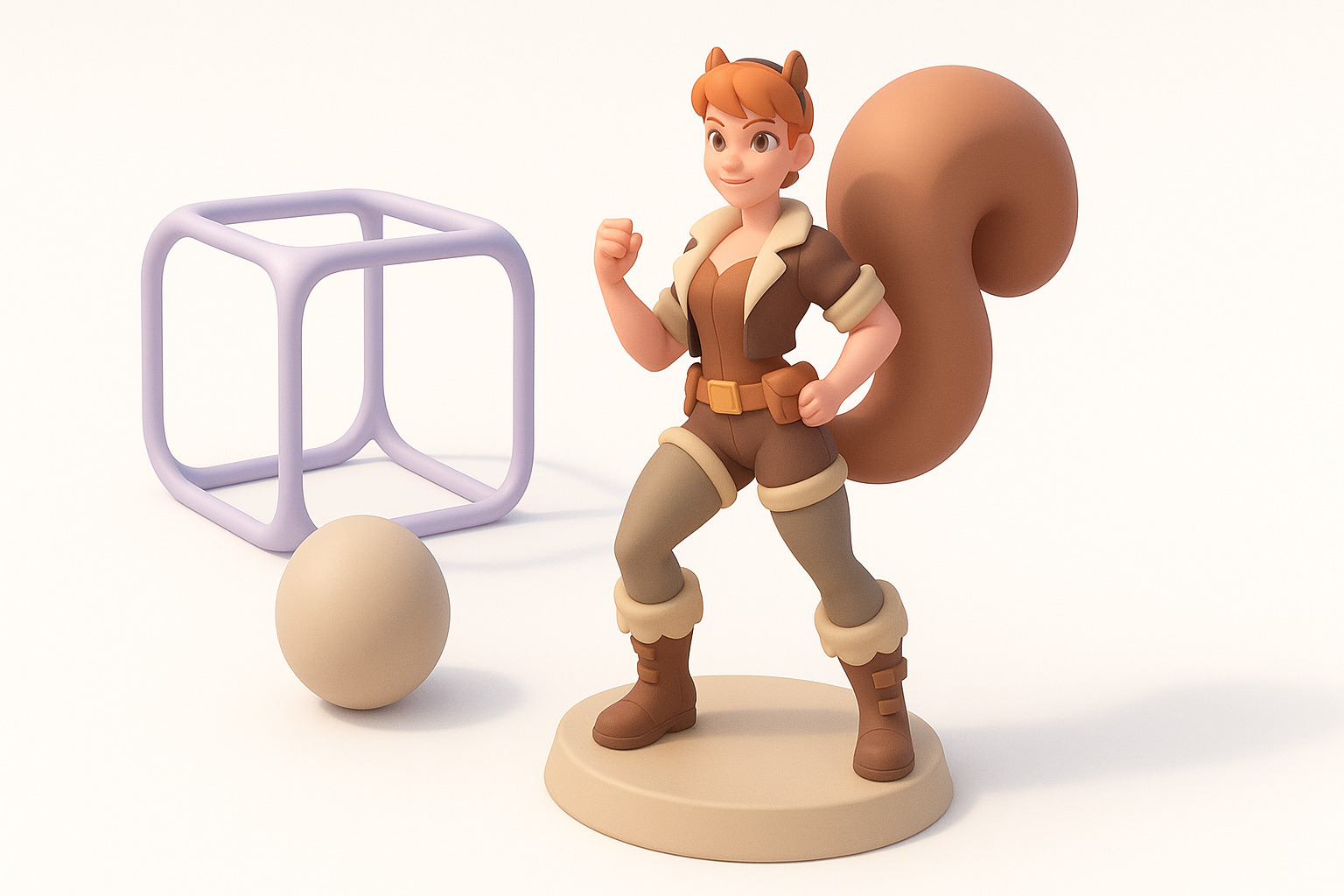
Overview of the 3D modeling process
In my experience, creating a character model for a game like Marvel Rivals involves concept development, rapid prototyping, and iterative refinement. Modern AI-powered tools streamline each stage, allowing me to focus more on creative decisions and less on technical bottlenecks.
Essential insights for creators
- Fast iteration is possible with AI-assisted workflows.
- Production readiness depends on mesh quality, proper UVs, and optimized textures.
- Integration requires awareness of target engine constraints (polycount, rigging standards).
Conceptualizing Squirrel Girl for Marvel Rivals
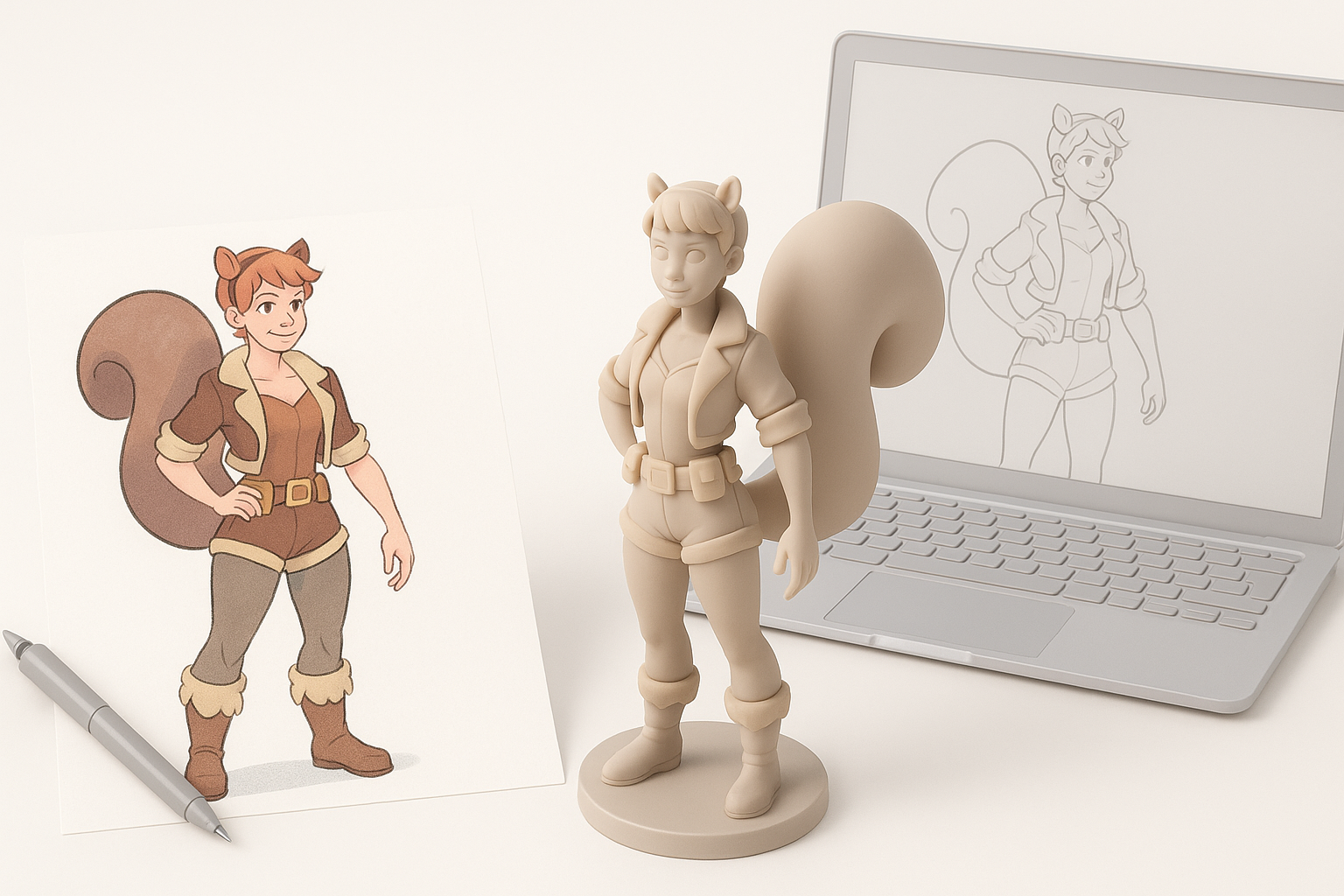
Gathering references and inspiration
I start by collecting high-quality images of Squirrel Girl from comics, fan art, and previous game adaptations. I also study Marvel Rivals’ art direction to align style and proportions. Mood boards help clarify character traits and visual motifs.
Checklist:
- Comic panels and official artwork
- Screenshots from Marvel Rivals
- Pose and expression references
Defining character style and pose
For Marvel Rivals, I aim for stylized realism with exaggerated features and dynamic poses. I sketch several thumbnails, focusing on silhouette and personality. Choosing a pose that fits gameplay requirements (idle, action-ready) is essential.
Tips:
- Prioritize clear silhouette for readability in-game.
- Match pose to typical game animations (run, attack, idle).
- Use feedback from peers or art directors early.
Choosing the Right 3D Creation Tools
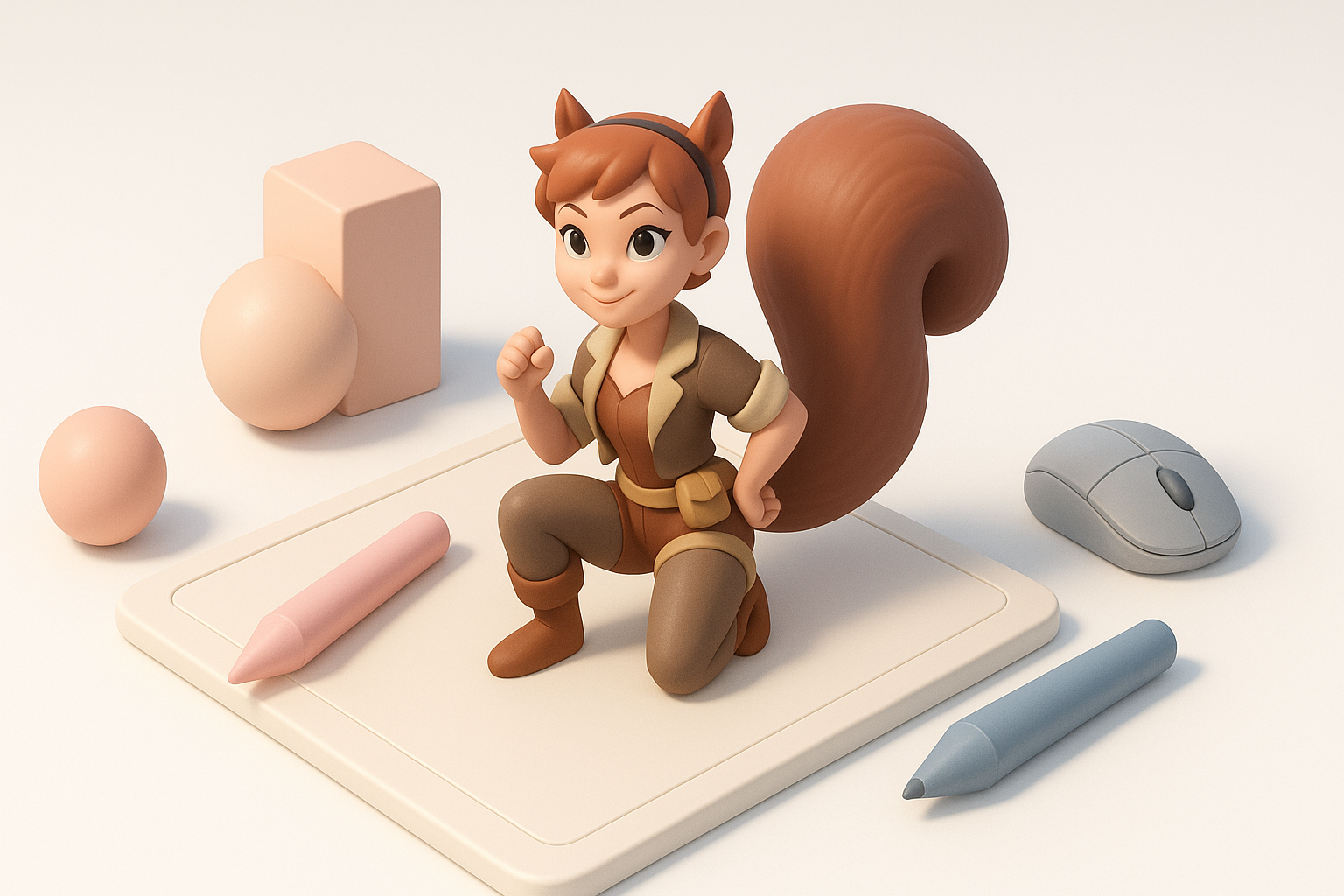
AI-powered platforms for rapid modeling
I rely on AI-driven tools like Tripo to generate base meshes from sketches or text prompts. This jump-starts the process, letting me refine topology and details without manual sculpting. Built-in segmentation and retopology features save hours.
Benefits:
- Fast mesh generation from concept inputs
- Automated UVs and basic texturing
- Easy export for further refinement
Comparing traditional and modern workflows
Traditional modeling demands manual sculpting, retopology, and texturing—often taking days. Modern platforms automate these steps, freeing me to iterate quickly and focus on creative polish.
Pitfalls:
- Over-reliance on automation can produce generic results; custom tweaks are still necessary.
- AI-generated meshes may need manual cleanup for edge cases.
Step-by-Step Workflow: From Sketch to Production-Ready Model
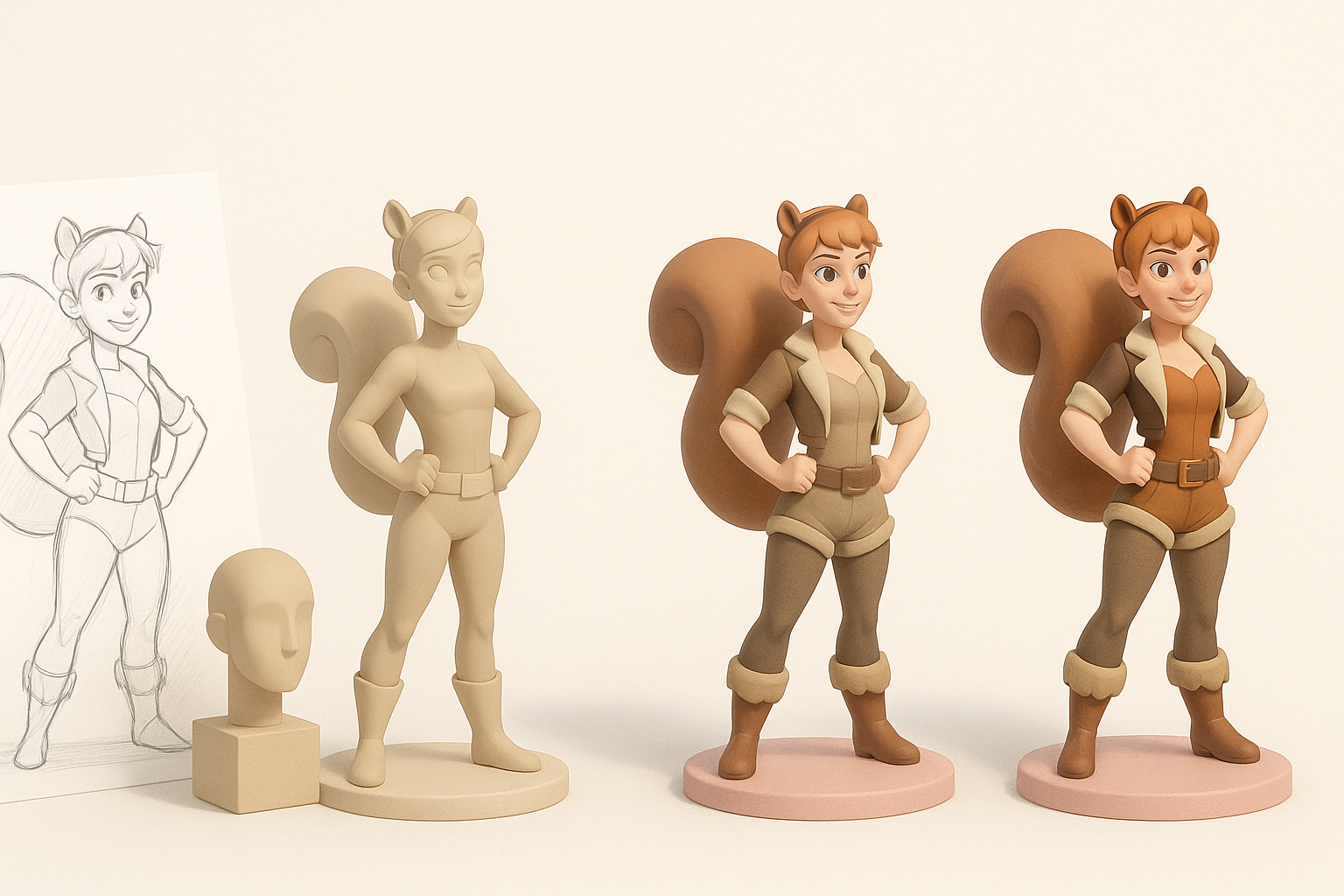
Segmentation, retopology, and texturing best practices
After generating a base mesh, I use intelligent segmentation to separate costume, skin, and accessories. Automated retopology ensures clean edge loops for animation. Texturing tools let me paint or apply stylized materials that match Marvel Rivals’ look.
Steps:
- Generate base mesh from sketch or prompt.
- Segment model into logical parts (body, tail, costume).
- Apply automated retopology for clean topology.
- Use AI-assisted texturing or hand-paint for unique details.
Rigging and animation for game integration
Rigging is critical for gameplay. I use auto-rigging features to place joints, then adjust weights for smooth deformation. Animation previews help verify movement quality before export.
Tips:
- Match rig structure to Marvel Rivals’ requirements.
- Test with sample animations to spot deformation issues.
- Export with compatible formats (FBX, GLTF).
Personal Tips and Lessons Learned
What I do to streamline the process
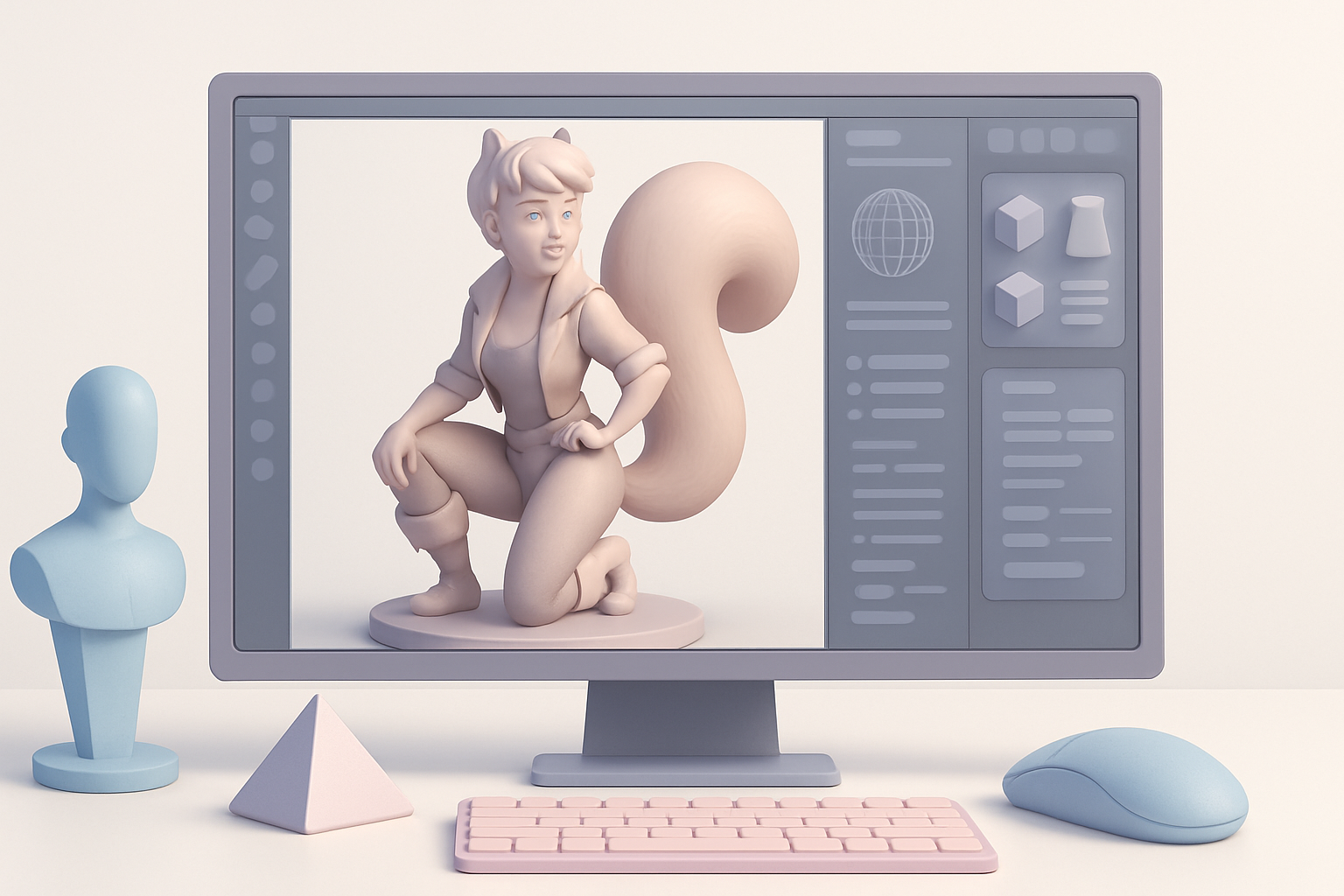
I always start with clear references and block out the character quickly using AI tools. Segmenting early prevents texture and rigging headaches later. Regular feedback loops with the team catch style mismatches before they become costly.
My workflow:
- Reference and mood board first
- AI mesh generation and segmentation
- Manual tweaks for uniqueness
- Frequent export and in-engine tests
Common challenges and how I overcome them
Mesh artifacts and texture stretching are common with automated workflows. I manually clean up topology and adjust UVs as needed. Rigging can produce odd deformations, so I test with extreme poses to catch issues early.
Pitfalls:
- Generic AI results—always customize details
- Texture seams—fix UVs before final export
- Rigging errors—test with all core animations
Exporting and Integrating the Model into Marvel Rivals
Optimizing for game engines
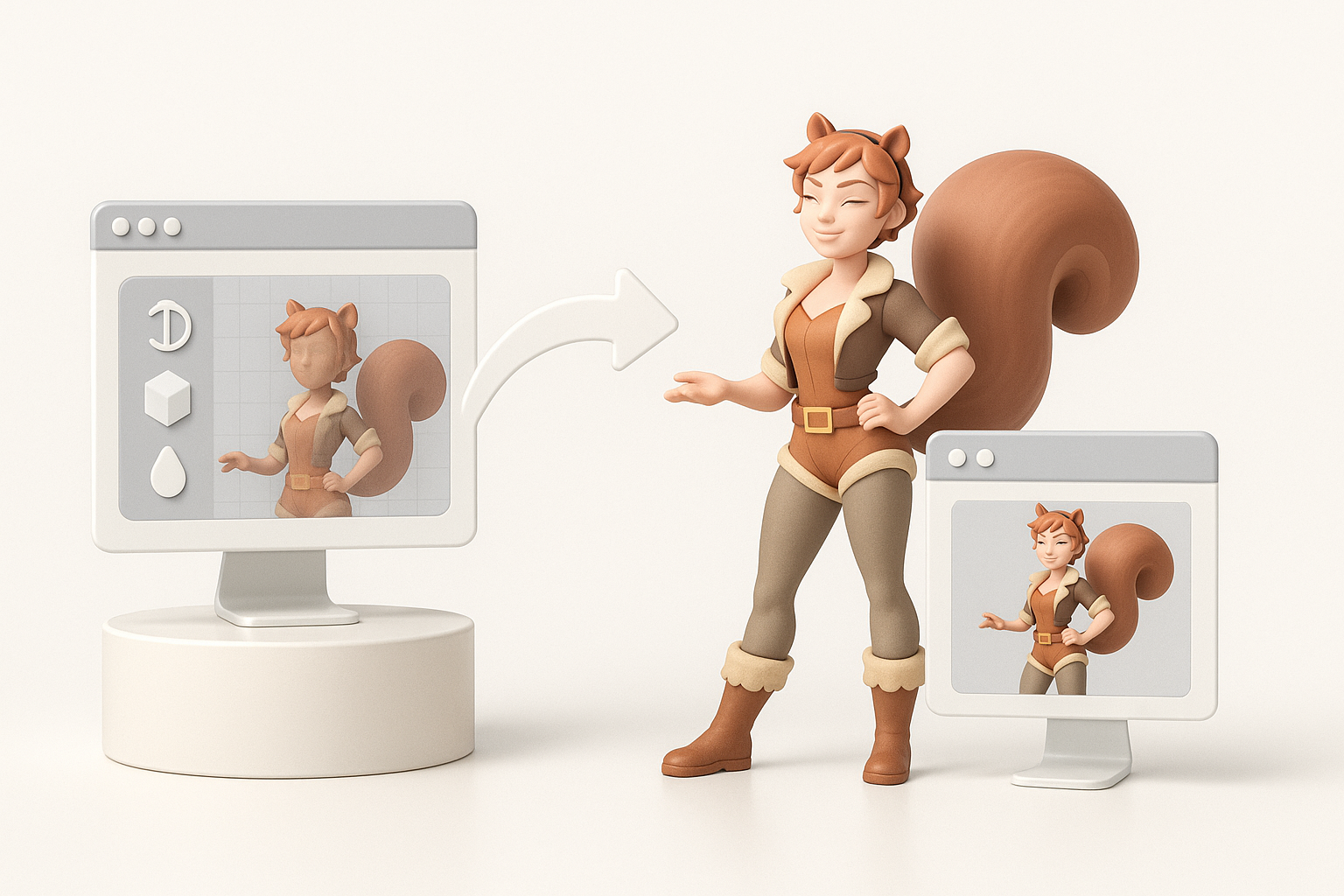
I optimize polycount and texture resolution to meet Marvel Rivals’ performance targets. Tripo’s export settings let me choose game-ready formats and tweak materials for engine compatibility.
Checklist:
- Reduce unnecessary polygons
- Compress textures without losing detail
- Export in engine-friendly formats
Testing and final adjustments
After importing into the game engine, I check for visual fidelity, animation playback, and performance. Final tweaks may include adjusting shaders, fixing rig weights, or re-exporting textures.
Tips:
- Test in actual game scenarios (lighting, camera angles)
- Get feedback from gameplay testers
- Iterate until the character feels right in-game
Conclusion:
Creating a Marvel Rivals Squirrel Girl 3D model is faster and more creative with AI-powered workflows, but hands-on refinement and careful integration are still essential. My process balances automation and artistry, ensuring both speed and quality for game-ready assets.