Creating League of Legends 3D Models: Workflow & Best Practices
As someone who’s worked extensively on stylized 3D models for games and XR, I’ve found that League of Legends (LoL) assets demand a blend of artistic style, technical precision, and efficiency. In this article, I’ll break down my end-to-end workflow—covering concepting, modeling, texturing, rigging, and export—while sharing best practices and common pitfalls. This guide is ideal for artists, game developers, and anyone aiming to create production-ready, stylized 3D characters or props for interactive media.
Key takeaways
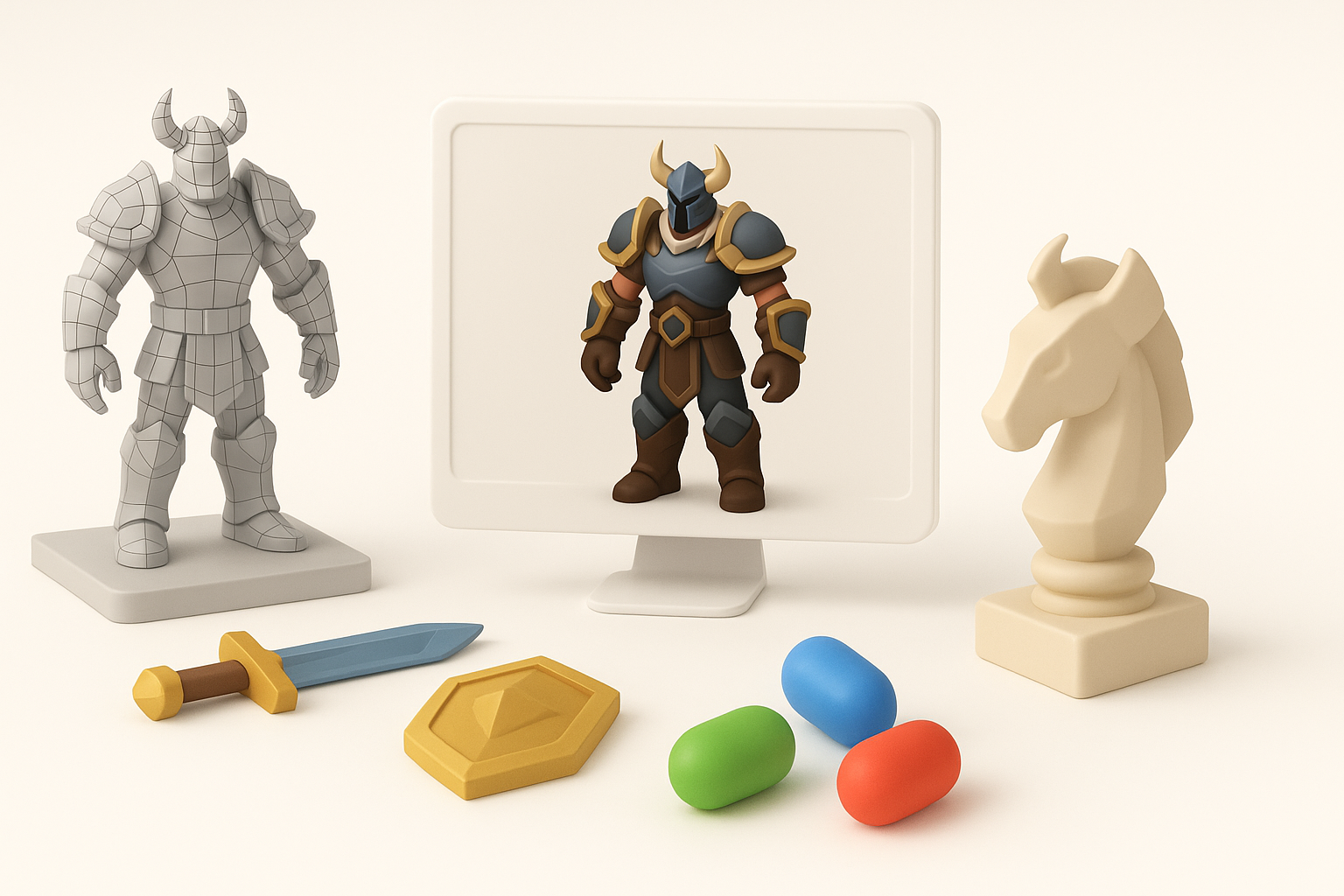
- LoL models require stylized proportions, clean topology, and efficient textures for real-time use.
- Starting with clear references and concept art streamlines the entire process.
- AI-powered tools like Tripo can accelerate base mesh creation and retopology.
- Good texturing and rigging are crucial for expressive, game-ready assets.
- Always optimize and test assets in your target engine or XR platform before final delivery.
Overview of League of Legends 3D Model Creation
What Makes League of Legends Models Unique
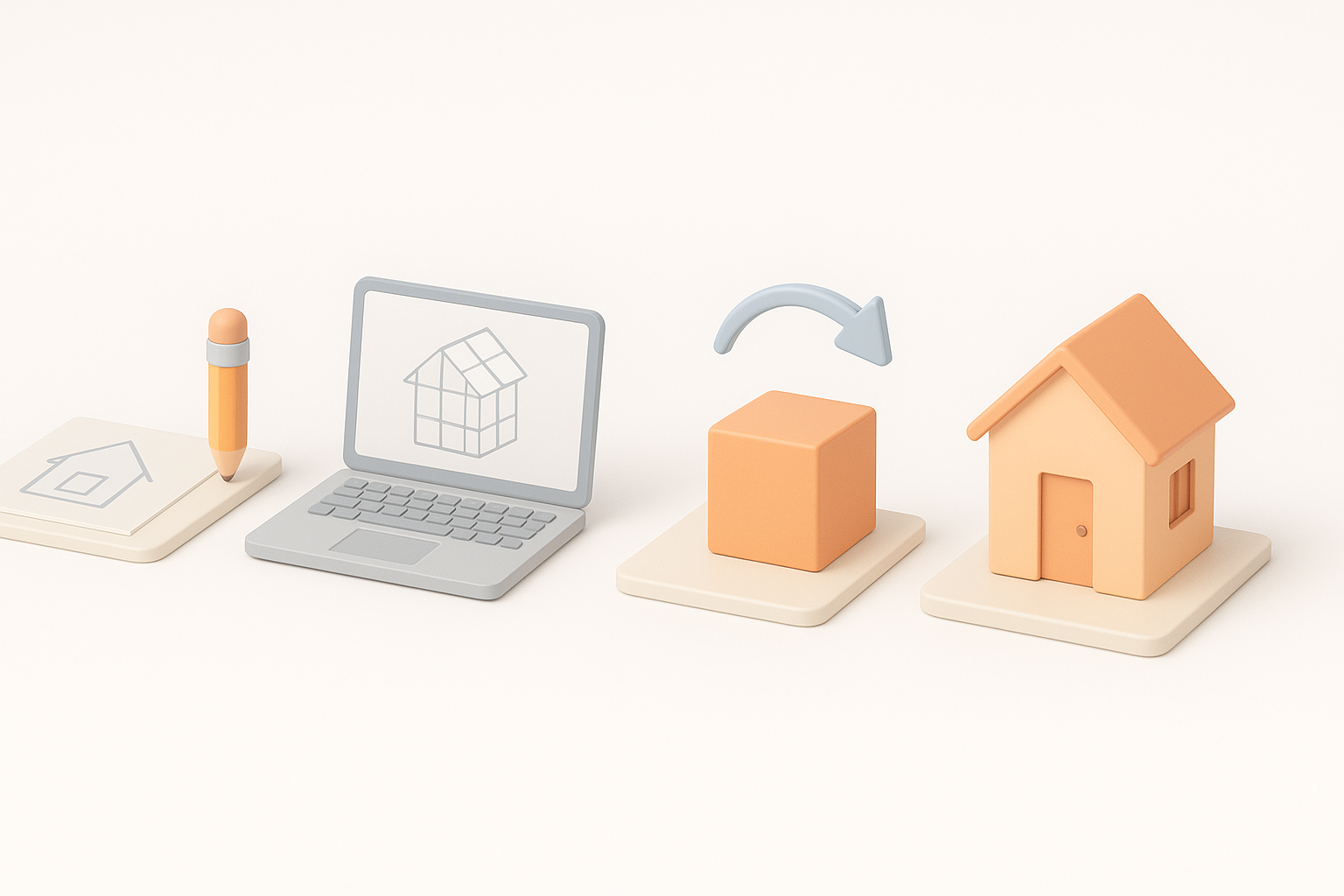
League of Legends models are instantly recognizable for their exaggerated proportions, bold silhouettes, and hand-painted textures. In my experience, the stylization isn’t just about looks—it’s about clarity and readability in fast-paced gameplay. This means prioritizing clear forms, limited color palettes, and details that read well from a distance.
Common Use Cases in Games and XR
Most often, I create LoL-style models for:
- Character skins and alternate costumes
- Environmental props and set pieces
- XR experiences where clear, stylized visuals enhance user engagement
In all cases, the goal is to balance visual appeal with low resource usage for real-time performance.
Step-by-Step Workflow for Building a 3D Model
Concepting and Reference Gathering
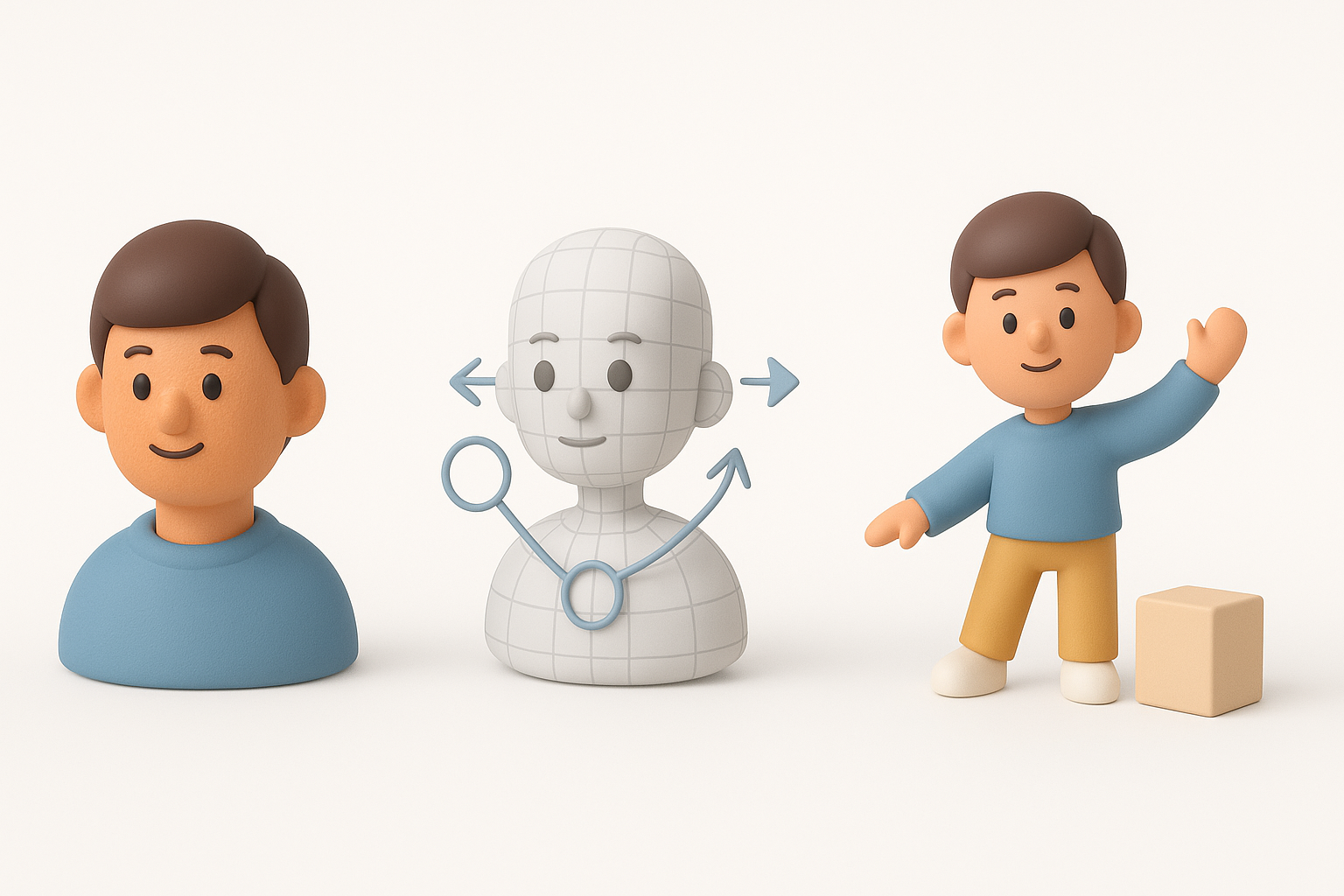
Every successful project I’ve worked on starts with a strong concept. My process:
- Gather official LoL concept art, in-game screenshots, and fan art
- Break down references into mood boards: silhouette, color, materials, and pose
- Annotate key features—proportions, accessories, and surface details
This prep work ensures I stay true to the visual language of the game.
From Text Prompt to Base Mesh: My Process
When time is tight, I use Tripo to generate a base mesh from a text prompt or sketch. Here’s my typical workflow:
- Input a descriptive prompt and reference images into Tripo
- Review the generated mesh for overall form and silhouette
- Refine in a DCC tool, adjusting proportions and blocking out secondary forms
This approach gives me a solid starting point, letting me focus on creative tweaks rather than technical setup.
Texturing, Rigging, and Animation Techniques

Texturing for Stylized Characters
LoL models rely on hand-painted textures and subtle gradients. My texturing checklist:
- Bake ambient occlusion and curvature maps for painting guides
- Use a limited color palette for consistency
- Emphasize highlights and shadows to reinforce volume
I typically paint in layers—base color, shadows, highlights, and detail passes—using a 3D paint tool or Photoshop.
Efficient Rigging and Animation Tips
For rigging, I prioritize:
- Clean, minimal bone structures for fast in-game performance
- Simple facial rigs for expressive emotes (if needed)
- Weight painting with focus on deformation at joints
When animating, I block out key poses first, then refine timing. I always test rigs in-engine to catch issues early.
Best Practices for Production-Ready Models

Retopology and Optimization Strategies
Clean topology is non-negotiable for real-time assets. My process:
- Use Tripo’s retopology tools for fast, quad-based meshes
- Target a triangle count appropriate for the asset’s screen size
- Remove non-manifold geometry and unnecessary edge loops
I also bake normal and AO maps from high-poly sculpts to low-poly meshes for added detail without extra geometry.
Exporting for Game Engines and XR
Before export, I:
- Apply transforms and freeze scales
- Check UVs for overlaps and efficient packing
- Export in engine-friendly formats (FBX, glTF)
I always preview models in the target engine or XR platform to verify lighting, shaders, and performance.
Choosing the Right Tools and Platforms
When I Use AI-Powered Platforms
I turn to AI-powered platforms like Tripo when:
- I need a quick base mesh for iteration
- Time constraints make manual modeling impractical
- I want to generate multiple variations for client review
These tools are especially handy for rapid prototyping and early-stage ideation.
Comparing Alternative Methods
Manual modeling offers ultimate control, but is time-consuming. I use it for hero assets or when fine detail is crucial. Automated tools excel for background props or when speed is key. My advice: match the tool to the project’s needs and your own strengths.
Lessons Learned and Expert Tips
Common Pitfalls and How I Avoid Them
Some traps I’ve learned to sidestep:
- Overcomplicating topology: Keep it simple for faster iteration and easier rigging
- Neglecting UVs: Poor UVs make texturing a nightmare—plan them early
- Forgetting engine constraints: Always check polycount, texture size, and shader compatibility
My Recommendations for Beginners
- Start with small props before tackling full characters
- Use AI tools to accelerate learning, but don’t skip manual fundamentals
- Study official LoL art and dissect game assets to understand what works
With practice and the right workflow, anyone can create production-ready, stylized 3D models for games and XR.