Creating Final Fantasy 7 Rebirth 3D Models: Expert Workflow & Tips
Creating production-ready 3D models inspired by Final Fantasy 7 Rebirth is a rewarding but demanding process. Over the years, I’ve honed a workflow that blends deep analysis of reference art, AI-powered tools for rapid prototyping, and best practices for game-ready assets. Whether you’re a game developer, digital artist, or XR creator, the right combination of input methods, segmentation, retopology, and texturing is crucial for authenticity and efficiency. In this article, I’ll break down my process, share practical tips, and highlight common pitfalls—so you can deliver high-quality FF7 Rebirth-style assets for any production pipeline.
Key takeaways
- Analyze FF7 Rebirth references closely to capture character essence and iconic features.
- Choose input methods (text, image, or sketch) based on project needs and available resources.
- Use AI-powered platforms like Tripo to accelerate prototyping, segmentation, and texturing.
- Prioritize clean geometry and optimized topology for real-time performance.
- Rigging and animation require a blend of automation and manual refinement for lifelike results.
- Integrate AI tools into traditional pipelines to boost efficiency without sacrificing quality.
Understanding Final Fantasy 7 Rebirth Character Design
Analyzing reference materials and art style
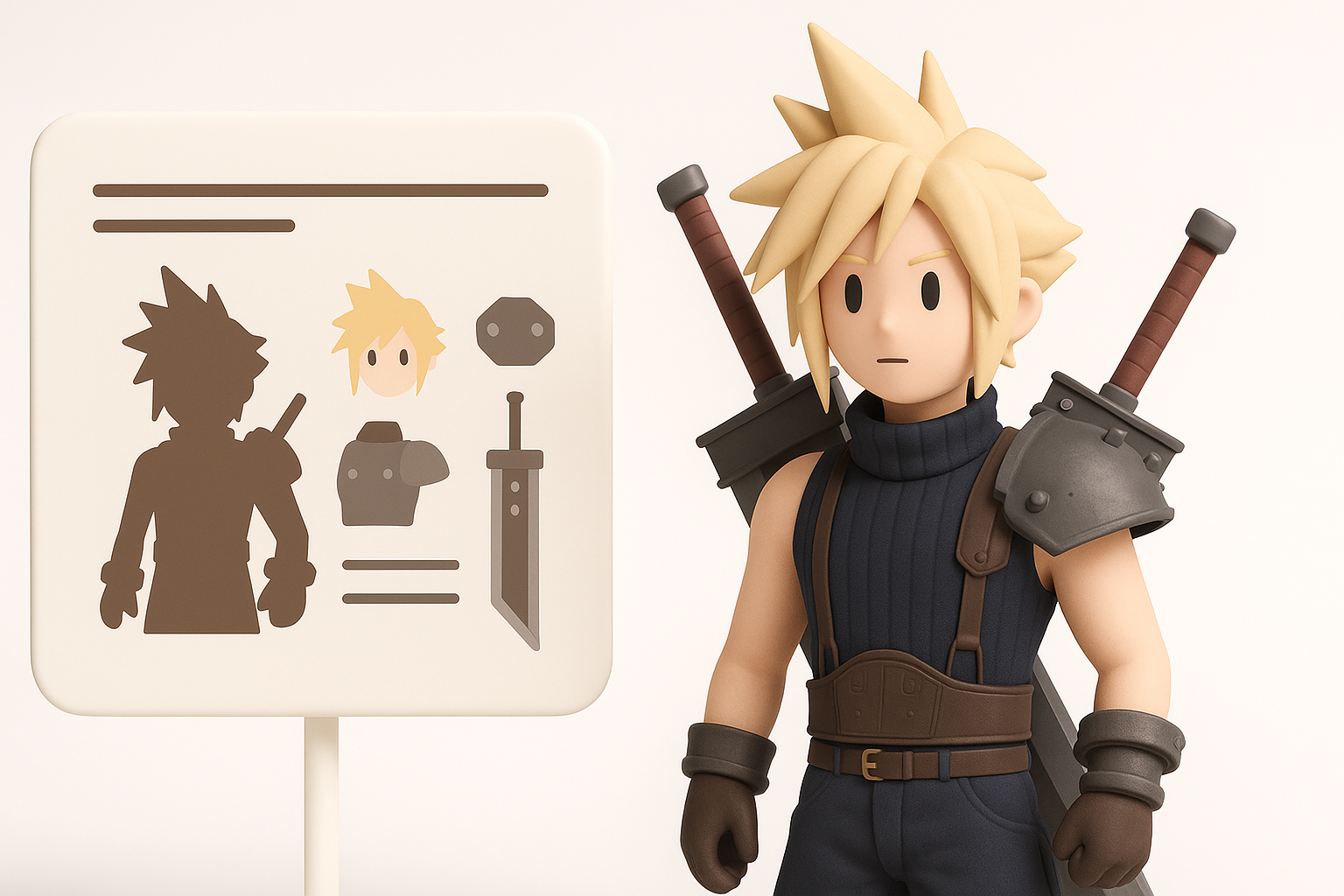
When modeling for FF7 Rebirth, I always start by collecting a comprehensive set of references. This includes official character sheets, cinematic stills, in-game screenshots, and fan art. I pay close attention to proportions, costume details, and facial features—Square Enix’s art direction leans toward stylized realism, so understanding these nuances is critical.
Checklist:
- Gather high-res references from multiple angles
- Note signature elements (e.g., Cloud’s sword, Aerith’s dress)
- Study lighting and material cues in official renders
Identifying key features for accurate modeling
To achieve authenticity, I break down each character into essential components: silhouette, anatomy, clothing, and accessories. I make a list of must-have details—like Tifa’s gloves or Barret’s arm cannon—to ensure nothing iconic gets missed.
Common pitfalls:
- Overlooking subtle asymmetries or unique textures
- Ignoring scale relationships between props and characters
My Workflow for Generating 3D Models from Text, Images, or Sketches
Choosing the right input method for the project
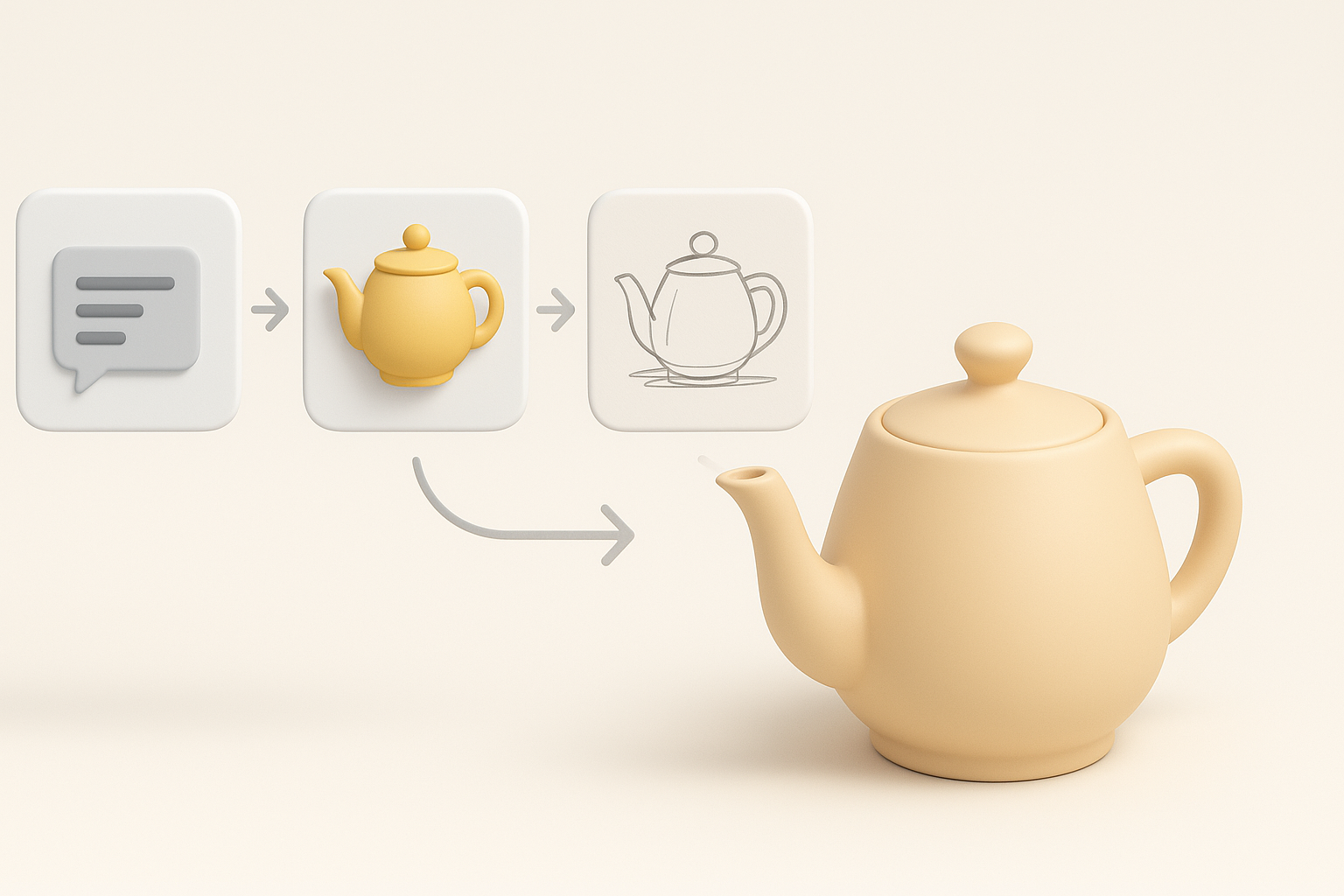
Depending on available resources and deadlines, I’ll start with either a text prompt, a reference image, or a hand-drawn sketch. For rough concepts, text prompts can spark quick iterations. When accuracy is paramount, I prefer detailed sketches or photo references.
Practical tip:
If you’re working with a team, clarify which input method aligns with your art direction and production schedule.
Leveraging AI-powered platforms for rapid prototyping
Platforms like Tripo have transformed my early-stage workflow. By uploading a sketch or describing a character in text, I can generate a solid 3D base mesh in seconds. This drastically speeds up concept validation and lets me focus on creative refinement rather than manual blocking.
Steps I follow:
- Input prompt (text/image/sketch) into Tripo
- Review and tweak the auto-generated mesh
- Quickly iterate on pose or accessory variations
Best Practices for Segmentation, Retopology, and Texturing
Intelligent segmentation for clean geometry
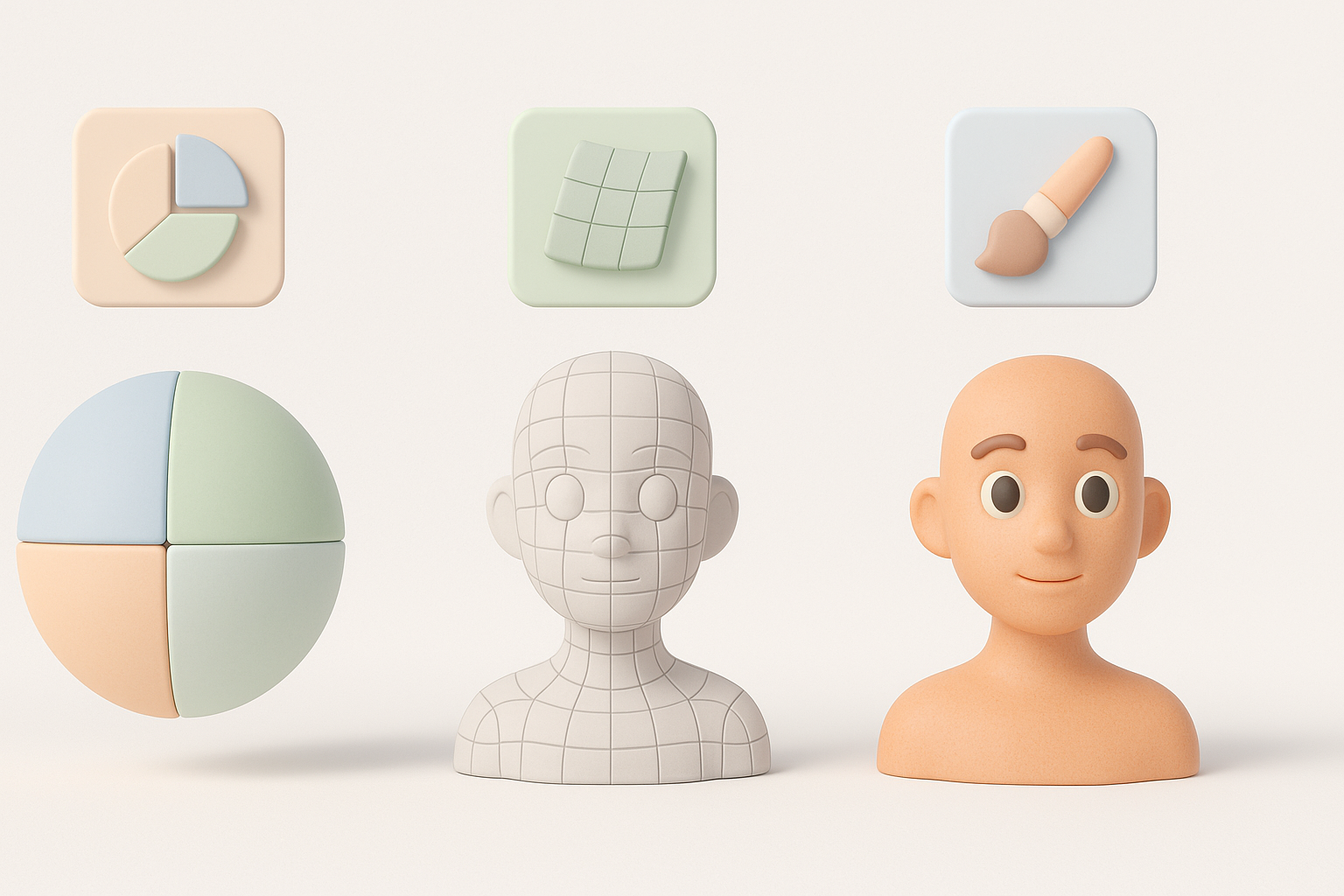
Clean segmentation is essential for both animation and texturing. I use Tripo’s segmentation tools to automatically separate body parts, clothing, and props. This minimizes cleanup and ensures each component is logically organized for downstream work.
Mini-checklist:
- Segment by material (skin, cloth, metal)
- Name and group mesh parts logically
- Check for overlapping geometry
Retopology techniques for game-ready assets
Game engines demand optimized meshes. I leverage automated retopology to reduce polycount while preserving silhouette and detail. For hero assets, I manually adjust edge loops around joints and facial features for better deformation.
Pitfalls to avoid:
- Excessive polycount in non-deforming areas
- Poorly placed poles near articulation points
Texturing workflows for authentic FF7 Rebirth look
Texturing is where the FF7 Rebirth style comes alive. I use physically based rendering (PBR) maps but tweak roughness and specular values to match the game’s semi-stylized finish. Smart texturing tools in Tripo help me quickly bake and preview materials.
Tips:
- Use reference images to match fabric and metal finishes
- Layer hand-painted details for stylization
- Preview in-engine to catch lighting issues early
Rigging and Animation: Bringing Models to Life
Automated rigging tools and manual adjustments
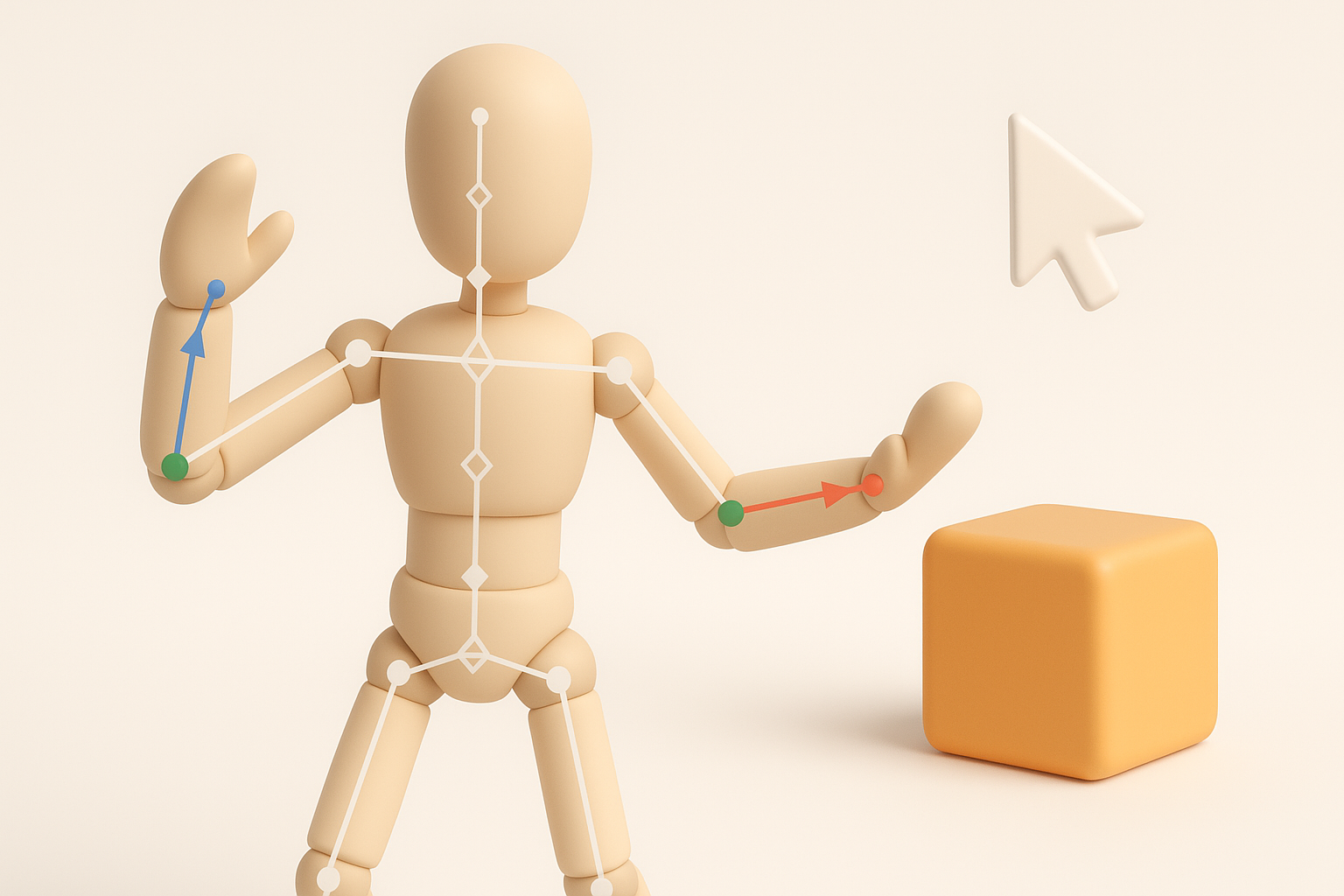
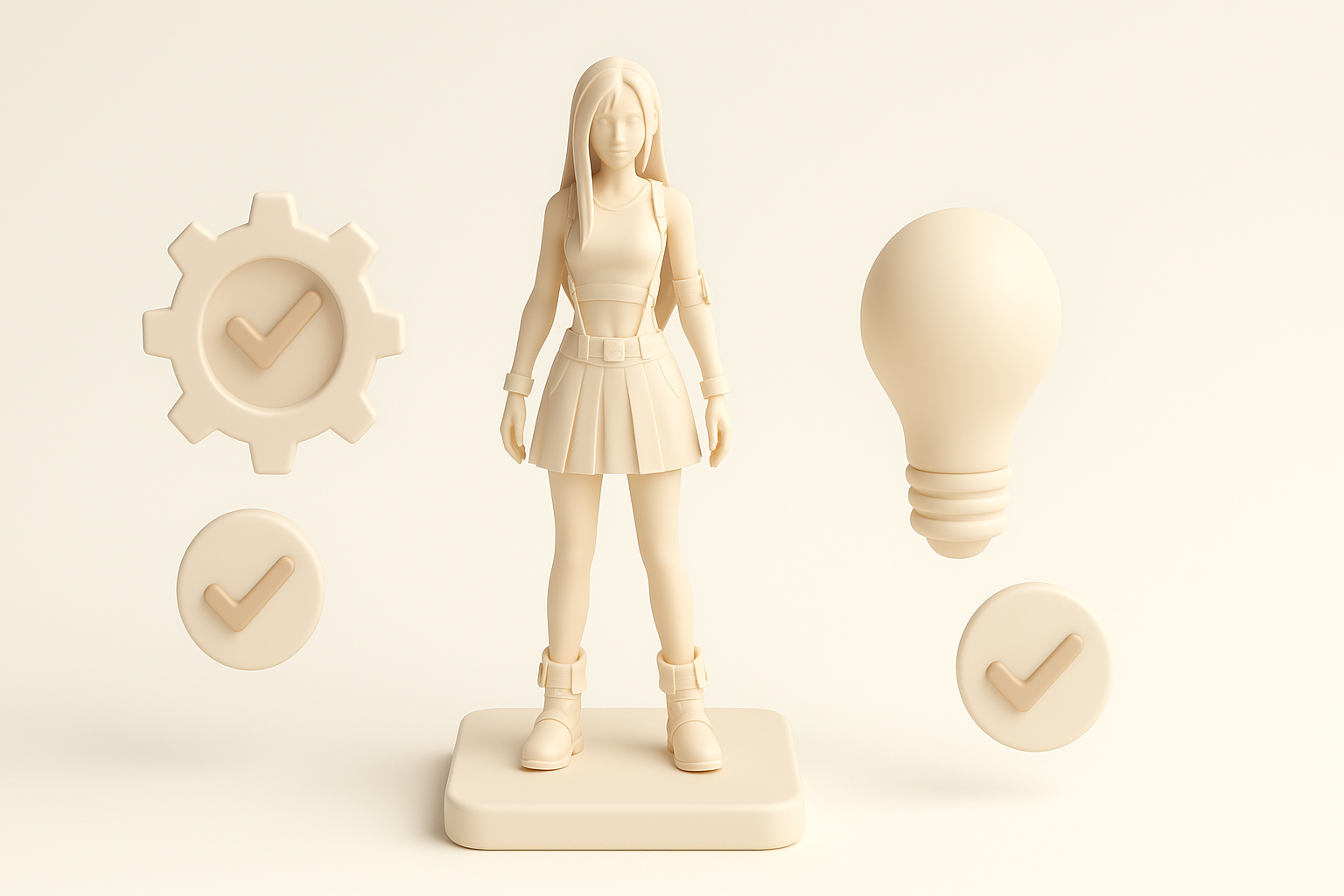
For most characters, I start with automated rigging to establish bone structure and skin weights. However, I always manually refine weight painting, especially around shoulders, hips, and facial features to avoid deformation artifacts.
Steps:
- Auto-rig in Tripo or similar tool
- Test basic poses and adjust weights
- Add corrective blendshapes if needed
Animating characters for interactive and cinematic use
I create a basic animation set (idle, walk, attack) to test rig integrity. For cinematic scenes, I layer in facial expressions and secondary motion. I always check animations in the target engine to ensure timing and transitions feel natural.
Checklist:
- Block out primary actions first
- Use reference video for complex movements
- Export and test in-engine frequently
Comparing AI-Powered and Traditional 3D Creation Methods
Efficiency and quality differences
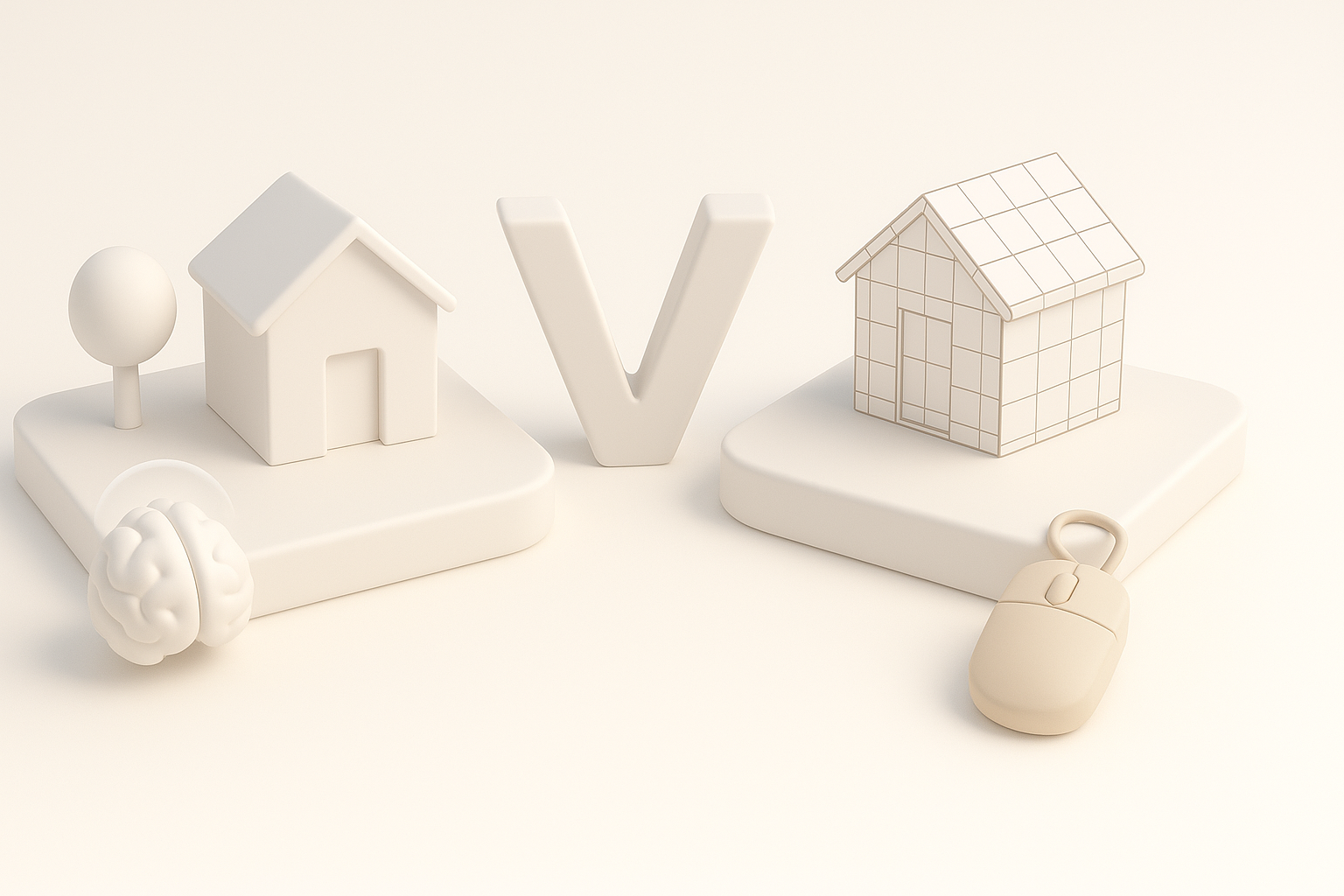
In my experience, AI-powered tools dramatically cut down the time for base modeling, segmentation, and even basic texturing. Traditional methods still shine for high-detail sculpting and nuanced manual polish. The key is knowing when to switch gears.
Key differences:
- AI: Fast iteration, great for concept and mid-poly assets
- Traditional: Superior for custom details and artistic control
Integrating AI tools into existing pipelines
I’ve found the best results come from a hybrid approach. I use AI tools for initial prototyping and segmentation, then bring models into my usual DCC suite for sculpting, retopology, and advanced texturing. This lets me leverage speed without sacrificing artistic intent.
Pitfall:
Don’t rely solely on AI output—always review and refine for production quality.
What I’ve Learned: Tips for Production-Ready FF7 Rebirth Models
Common challenges and how I solve them
Challenges I’ve faced:
- Achieving the right blend of realism and stylization
- Managing polycount for real-time performance
- Fixing auto-rigging errors in complex costumes
How I address them:
- Constantly compare with official references
- Use LODs and mesh decimation for optimization
- Manually tweak skin weights and add corrective shapes
Optimizing models for gaming, film, and XR
Each medium has unique requirements. For games, I prioritize clean topology and efficient UVs. For film, I allow higher polycounts and focus on cinematic detail. For XR, lightweight meshes and optimized textures are a must.
Optimization tips:
- Test models in target engine or platform early
- Bake normal and AO maps for detail without extra geometry
- Profile performance regularly to catch bottlenecks
By integrating AI-powered tools with traditional craftsmanship, I’ve streamlined my workflow for creating Final Fantasy 7 Rebirth-inspired 3D models. With careful reference analysis, smart segmentation, and a focus on optimization, you can deliver assets that meet the demands of modern games, film, and XR experiences.