Creating Deltarune 3D Models: Expert Workflow & Tips
Creating 3D models inspired by Deltarune is an exciting challenge for artists and developers aiming to capture the game’s unique style. In this guide, I’ll walk through my proven workflow—from planning and reference gathering to texturing, rigging, and leveraging AI tools to speed up production. Whether you’re a hobbyist or a professional, you’ll find actionable advice for producing game-ready, stylized assets efficiently. I’ll also highlight common pitfalls and share practical checklists I rely on to keep projects on track.
Key takeaways:
- Start with strong references and a clear plan for your chosen Deltarune asset.
- Block out forms quickly, then refine details iteratively.
- Use stylized texturing techniques to match Deltarune’s aesthetic.
- AI-powered tools like Tripo AI can accelerate modeling and texturing.
- Rig and animate with simplicity in mind for expressive, game-ready results.
- Optimize models for your target platform and showcase your work effectively online.
Executive Summary: Key Takeaways for Deltarune 3D Modeling
What to expect from this guide
This guide covers my end-to-end workflow for creating Deltarune-inspired 3D models, suitable for games, XR, or animation projects. I break down each phase, from initial planning to final export, and share the practical steps and tools I use. Expect actionable tips, checklists, and advice on integrating AI platforms to save time without sacrificing quality.
Summary of recommended workflows
- Begin with thorough reference gathering and planning.
- Use a blocking-first approach to quickly establish forms.
- Focus on stylized texturing and efficient UV mapping.
- Integrate AI-powered tools for speed and consistency.
- Optimize, rig, and animate for your intended platform.
Planning and Reference Gathering for Deltarune 3D Models
Choosing the right character or asset
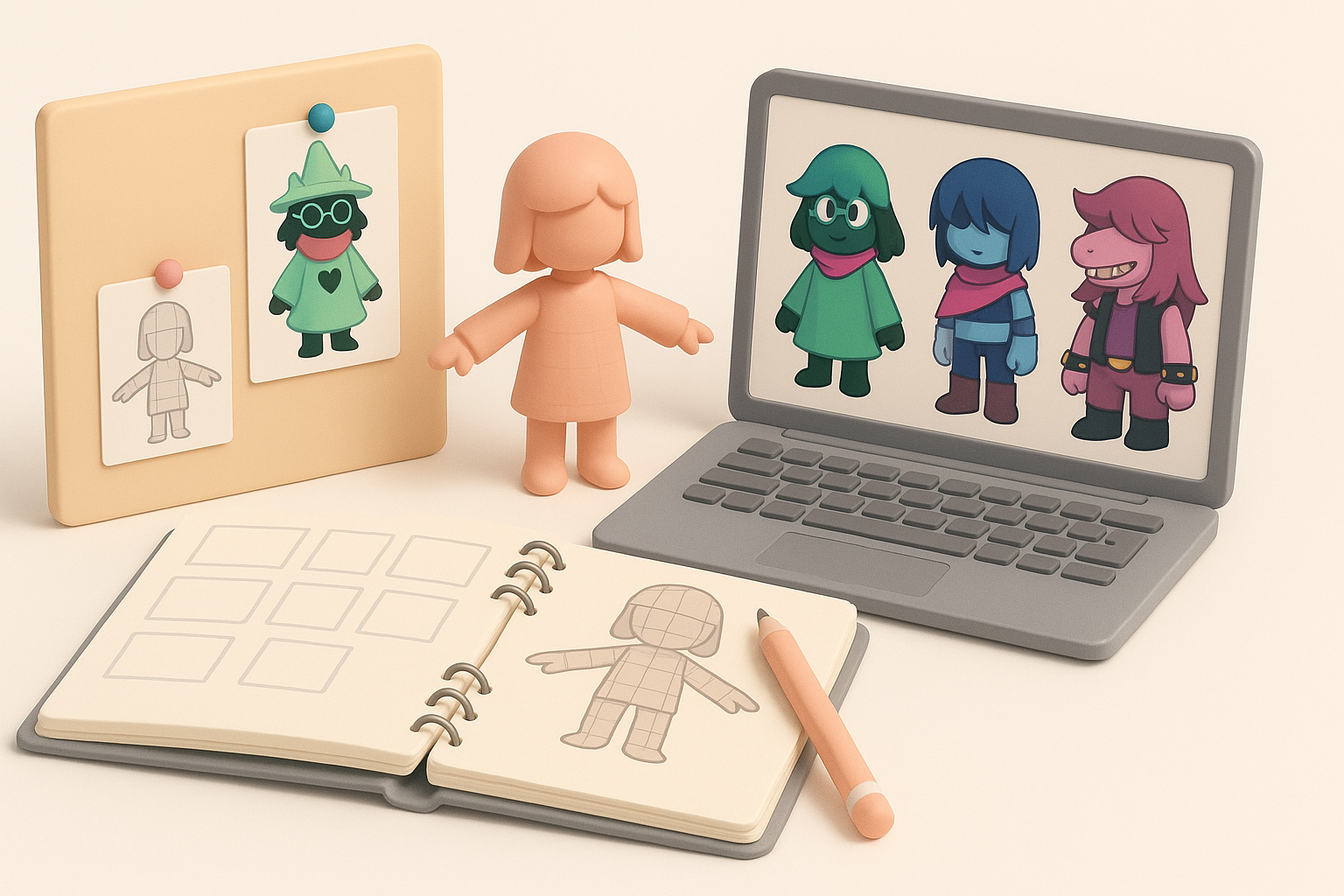
I always start by defining the scope: am I modeling a main character, an enemy, or a prop? For Deltarune, sticking to iconic characters like Kris, Susie, or Ralsei helps practice stylized forms and proportions. I recommend selecting assets that match your skill level; starting simple builds confidence before tackling complex characters.
Checklist:
- Pick a character/asset with clear references.
- Consider animation needs (static prop vs. fully rigged character).
- Match project scope to your available time and resources.
Collecting reference images and concept art
Gathering references is crucial. I compile official sprites, fan art, and any available concept sheets. I also look for 3D interpretations to understand how others translated 2D designs. Organizing references in PureRef or similar tools keeps everything accessible.
Tips:
- Use orthographic views if available.
- Collect close-ups for key details (faces, accessories).
- Avoid relying on a single image—combine sources for accuracy.
Step-by-Step Workflow: My Process for Deltarune 3D Models
Blocking out the base mesh
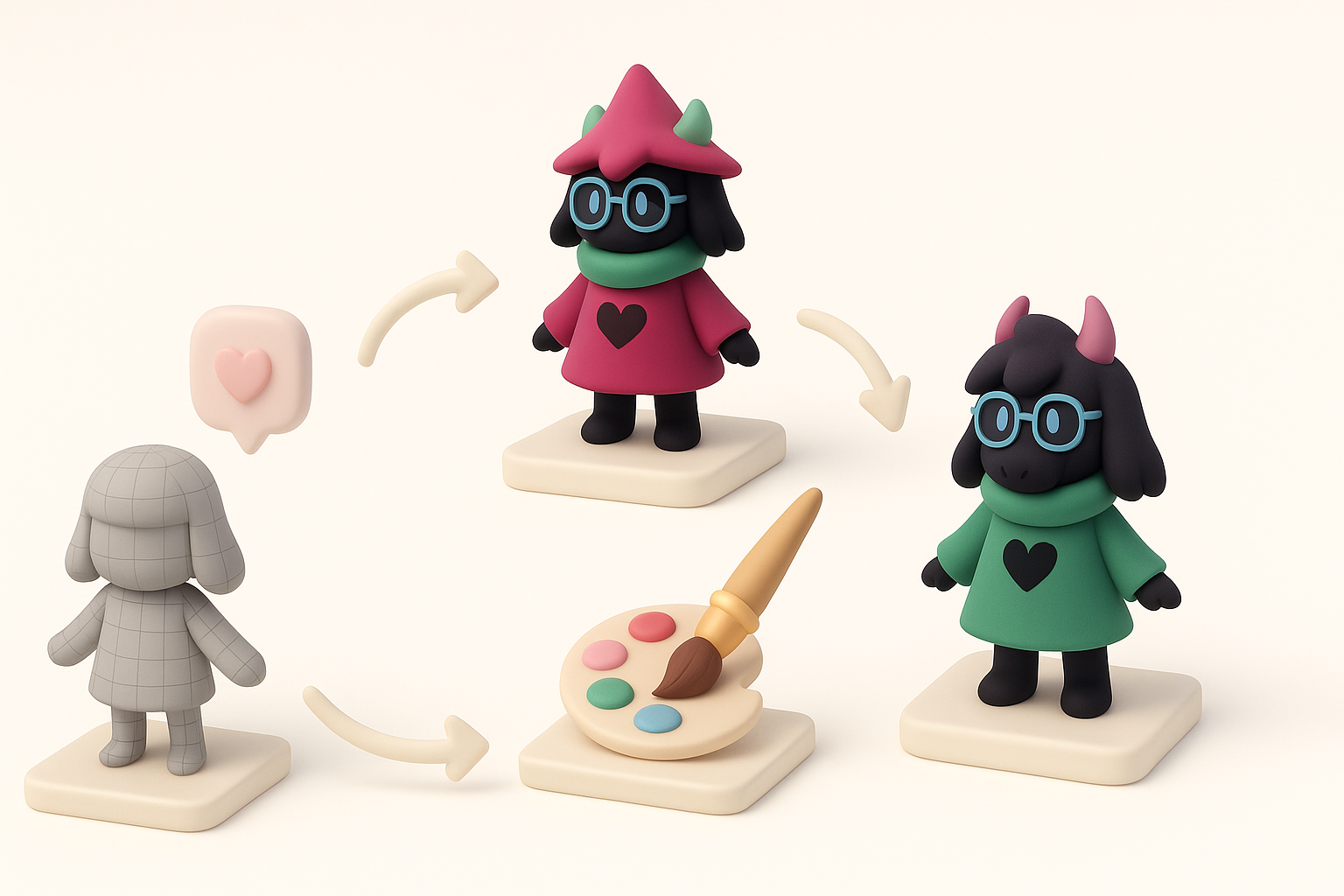
I block out the model using simple shapes to get proportions right before adding details. Whether I’m sculpting or using a modeling suite, I focus on overall silhouette and volume. For speed, I sometimes use AI-powered generators like Tripo AI to create a draft mesh from sketches or descriptions, then refine manually.
Steps:
- Start with primitive shapes (cubes, spheres).
- Adjust proportions to match references.
- Keep topology clean for easy edits.
Refining details and proportions
Once the blockout feels right, I incrementally add detail: facial features, clothing folds, and accessories. I check the model from multiple angles and constantly compare against reference images. It’s easy to get lost in details early, so I set checkpoints to review progress.
Pitfalls to avoid:
- Overcomplicating geometry before proportions are locked.
- Ignoring edge flow, which can cause issues during rigging.
Texturing and Materials: Bringing Deltarune Characters to Life
Best practices for stylized textures
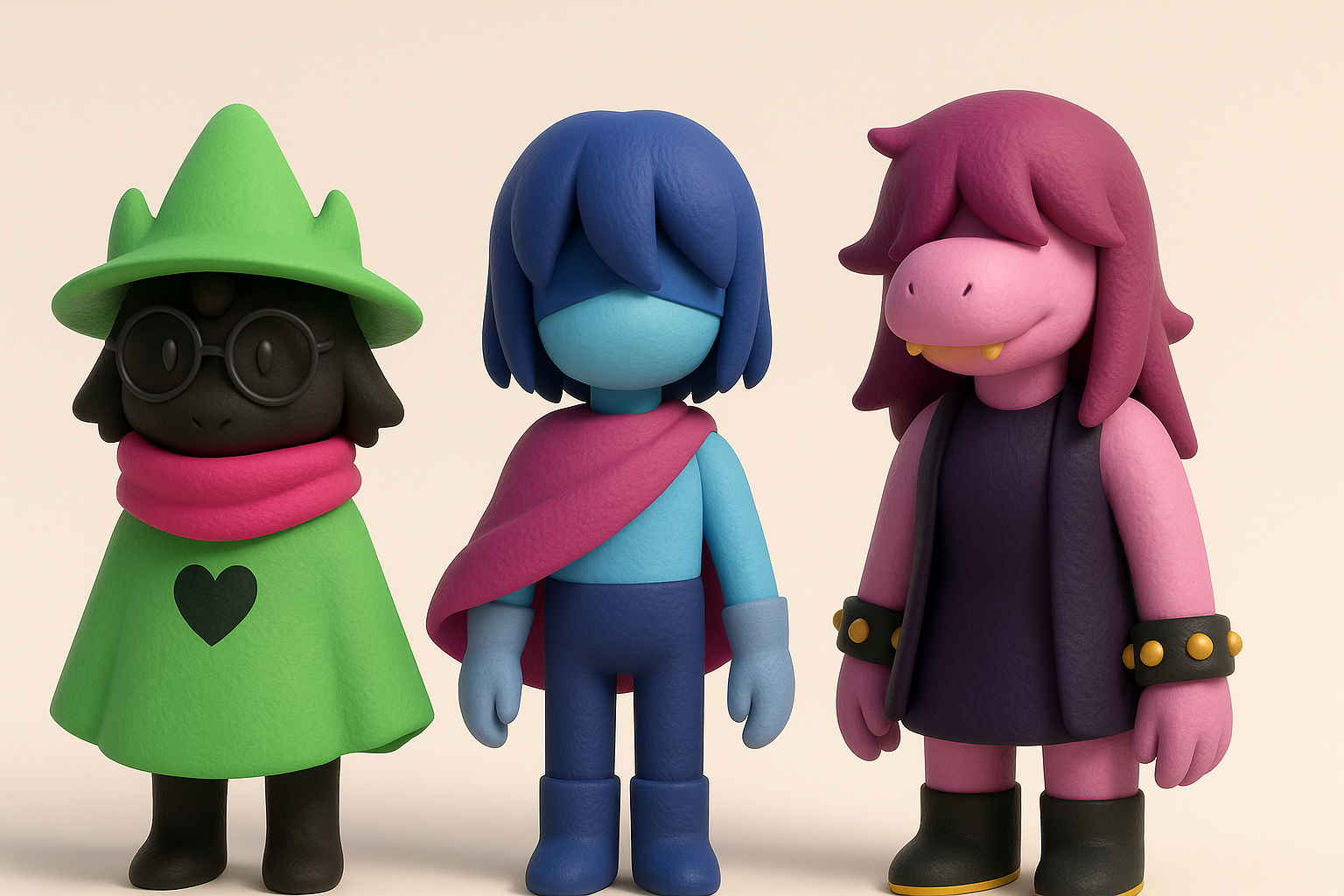
Deltarune’s style calls for bold, hand-painted textures with limited palettes. I keep brushstrokes visible and exaggerate highlights and shadows. AI tools can help generate base textures, but I always hand-paint final passes to ensure personality.
Tips:
- Limit color gradients for a flatter, cartoon-like look.
- Use texture maps to enhance shapes, not just add detail.
- Avoid photorealistic materials—stick to the game’s visual language.
Tips for UV mapping and painting
Efficient UV mapping is essential for clean textures. I lay out UVs to minimize seams and maximize texture space. For hand-painting, I use 3D painting tools to preview how strokes wrap around the model.
Checklist:
- Unwrap UVs with minimal stretching.
- Align UV islands for easy painting.
- Test textures in-engine for color accuracy.
Rigging and Animation: Making Your Model Game-Ready
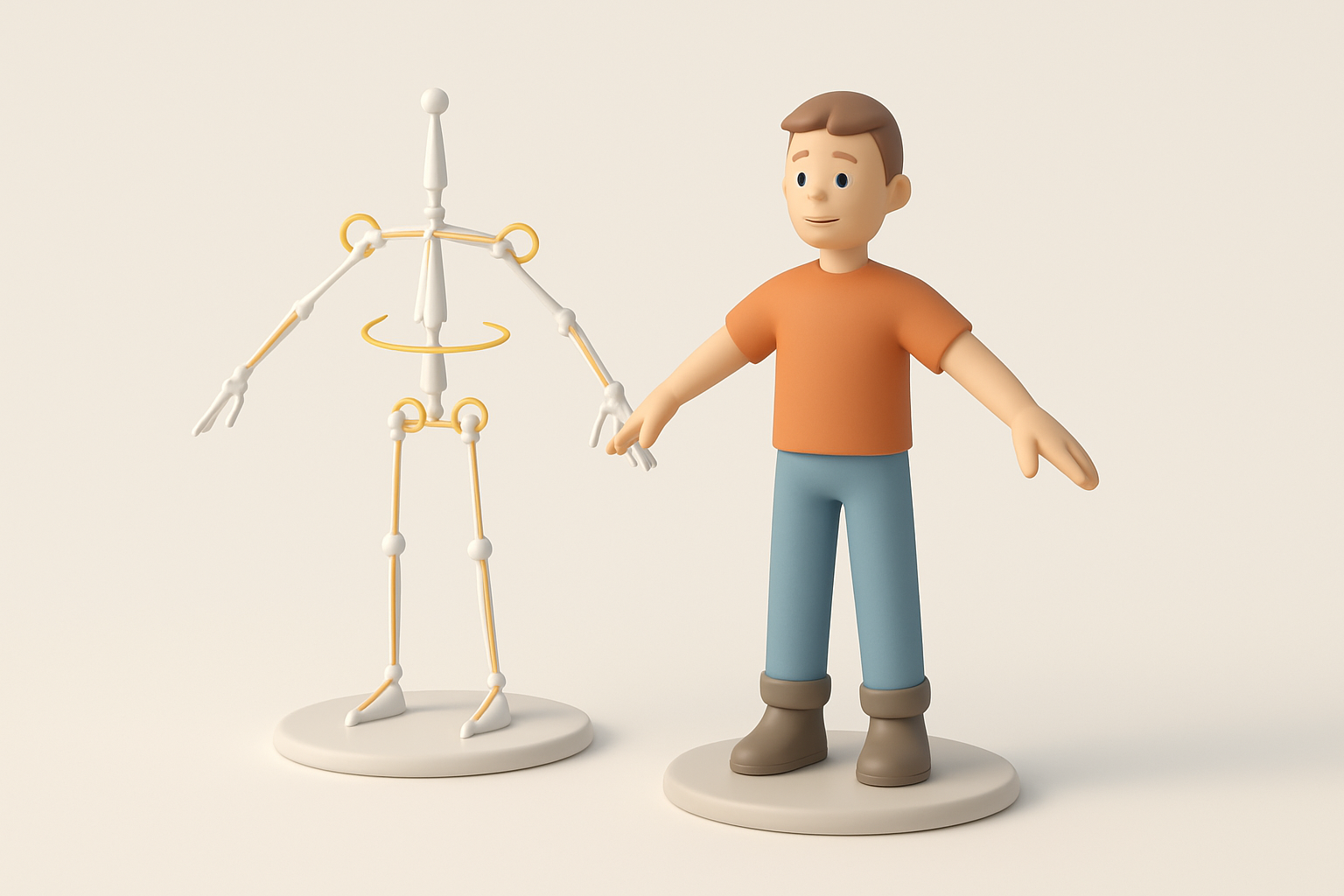
Simple rigging techniques for Deltarune characters
Deltarune characters benefit from simple rigs—think basic skeletons with clear weight painting. I focus on key joints (shoulders, elbows, knees) and keep bone counts low for efficiency. Automatic rigging tools, including those in Tripo AI, can handle most setups for stylized characters.
Steps:
- Build a basic skeleton matching the character’s anatomy.
- Assign weights with smooth transitions at joints.
- Test deformations with simple pose animations.
Animating expressive poses and actions
Expressiveness is key. I block out major poses before refining transitions. For Deltarune, exaggerating facial expressions and body language helps match the original 2D feel. I keep animation cycles short and snappy for in-game use.
Tips:
- Focus on silhouette clarity in each pose.
- Use reference videos or sprite sheets for timing.
- Avoid overcomplicating with too many keyframes.
Using AI Tools to Accelerate Deltarune 3D Model Creation
How I integrate AI-powered platforms in my workflow
AI tools like Tripo AI have become essential in my workflow for generating base meshes, segmenting parts, and even producing initial textures from text or sketches. I use AI to automate repetitive tasks, then refine outputs manually for style consistency.
How I use AI:
- Generate draft meshes from concept art or descriptions.
- Auto-segment and retopologize for clean geometry.
- Produce base textures for further hand-painting.
Comparing AI tools with traditional methods
AI tools dramatically speed up early-stage modeling and texturing. However, I always review and adjust outputs—AI is a starting point, not a replacement for artistic judgment. Traditional methods offer more control but are slower, especially for repetitive or technical steps.
Pitfalls:
- Relying solely on AI can lead to generic results.
- Always check topology and UVs before moving forward.
Exporting, Optimization, and Sharing Your Deltarune 3D Model
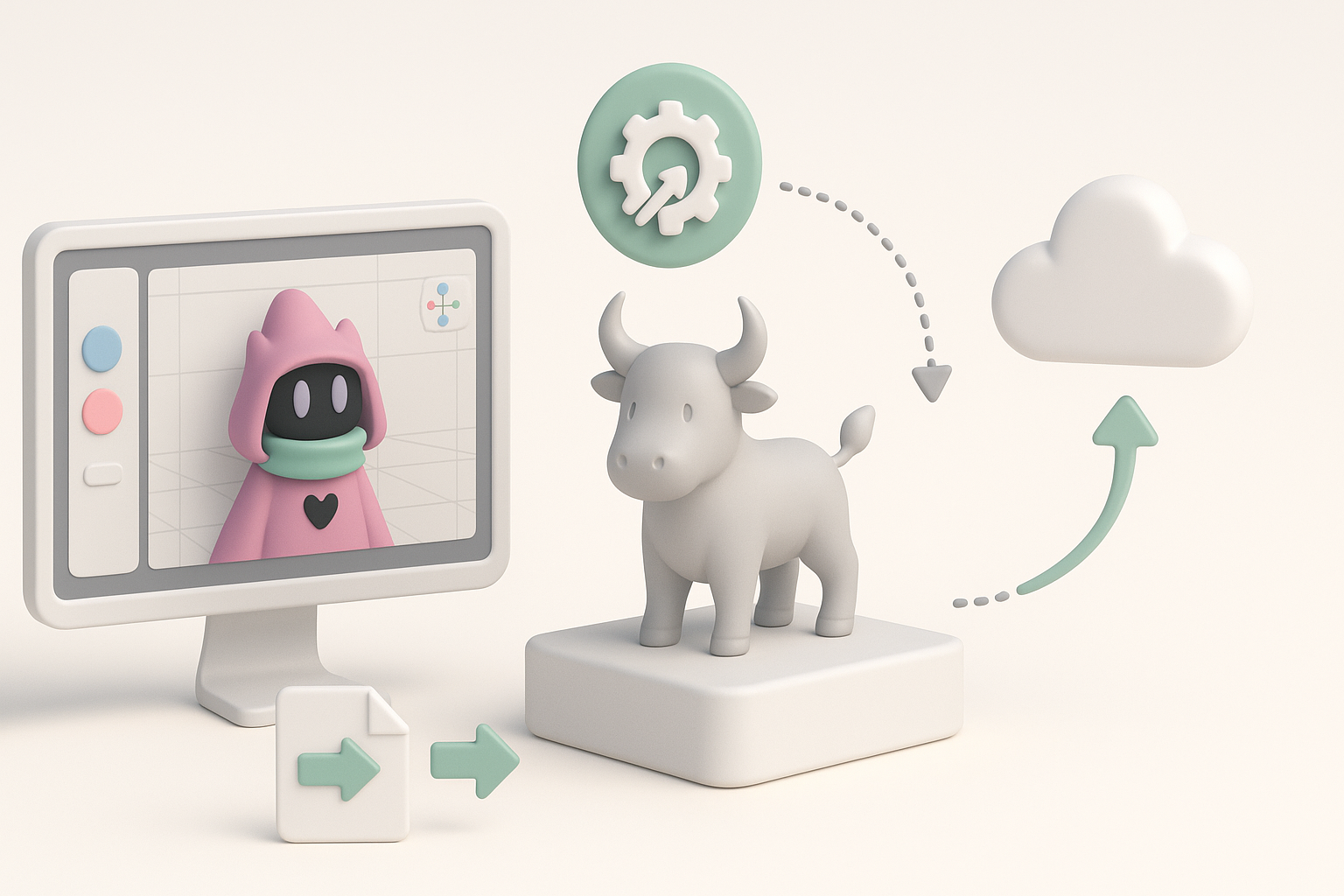
Preparing models for games or XR experiences
Optimizing for performance is crucial. I reduce polygon counts, bake normal maps, and compress textures as needed. I check compatibility with the target engine (Unity, Unreal, etc.) and ensure scale and orientation are correct.
Checklist:
- Remove hidden geometry and unused materials.
- Test model in-engine for performance and appearance.
- Export in appropriate formats (.fbx, .glb, etc.).
Showcasing and sharing your work online
Presentation matters. I render turntables, set up simple scenes, and export wireframes to show off topology. Platforms like Sketchfab or ArtStation are great for sharing interactive models. I always credit Deltarune as inspiration and respect fan art guidelines.
Tips:
- Use neutral lighting for showcases.
- Include breakdowns (wireframe, texture maps).
- Engage with the community for feedback and exposure.
By following this workflow, you can efficiently create Deltarune-inspired 3D models that are both visually faithful and technically sound. Integrating AI tools where appropriate lets you focus on creativity, while solid fundamentals ensure your models are production-ready.