Best Laptops for 3D Modeling: Expert Recommendations
Choosing the right laptop for 3D modeling is critical—whether you’re a professional artist, a developer, or a student. Over years of hands-on work, I’ve found that performance, reliability, and compatibility with 3D tools (including AI-powered platforms like Tripo) matter far more than brand hype or raw specs alone. In this guide, I’ll share my top picks, essential hardware requirements, and practical tips for maximizing your 3D workflow on a laptop. If you want a machine that handles demanding 3D modeling, rendering, and AI-assisted creation smoothly, this is for you.
Key takeaways for choosing a 3D modeling laptop
- Prioritize a high-end GPU and fast CPU—these drive modeling, rendering, and AI tool performance.
- At least 32GB RAM is ideal for large scenes and multitasking; 16GB is the bare minimum for entry-level work.
- SSD storage (preferably NVMe) is a must for fast project loading and smooth workflow.
- Display quality and color accuracy matter for texturing and visual work.
- Consider weight and battery life if you’re mobile, but don’t sacrifice power for portability.
- Ensure compatibility with your preferred 3D and AI tools, including Tripo.
Executive Summary: My Top Laptop Picks for 3D Modeling
Key takeaways for choosing a 3D modeling laptop
From my experience, the best laptops for 3D modeling feature strong GPUs (RTX 3070 or better), high-core-count CPUs (Intel i7/i9 or AMD Ryzen 7/9), and at least 32GB of RAM. For most artists and developers, a balance between performance and portability is crucial. I recommend looking for models with color-accurate displays and robust cooling systems. The right choice depends on your typical projects—complex scenes and AI-powered workflows demand more power.
How my workflow influences laptop selection
My workflow typically involves rapid prototyping, texturing, and rendering, often leveraging AI-powered tools like Tripo. I need a laptop that can handle dense meshes, real-time previews, and batch exports without lag. Battery life is less of a concern for me, but I value quiet fans and a comfortable keyboard for long sessions. I always test laptops with my actual 3D projects before committing.
Essential Hardware Specs for 3D Modeling Laptops
CPU, GPU, RAM, and storage requirements
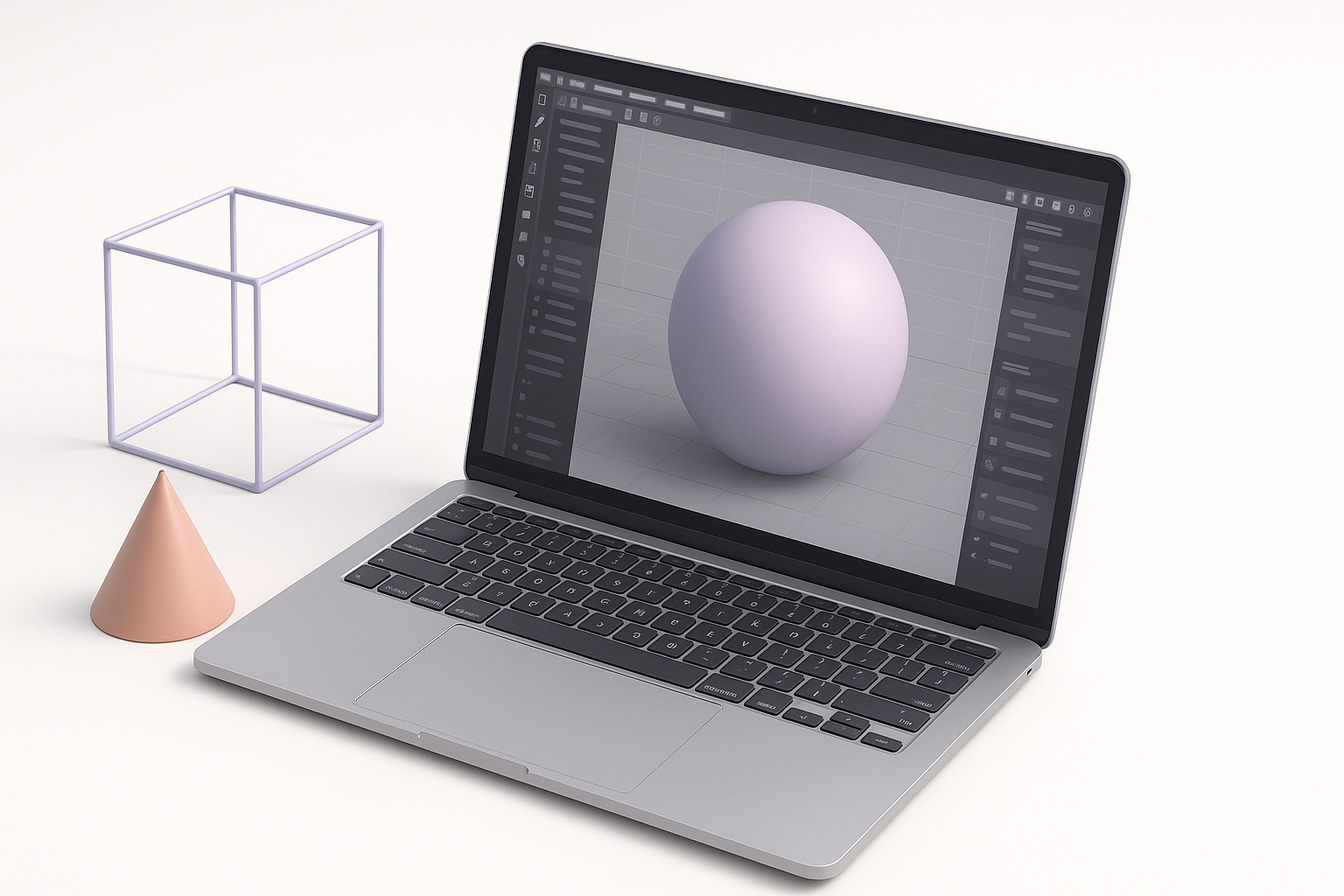
- CPU: Multi-core performance is key. I look for at least a recent-gen Intel i7/i9 or AMD Ryzen 7/9. More cores help with rendering and multitasking.
- GPU: A dedicated GPU is non-negotiable. NVIDIA RTX 3070/4070 or AMD equivalent are my baseline for smooth viewport performance and AI tool acceleration.
- RAM: 32GB is my sweet spot. 16GB can work for lighter projects, but I always run out of headroom with complex scenes.
- Storage: NVMe SSDs (1TB or more) are essential for fast loading and saving of large 3D files.
Display quality and portability considerations
A bright, color-accurate display (at least 100% sRGB coverage) is vital for texture work. I prefer 15–17" screens for workspace, but if I travel a lot, a lighter 14" model with an external monitor at my desk works well. Weight and battery life matter if you’re mobile, but I never compromise on GPU or cooling just to shave off a few pounds.
Best Practices: How I Evaluate 3D Modeling Laptops
Benchmarks and real-world performance tests
Synthetic benchmarks are a starting point, but I always run my actual 3D workloads—complex Blender scenes, multi-layered texture projects, and Tripo model generation. I check for viewport smoothness, render times, and how the laptop handles thermal loads during long sessions.
My quick test checklist:
- Open a heavy 3D scene and check viewport FPS
- Run a short render and measure time/temps
- Test AI-powered tools (like Tripo) for responsiveness
- Monitor RAM and VRAM usage under load
Balancing budget and performance for different workflows
For students or light 3D work, a mid-range GPU and 16GB RAM might suffice. For professional VFX, game dev, or AI-assisted workflows, investing in top-tier specs pays off in saved time. I always recommend buying the most GPU and RAM you can afford—storage and external displays can be upgraded later, but GPU/CPU are fixed.
Comparison: Top Laptops for 3D Modeling in 2024
High-end vs. mid-range options
High-end:
Laptops with RTX 4080/4090 GPUs, Intel i9/AMD Ryzen 9 CPUs, 32–64GB RAM, and mini-LED or OLED screens. These handle everything—heavy scenes, real-time ray tracing, and AI 3D generation—without breaking a sweat.
Mid-range:
RTX 3060/4060 or AMD equivalents, i7/Ryzen 7 CPUs, 16–32GB RAM. Good for most modeling and moderate rendering, but may struggle with very large projects or advanced AI workflows.
Pros and cons based on my hands-on experience
High-end Pros:
- Effortless handling of complex scenes and AI tools
- Future-proof for several years
- Excellent display quality options
High-end Cons:
- Expensive
- Heavier, shorter battery life
- Louder under load
Mid-range Pros:
- More affordable
- Lighter and more portable
- Sufficient for many student/professional tasks
Mid-range Cons:
- Limited headroom for large scenes or new AI features
- May require compromises on display or storage
Optimizing 3D Workflows: Software and Tool Compatibility
Running advanced AI-powered 3D tools smoothly
AI-powered 3D platforms like Tripo can be demanding, especially during model generation, texturing, and animation. In my experience, a strong GPU (with ample VRAM) and plenty of RAM are the biggest factors for smooth operation. I keep my drivers updated and ensure my laptop’s cooling is up to the task—AI workloads can spike temps fast.
Tips for integrating Tripo and other platforms
- Use SSD storage for fast import/export of assets between Tripo and your main 3D software.
- Test compatibility with your preferred 3D suite (Blender, Maya, etc.) and ensure seamless file transfers.
- Batch process tasks when possible—Tripo’s automation features save time, but your laptop needs to keep up.
- Regularly back up your work to avoid data loss during heavy AI computation.
Buying Guide: Steps to Choose the Right Laptop
Checklist for 3D artists and developers
- Dedicated GPU (RTX 3070/4070 or better)
- Recent-gen multi-core CPU
- 32GB RAM (minimum 16GB for lighter work)
- 1TB NVMe SSD
- High-quality, color-accurate display
- Robust cooling and quiet fans
- Good build quality and comfortable keyboard
What I’ve learned from upgrading my own setup
After several upgrades, I’ve learned to never skimp on GPU or RAM, even if it means waiting for a sale. I always test laptops with my actual workflow before committing—synthetic benchmarks don’t tell the full story. Investing in a laptop that exceeds your current needs pays off as 3D software and AI tools evolve. And finally, don’t overlook ergonomics—good cooling, a comfortable keyboard, and a solid build make long sessions much more manageable.
In summary:
Choosing the best laptop for 3D modeling comes down to understanding your workflow, prioritizing GPU/CPU/RAM, and ensuring compatibility with modern AI-powered tools like Tripo. With the right hardware, you’ll spend less time waiting—and more time creating.