3D CAD Models: Creation, Best Practices, and Workflow Insights
In my experience, creating high-quality 3D CAD models is essential for efficient workflows in design, engineering, gaming, and XR. Whether you’re a seasoned professional or new to 3D modeling, understanding both manual and AI-assisted methods streamlines production and enhances results. I’ve found that leveraging AI-powered platforms like Tripo AI can drastically reduce modeling time, improve geometry, and simplify tasks like segmentation and texturing. This article covers my step-by-step workflow, best practices, and essential tips for exporting and integrating CAD models into larger projects.
Key takeaways:
- Clean geometry and efficient topology are crucial for production-ready models.
- AI tools like Tripo AI accelerate modeling and minimize technical barriers.
- Choosing the right file format ensures compatibility and smooth integration.
- Manual modeling offers precision; AI-assisted workflows boost speed and accessibility.
- Always validate models for interoperability before sharing or exporting.
What Are 3D CAD Models? Key Concepts and Applications
Defining 3D CAD Models in Modern Design
3D CAD models are digital representations of objects, created with computer-aided design software. In my workflow, these models serve as the foundation for prototyping, visualization, and manufacturing. CAD models typically consist of precise geometry, surfaces, and sometimes metadata for materials or assembly instructions.
Key points I focus on:
- Accuracy: Models must match real-world dimensions and constraints.
- Detail: Level of detail depends on the application—engineering demands high precision, while gaming often prioritizes performance.
Common Uses Across Industries
I regularly see 3D CAD models applied in:
- Product design: Rapid prototyping and iterative development.
- Architecture: Visualizing structures and simulating environments.
- Gaming/XR: Asset creation for immersive experiences.
- Film: Previsualization and CGI integration.
- Manufacturing: CNC machining, 3D printing, and assembly planning.
Checklist:
- Identify your industry requirements.
- Tailor model complexity to project needs.
- Plan for downstream integration (rendering, simulation, fabrication).
How I Create 3D CAD Models: My Workflow and Tools
Step-by-Step Process from Concept to Model
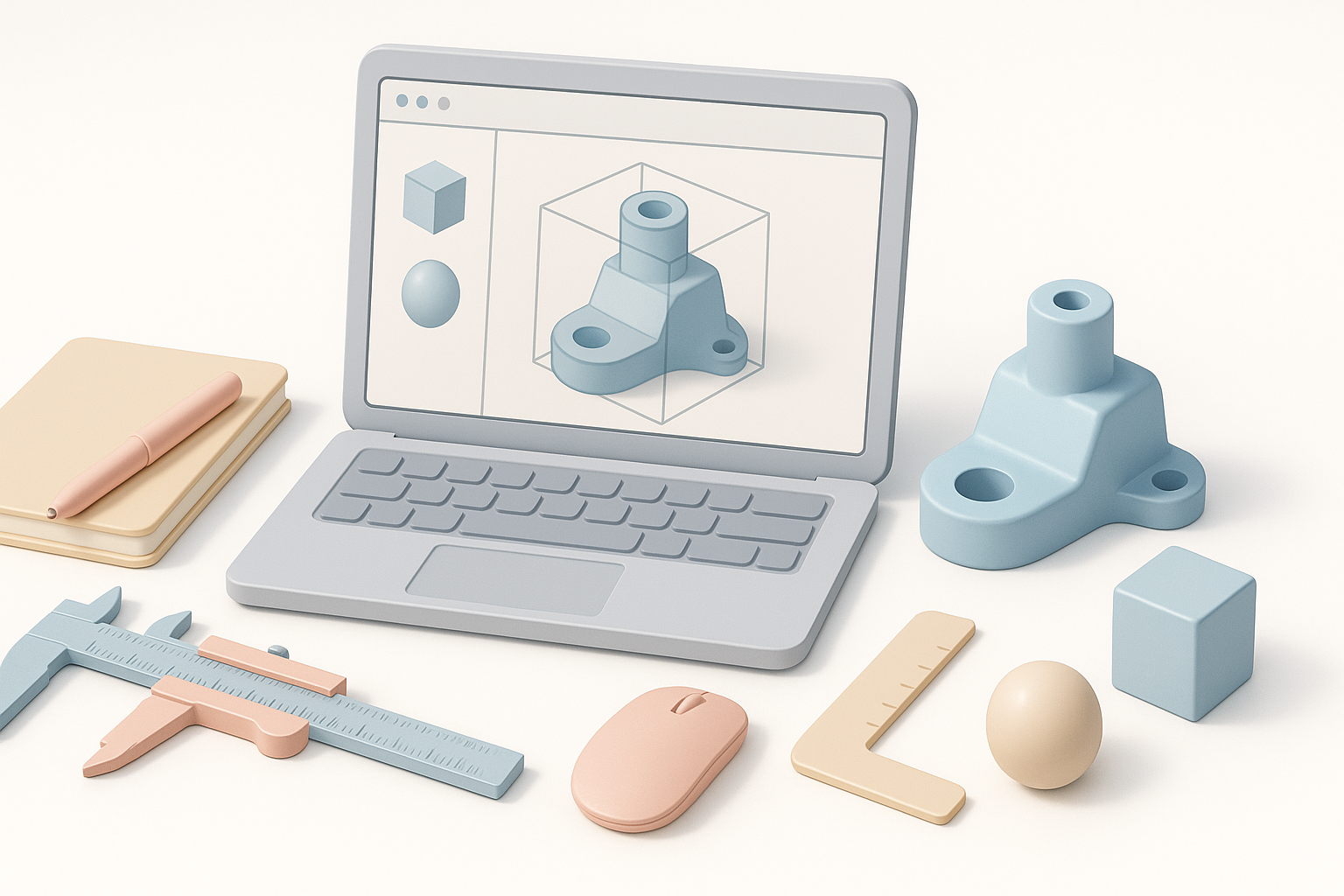
My typical workflow:
- Conceptualization: Sketch or outline the object’s purpose and requirements.
- Reference Gathering: Collect images, blueprints, or sketches.
- Modeling: Using CAD or AI-powered tools, build the geometry.
- Segmentation & Retopology: Refine mesh for clean topology.
- Texturing: Apply materials and UV mapping.
- Rigging/Animation (if needed): Prepare for movement or interaction.
- Validation: Check for errors, scale, and compatibility.
Pitfalls to avoid:
- Skipping reference gathering leads to inaccuracies.
- Neglecting retopology causes performance issues in real-time applications.
Choosing the Right Software and AI Tools
I select tools based on project scope:
- Traditional CAD software for precise engineering work.
- AI-powered platforms like Tripo AI for rapid prototyping, text-based generation, and automation of segmentation and texturing.
- Other tools for specialized tasks (e.g., sculpting, animation).
Tips:
- Match tool capabilities to project requirements.
- Use AI tools for quick iterations; switch to manual for fine-tuning.
Best Practices for High-Quality 3D CAD Modeling
Tips for Clean Geometry and Efficient Topology
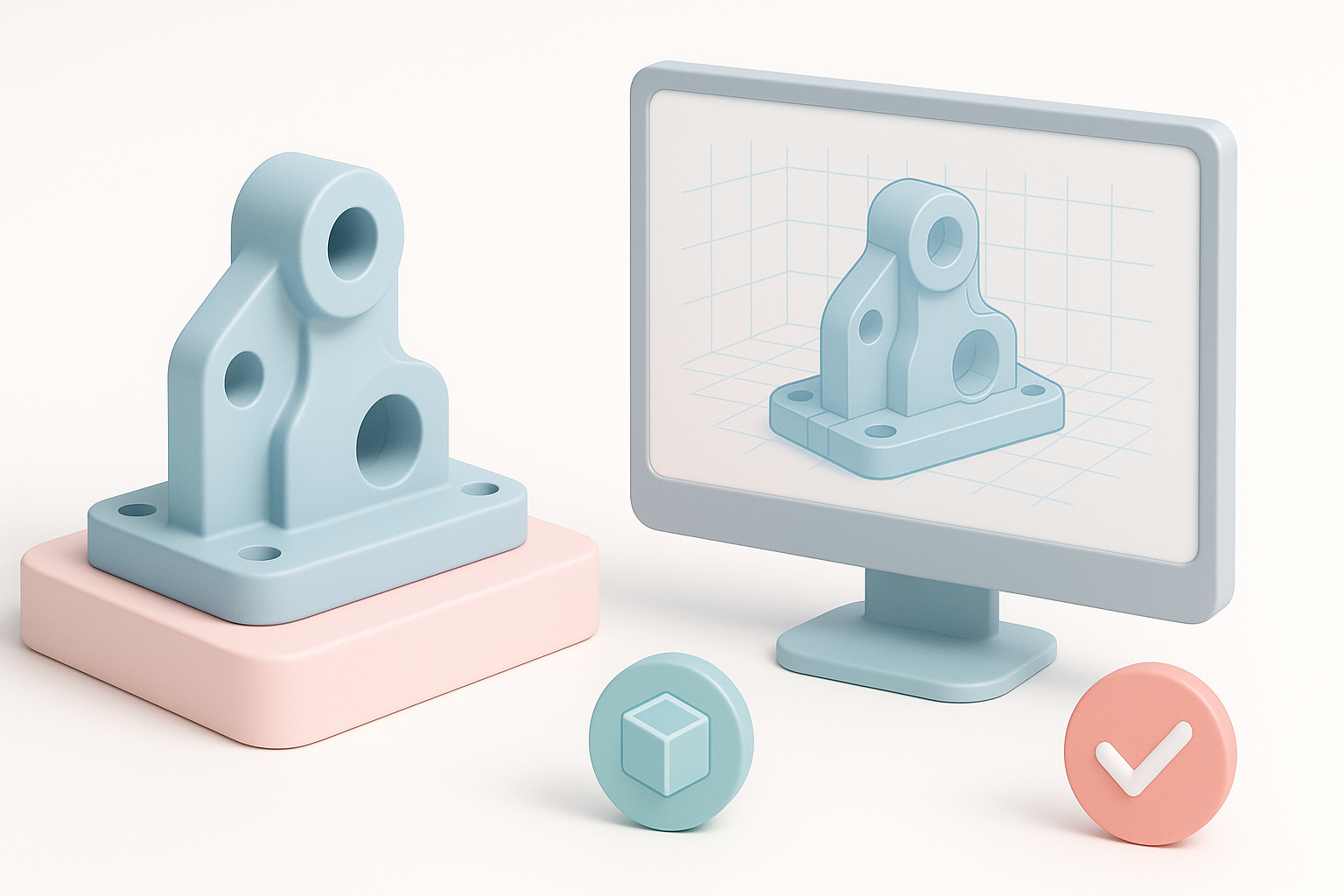
What I’ve found works best:
- Start with simple shapes and incrementally add detail.
- Maintain quad-based topology for easier editing and animation.
- Use intelligent segmentation to separate logical parts (AI tools help here).
- Regularly check for non-manifold geometry and overlapping faces.
Mini-checklist:
- Optimize mesh density for performance.
- Avoid unnecessary subdivisions.
- Validate geometry before texturing.
Ensuring Compatibility and Production Readiness
Before exporting, I always:
- Check scale and units (metric vs. imperial).
- Test model in target software or engine.
- Ensure textures and materials are properly linked.
- Confirm rigging and animation compatibility if applicable.
Pitfalls:
- Ignoring file format requirements causes integration issues.
- Overcomplicating geometry leads to slow renders or simulation errors.
Comparing 3D CAD Modeling Methods: Manual vs. AI-Assisted
Strengths and Limitations of Each Approach
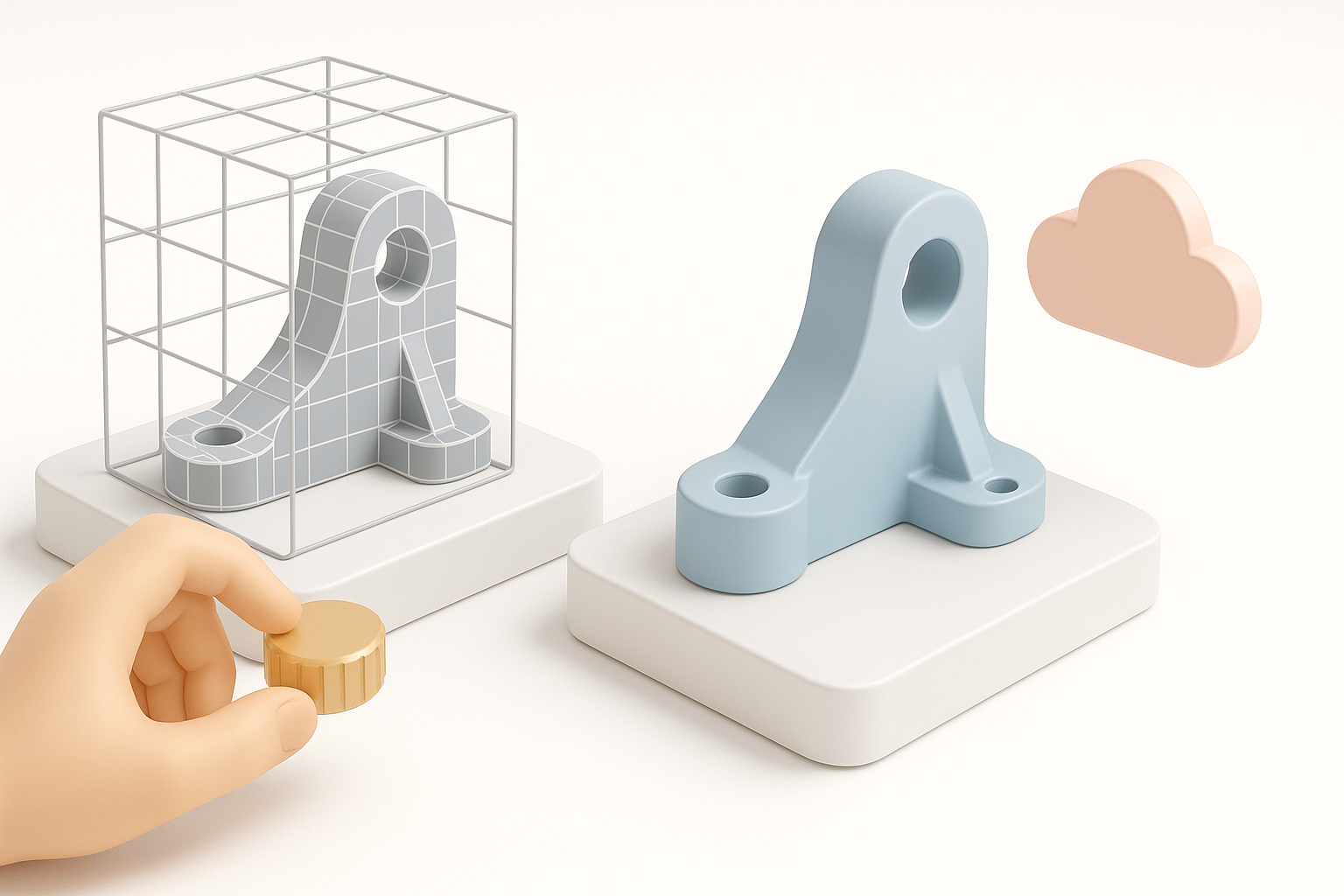
Manual modeling:
- Strengths: Precision, full control, custom details.
- Limitations: Time-consuming, steep learning curve.
AI-assisted modeling:
- Strengths: Speed, accessibility, automated segmentation and retopology.
- Limitations: May require manual tweaks for complex or highly specific designs.
What I’ve learned:
- Use manual methods for detailed engineering or bespoke assets.
- AI platforms shine when speed and iteration matter most.
When to Use AI-Powered Platforms
I recommend AI-powered tools like Tripo AI for:
- Rapid prototyping from text or images.
- Automating repetitive tasks (segmentation, retopology, texturing).
- Projects with tight deadlines or limited technical resources.
Checklist:
- Assess project complexity.
- Leverage AI for initial drafts; refine manually as needed.
Exporting, Sharing, and Using 3D CAD Models
Popular File Formats and Interoperability
I typically export models in:
- .OBJ: Widely supported, good for mesh-only assets.
- .FBX: Ideal for animation and rigged models.
- .STL: Standard for 3D printing.
- .GLTF: Efficient for web and XR applications.
Tips:
- Choose formats based on target platform and workflow.
- Test exported files for integrity and compatibility.
Integrating Models into Larger Projects
When integrating CAD models:
- Ensure naming conventions and hierarchies are consistent.
- Validate model scale and orientation.
- Check for texture and material links.
- Use scene management tools for complex assemblies.
Pitfalls:
- Overlooking interoperability leads to delays.
- Failing to test in context can cause unexpected issues.
By following these workflows and best practices, I consistently deliver production-ready 3D CAD models, whether manually crafted or accelerated with AI tools. The key is balancing precision, efficiency, and compatibility for each project’s unique needs.