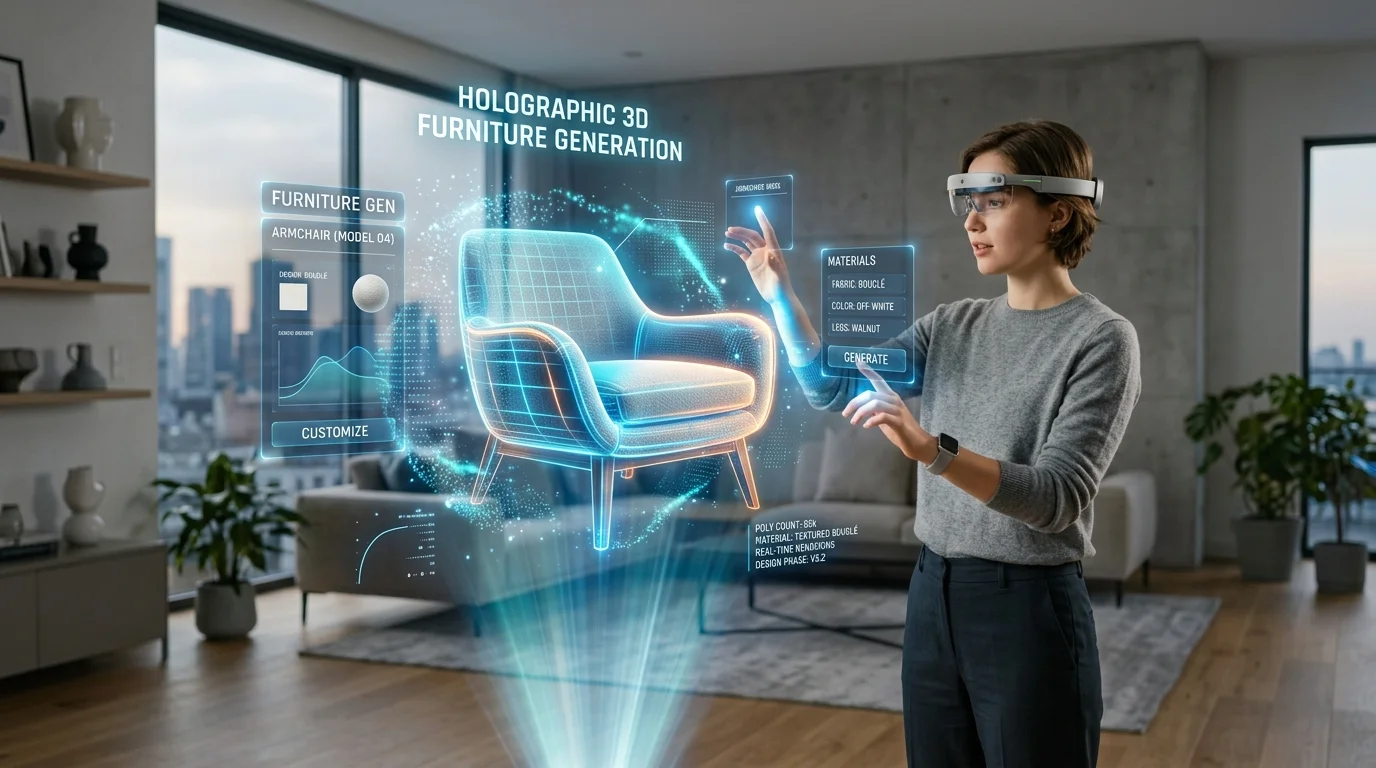
Fluxo de Trabalho Profissional: Planta Baixa 2D para 3D para Staging Imobiliário
Transformando plantas arquitetônicas planas em ambientes 3D imersivos
Os profissionais do setor imobiliário enfrentam dificuldades constantes para comunicar o potencial espacial aos clientes usando plantas baixas planas e pouco inspiradoras. Esse atrito frequentemente leva a ciclos de decisão prolongados e perda de vendas, já que potenciais compradores não conseguem visualizar o imóvel final decorado apenas a partir de desenhos técnicos. Ao implementar um fluxo de trabalho otimizado de conversão de 2D para 3D, agências e visualizadores arquitetônicos podem transformar desenhos estáticos em ambientes interativos e totalmente decorados em uma fração do tempo. Para ferramentas mais especializadas relacionadas ao design de interiores 3D com IA, explore nossas soluções.
Principais Insights
- Plantas baixas 2D de alto contraste e sem poluição visual são pré-requisitos críticos para uma interpretação espacial precisa.
- Fluxos de trabalho modernos substituem a extrusão manual de polígonos pela geração algorítmica de malhas, reduzindo significativamente o tempo de desenho.
- Selecionar o formato de exportação 3D apropriado (USD, FBX, GLB) garante interoperabilidade perfeita com motores de staging.
- A geração por IA foca na geometria estrutural precisa, enquanto o staging ocorre na fase pós-exportação.
O Fluxo de Trabalho Moderno de Planta Baixa 2D para 3D para Staging Imobiliário
A transição da extrusão manual tradicional para a modelagem baseada em IA representa uma mudança fundamental na visualização imobiliária. O Tripo AI acelera drasticamente esse processo, convertendo layouts arquitetônicos planos em modelos 3D imersivos.

Historicamente, converter uma planta baixa 2D exigia o traçado manual de paredes e a extrusão de geometria — um processo altamente suscetível a erros humanos. O fluxo de trabalho moderno reestrutura isso utilizando tecnologias avançadas de reconhecimento visual e geração de malhas para interpretar símbolos arquitetônicos instantaneamente.
Preparando suas Plantas Baixas 2D para Conversão por IA
A preparação ideal da imagem 2D requer maximizar os níveis de contraste e remover poluição textual desnecessária. Esses ajustes garantem uma geração espacial precisa ao fazer o upload para o Tripo AI.
Práticas Profissionais para Clareza da Planta
Alcançar a máxima clareza envolve padronizar a linguagem visual. Os visualizadores devem utilizar ferramentas de edição para isolar paredes estruturais, portas e janelas. A entrada ideal é uma imagem em preto e branco de alto contraste. Elementos de texto — incluindo nomes de cômodos e linhas de dimensão — devem ser apagados para evitar anomalias geométricas.
Segmentação de Cômodos para Geração Detalhada
Para propriedades complexas, segmentar a planta baixa em zonas lógicas (por exemplo, suíte master, área de estar) é uma técnica de otimização altamente eficaz. Isso permite que o algoritmo aloque recursos para áreas menores e focadas, resultando em cantos mais nítidos e extrusão geométrica mais precisa.
Gerando e Refinando Modelos 3D no Tripo AI
Utilizando o Algoritmo 3.1 com mais de 200 bilhões de parâmetros, o Tripo AI alcança uma compreensão avançada das relações espaciais, distinguindo entre cômodos fechados e limites estruturais.
O processo de geração começa com a importação da imagem preparada. Os profissionais podem orientar a interpretação através de parâmetros suplementares, como especificar alturas de extrusão. Após a geração, os modelos devem ser inspecionados em um estúdio 3D online para verificar a integridade estrutural e garantir que a estrutura base esteja fechada para cálculos de iluminação.
Exportando e Integrando em Softwares de Staging
Selecionando o Formato de Exportação Correto
- FBX: Preferido para fluxos de trabalho de alto nível, como Unreal Engine ou 3ds Max.
- OBJ: Uma solução de malha estática universal e leve.
- GLB: Ideal para visualizadores baseados na web e aplicações de RA, compactando geometria e dados PBR em um único arquivo.
Importando para Unreal Engine ou Ferramentas de Staging Web
Integrar o modelo ao Unreal Engine desbloqueia tours virtuais fotorrealistas. Para ferramentas de staging baseadas na web, o foco muda para a eficiência. Ativos de mobiliário de alta fidelidade são então sobrepostos aos limites estruturais gerados para completar o processo de staging virtual.
Perguntas Frequentes (FAQ)
P: Como mantenho a escala precisa dos cômodos ao converter uma planta baixa 2D para 3D? R: Embora a IA crie geometria proporcional, a escala do mundo real deve ser calibrada após a exportação. Os profissionais devem usar medidas de referência (como a abertura de uma porta padrão) dentro de seu software de staging para escalar o modelo uniformemente.
P: Qual formato 3D devo exportar do Tripo AI para visualizadores imobiliários baseados na web? R: Para um desempenho web ideal, a exportação como arquivo GLB é altamente recomendada devido à sua compressão eficiente e compatibilidade nativa com navegadores.
P: O Tripo AI pode gerar móveis diretamente a partir de símbolos de plantas baixas 2D? R: O Tripo AI é otimizado para malhas estruturais de cômodos (paredes, pisos, aberturas). A melhor prática é remover símbolos de móveis 2D antes da geração e preencher a estrutura com modelos 3D de alta fidelidade durante a pós-produção.
