Unlock the Power of 3D Design with Tripo: The AI-Powered 3D Model Generator
In today’s design world, the ability to create detailed 3D models with minimal effort is crucial. Tripo, an advanced AI-powered 3D model generator, makes this process incredibly simple and fast. Whether you're a professional architect, game developer, or simply exploring the world of 3D design, Tripo empowers you to bring your ideas to life with precision and speed. In this article, we’ll explore how Tripo transforms the 3D modeling process, its cutting-edge features, and a step-by-step guide to get you started.
Why AI 3D Modeling Matters
A Game-Changer for Designers
Traditional 3D modeling methods often require long hours of manual work and extensive technical knowledge. AI-powered tools like Tripo change the game by automating the complex aspects of 3D design. With Tripo, users can create highly detailed models from text descriptions or images in just a few clicks, opening up new possibilities for innovation and creativity.
Key Advantages of AI-Driven 3D Models
- Faster Production: AI technology speeds up the process of generating detailed 3D models, drastically reducing design time.
- Accuracy: Tripo’s advanced AI algorithms ensure high precision and realistic details in every model.
- Ease of Use: You don't need to be an expert to use Tripo; its intuitive interface makes it accessible to all.
- Cost Efficiency: Save time, reduce the need for expensive tools, and minimize training requirements with this user-friendly solution.
Introducing Tripo: The Ultimate AI 3D Model Generator
Tripo is more than just a tool—it’s a complete AI-driven platform designed to streamline the 3D modeling process. Its versatility and efficiency make it the go-to choice for professionals and hobbyists alike, offering powerful features that cater to various industries, including architecture, product design, and entertainment.
Tripo’s Standout Features
- AI-Powered Modeling: Automatically generate detailed 3D models from text prompts or images within minutes.
- User-Friendly Interface: A simple and intuitive layout makes the tool easy to use, regardless of skill level.
- Versatile Input Options: Create models using either detailed descriptions or high-quality images.
- Flexible Export Formats: Tripo supports multiple file formats, making it easy to integrate models into other software and workflows.
- Tripo 2.0 Enhancements: Faster processing, improved accuracy, and expanded creative tools make Tripo 2.0 even more powerful.
What’s New in Tripo 2.0?
The release of Tripo 2.0 brings several exciting updates that elevate the 3D modeling experience:
- Improved AI Algorithms: Tripo 2.0 offers even more precise and detailed model generation, ensuring higher accuracy and realism.
- Faster Processing Speed: Create complex 3D models faster than ever before, without compromising on quality.
- New Customization Tools: Enjoy advanced options for adjusting textures, lighting, and other key elements to refine your models.
- Seamless Integration: Tripo 2.0 improves compatibility with popular design software, making it easier to incorporate models into larger projects.
How Tripo Revolutionizes 3D Modeling
Speed Meets Simplicity
Tripo takes the hassle out of 3D modeling by allowing you to produce high-quality models in just a few minutes. With its AI-powered engine doing the heavy lifting, the modeling process becomes faster, more efficient, and more accessible.
Ideal for All Skill Levels
Whether you’re a seasoned designer or new to 3D modeling, Tripo’s intuitive interface makes the process effortless. Professionals can enjoy faster workflows, while beginners can create impressive models without needing extensive technical skills.
Versatile Across Industries
Tripo’s flexibility makes it a valuable tool across a wide range of industries:
- Architecture: Perfect for designing and visualizing buildings and landscapes with great detail.
- Product Design: Easily create and visualize prototypes before moving into production.
- Gaming and Animation: Generate high-quality characters and environments for games and animated projects.
- Healthcare and Education: Create accurate models for medical training or educational tools.
Step-by-Step Guide to Creating 3D Models with Tripo
Tripo simplifies the 3D modeling process, allowing you to go from concept to model quickly. Follow these steps to get started:
Step 1: Select Your Input Method
Decide whether to create a model from a text description or an image. Tripo supports both input methods, allowing you to choose based on your project needs.
Step 2: Prepare Your Input
- For Images: Choose a high-resolution image (less than 10 MB) of the object or scene you want to model.
- For Text Descriptions: Write a detailed and accurate description of the object, scene, or concept.
Step 3: Upload Your Input to Tripo
Head to Tripo’s official website, log into your account, and upload your image or enter your text description in the designated area.
Step 4: Generate the Model
Click the “Generate Model” button. Tripo’s AI will process the input and create a detailed 3D model in minutes, depending on the complexity of the input.
Step 5: Customize and Refine
Once the model is generated, use Tripo’s built-in tools to adjust textures, lighting, and other visual elements until your model looks exactly how you want.
Step 6: Export Your Model
When you’re happy with the model, export it in your desired format. Tripo supports a variety of file formats, so your model can easily be integrated into other software for further development.
For a more in-depth look at how to create models from text descriptions, check out our Text to 3D Model feature guide.
Explore Tripo’s Text to 3D Model Feature
One of Tripo’s most unique capabilities is its Text to 3D Model feature, which allows you to transform written descriptions into fully realized 3D models.
How the Text to 3D Model Feature Works
- Input a Description: Write a detailed text description of the object or scene you want to model.
- AI Model Generation: Tripo’s AI interprets the description and generates a corresponding 3D model.
- Refinement: Once the model is created, you can adjust various visual elements to enhance it.
Benefits of Text-Based Modeling
- Creative Freedom: Quickly experiment with different concepts without needing to source images.
- Speed: Input a text prompt and watch your 3D model come to life in just minutes.
- Accessibility: Ideal for users who may not have high-quality images available but want to create accurate models from scratch.
Real-World Uses for Tripo’s AI-Powered 3D Models
Architecture and Urban Design
Architects rely on Tripo to quickly generate and visualize detailed models of buildings, interiors, and entire urban landscapes, streamlining the design process and enhancing presentations.
Product Design and Prototyping
For product designers, Tripo is an invaluable tool for creating realistic prototypes, enabling fast iterations and saving time on development cycles.
Gaming and Animation
Game developers and animators use Tripo to create immersive characters and environments that enhance the storytelling and visual impact of their projects.
Education and Medical Training
Tripo is also making waves in education and healthcare, allowing educators and medical professionals to create interactive, detailed models that improve learning and training experiences.
Tips for Getting the Most Out of Tripo
Maximize Input Quality
- Use High-Quality Images: Clear, high-resolution images lead to more accurate and detailed models.
- Write Detailed Descriptions: The more detailed your text input, the more accurate and tailored your 3D model will be.
Leverage Advanced Features
Explore Tripo’s advanced features, like lighting adjustments and texture customization, to fine-tune your models and achieve professional-level results.
You May Also Like: More About Image to 3D Model

Master the art of AI-generated 3D models with Tripo3D. This guide provides step-by-step instructions on setup, model exporting, and troubleshooting, helping you streamline and enhance your 3D workflow.
 Maisie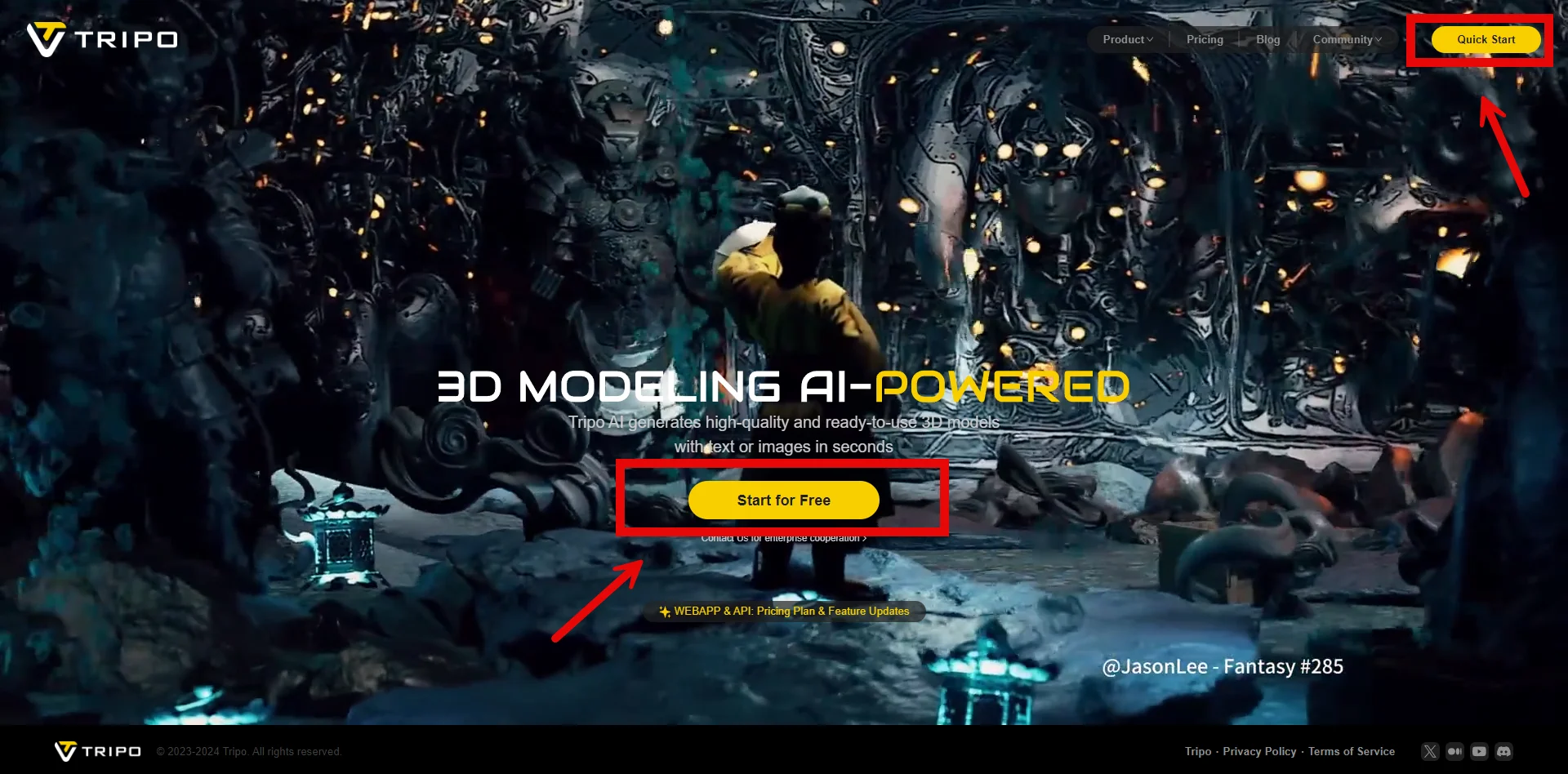
Discover how Tripo, the AI-driven 3D model generator, transforms your photos into highly detailed 3D models effortlessly.
Maisie
Explore how AI technology transforms a simple image into a detailed 3D model. Learn about the tools, techniques, and industries that benefit from this fascinating process.
Maisie