7 Best Free 3D Rendering Tools for AI-Generated Models in 2025
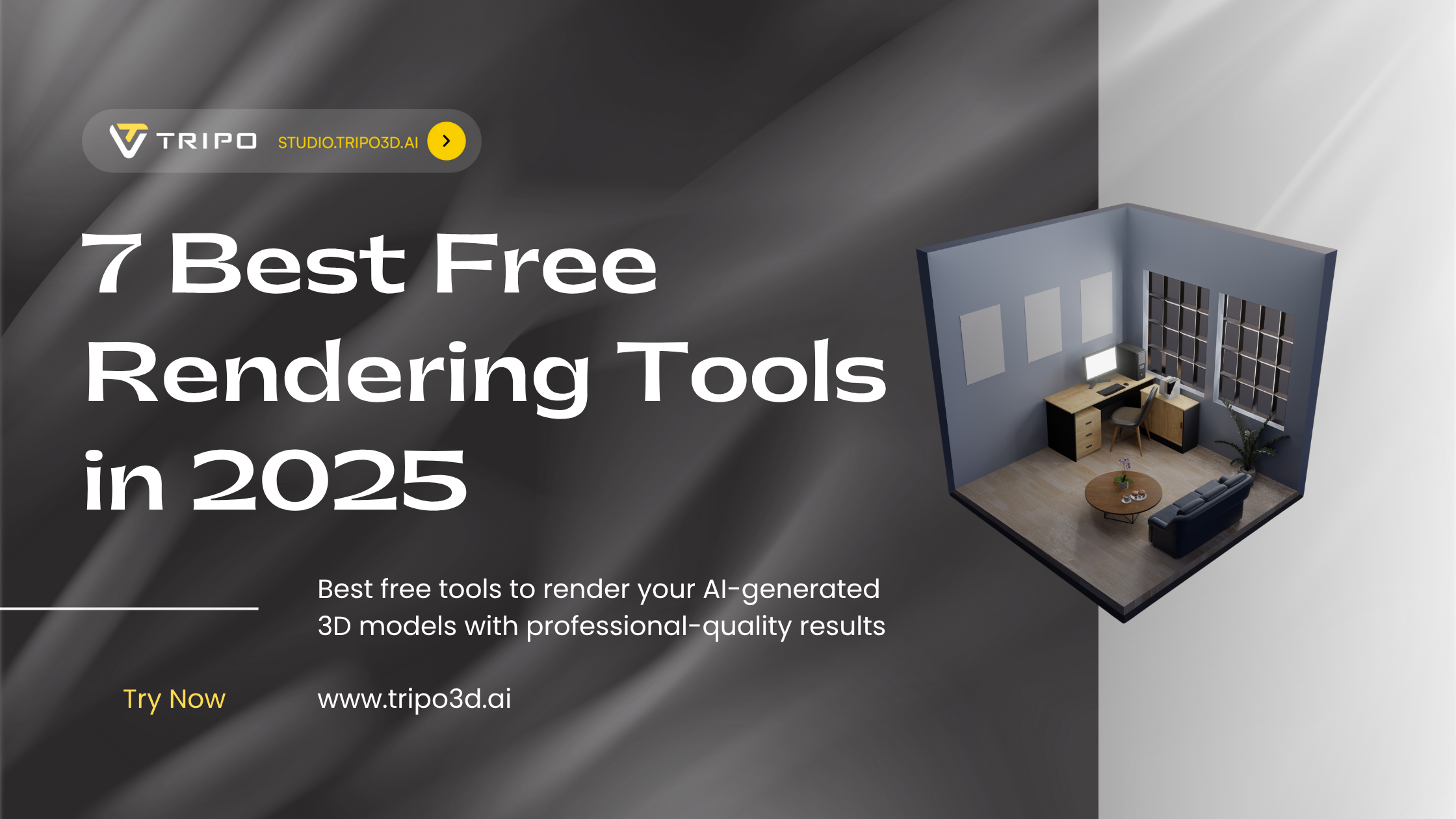
Creating stunning 3D models with AI 3D model generators like Tripo AI is just the first step of your creative journey. To truly bring these models to life with professional lighting, materials, and environments, you need powerful rendering software. Fortunately, you don't need to spend hundreds or thousands of dollars on premium tools to achieve impressive results.
Before selecting a renderer, you need a high-quality 3D asset, you'll create that in seconds with Tripo AI, which transforms text or images into production-ready models.
In this comprehensive guide, we'll explore the best free tools to render your AI-generated 3D models with professional-quality results, no matter your experience level or hardware limitations.
First, A Great Model from Tripo AI
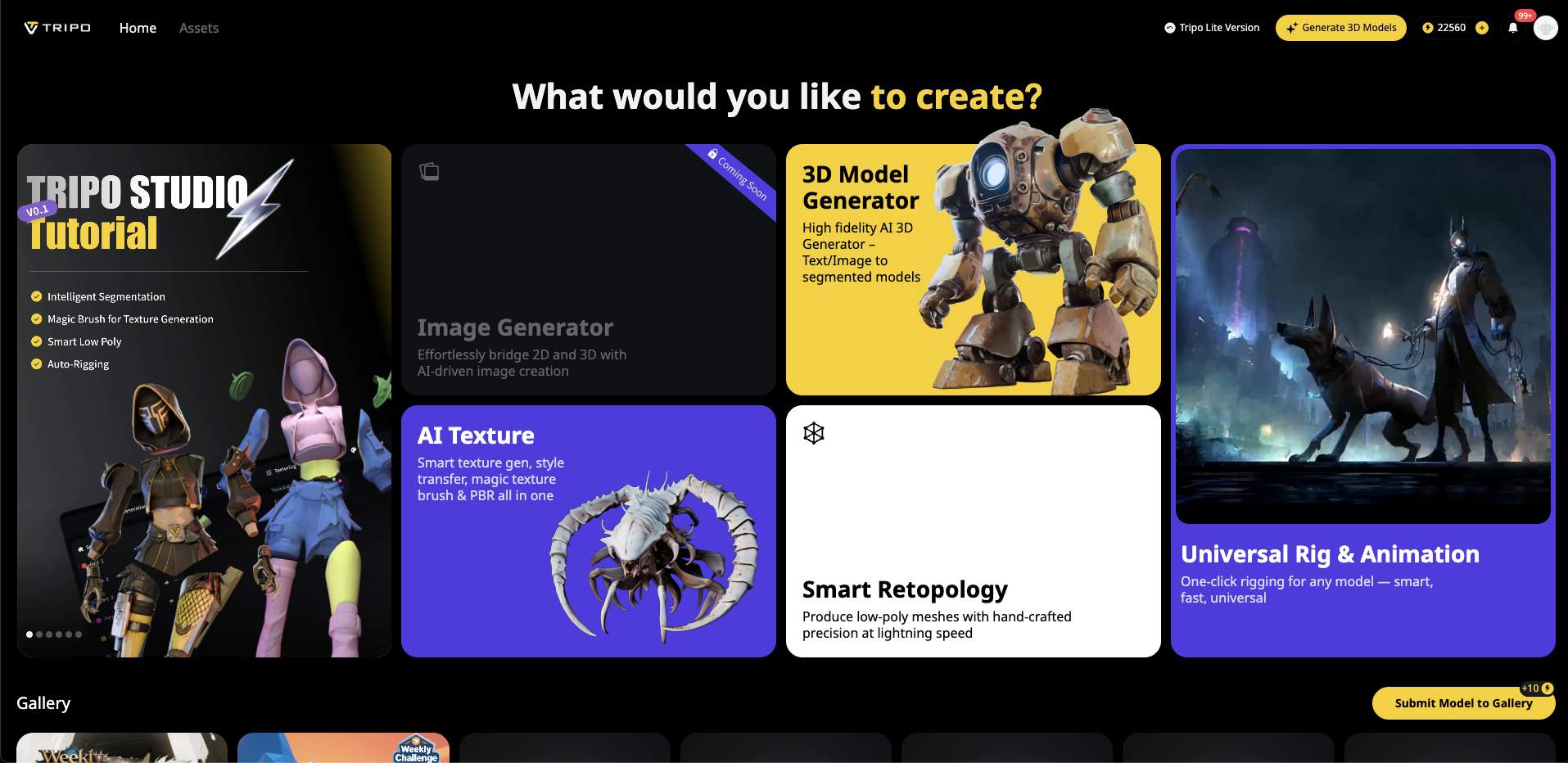
The quality of your final render depends heavily on the quality of your source model. Aspects like mesh detail, clean topology, proper UV mapping, and texture resolution all impact how your rendered image will look.
Tripo AI stands out as the leading AI 3D model generator that delivers on all these technical requirements:
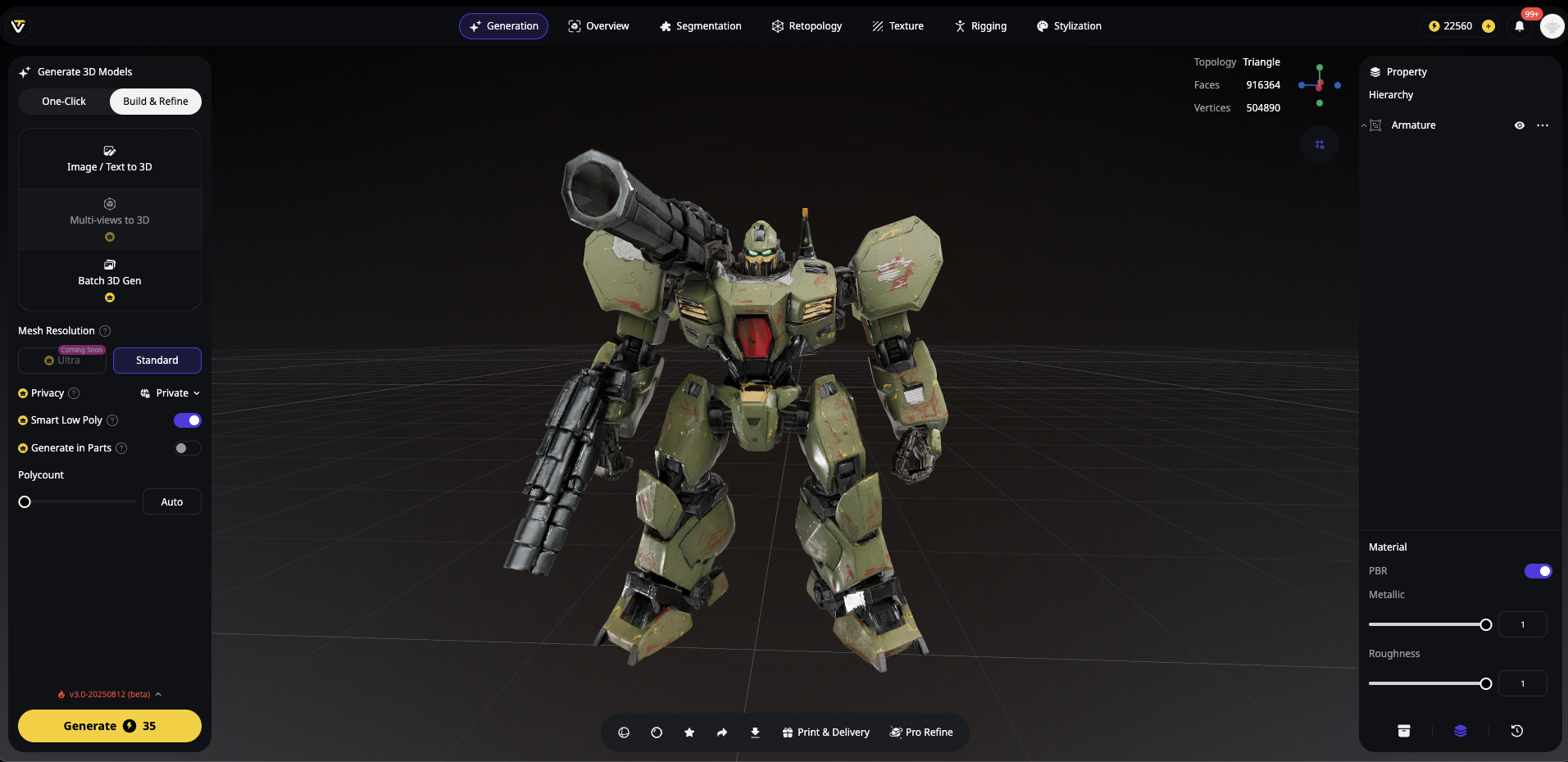
- Generate detailed 3D models from text descriptions, images, or simple doodles in seconds
- Receive production-ready assets with clean topology and proper UV mapping
- Export in multiple formats (OBJ, FBX, GLB, USDZ, STL) compatible with every rendering tool
- Access both simple and advanced editing features in Tripo Studio
For example, typing "A detailed futuristic robot with glowing blue elements" into Tripo AI will generate a complete 3D model in under 2 minutes—ready to import into any rendering software without cleanup work.
What is 3D Rendering? (A Quick Explanation)
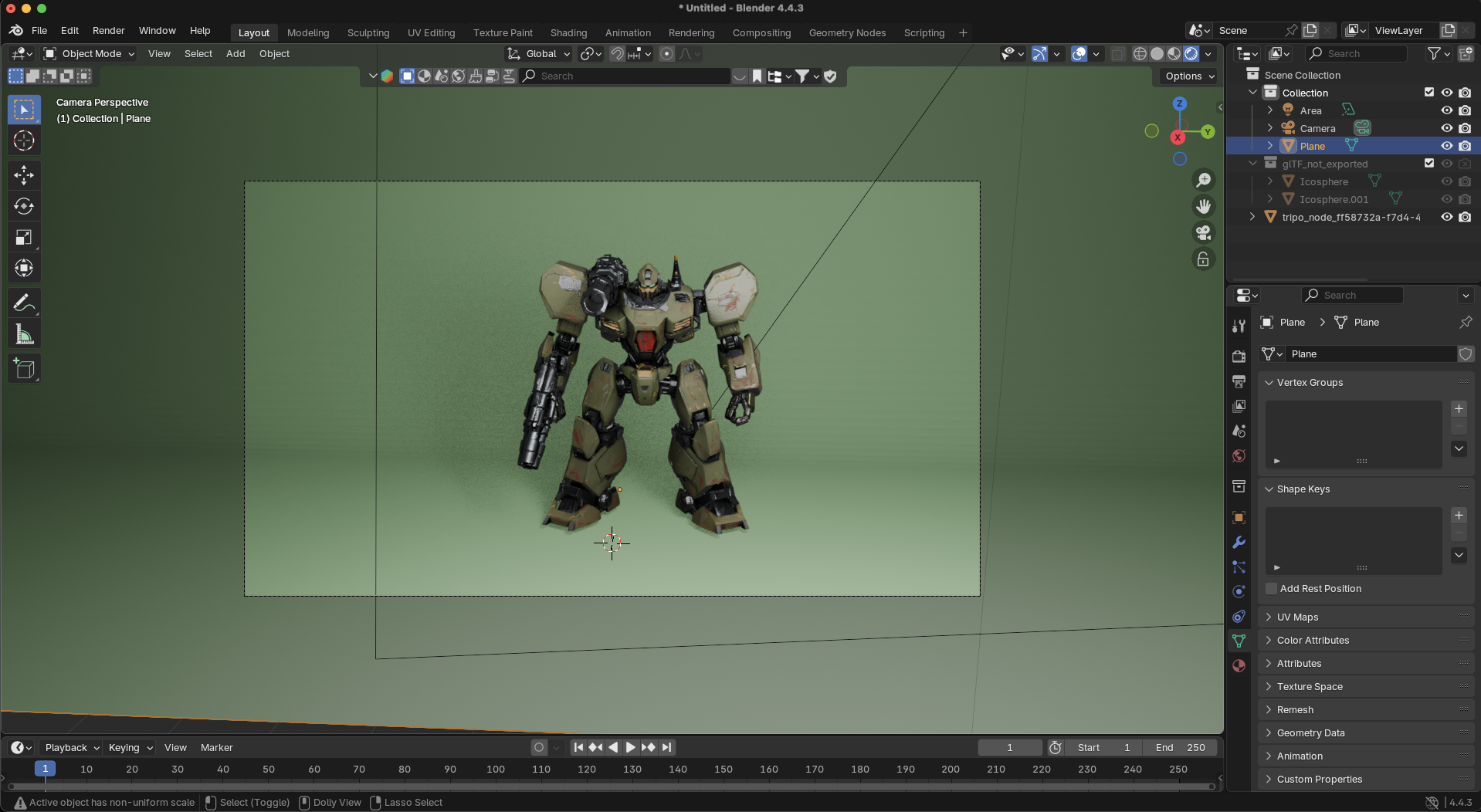
3D rendering is the process of converting 3D wireframe models into 2D images by simulating light, shadows, materials, and other visual effects. Think of it as the digital equivalent of photography—but instead of capturing a physical scene with a camera, you're creating a virtual scene and capturing it with software.
Rendering falls into two main categories:
Offline Rendering (Path-traced)
- Calculates light paths with extreme precision
- Produces the highest level of photorealism
- Takes longer to process (minutes to hours)
- Examples: Blender Cycles, LuxCoreRender
Real-Time Rendering
- GPU-accelerated for instant feedback
- Interactive previews and adjustments
- Sacrifices some realism for speed
- Examples: Blender Eevee, Unreal Engine, D5 Render
Tip: Models with clean topology and UVs render faster and cleaner — qualities baked into every Tripo AI export.
The Best Free Rendering Tools for AI-Generated Models
Blender (Cycles & Eevee)
Official Website: https://www.blender.org
**Rendering Type: **Offline & Real-Time
Key Differentiator: All-in-one free 3D suite with massive community support
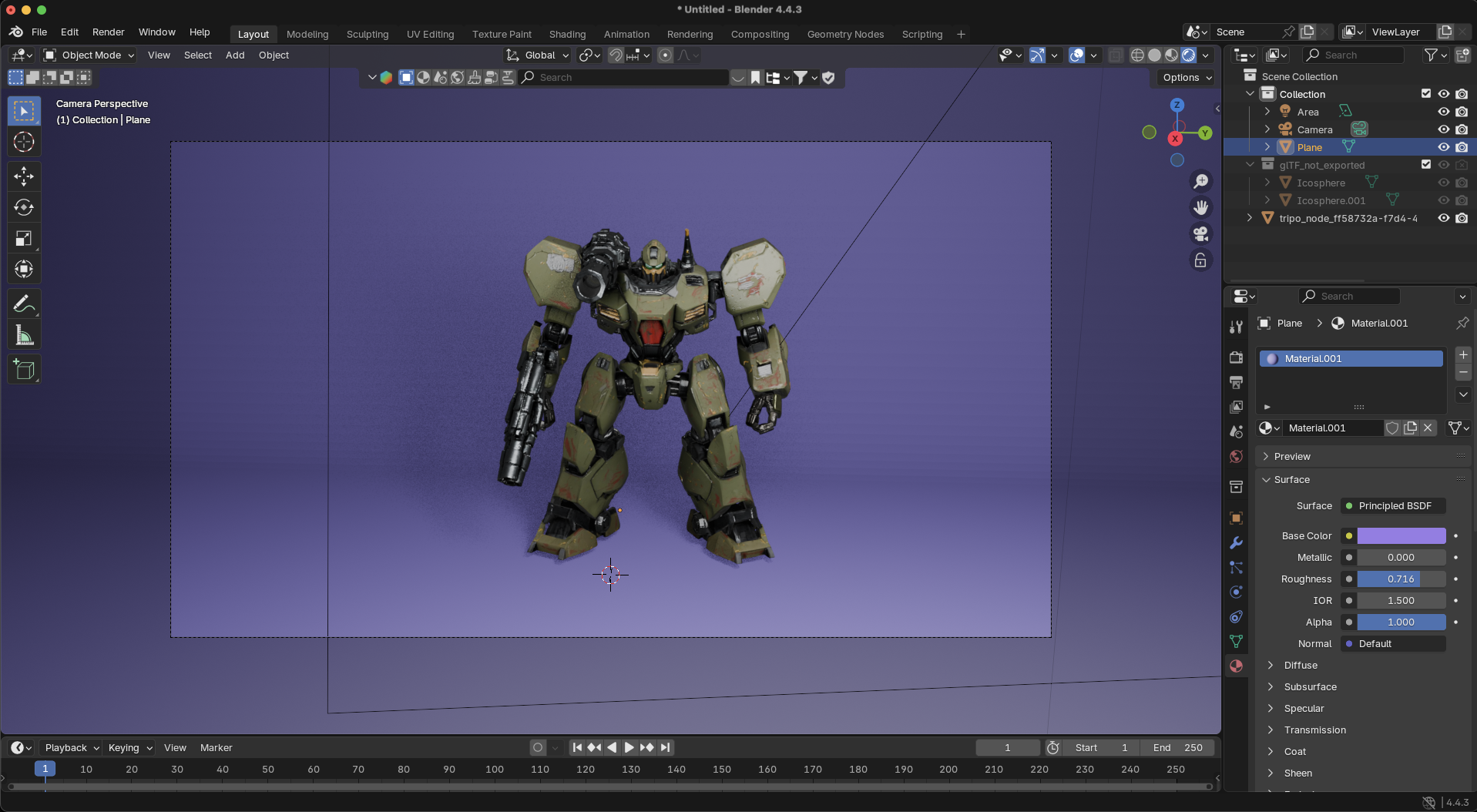
Blender stands as the Swiss Army knife of 3D creation, offering two powerful rendering engines in one package. Cycles provides photorealistic path tracing, while Eevee delivers real-time previews that rival dedicated game engines.
Best For: All-rounders, hobbyists, and professionals who need both still renders and animations. Works seamlessly with Tripo AI exports thanks to native glTF support.
Pros:
- Feature-rich with modeling, texturing, animation, and compositing
- Active community support and regular updates
- Highly customizable with Python scripting
- Real-time preview capabilities
- Completely free and open-source
Cons:
- Steeper learning curve for beginners
- The interface can feel cluttered for new users
- High-quality Cycles renders require more processing time
Unreal Engine 5
Official Website: https://www.unrealengine.com
Rendering Type: Real-Time
Key Differentiator: Unmatched photorealistic real-time rendering with Nanite and Lumen technologies
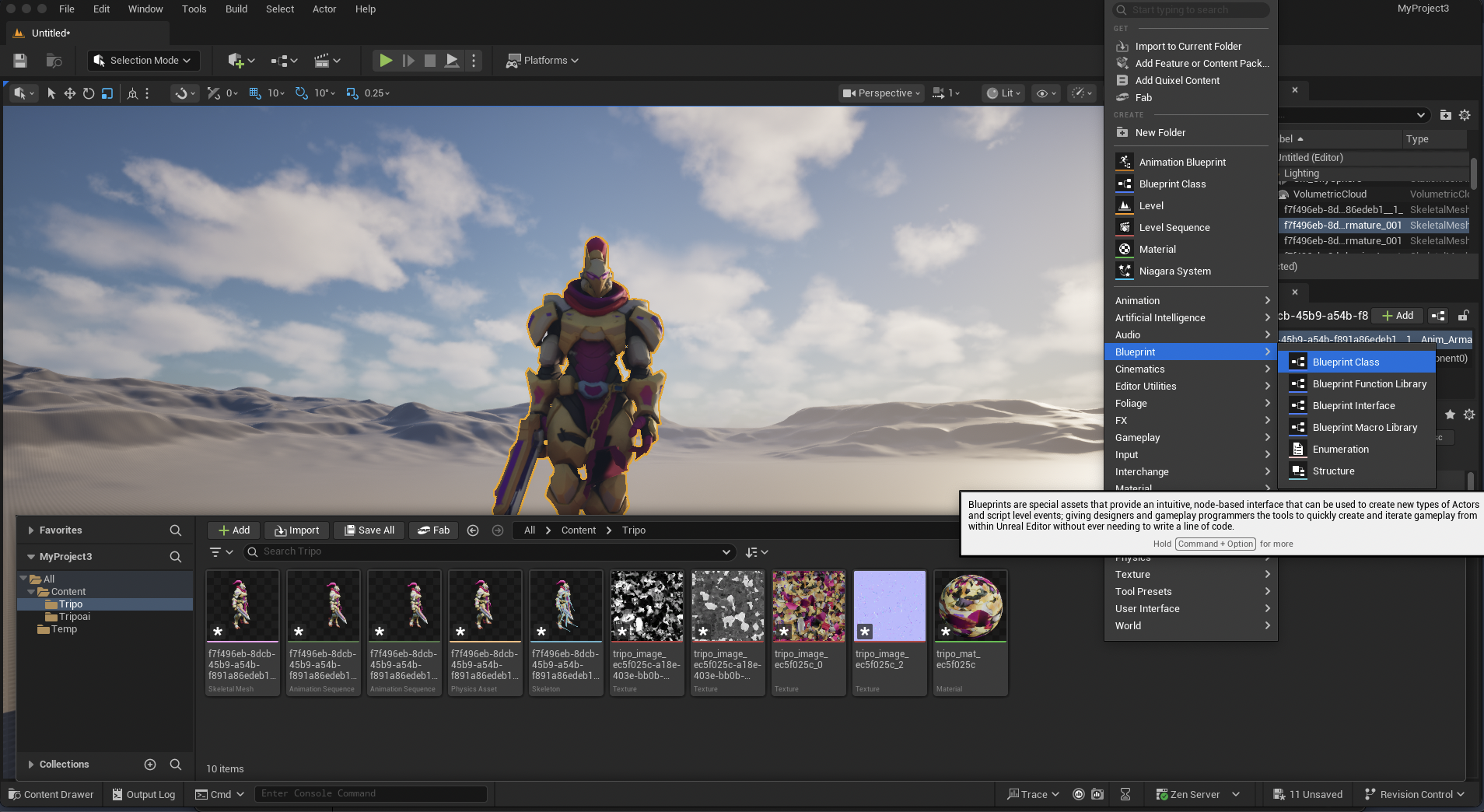
Unreal Engine 5 represents the cutting edge of real-time rendering technology. Its Lumen global illumination system provides dynamic lighting that rivals offline renderers, while Nanite virtualized geometry handles billions of polygons with ease.
Best For: Game developers, architects, virtual production, and anyone needing interactive visualizations. Works excellently with Tripo AI exports through direct FBX import.
Pros:
- Industry-leading real-time global illumination
- Visual scripting with Blueprints (no coding required)
- Massive marketplace of assets and plugins
- Virtual production capabilities used in film/TV
- Free for non-commercial and indie projects
Cons:
- Heavier system requirements
- Larger installation size
- Potentially overkill for simple still renders
D5 Render
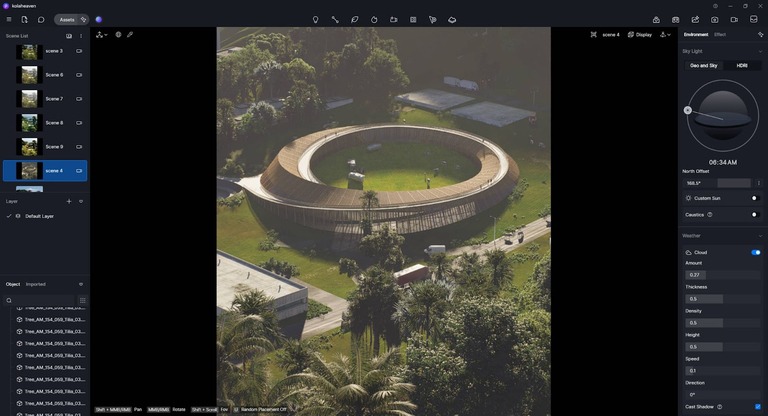
Official Website: https://www.d5render.com
Rendering Type: Real-Time
Key Differentiator: AI-assisted path tracing and extensive PBR material library
D5 Render focuses on architectural visualization with an emphasis on ease of use. Its AI-assisted rendering technology helps optimize scenes for the best balance between quality and performance.
Best For: Architects, interior designers, and visualization specialists. Imports Tripo AI models smoothly via OBJ and FBX formats.
Pros:
- Intuitive user interface with minimal learning curve
- Quick setup for architectural visualization
- Live sync capabilities with CAD tools
- Extensive material and asset libraries
- Free community edition available
Cons:
- Windows-only software
- Fewer advanced shading options than Blender or Unreal
- The community version has some feature limitations
LuxCoreRender
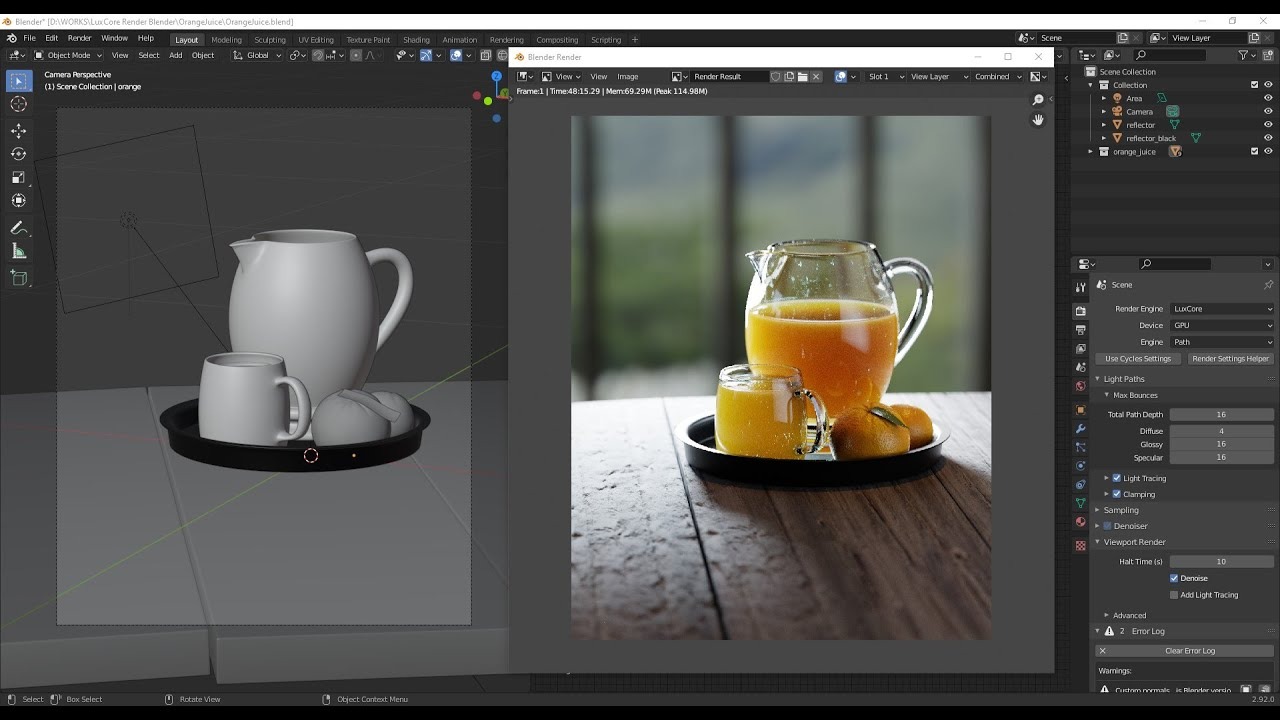
Official Website: https://luxcorerender.org
Rendering Type: Offline (physically based)
Key Differentiator: GPU & CPU heterogeneous rendering with unbiased/biased modes
LuxCoreRender is a physically based renderer that excels at creating highly realistic images. It's particularly strong at simulating complex materials like metals, glass, and subsurface scattering effects.
Best For: Photorealism purists and small studios needing accurate light transport. Compatible with Tripo AI models through Blender integration.
Pros:
- Accurate physical light transport algorithms
- HDR support for realistic lighting
- Open-source with active development
- Blender integration available
- Supports both CPU and GPU rendering
Cons:
- Limited standalone user interface
- Slower preview rendering compared to real-time options
- Steeper technical learning curve
Marmoset Toolbag (Free Trial)
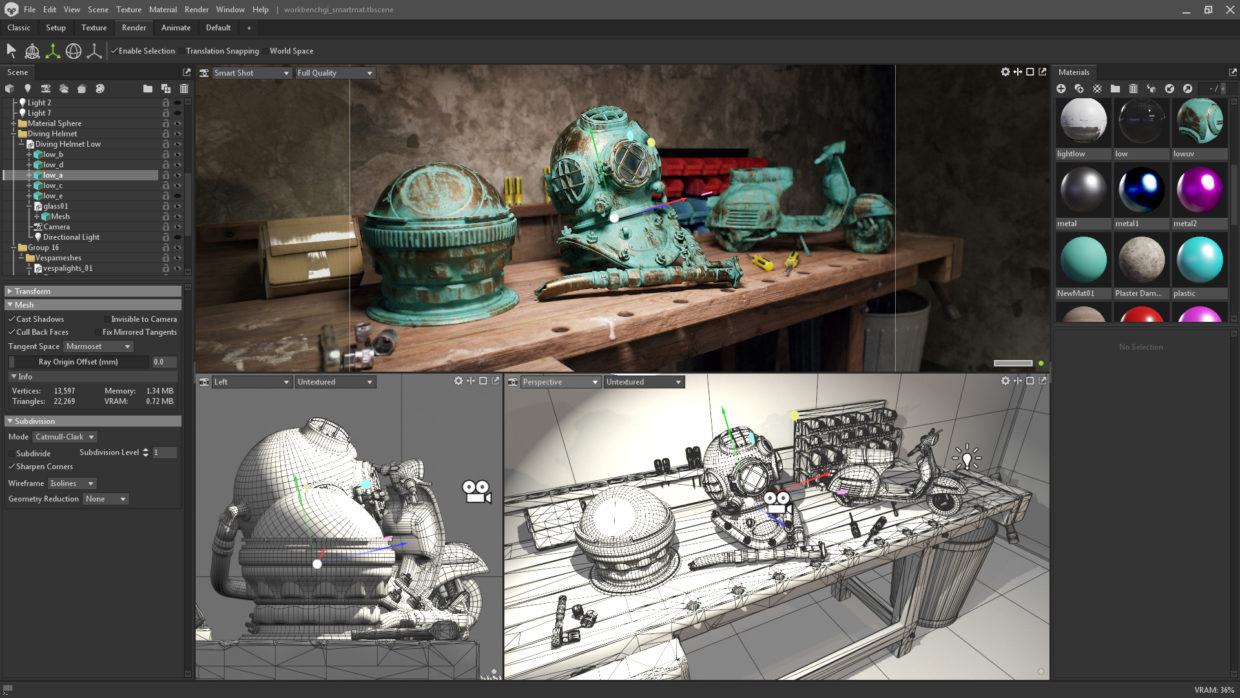
Official Website: https://www.marmoset.co/toolbag
**Rendering Type: **Offline & Real-Time
Key Differentiator: Industry standard for portfolio shots with exceptional material workflows
Marmoset Toolbag has become the go-to software for character artists and prop designers to showcase their work. While not permanently free, its 30-day trial offers full functionality for rendering your models.
Best For: Character artists, portfolio creators, and those needing quick impressive results. Excellent compatibility with Tripo AI's character models.
Pros:
- PBR workflow with real-time preview
- Easy lighting setup with HDRI environments
- Fast turntable animations for portfolios
- Intuitive material editing
- Baker tools for texture creation
Cons:
- Time-limited free trial
- Watermarks on free version exports
- More specialized than general-purpose renderers
Unity (Personal Edition)
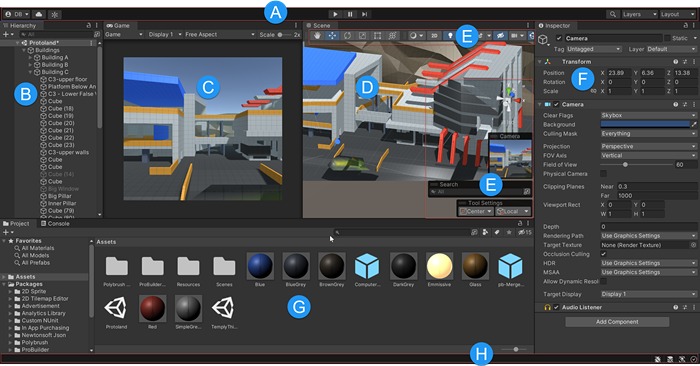
Official Website: https://unity.com
**Rendering Type: **Real-Time
Key Differentiator: Accessible real-time rendering with extensive asset store
Unity offers powerful real-time rendering capabilities with its Universal Render Pipeline (URP) and High Definition Render Pipeline (HDRP). The personal edition is free for individuals and small businesses under certain revenue thresholds.
Best For: Mobile/indie game developers, interactive experiences, and quick visualizations. Supports direct import of Tripo AI's glTF and FBX exports.
Pros:
- Lower system requirements than Unreal
- Extensive documentation and tutorials
- Large asset marketplace
- Cross-platform deployment options
- Powerful post-processing effects
Cons:
- Less photorealistic than Unreal by default
- Requires more setup for architectural visualization
- Personal edition has revenue/funding limitations
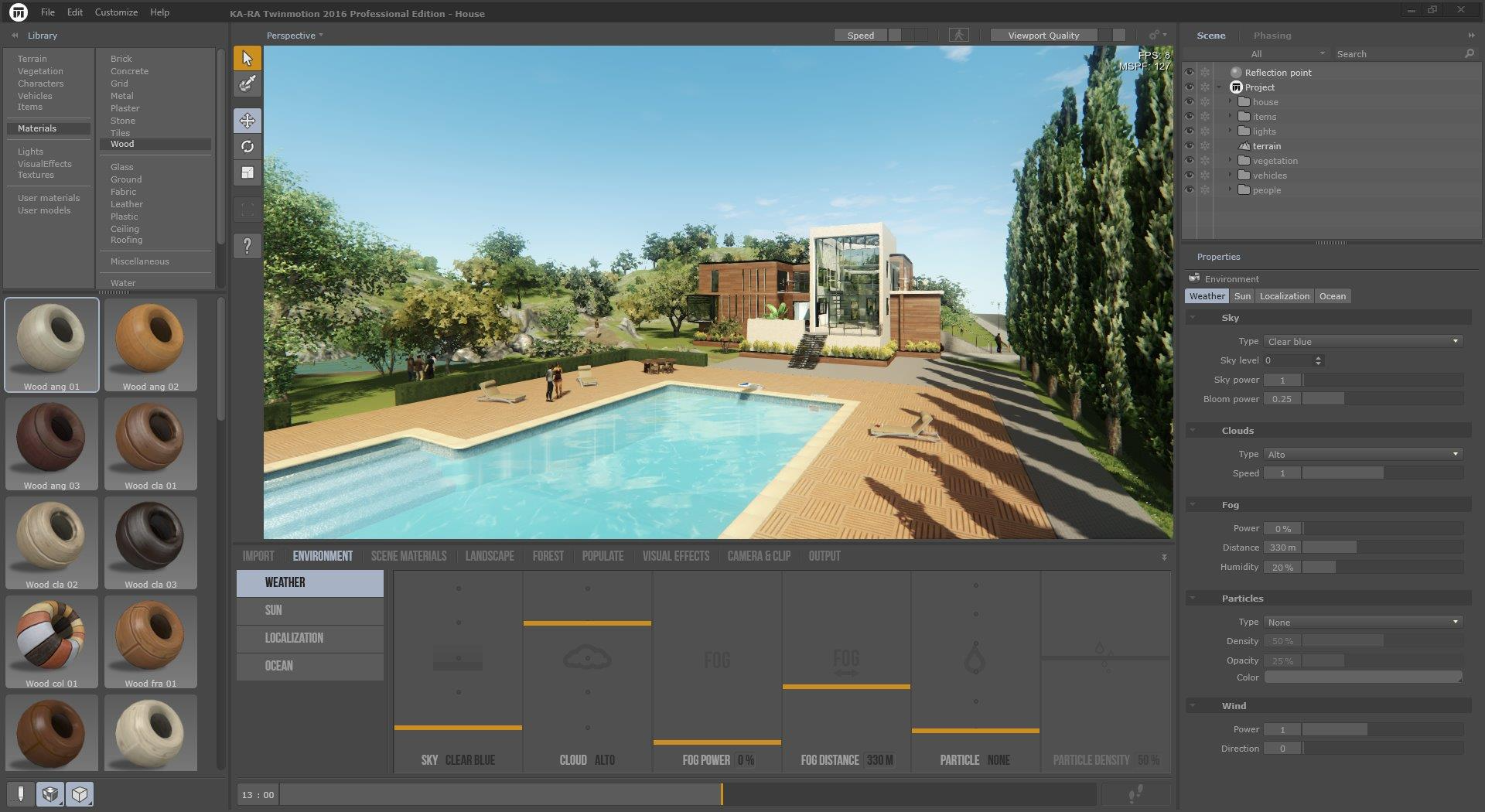
Twinmotion (Free for Personal Use)
Official Website: https://www.twinmotion.com
Rendering Type: Real-Time
Key Differentiator: One-click visualization with season and weather changes
Twinmotion, developed by Epic Games, offers simplified Unreal Engine technology focused on architectural visualization. Its intuitive interface allows users to create atmospheric renders with minimal technical knowledge.
Best For: Architects, landscape designers, and visualization artists needing quick results. Works great with Tripo AI architectural and environmental models.
Pros:
Extremely user-friendly interface
Dynamic weather and seasonal changes
Extensive library of materials and assets
Direct links to CAD software
Free for personal use
Cons:
- Less customizable than the full Unreal Engine
- Limited advanced rendering features
- The free version has export restrictions
Comparison Table: Free Rendering Tools
Frequently Asked Questions
Do I need a powerful computer for free rendering software?
Not necessarily. Modern real-time rendering tools like Blender's Eevee, D5 Render, or Twinmotion can run on mid-range GPUs with decent results. Path tracers like Cycles or LuxCore benefit from stronger CPUs/GPUs but can be tuned for lower settings. Start with real-time engines if your hardware is limited.
What is the easiest free rendering software for beginners?
D5 Render offers the most beginner-friendly experience with drag-and-drop materials and real-time feedback. Twinmotion is also excellent for architectural visualization with minimal learning. Both tools feature intuitive interfaces that don't require deep 3D experience.
Can I sell images I make with free rendering software?
Yes! Most open-source and free tools (Blender, LuxCore, D5's community version) permit commercial use of the images you create. Unreal Engine and Unity have revenue thresholds before requiring paid licenses. Always check individual license terms, but generally, the renders you create are your intellectual property.
How do I get my AI model into these renderers?
Export directly from Tripo AI in FBX/OBJ/glTF format, then go to Blender, Unreal, etc.—no conversions needed. Tripo AI are optimized with clean topology and proper UV maps, making them immediately ready for texturing and rendering in any of these tools.
How long does it take to render a high-res image for free?
Rendering time varies dramatically based on complexity, resolution, and hardware:
Real-time engines (Eevee, Unreal, D5): Seconds to minutes
Path tracers (Cycles, LuxCore): Minutes to hours for high-quality
Start with real-time previews to compose your scene, then switch to path tracing for final outputs if photorealism is crucial.