Creating and Using Sonic Frontiers 3D Models: Expert Workflow
Creating high-quality Sonic Frontiers 3D models is now faster and more accessible than ever, thanks to advances in AI-powered tools and streamlined workflows. In my experience, the key to production-ready assets is combining smart generation methods with hands-on optimization—especially for games and XR projects. This article is for artists, developers, and technical leads looking to efficiently generate, texture, rig, and animate Sonic Frontiers-style models without getting bogged down by traditional bottlenecks. I’ll walk through my end-to-end workflow, best practices, and practical tips for seamless integration into any pipeline.
Key takeaways
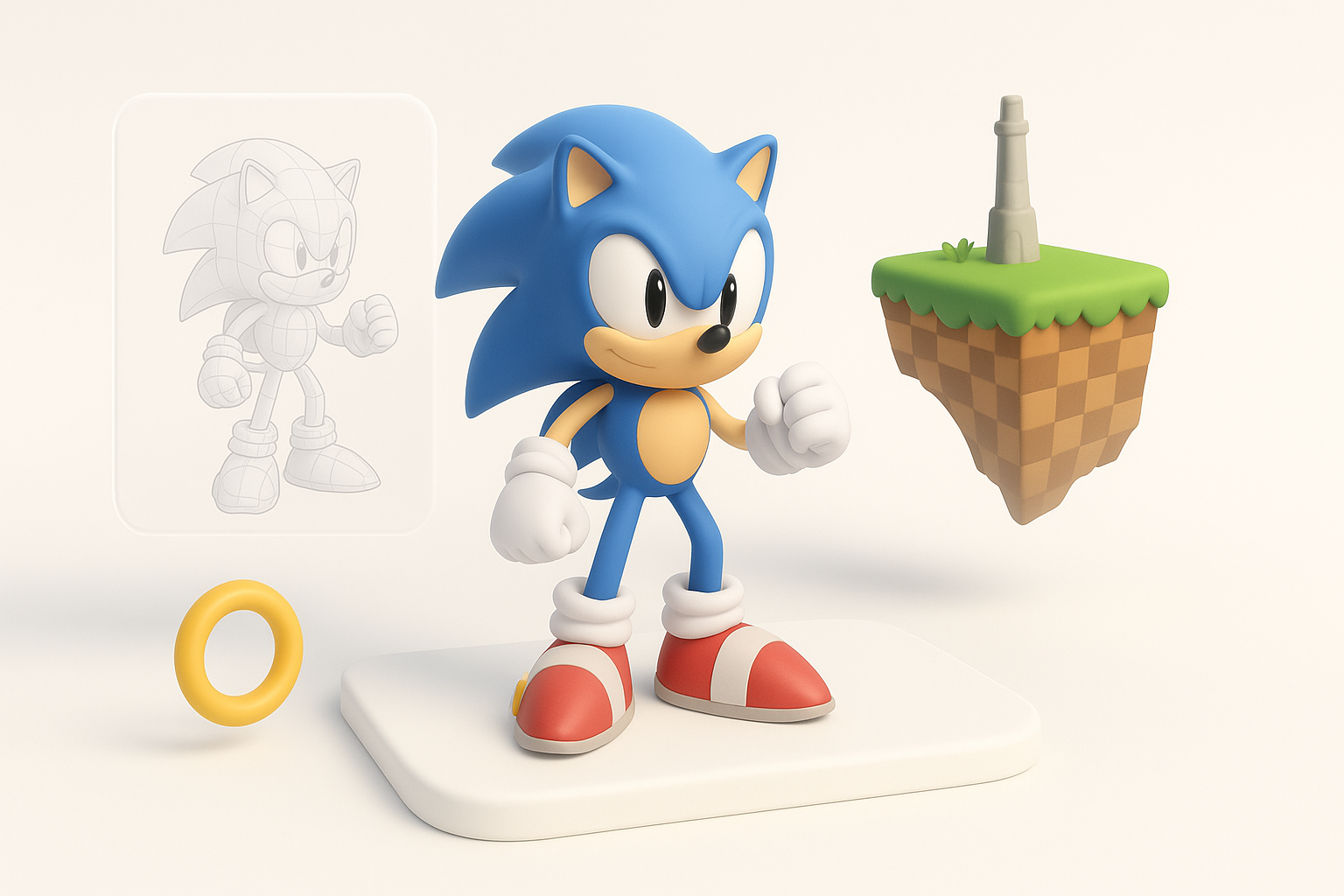
- AI-powered 3D creation enables rapid generation and iteration of Sonic Frontiers models from text, images, or sketches.
- Intelligent segmentation, retopology, and texturing are essential for game/XR-ready assets.
- Rigging and animation are greatly accelerated with built-in tools, but manual tweaks may still be needed for complex characters.
- Choose export formats and pipeline integration strategies early to avoid rework.
- Collaboration is smoother when using platforms with built-in sharing and versioning.
- Know when to use AI workflows versus traditional modeling for best results.
Overview of Sonic Frontiers 3D Models
What Makes Sonic Frontiers Models Unique
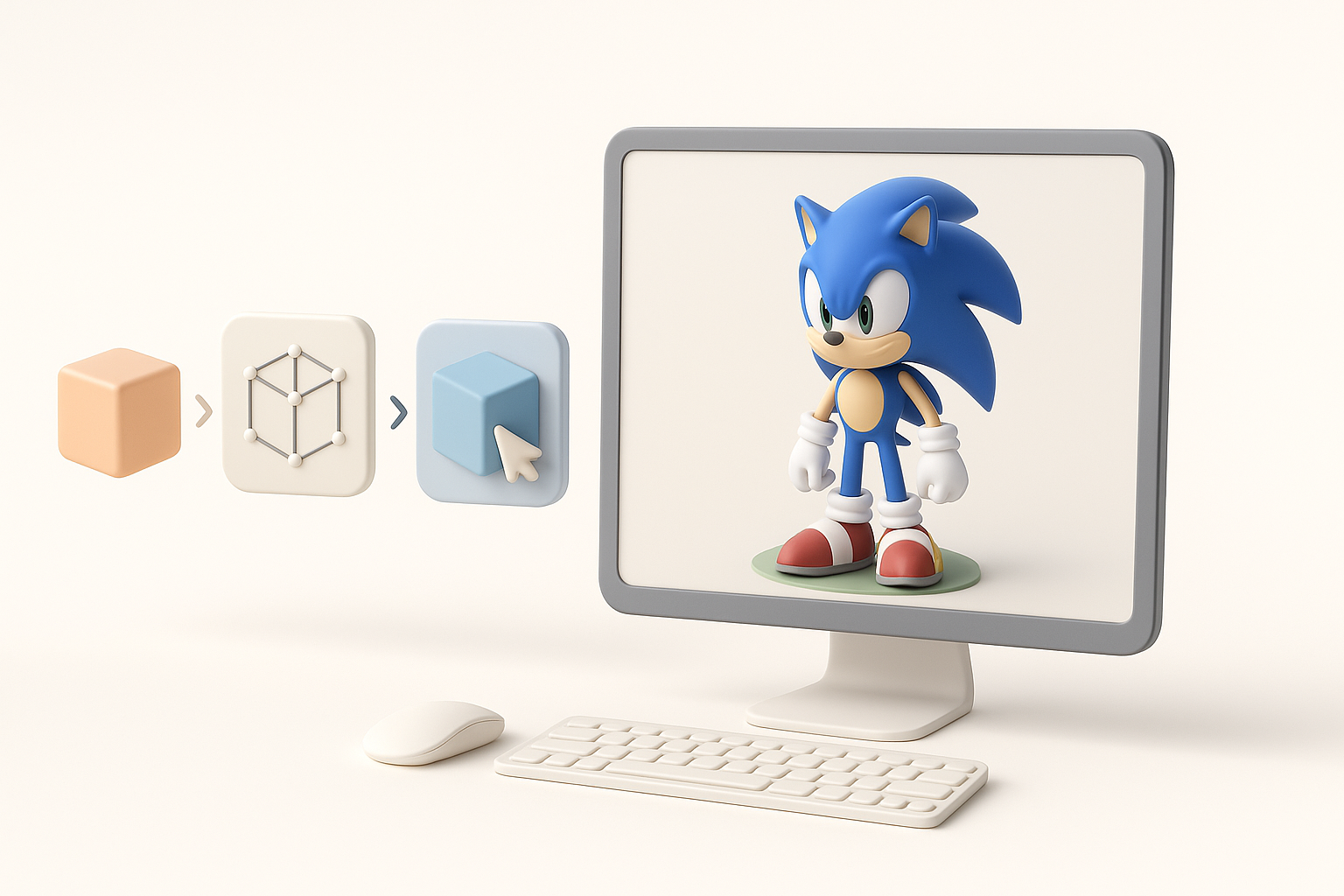
Sonic Frontiers models stand out due to their stylized proportions, vibrant colors, and dynamic shapes. From my hands-on work, I’ve found these models often blend cartoon aesthetics with realistic surface details, which requires careful attention during texturing and shading. Animations are typically exaggerated for speed and expressiveness, so joint placement and mesh deformation need to be spot-on.
Common Use Cases in Games and XR
Most commonly, Sonic Frontiers models are used in fast-paced platformers, action games, and immersive XR experiences. I’ve integrated these assets into both real-time engines and pre-rendered scenes. Their lightweight topology and clear silhouettes make them ideal for mobile and VR, where performance is critical. They’re also popular for fan projects, mods, and rapid prototyping.
My Workflow for Generating Sonic Frontiers 3D Models
Text, Image, and Sketch-Based Generation
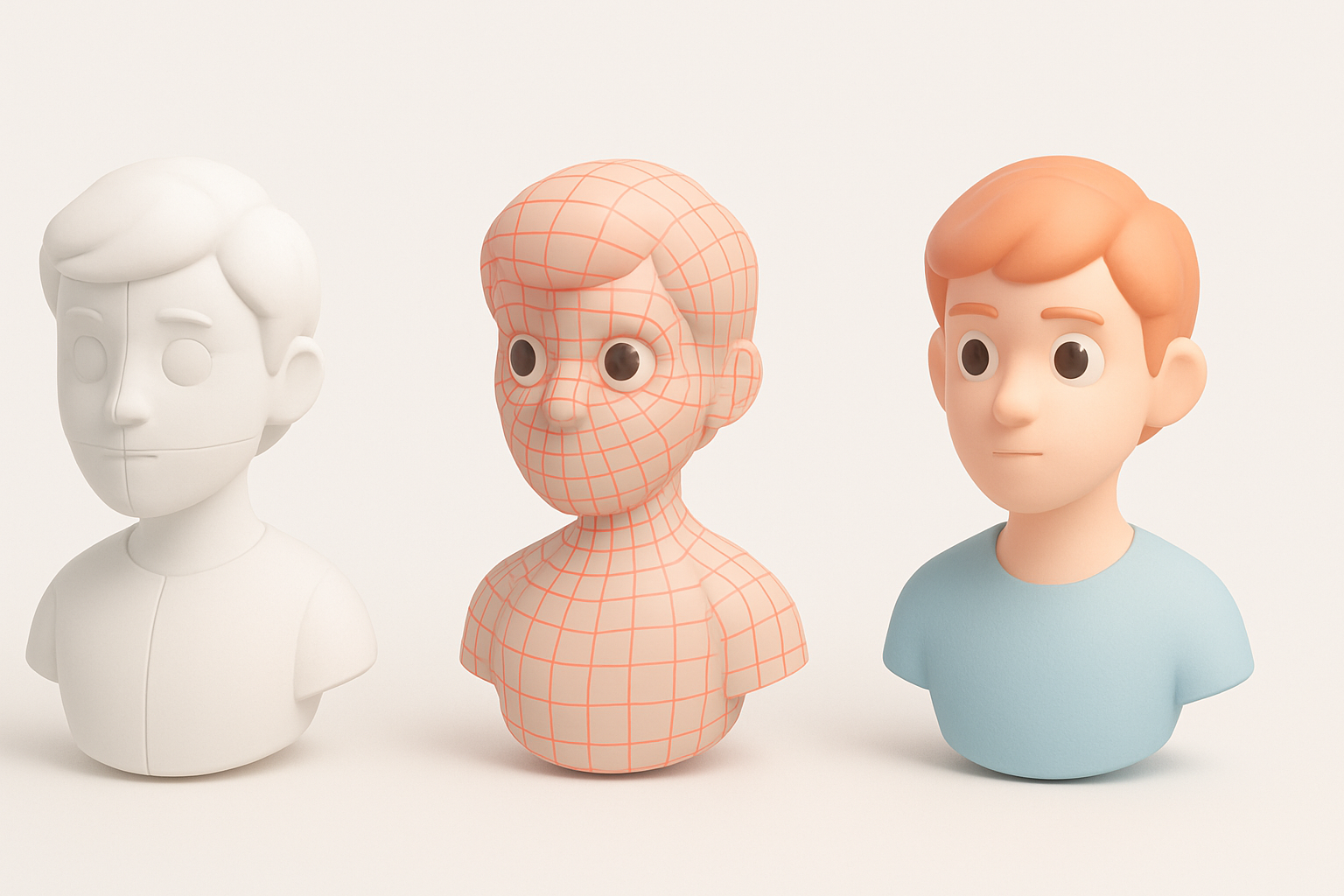
I typically start by gathering references—concept art, screenshots, or even rough sketches. Using Tripo AI, I can generate a base model from a text prompt or by uploading images/sketches. This dramatically cuts down on blocking time.
Steps I follow:
- Define the target style and key features (e.g., Sonic’s spines, gloves, or shoes).
- Input descriptive prompts or annotated sketches into the AI tool.
- Review and iterate on the auto-generated mesh, making quick edits as needed.
Optimizing for Production-Ready Results
While AI-generated models are a great starting point, they often need refinement. I focus on topology, UV layout, and scale to ensure the asset is ready for animation and texturing.
My checklist:
- Check for clean edge loops around joints.
- Verify uniform texel density for consistent texturing.
- Adjust mesh scale and orientation for engine compatibility.
Best Practices for Model Segmentation, Retopology, and Texturing
Intelligent Segmentation Techniques
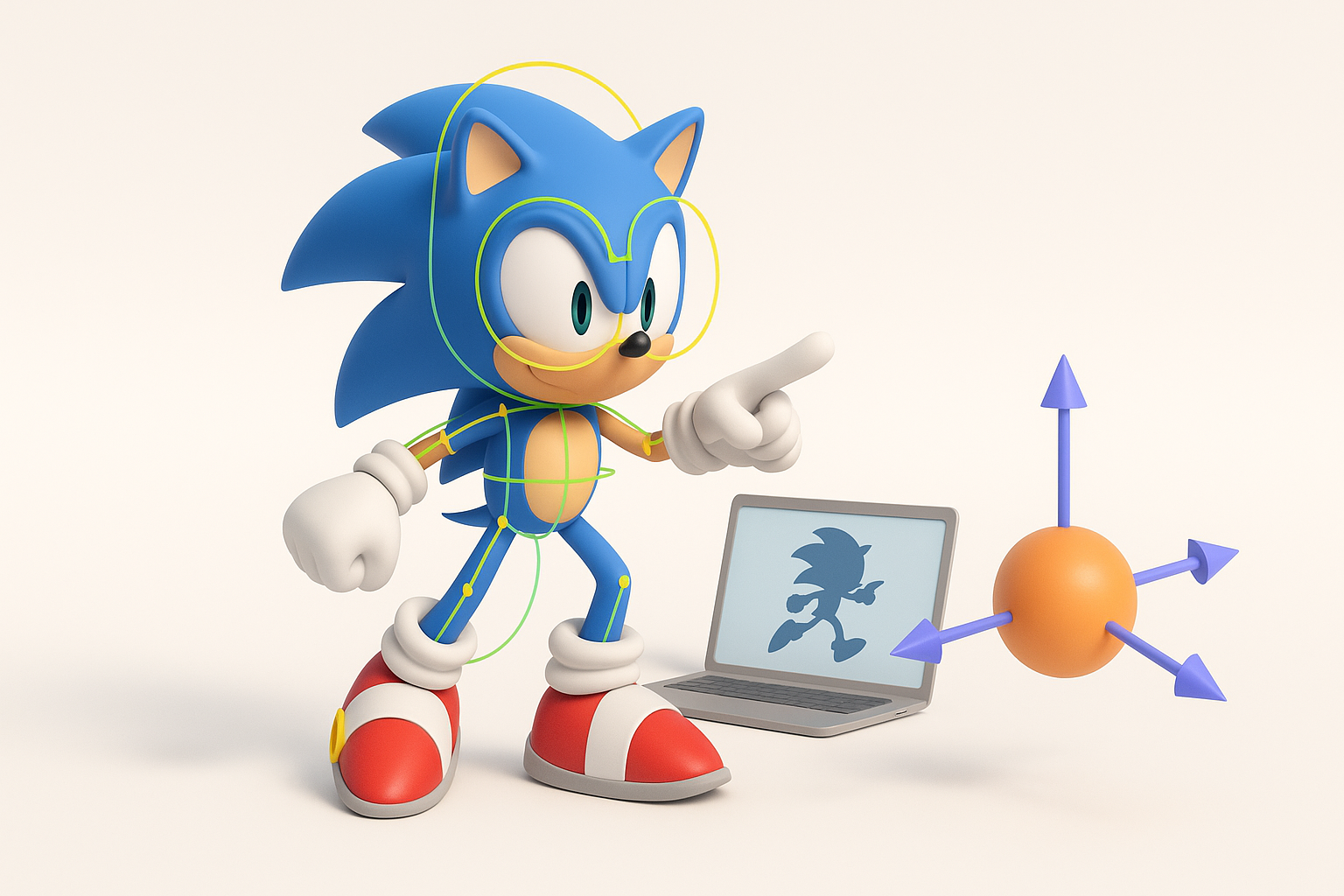
Segmentation is crucial for modularity and efficient rigging. I use Tripo’s built-in segmentation tools to automatically detect limbs, accessories, and facial features. Manual tweaks are sometimes needed for complex elements like spines or layered clothing.
Tips:
- Segment areas that require independent movement (e.g., head, hands).
- Keep separate materials for eyes, shoes, and gloves for easier shader tweaks.
Efficient Retopology and Texturing Tips
Retopology is where I ensure the mesh is game-ready. Automated retopology tools save time, but I always inspect critical deformation zones. For texturing, I rely on smart UV unwrapping and procedural texturing tools.
What’s worked for me:
- Use quad-based retopology for smooth deformations.
- Bake normal and AO maps to enhance stylized detail.
- Leverage AI-assisted texture painting for quick iteration, but finalize by hand for hero assets.
Rigging and Animating Sonic Frontiers Characters
My Approach to Rigging for Games
Rigging these characters requires both flexibility and stability. I use auto-rigging features to generate a base skeleton, then manually adjust weight painting around joints like knees and elbows. For Sonic Frontiers models, extra attention goes to the spine and face for expressive poses.
Checklist:
- Place joints to match exaggerated proportions.
- Test deformation with key poses (run, jump, idle).
- Add blendshapes for facial expressions if needed.
Streamlining Animation with AI Tools
AI-driven animation tools can generate walk/run cycles and basic actions quickly. I often use these as a starting point, then refine timing and exaggeration by hand to match the Sonic style.
Pitfalls to avoid:
- Over-reliance on auto-generated animations can result in stiff or generic movement.
- Always preview in-engine to catch issues early.
Comparing AI-Powered and Traditional 3D Modeling Methods
Speed and Quality Differences
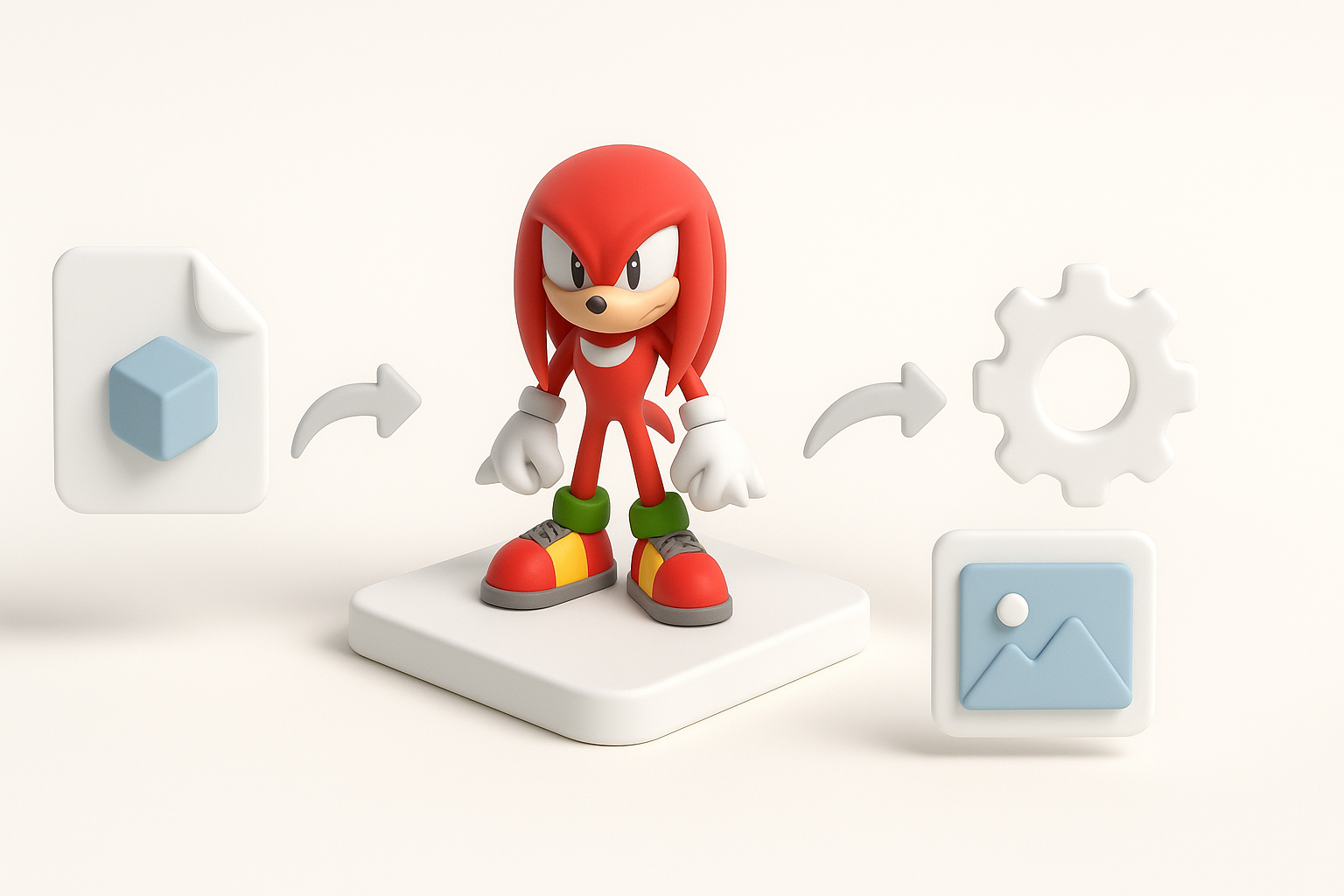
AI-powered workflows are dramatically faster for generating base meshes and textures. In my experience, I can go from concept to playable asset in hours, not days. However, traditional modeling still wins for highly customized or ultra-polished hero assets.
Summary:
- Use AI tools for rapid prototyping and iteration.
- Switch to manual modeling for unique or complex features.
When to Use Each Approach
I recommend AI workflows for:
- Early-stage prototyping
- Background or secondary characters
- Projects with tight deadlines
Traditional methods are best for:
- Main characters with unique rigs/animations
- Assets requiring extreme fidelity or art direction
Exporting, Integrating, and Sharing Sonic Frontiers 3D Models
Export Formats and Pipeline Integration
I export models in formats like FBX or GLTF, which are widely supported by game engines and XR platforms. Tripo AI allows direct export, which streamlines the process. Before export, I always verify scale, orientation, and material assignments.
Integration tips:
- Test import in your target engine early.
- Use naming conventions and layer organization for clean pipelines.
Collaboration and Sharing Best Practices
For team projects, I leverage cloud-based sharing and version control. Tripo’s built-in sharing features help keep everyone on the same page.
Best practices:
- Share low-res previews for quick feedback.
- Keep a changelog of major edits.
- Use consistent file naming and folder structures.
By combining AI-powered tools with hands-on refinement, I’ve consistently delivered Sonic Frontiers 3D models that meet both creative and technical requirements—without the usual headaches. This workflow balances speed, quality, and flexibility, making it ideal for modern game and XR production.