3D Thermal Modeling: Practical Workflows and Expert Insights
3D thermal modeling is essential for simulating heat transfer and temperature distribution across complex objects and environments. In my experience, leveraging AI-powered platforms streamlines everything from geometry prep to simulation setup, making it accessible for both technical experts and creative teams. This guide covers practical workflows, best practices, and the pros and cons of AI-driven versus manual approaches. Whether you're in engineering, product design, or XR, you'll find actionable insights for integrating thermal modeling into your pipeline and collaborating efficiently.
Key takeaways:
- AI tools significantly accelerate 3D thermal modeling and reduce manual errors.
- Preparing clean geometry and accurate material data is crucial for reliable results.
- Choosing the right workflow depends on project complexity and team skills.
- Integrating thermal models into larger pipelines requires clear communication and export strategies.
- Common pitfalls include poor mesh quality and unrealistic boundary conditions.
What Is 3D Thermal Modeling?
Core Concepts and Applications
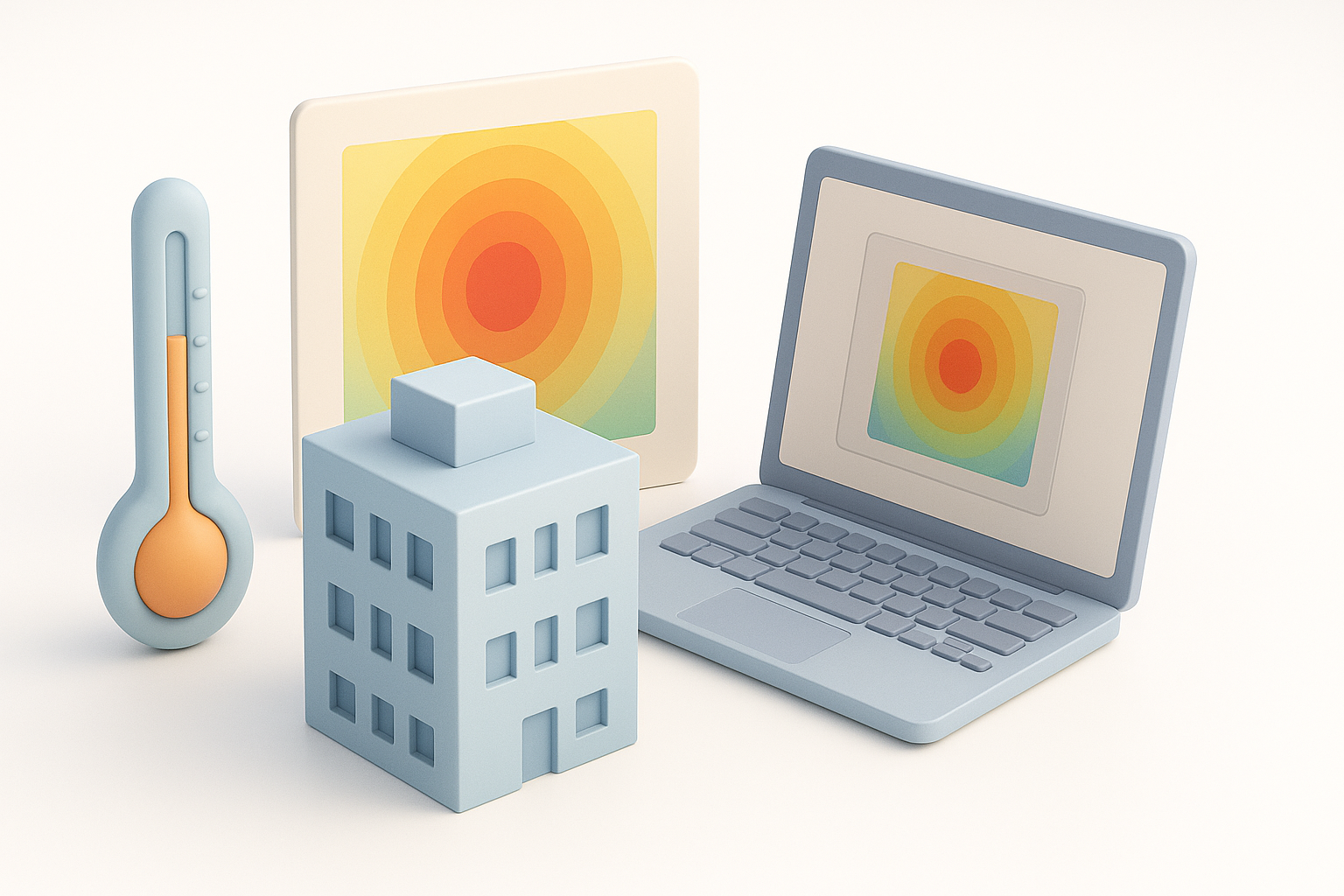
3D thermal modeling simulates how heat moves through objects and environments. I use it to predict temperature changes, optimize cooling, and assess safety in products ranging from electronics to architectural spaces. The process involves creating a digital representation, assigning material properties, and running simulations to visualize heat flow.
Typical applications:
- Electronics cooling and thermal management
- Building insulation and HVAC optimization
- Automotive and aerospace component testing
- Industrial machinery safety
Key Benefits in Real-World Projects
The main advantage is early insight into thermal behavior, reducing costly physical prototyping. In my projects, thermal modeling helps spot risks, improve efficiency, and justify design decisions to stakeholders.
Benefits I’ve seen:
- Faster design iterations
- Reduced material costs
- Improved product reliability
- Enhanced collaboration between engineers and designers
Essential Tools and Software for 3D Thermal Modeling
AI-Powered Platforms and Their Advantages
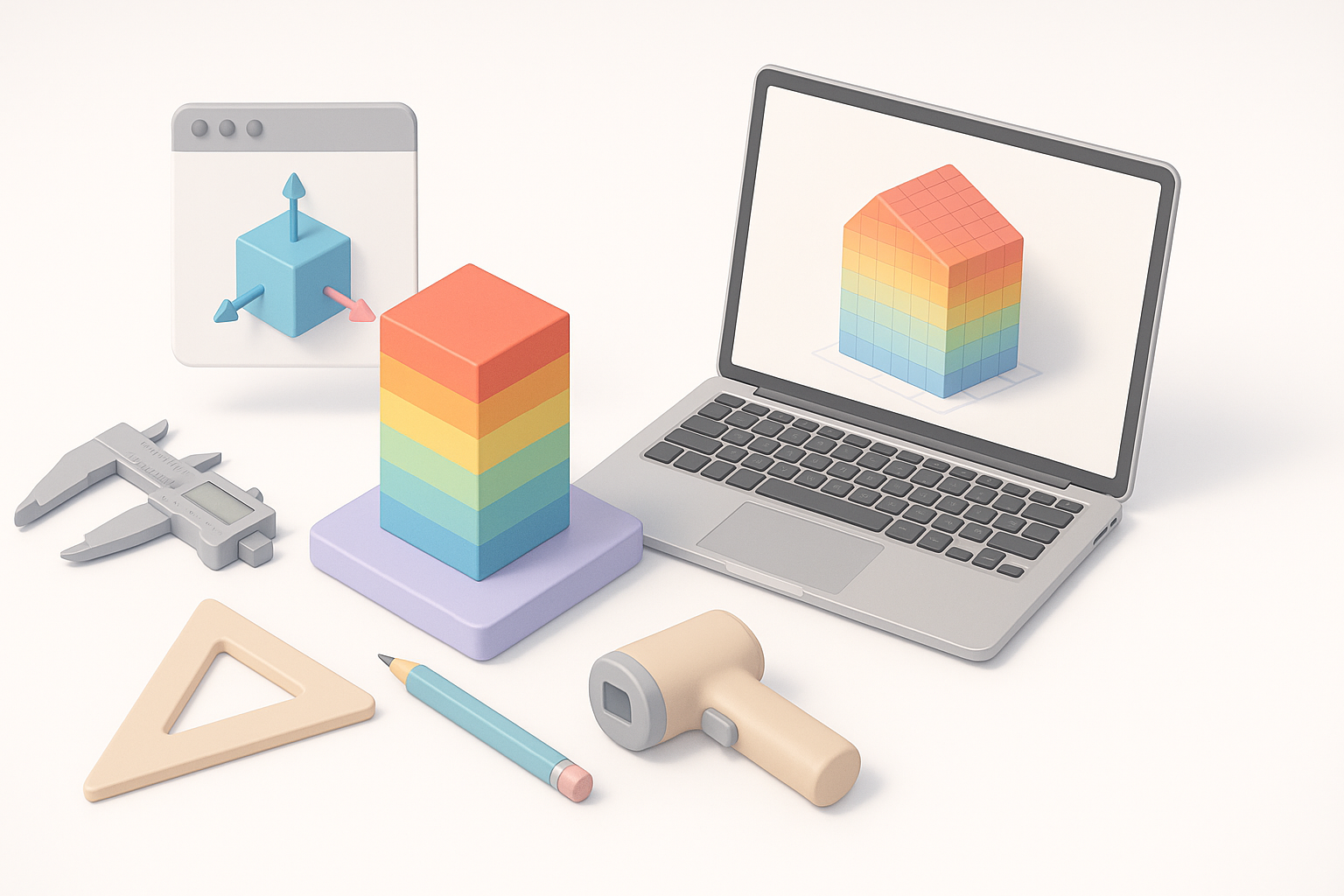
AI-driven platforms, like Tripo AI, automate geometry segmentation, material assignment, and even simulation setup. I find these tools invaluable for rapid prototyping and iterative testing, especially when working under tight deadlines or with limited technical resources.
Advantages:
- Automatic mesh cleanup and retopology
- Intelligent material mapping
- Quick setup for boundary conditions and simulation parameters
Alternative Methods and Traditional Workflows
Traditional workflows rely on manual CAD modeling and specialized thermal simulation software. While powerful for highly customized or regulated projects, they demand more expertise and time.
Typical steps:
- Manual geometry creation in CAD
- Mesh preparation and refinement
- Material property assignment
- Simulation setup in dedicated software
Pitfalls: Manual steps often introduce errors or inconsistencies, especially in complex assemblies.
Step-by-Step Workflow: From Concept to Simulation
Preparing Geometry and Materials
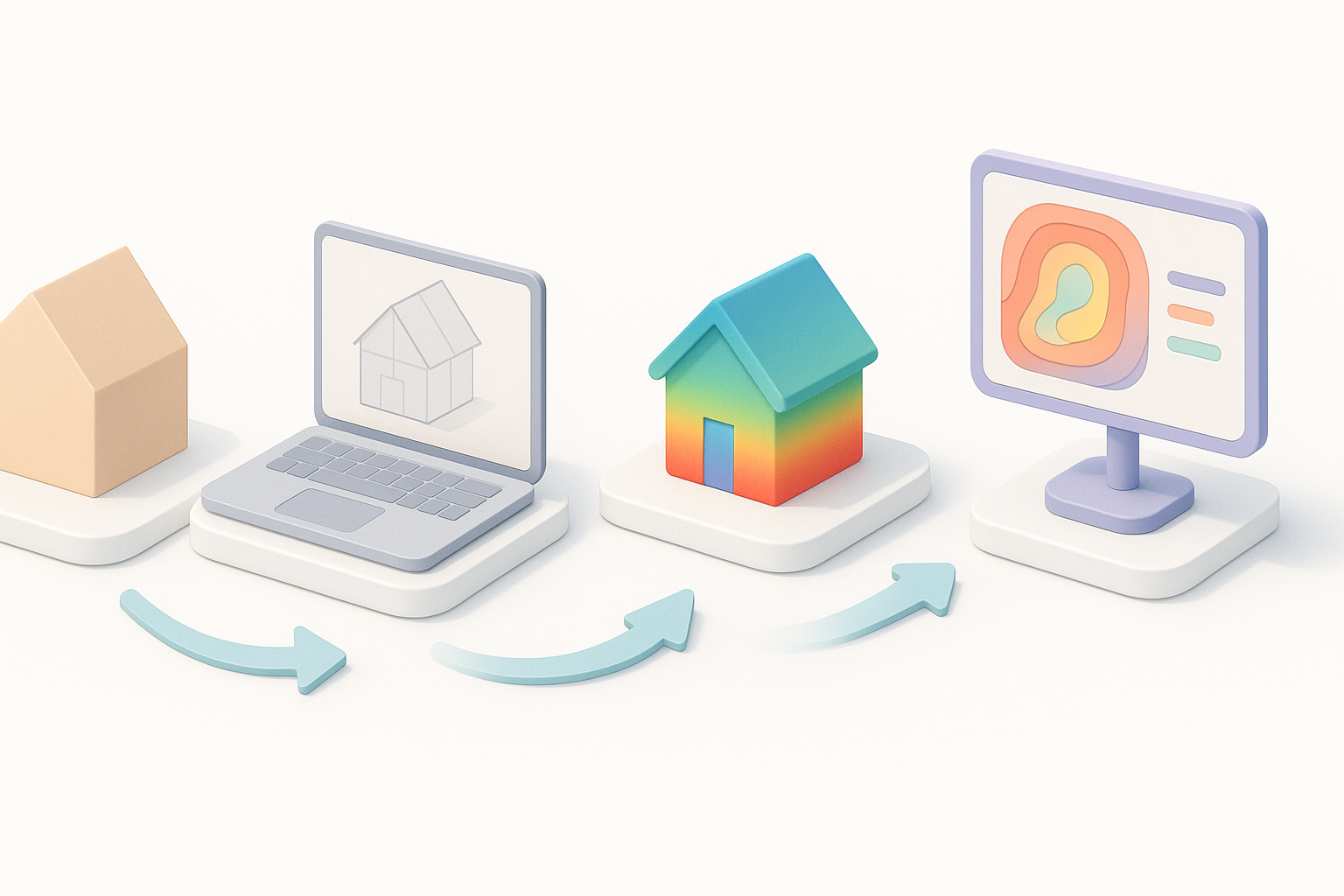
I always start by importing or generating clean geometry. With Tripo AI, I can use text prompts, sketches, or images to create models, then refine them using built-in segmentation and retopology tools. Accurate material data is critical—thermal conductivity, density, and emissivity must be assigned for each component.
Checklist:
- Import or generate geometry
- Segment parts and assign materials
- Run retopology for simulation-ready meshes
- Validate material properties
Setting Up and Running Thermal Simulations
Next, I define boundary conditions—heat sources, ambient temperatures, and insulation. AI tools often automate these steps, but I double-check for realism. Running the simulation, I review temperature maps and heat flow vectors to identify hotspots or inefficiencies.
Steps:
- Set thermal boundaries (e.g., heat input, cooling zones)
- Adjust simulation parameters (mesh resolution, time steps)
- Run simulation and review results
- Iterate as needed
Tip: Always validate simulation outputs against real-world data or benchmarks if available.
Best Practices and Common Pitfalls

What I’ve Learned from Real Projects
Successful thermal modeling hinges on geometry quality and material accuracy. I’ve seen issues arise from rushed mesh prep or missing material data. Collaboration and version control are also vital, especially in multi-disciplinary teams.
Lessons:
- Invest time in mesh cleanup and material assignment
- Use version control for model iterations
- Communicate boundary conditions and assumptions clearly
Tips for Accurate and Efficient Modeling
My go-to tips:
- Use AI tools for initial setup, but manually review key parameters
- Always cross-check material properties
- Start with coarse simulations, refine as needed
- Document every assumption for downstream teams
Common pitfalls:
- Overlooking mesh artifacts
- Using default material values without validation
- Neglecting boundary condition realism
Comparing AI-Driven and Manual Approaches
Speed, Accuracy, and Flexibility
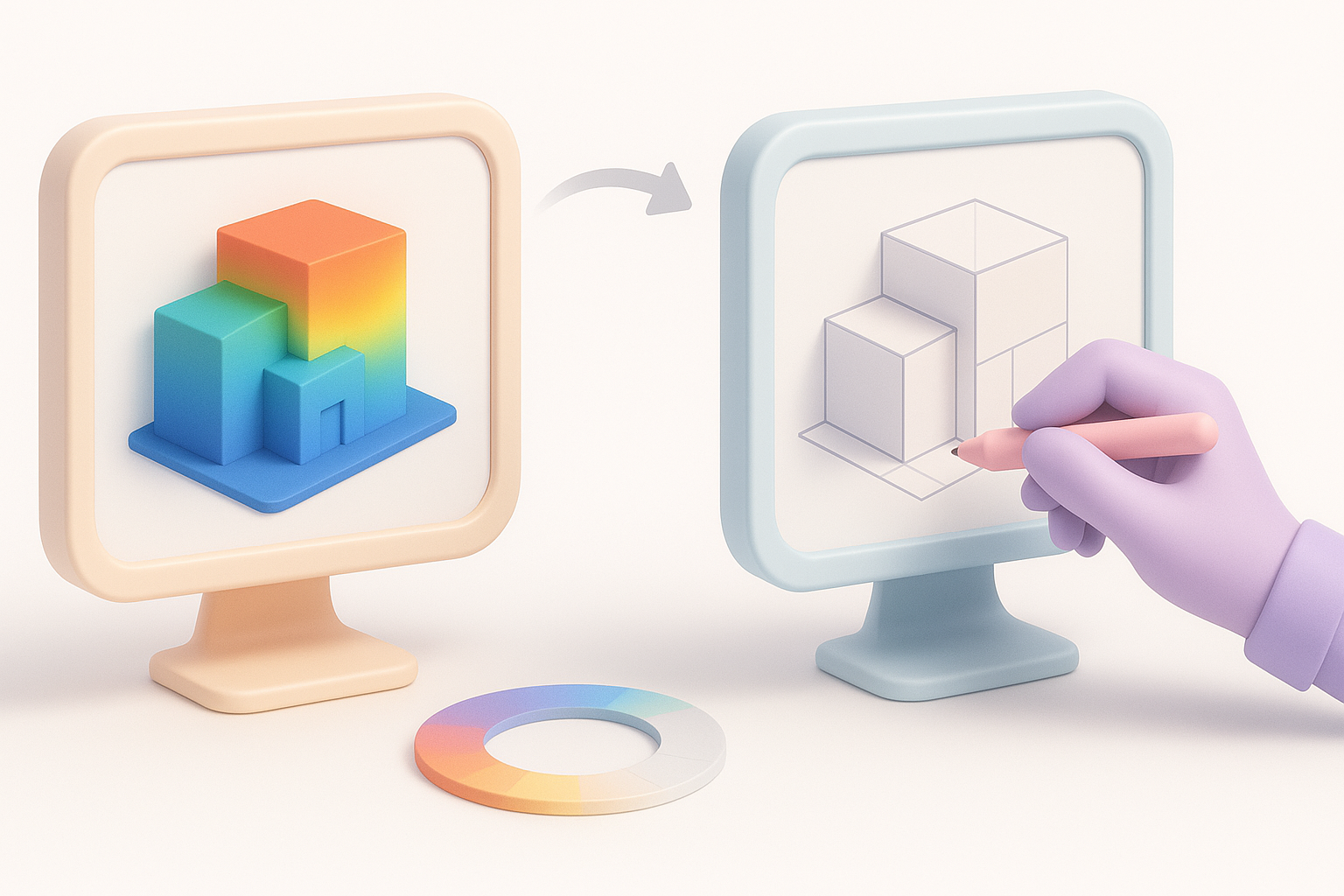
AI-driven workflows are fast and reduce repetitive tasks. In my experience, they excel for prototyping and iterative design. Manual approaches offer more control and customization, but at the cost of time and expertise.
Comparison:
- AI tools: Rapid setup, less manual labor, good for standard cases
- Manual: Greater flexibility, needed for highly regulated or unique projects
When to Choose Each Method
I choose AI tools for early-stage design, quick iterations, and when collaborating with non-technical teams. For final validation or highly specialized needs, manual workflows are still essential.
Decision points:
- Use AI for speed and accessibility
- Use manual for deep customization and regulatory compliance
Integrating 3D Thermal Models into Larger Pipelines
Collaboration with Other Teams
Thermal models often feed into broader engineering, design, or XR pipelines. I recommend sharing annotated models and simulation results early, using standardized formats for compatibility.
Collaboration tips:
- Export models in common formats (FBX, OBJ, GLTF)
- Annotate simulation outputs
- Schedule review sessions with relevant teams
Exporting and Sharing Results
AI platforms usually support export to multiple formats, making it easy to share results. I document all simulation parameters and assumptions for transparency.
Checklist:
- Export geometry and simulation data
- Provide summary reports and visualizations
- Archive all versions for traceability
Final tip: Clear documentation ensures downstream teams understand the thermal model’s context and limitations.
Slug suggestion: 3d-thermal-modeling-workflows-expert-guide
Meta description: Discover practical 3D thermal modeling workflows, expert tips, and best practices for efficient simulations. Learn how AI tools streamline the process.
Keywords: 3d thermal modeling, thermal simulation, ai 3d tools, workflow, best practices, tripo ai