How to Land and Succeed in a 3D Modeling Internship
скачать 3d модели для chicken gun
Breaking into the 3D modeling industry often starts with a hands-on internship. From my own experience, the process is competitive but manageable if you focus on building a strong portfolio, mastering industry-standard tools, and leveraging AI platforms to stand out. This guide is for students, recent grads, and career changers aiming to secure and excel in a 3D modeling internship. I’ll share what’s worked for me—how to prepare, apply, succeed on the job, and use smart workflows (including AI tools like Tripo) to accelerate your growth.
Key takeaways:
- Build a diverse portfolio using both traditional and AI-powered 3D tools.
- Focus on mastering core modeling, texturing, and rendering software.
- Use targeted job boards and networking to find the best internship opportunities.
- Prepare for real-world workflows and fast-paced collaboration.
- Adopt time management and feedback-seeking habits to maximize your learning.
- Blend AI and traditional methods to boost productivity and creativity.
What Is a 3D Modeling Internship?
Typical responsibilities and expectations
In a 3D modeling internship, I was tasked with creating models for games, animation, or product visualization—sometimes from scratch, sometimes refining existing assets. Responsibilities included:
- Modeling, UV unwrapping, and texturing
- Collaborating with artists and technical leads
- Working within specific style or technical constraints
- Receiving and iterating on feedback
Expectations were clear: deliver clean, optimized models on time, communicate effectively, and be open to learning new workflows.
Types of companies and industries offering internships
I’ve seen internships offered by gaming studios, VFX houses, product design firms, architectural visualization companies, and XR startups. Each industry emphasizes different skills—games may focus on real-time optimization, while product design values photorealism and precision.
Tip: Target companies whose work excites you and matches your skill set. Smaller studios often offer broader hands-on experience.
How I Prepared for My 3D Modeling Internship
Building a strong portfolio with AI-powered tools
My portfolio was my ticket in. I included a mix of personal projects, school assignments, and assets created with AI-powered tools like Tripo. Using AI, I could rapidly prototype ideas, experiment with styles, and show versatility.
Checklist for a strong portfolio:
- 5–10 polished pieces, showing range (organic, hard-surface, stylized, realistic)
- Before/after breakdowns (especially when using AI tools)
- Clear credit for any collaborative or AI-assisted work
- Short descriptions outlining your process
Essential skills and software to master
I focused on industry standards: Blender, Maya, ZBrush for modeling; Substance Painter for texturing; and basic knowledge of Unity or Unreal Engine. Learning how to integrate AI platforms into my workflow gave me an edge in speed and iteration.
Pitfall: Don’t neglect fundamentals—AI tools are powerful, but weak topology or poor UVs will show.
Finding and Applying for 3D Modeling Internships
Best resources and platforms for internship listings
I found most opportunities on specialized job boards, studio websites, and through school career centers. Networking via LinkedIn and joining 3D artist communities also led to leads.
Top resources I use:
- Company careers pages
- ArtStation jobs
- LinkedIn job search
- Discord communities and forums (for indie studios)
Crafting a standout application and interview tips
A tailored portfolio and concise cover letter made my applications stand out. In interviews, I highlighted my willingness to learn, adaptability with new tools (including AI platforms), and ability to receive feedback.
Interview prep checklist:
- Prepare to discuss your workflow and problem-solving approach
- Be ready to show portfolio pieces and explain your contributions
- Demonstrate familiarity with both traditional and AI-assisted modeling
What I Learned During My Internship
Real-world workflows and collaboration
Internships exposed me to structured pipelines: asset tracking, naming conventions, and version control. Collaboration was key—daily standups, sharing progress, and adapting to team feedback.
What worked for me:
- Communicating progress and blockers early
- Using shared documentation and versioning tools
- Observing how experienced artists handled feedback and revisions
Overcoming challenges and adapting to new tools
I quickly realized every studio has its own toolset and workflow quirks. Adapting meant learning on the fly—sometimes picking up new plugins or integrating AI solutions to accelerate repetitive tasks.
Tips:
- Ask for quick demos or documentation when facing unfamiliar tools
- Don’t be afraid to suggest efficient workflows, especially if you’re comfortable with AI platforms
Best Practices for Success as a 3D Modeling Intern
Time management and meeting deadlines
I kept a simple task list and blocked out focused work sessions. Breaking large tasks into smaller steps helped me stay on track and avoid last-minute crunches.
Time management tips:
- Prioritize tasks by deadline and complexity
- Use time-blocking or Pomodoro techniques
- Regularly check in with your mentor or supervisor
Seeking feedback and continuous improvement
I made it a habit to ask for feedback at every milestone. Iterating based on critique (and not taking it personally) sped up my progress.
Best practices:
- Request actionable feedback, not just “looks good”
- Document revisions and lessons learned
- Use feedback to update your portfolio pieces
Comparing Traditional and AI-Enhanced 3D Modeling Workflows
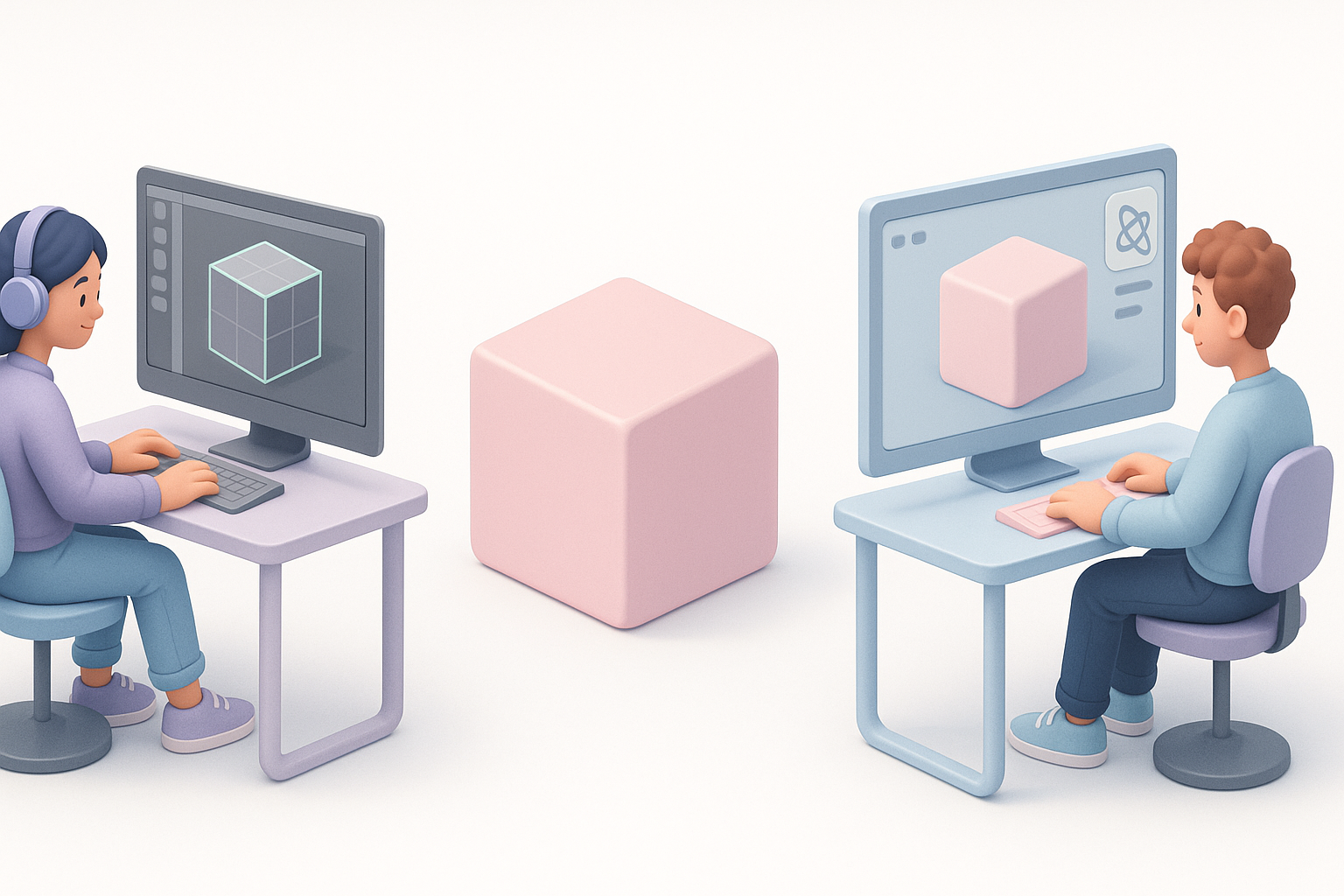
Benefits of integrating AI platforms like Tripo
In my workflow, AI platforms like Tripo helped me generate base meshes, automate retopology, and quickly texture assets. This freed up time for creative exploration and polish.
Key benefits:
- Rapid prototyping and iteration
- Automated repetitive tasks (e.g., UV unwrapping, segmentation)
- Easier adaptation to new asset requirements
When to use traditional methods vs. AI-powered tools
I rely on traditional modeling for complex, bespoke assets or when topology is critical (e.g., for animation). AI tools shine for quick concepting, background assets, or when deadlines are tight.
Decision points:
- Use AI for speed and ideation
- Use manual methods for precision, control, and unique details
Next Steps After Your Internship
Building on your experience for future roles
After my internship, I updated my portfolio with new work and documented my workflow improvements. I highlighted my adaptability and proficiency with both traditional and AI-enhanced pipelines.
Steps I took:
- Refined portfolio with internship projects (with permission)
- Wrote short case studies on challenges solved
- Asked for references from mentors and supervisors
Networking and staying updated in the 3D industry
I stayed active in online communities, attended virtual events, and followed industry news. Building relationships with fellow interns and artists opened doors to future opportunities.
What I recommend:
- Join Discord servers, forums, and local meetups
- Follow studios and artists on social media
- Keep learning—experiment with new tools and workflows regularly
Landing and excelling in a 3D modeling internship is about preparation, adaptability, and proactive learning. Leveraging both traditional skills and AI-powered tools like Tripo will set you apart—helping you build a career-ready portfolio and thrive in fast-evolving creative industries.