How to Create a Spinning 3D Rat Model: Workflow & Tips
Creating a spinning 3D rat model is a practical exercise for anyone looking to showcase modeling, animation, and presentation skills in a portfolio or creative project. In my experience, the process is straightforward if you leverage the right tools and focus on production-ready details like retopology and texturing. Whether you’re a 3D artist, game developer, or designer, this guide covers the entire workflow—from model generation to export—along with practical tips and pitfalls to avoid. I’ll also compare streamlined AI-powered solutions with more manual approaches, so you can choose what fits your needs best.
Key takeaways
- Start with a clear plan for your spinning 3D model’s purpose and presentation.
- Use AI-powered tools like Tripo for fast, clean model generation and animation setup.
- Pay attention to retopology and texturing for a polished, production-ready result.
- Choose export settings based on your target platform (web, video, interactive).
- Embed and share your spinning model efficiently by optimizing file size and compatibility.
- Manual workflows offer more control, but AI tools dramatically speed up the process.
Overview: Spinning 3D Rat Models in Creative Workflows
Why spinning 3D models are popular in portfolios and presentations
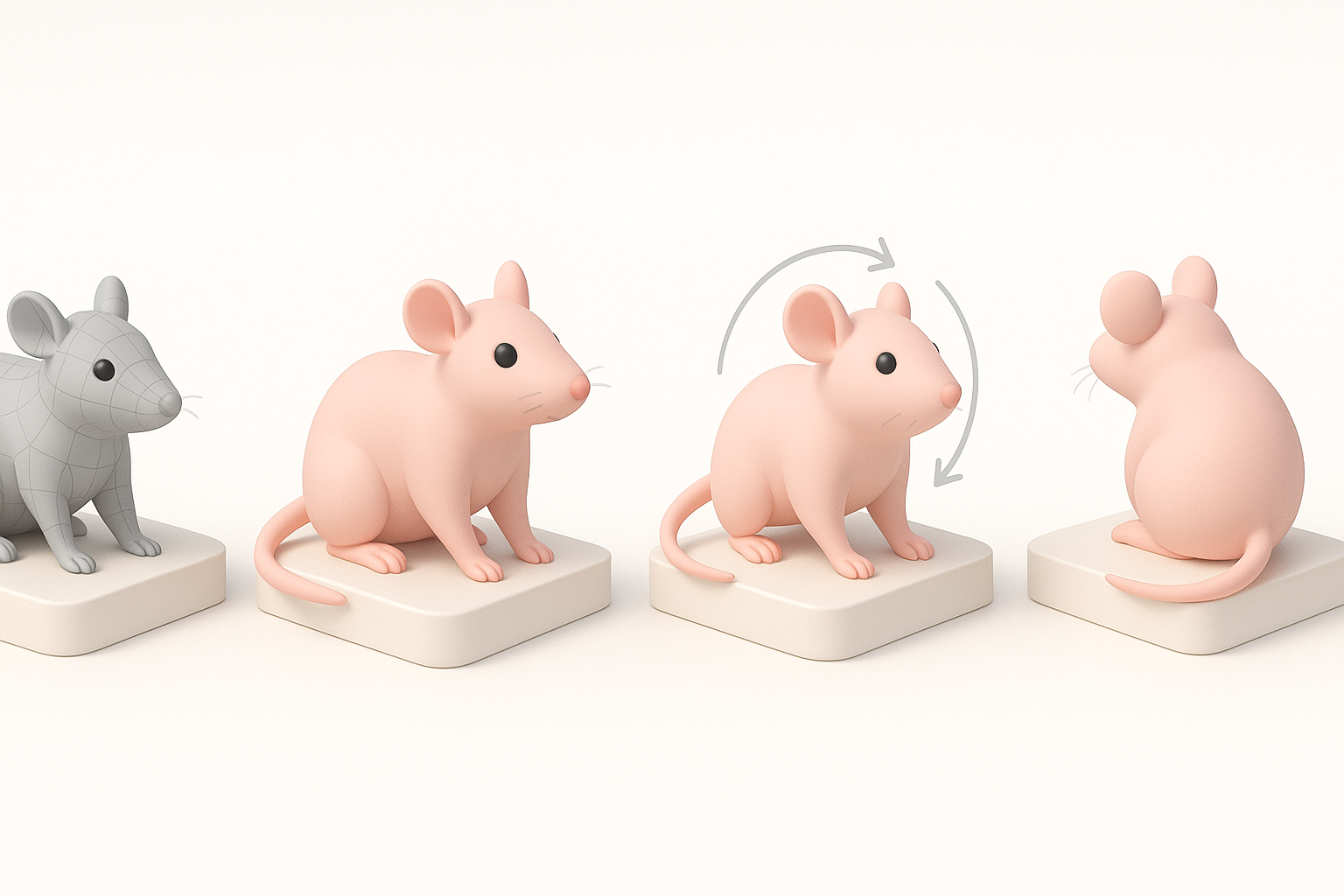
Spinning 3D models are a staple in portfolios and showreels because they let viewers quickly evaluate a model’s geometry, topology, and texturing from all angles. I use them to highlight both technical and artistic skills without requiring interactive navigation.
- Immediate visual impact: A spinning turntable animation presents the model’s silhouette, proportions, and details in seconds.
- Versatile presentation: Works for stills, videos, and embedded viewers.
- Efficiency: One animation covers all viewing angles.
Key considerations before starting your project
Before jumping in, I always clarify a few points:
- Purpose: Is this for real-time use, film, or portfolio?
- Target platform: Web, video, AR/VR, or game engine?
- Style and realism: What level of detail and texture fidelity is needed?
- File size constraints: Especially important for web and mobile.
Checklist:
- Reference images or sketches ready
- Output format decided (GLB, FBX, MP4, etc.)
- Animation duration and speed set
Step-by-Step: My Process for Making a 3D Rat Model Spin
Generating or sourcing a rat model: Tools and best practices
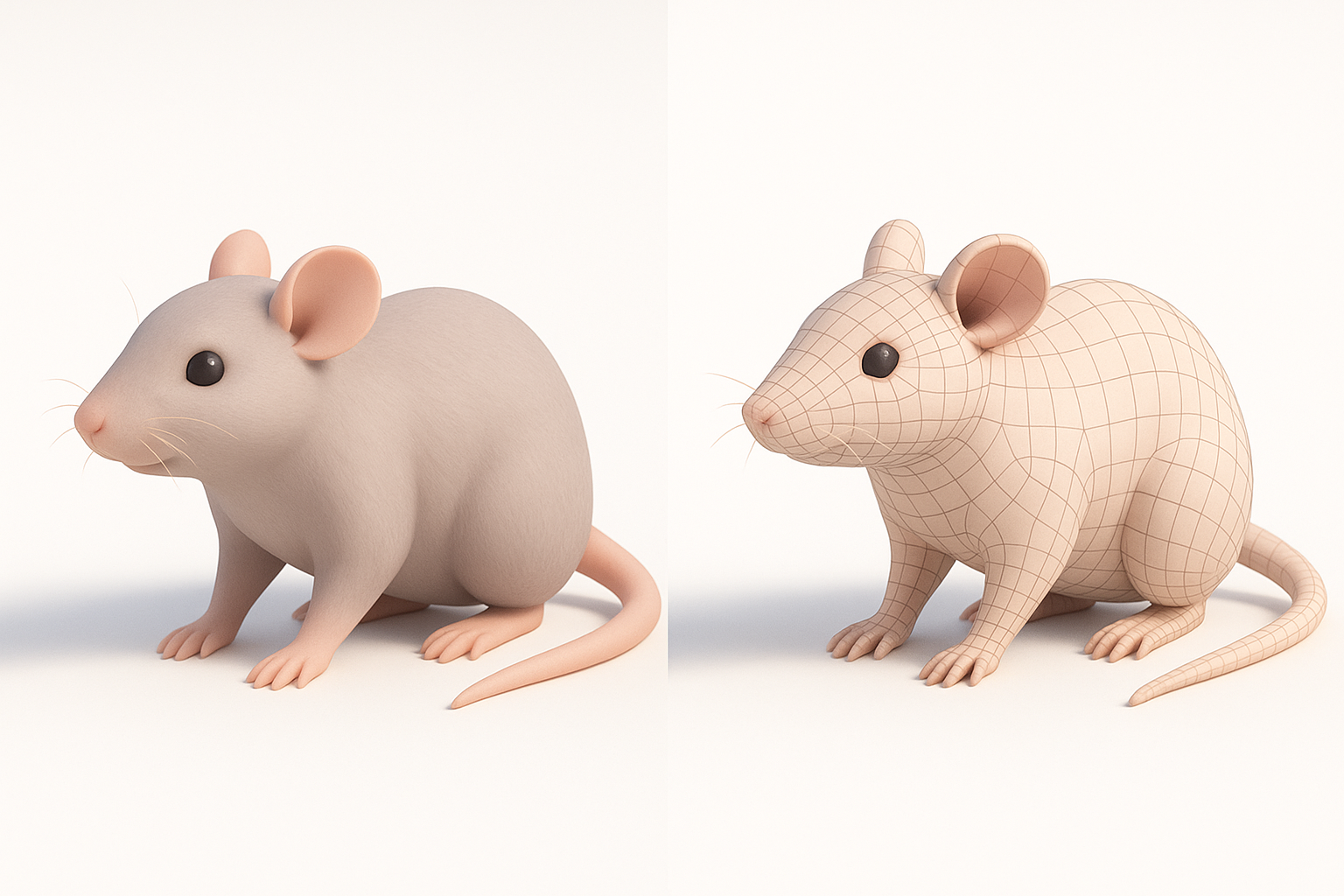
For speed and consistency, I often generate the base model using AI-powered platforms like Tripo. Uploading a reference photo or sketch, I get a clean, production-ready mesh in seconds—far faster than manual sculpting.
- If using Tripo: Input a clear text prompt or reference image (“realistic rat, neutral pose”). Check topology and UVs before moving on.
- Other methods: For full manual control, I might box-model in my DCC of choice, but this takes longer and requires more cleanup.
Tips:
- Use orthographic references for anatomical accuracy.
- Check for non-manifold geometry early to avoid animation issues later.
Setting up the spin animation: Techniques and pitfalls
Animating a spin is simple but easy to get wrong. I usually set a single rotation keyframe on the Y-axis at frame 0 and another at the end frame (360 degrees).
Steps:
- Place the rat model at the scene’s origin.
- Parent to an empty/null if needed.
- Keyframe rotation Y: 0° at frame 0, 360° at final frame.
- Set interpolation to linear for a smooth, continuous spin.
Pitfalls:
- Off-center pivots cause wobbling.
- Non-uniform scale can distort rotation.
- Too-fast spins look unnatural; I aim for 4–6 seconds per rotation.
Texturing and Retopology: Ensuring a Production-Ready Result
How I approach texturing for realism and style
Texturing brings the model to life. I prefer baking ambient occlusion and using hand-painted or procedural fur textures, depending on the project’s style.
- UV Unwrapping: Check for stretching and seams before painting.
- Texture maps: At minimum, use albedo/diffuse, normal, and roughness.
- In Tripo: The built-in texturing tools speed up this step, but I often export to my preferred painting app for fine-tuning.
Tips:
- Reference real rats for fur color and pattern.
- Subtle color variation adds realism.
Retopology tips for smooth spinning animations
Clean topology is essential for a smooth spin and future rigging. I use quad-based retopology, focusing on even edge flow and minimizing poles.
Checklist:
- All quads, minimal triangles
- Edge loops around major forms (head, limbs)
- No overlapping UVs
- Keep polycount reasonable for the target platform
Pitfalls:
- High-poly models can lag in web viewers.
- Bad topology causes shading artifacts during rotation.
Exporting and Showcasing: Presenting Your Spinning Rat Model
Export settings for web, video, and interactive use
Export format depends on where I’m showcasing:
- Web: GLB/GLTF for interactive viewers, optimized textures (2K or less).
- Video: Rendered turntable as MP4, H.264 codec, 1080p minimum.
- Game/AR: FBX or GLB, with baked animations.
Tips:
- Check embedded textures and animation in the export preview.
- Compress textures for faster load times.
Embedding and sharing: What I’ve learned
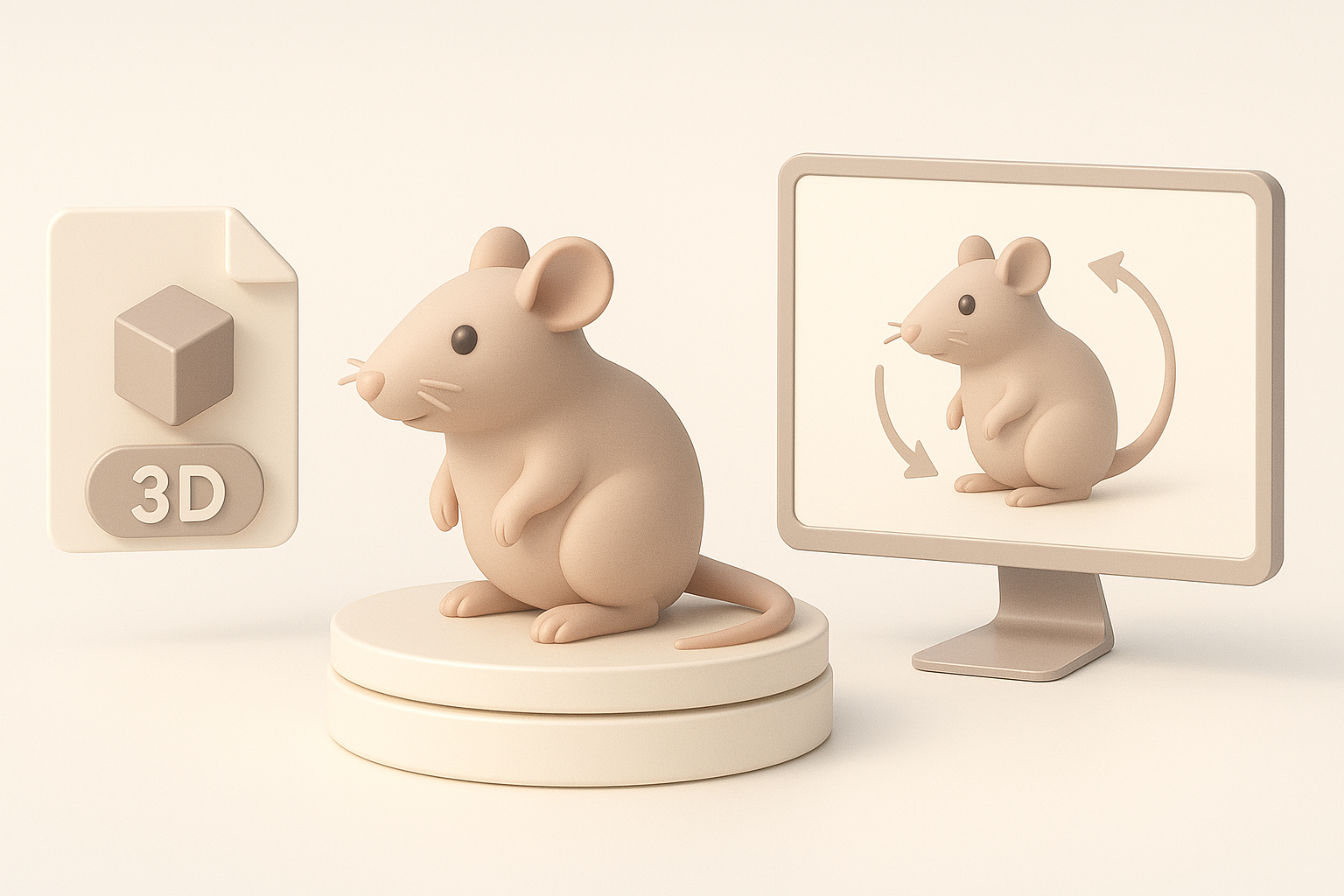
For web portfolios, I embed GLB models in viewers or use short video loops. Hosting on platforms with built-in 3D viewers simplifies sharing.
Steps:
- Upload to a 3D hosting service or your own site.
- Use embed code or direct links.
- Keep file sizes under 20MB for fast loading.
Pitfalls:
- Large files slow page loads.
- Not all platforms support every format—test before sharing.
Comparing Tools: Tripo AI and Alternative Methods
Where Tripo streamlines the spinning 3D model workflow
In my experience, Tripo’s strength is reducing the time from concept to spinning model. Its segmentation, retopology, and auto-animation tools mean I can go from prompt to portfolio-ready asset in minutes, not hours.
- Integrated workflow: No app-hopping for basic steps.
- Consistent results: Less manual cleanup needed.
- Great for quick iterations or when deadlines are tight.
When to consider other tools or manual approaches
I still use manual methods when I need absolute control over topology, unique stylization, or custom rigging. Traditional DCCs and sculpting tools are also better for highly specialized assets or when integrating into complex pipelines.
Consider manual approaches if:
- Custom topology or UVs are required.
- You need advanced shaders or unique animation rigs.
- The project demands a specific, non-standard workflow.
In summary:
A spinning 3D rat model is an excellent way to showcase your modeling and animation skills. With tools like Tripo, the process is faster and more accessible than ever, but understanding the fundamentals of texturing, retopology, and export remains essential for a professional result.