From Text to Mass-Producible 3D Models
Introduction
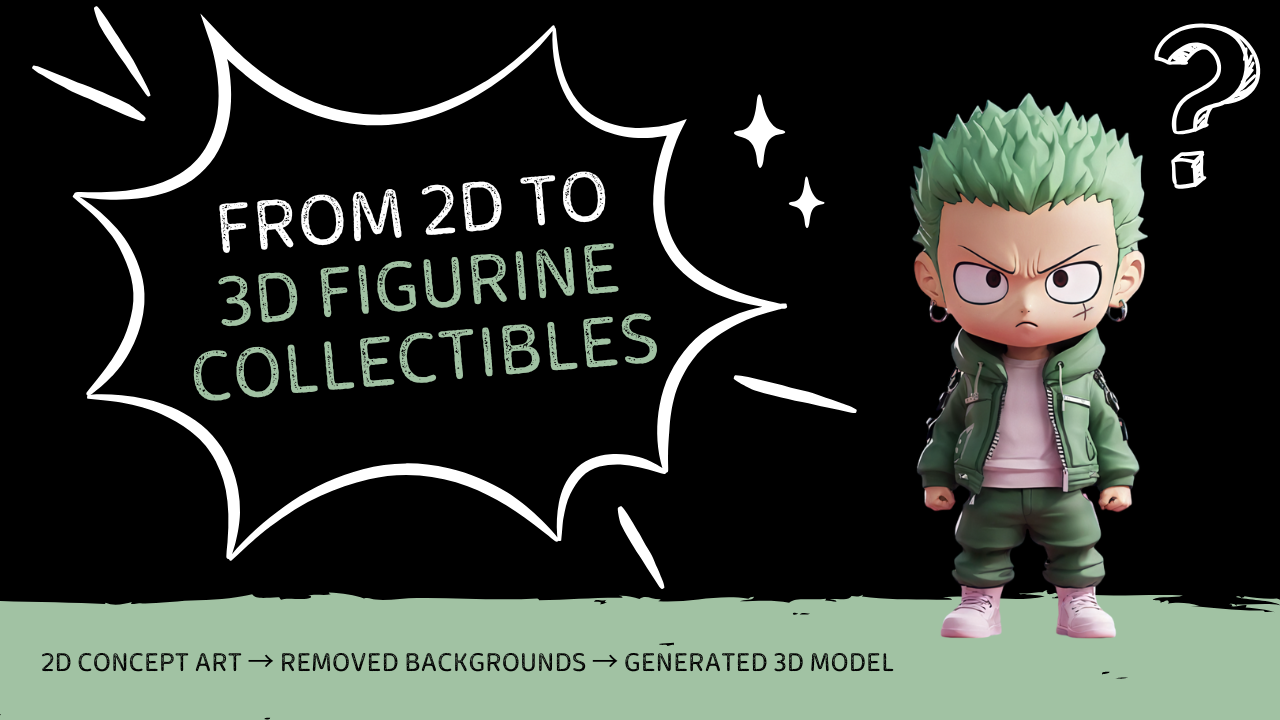
The collectible figurine industry is undergoing a seismic shift, creators now face mounting pressure to deliver innovative designs faster. But AI can help speed up the whole process, taking you from just an idea to a real product faster than ever. In this guide, we'll show you how to use some efficient AI tools to turn your figurine ideas into ready-for-production 3D models——without requiring any specialized skills: Created 2D concept art → Removed backgrounds → Generated 3D model.
Phase 1: Imagine with AI Action Figures —— Turn Text into 3D Figurine Concepts
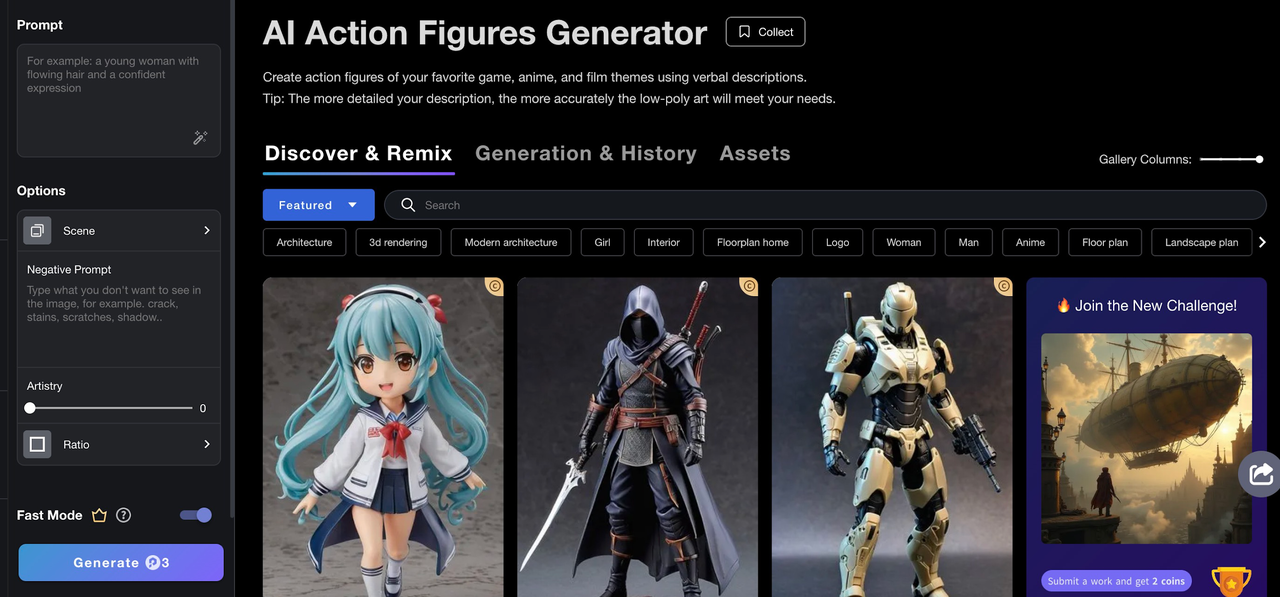
PromeAI's AI Action Figures Generator takes your detailed prompts and turns them into unique 3D figurine images:
Key Features:
-
Text-to-Image: Input detailed prompts like “steampunk pirate captain with mechanical arm”
-
Multiple Scenes: Pick how you want it to look, including types and Character styles (like Girl — Campus)
-
Adjust the Artistry: Adjust the fineness of detail with the slider, from 0 to 100, the higher the value the more realistic the model is
Pro Tip:
Enhance your results with specific and negative prompts:
-
Positive: “Cybernetic warrior with glowing blue eyes, silver armor”
-
Negative: “Avoid overly organic features, no realism”
Phase 2: Clean Up Your Designs with Background Removal —— Prepare Images for Seamless 3D Production
Get rid of messy backgrounds in your AI figurine pics with an AI Background Remover, so you have clean images ready for 3D modeling.
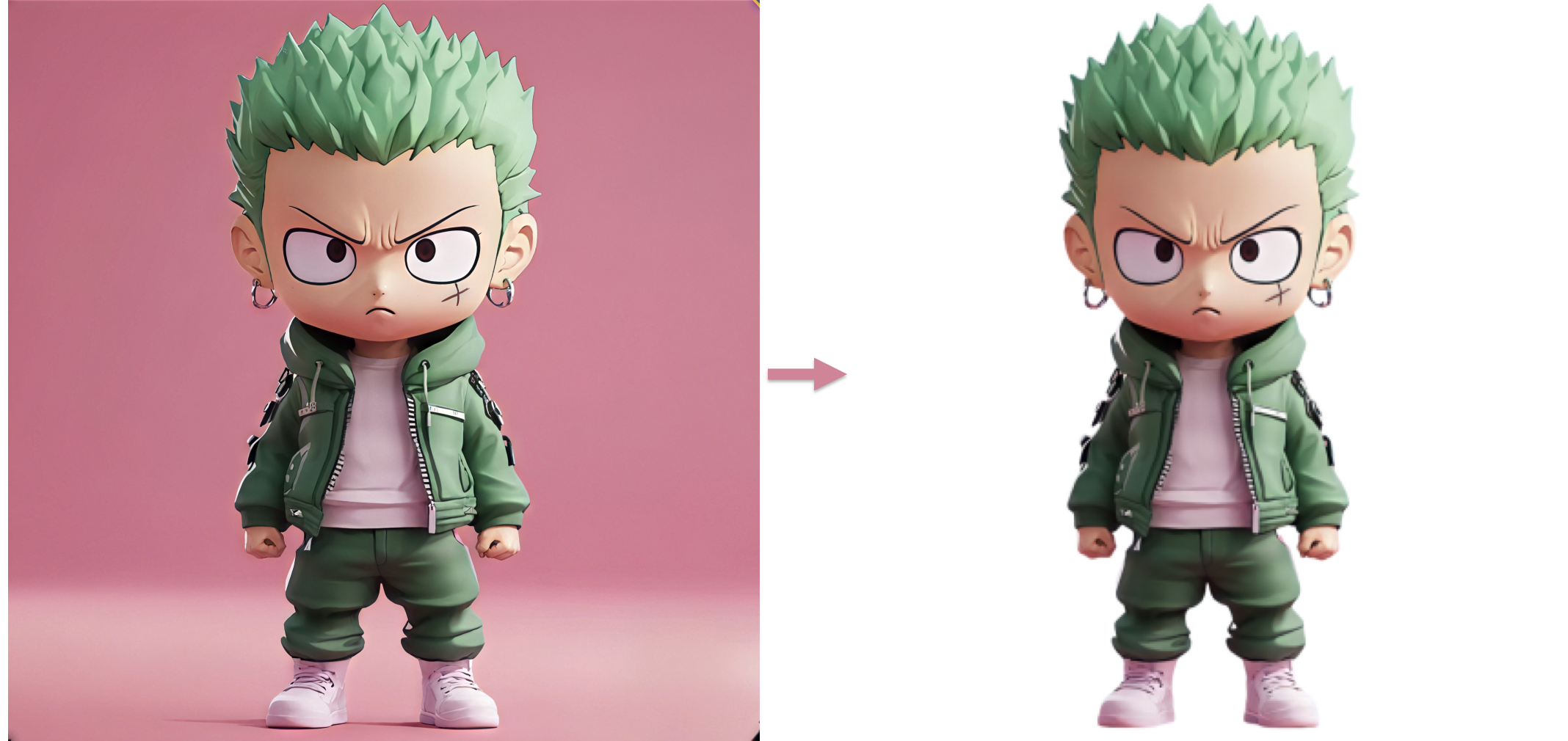
Workflow:
-
Save key views of your AI figurine design.
-
Upload images to Background Remover automatically erase the backgrounds:
-
Background Options: White as well as gray and white checkered backgrounds produce better results.
-
Transparency: Export PNG files to easily fit your model.
-
-
Fine-tune results combining HD Upscaler and Erase tools:
-
Edge Smoothing: Clean up rough edges for a polished look.
-
Shadow Preservation: Keep natural shadows to enhance depth in 3D modeling.
-
Phase 3: Generate Production-Ready 3D Models ——From 2D Images to 3D Collectibles
After you've got a refined vector design, the AI 3D Model Generator turns your 2D designs into complete 3D models.
To get the best results:
-
Clear, high-quality 2D images with a plain background
-
Make sure the edges have good contrast so the depth is mapped right.
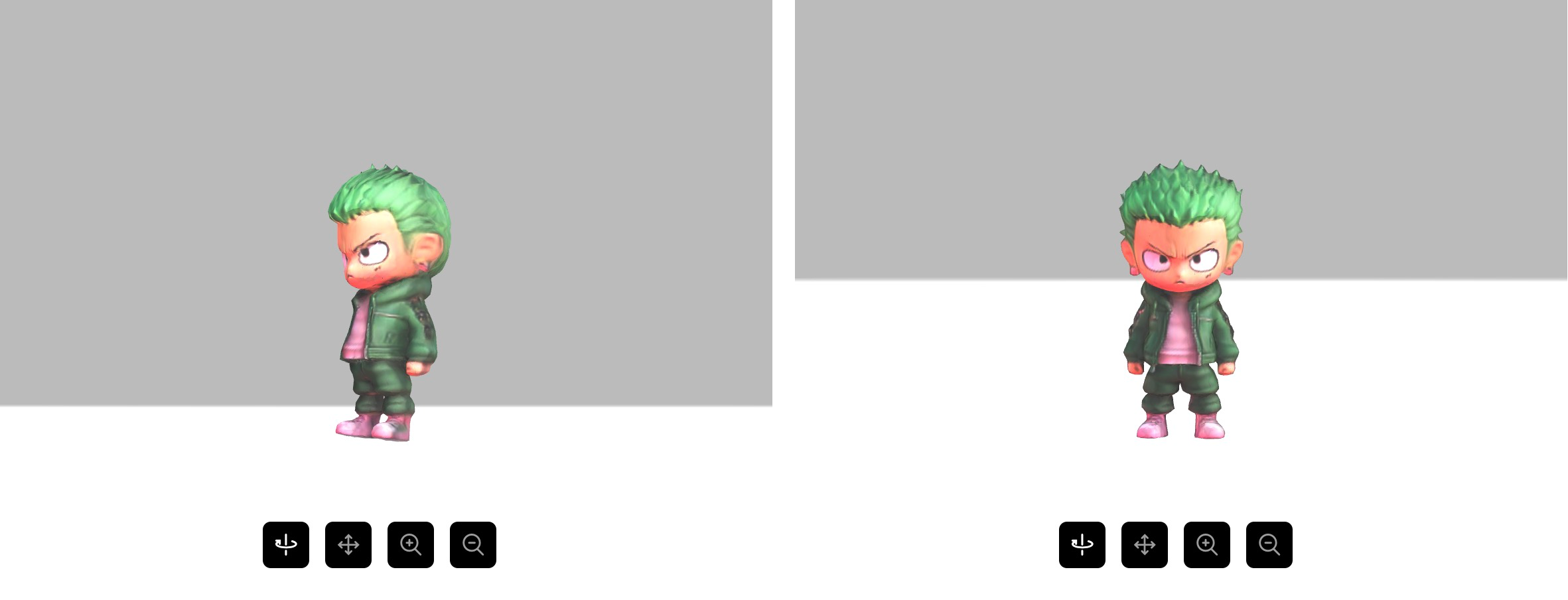
What you get out:
-
3D Printing: Fix wall thickness automatically and supports printing accuracy
-
Digital Use: Provide OBJ formats files with material to easily put into production.

For example, say a toy company:
- Created 2D concept art for a superhero figurine.
- Generated a 3D model for prototype testing.
- Printed a small run for consumer feedback.
Workflow Benefits for Figurine Creators
Speedy Process
- Get from your initial idea to a 3D model super quick, in less than 10 minutes.
- Easily adjust design features for multiple variations, such as pose or accessories.
Cost Efficiency
- Rely less on pricey 3D modelers.
- Enable smaller teams or solo creators to produce professional-quality figurines.
Creative Control
- Quickly play around with designs, styles, and custom touches.
- Maintain consistency across digital, physical, and collectible outputs.
Practical Implementation Guide
For Toy Manufacturers
- Generate a core figurine design based on a description (e.g., “robotic knight with glowing sword”).
- Use Background Remover to isolate the character for 3D modeling.
- Generate a production-ready 3D model for prototyping and manufacturing.
For Independent Figurine Artists
- Type in a prompt to get a figurine idea (e.g., “wizard with crystal staff”).
- Use Background Remover to isolate the character.
- 3D print a few series for collectors or digital content.
Typical Problems and Ways to Fix Them
Handling Complex Edges in Background Removal
-
Use Background Remover's edge refinement tools for tricky areas like flowing capes.
-
Manually adjust masks for intricate accessories (e.g., chains, weapons).
Scaling Up for Big Production Runs
- Batch-process multiple images with Background Remover to maintain consistency.
- Create template files with pre-isolated designs for rapid iteration.
Ethical Considerations for Toy Creators
Ensuring Originality:
- Combine AI-generated designs with custom elements post-background removal.
- Add unique textures or patterns to stand out.
Commercial Use:
- Verify commercial licensing terms for AI tools like Background Remover.
- Disclose AI involvement if required by ethical guidelines.
Getting Started Roadmap for Figurine Creators
Week 1: Foundation
- Master text prompts for AI Action Figures.
- Learn Background Remover's masking and edge refinement tools.
Week 2: Workflow Integration
- Convert your existing designs into 3D models for production.
- Begin creating your first cross-format project (e.g., from 2D design to prototype).
Week 3: Optimization
- Develop templates for your design style to speed up the workflow.
- Keep in touch with your manufacturers or production people in a simple way.
The Future of Figurine Creation
With AI tools advancing, the future of figurine production looks brighter than ever:
- Anyone can create: Artists without 3D modeling experience can now create their own collectible figures.
- Quick Changes: Try out a bunch of different designs without excessive costs.
- Works Everywhere: Design assets that are consistent across physical products and digital platforms.
Advancing 3D generation to new heights
moving at the speed of creativity, achieving the depths of imagination.
 Text & Image to 3D models
 Free Credits Monthly
 High-Fidelity Detail Preservation