Island 3D Mesh Generator - Create Your Terrain
The Island 3D Mesh Generator is key for game makers. It helps create stunning and realistic terrain generation. This tool lets users make detailed landscapes that make games feel real.
As photorealistic rendering gets more important, using tools like this is vital. It helps artists and programmers make amazing environments. These environments grab players' attention.
Realistic terrains are not just for games. They're also used in visual effects and simulations. Here, detail is key to keep the audience interested.
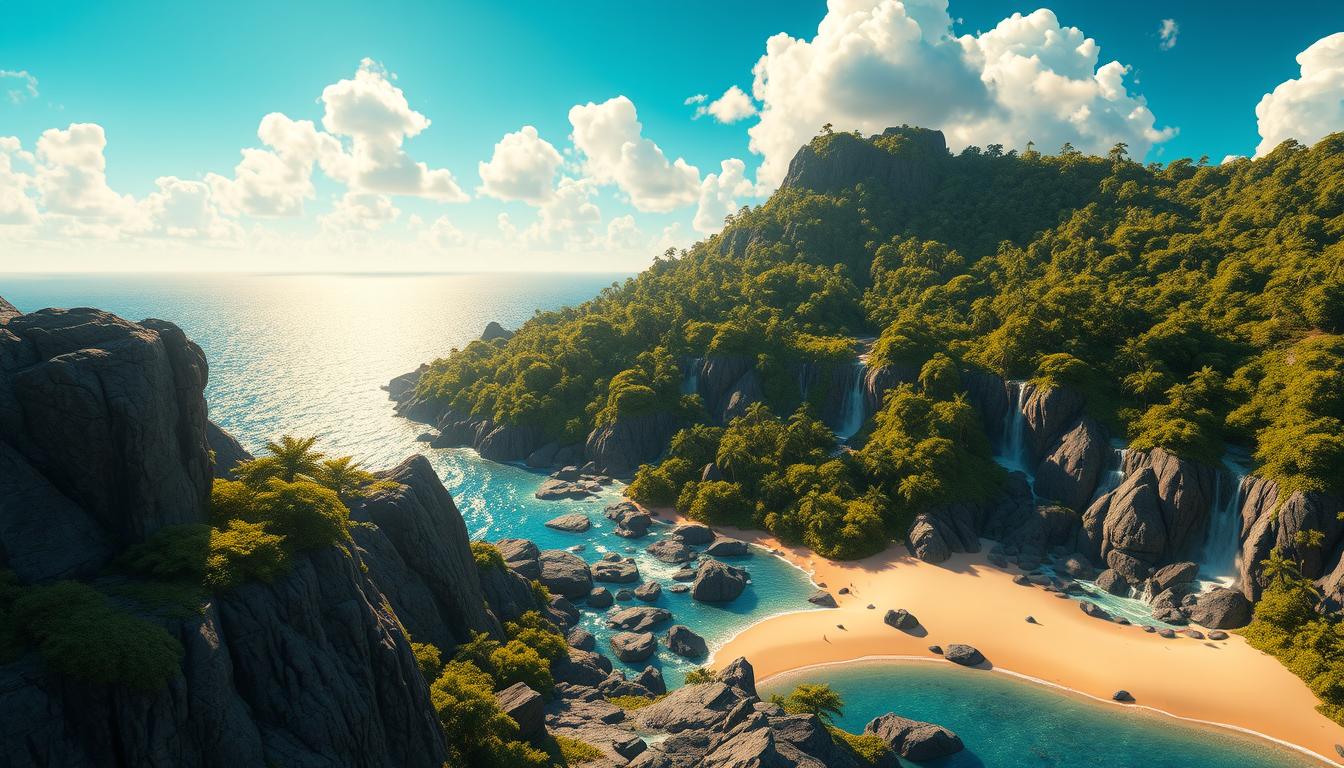
As people want more immersive experiences, tools like the Island 3D Mesh Generator are more important. This software makes creating terrains easier. It makes sure the environments feel alive and interesting.
Key Takeaways
- The Island 3D Mesh Generator is pivotal for creating immersive terrains.
- It enhances visual effects and simulations beyond traditional game design.
- Photorealistic rendering is increasingly essential in modern gaming.
- Efficient terrain generation enables vast landscapes without significant performance drops.
- Tools like this help maintain audience engagement through detailed environments.
The Need for Realistic Terrain Generation
Realism is key for immersive experiences in many areas, like gaming. High realism in game design keeps players engaged, making the experience better. Realistic terrain generation is important not just for games but also for visual effects and simulations.
Why Realism Matters in Game Design
The gaming world aims for real-like settings, making realistic terrain a big focus. Players want experiences that feel like the real world. Techniques like Perlin noise help make landscapes look natural.
Tools like the marching cubes algorithm improve visuals, making games more immersive. Developers balance game speed and quality to keep players engaged and amazed.
Applications Beyond Gaming: VFX and Simulations
Realistic terrain is also used in VFX and simulations. In movies, real-like settings make scenes believable and exciting. Advanced methods like ridged noise create detailed terrains.
These terrains help show natural events like weather or geological changes in a way that feels real. This realism helps many industries, from entertainment to education, by making training and stories more effective.
What is an Island 3D Mesh Generator?
An Island 3D Mesh Generator is a tool for making digital landscapes. It's part of terrain generation software. It helps create realistic terrains, which is great for gaming and architecture.
These generators make it easy to design unique islands. They help users create complex environments quickly.
Overview of 3D Mesh Generators
3D mesh generators use advanced algorithms to make stunning visuals. Users can pick from many models, each with its own features. For example, models like Flux and Stable Diffusion make these generators even better.
The software makes creating terrains fast and easy. It has tools for realistic textures and slopes. This would take a lot of work by hand.
Benefits of Using an Island 3D Mesh Generator
Mesh generators have many benefits. They save time and offer versatility. They're easy to use, even for those without design skills.
- Time Savings: Making high-quality terrains in seconds, much faster than before.
- Versatility: Can make both realistic and abstract designs, for all artistic styles.
- User-Friendly Interfaces: Easy to use, even for those without design skills, making stunning visuals accessible to all.
- Customization: Allows users to apply filters and enhance images, ensuring their vision is met.
- Industry Applications: Good for design, architecture, and game development, meeting specific needs in each field.
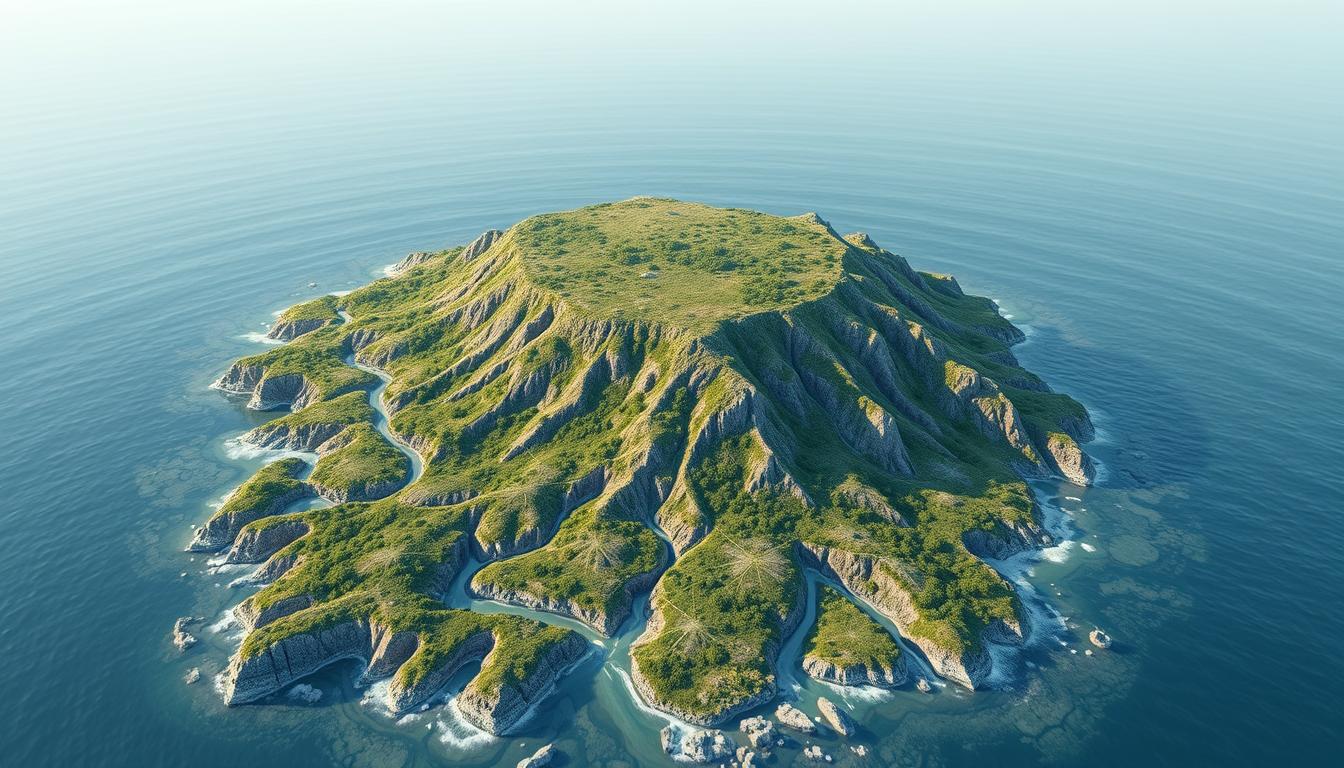
Key Features of the Island 3D Mesh Generator
The Island 3D Mesh Generator has many key features. It's great for making immersive terrains. It can make landscapes look very real with its photorealistic rendering.
It uses a top-notch real-time path tracer. This makes images of landscapes very detailed. Users can add HDRI maps, volumetric clouds, and atmospheric effects. This makes terrains look vibrant and real.
Photorealistic Rendering Capabilities
The Island 3D Mesh Generator is special because it can make things look very real. It uses advanced algorithms for detailed visuals. It gets lighting and reflections right.
This makes terrains look good and real. Adding atmospheric effects makes them even more realistic. Designers can create environments that feel deep and real.
Support for Advanced Texturing Techniques
The Island 3D Mesh Generator also supports advanced texturing. Creators can add realistic textures to terrains. This makes landscapes look deeper and richer.
It lets users try different styles and effects. They can use various base models and text-to-image diffusion models. This helps users make their designs look professional and meet their vision.
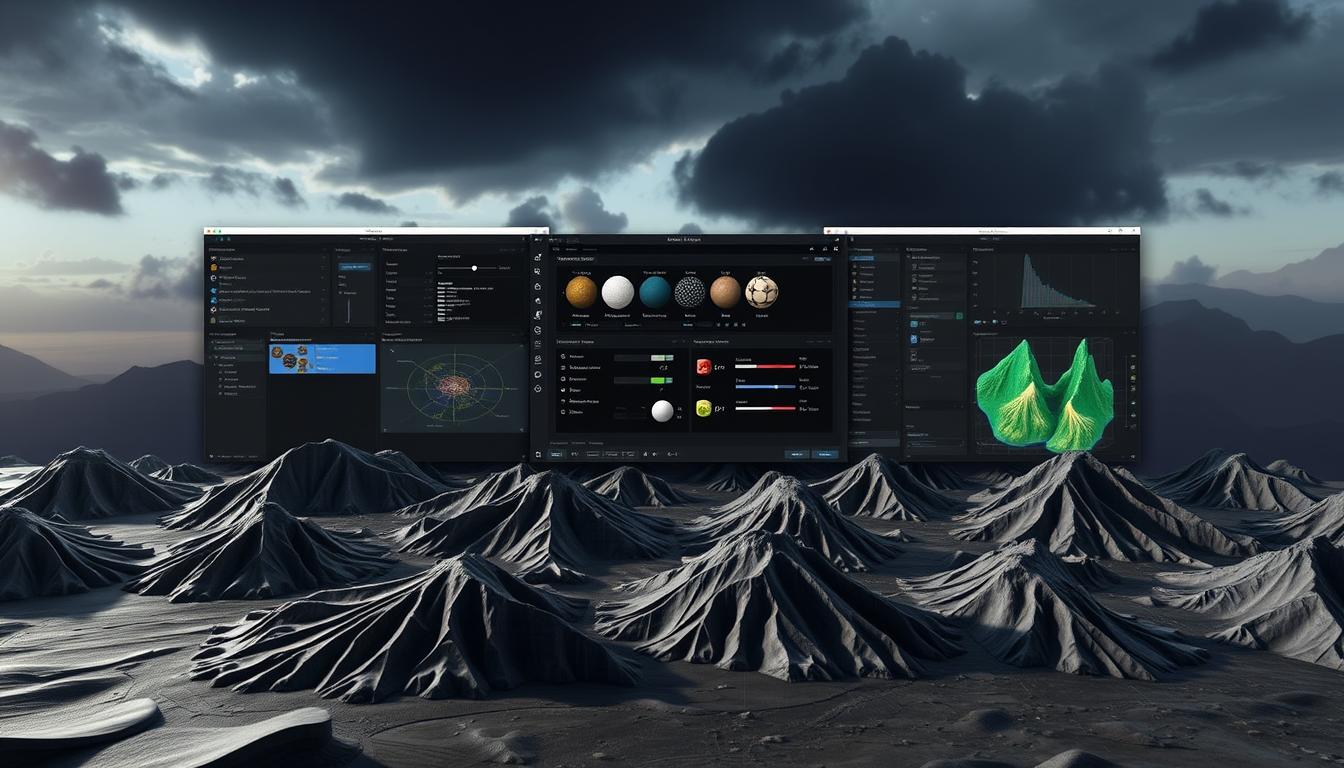
The Erosion Model: Crafting Lifelike Terrain
The erosion model is key in making terrains look real. It copies how weather changes landscapes. This makes places feel more real and fun to explore.
It uses smart algorithms to change land shapes. This leads to amazing looks in many areas.
How Erosion Enhances Detail in Terrain
Using an erosion model makes digital lands look better. It creates real-looking features like deep valleys and small textures. Artists can make terrains look different by changing moisture levels and using maps.
This lets artists add depth that's hard to get with simple methods.
Real-World Examples of Erosion in Action
Many projects use the erosion model to make their worlds look real. Big names like CBS Studios and Ubisoft use Gaea's tools for games and movies. They make terrains fast and improve how things look.
People say it makes landscapes look way better. This helps in making movies like Star Trek: Picard and The Dark Crystal.
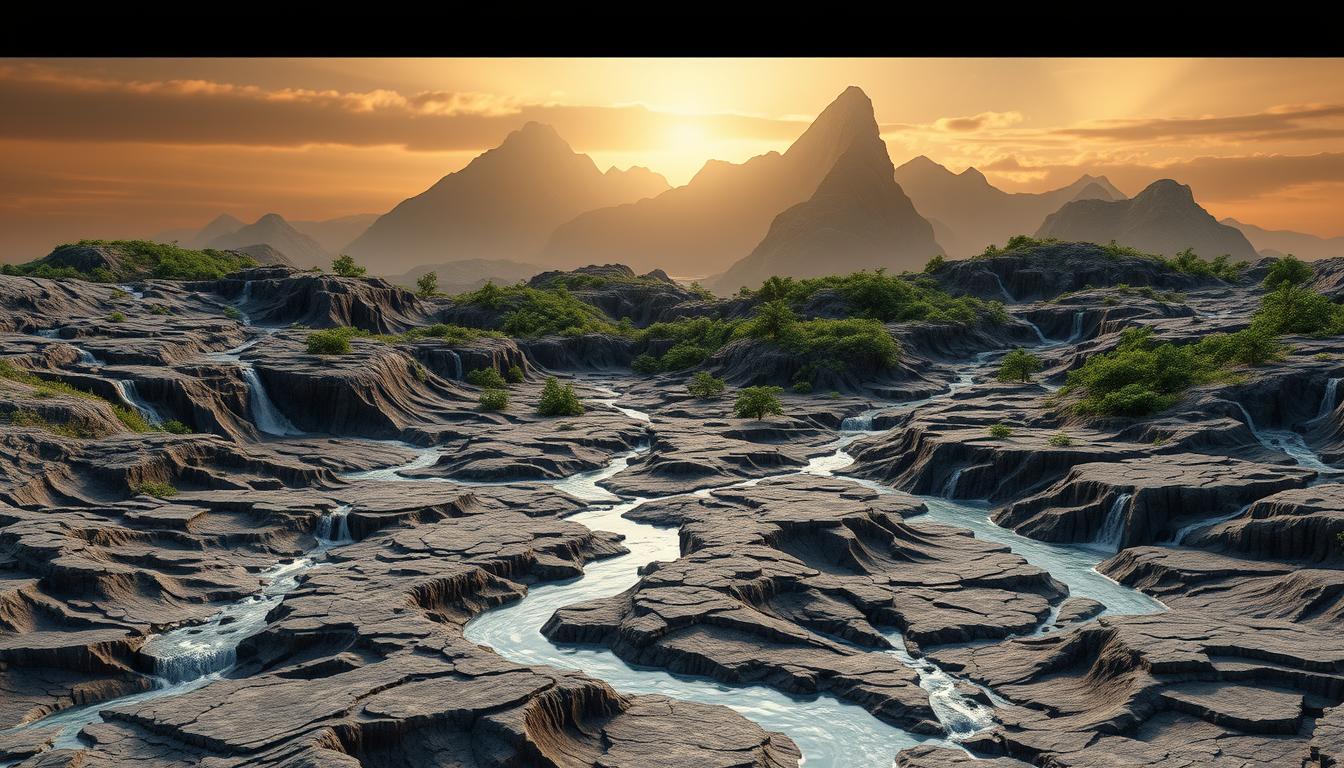
Exporting Your Terrain: Compatibility with Major Engines
Exporting terrains well is key for adding dynamic environments to games. The Island 3D Mesh Generator works great with Unity and Unreal Engine 4/5. This makes it easy for developers to use the terrains in many platforms, improving workflows and quality.
Unity Compatibility: Seamless Integration
The Island 3D Mesh Generator is top-notch for Unity compatibility. Developers can easily export terrains, making the transition smooth. It supports many mesh types, fitting well with Unity's pipeline. This lets game makers use Unity's full power without trouble.
Exporting to UE4/5 and Other Software
Exporting terrains for Unreal Engine 4/5 is easy too. It uses Displaced Grid and Optimized Mesh methods for software compatibility. The Optimized Mesh method reduces polygons, keeping file sizes small but visuals sharp. It's good for detailed or large terrains. The generator also works well with other popular software, making it useful in many projects.
Why Choose World Machine for Terrain Generation?
World Machine is a top pick for making terrains, loved by many in game and visual effects. It has strong features that help make environments feel real. This makes it a key tool for creating immersive worlds.
Trusted by Industry Professionals
AAA game studios and VFX experts trust World Machine for its terrain skills. It can handle big heightmaps, helping developers make huge landscapes. For example, a 4096x4096 heightmap has over 33 million triangles.
This level of detail is hard for most engines to handle. But World Machine makes it easier for pros to work with such complex scenes.
Community Feedback and Success Stories
Users love World Machine for its many uses and success stories. They say its flow-based erosion tool is amazing. It makes water and earth changes look real.
Its real-time editing and high-res terrain building help tell stories in games and create stunning movie effects.
| Feature | Description | Impact on Terrain Generation |
|---|---|---|
| Flow-based Erosion | Simulates natural water dynamics | Creates realistic gullies and erosion patterns |
| Real-time Editing | Allows for immediate modifications | Enhances creativity and experimentation |
| Heightmap Management | Handles large heightmaps efficiently | Supports the creation of expansive terrains |
| Advanced Texturing | Facilitates unique textures down to sub-meter levels | Enriches visual fidelity in environments |
Getting Started with the Island 3D Mesh Generator
Starting your 3D terrain journey with the Island 3D Mesh Generator is exciting. This guide will help you download and install the software easily. Then, a basic tutorial will show you how to make your first terrain.
Downloading and Installing the Software
First, go to the official website to download the Island 3D Mesh Generator. After downloading, follow these steps to install:
- Find the downloaded file and double-click to start the installation.
- Choose your installation settings, making sure your system meets the requirements.
- Just follow the instructions on the screen to finish the installation.
- After installing, open the software and get to know the interface.
Basic Tutorial: Creating Your First Terrain
Now, you're ready to start creating. This tutorial will help you make your first terrain:
- Open the Island 3D Mesh Generator and start a new project.
- Set your project's details, like island size, height, and speed.
- Use the Wave Function Collapse algorithm to create your terrain. Make sure it meets your needs.
- Look at your terrain and adjust it as needed to match your vision.
This will give you a basic understanding of the software. As you work on more projects, come back to this tutorial to improve your skills.
Exciting Updates and Upcoming Features
The Island 3D Mesh Generator is getting better with new updates. These updates give designers better tools to make amazing 3D worlds. The 'Hurricane Ridge' release has made it easier and more powerful to work with terrain.
New Enhancements in the Latest Release
The newest version has some great new features. These features make using the software better. Here are some of the highlights:
- Photorealistic 3D maps announced at I/O, which elevate visual fidelity.
- Integration of customizable markers in the 3D scene, allowing for improved user interaction.
- Dynamic mapping experiences with preset camera paths featuring "fly to" and "fly around" functions.
- Support for rendering gITF assets directly into 3D maps, showcasing intricate custom 3D elements.
- Enhanced underwater lighting system utilizing volume ray marching to simulate realistic effects.
These updates let designers make even more realistic terrains and worlds. It's easier than ever.
Future Plans for the Island 3D Mesh Generator
The team is working on even more cool stuff for the Island 3D Mesh Generator. They plan to:
- Keep making it faster and better, with over 50 new updates.
- Make it even easier to use, with better controls.
- Improve the glass rendering for more realistic looks.
- Add more cool underwater effects, like raindrops.
- Make complex simulations easier and faster.
They listen to what users say to make the software better. This keeps the Island 3D Mesh Generator leading in terrain tech.
Conclusion
The Island 3D Mesh Generator is a key tool for developers. It helps create realistic terrains for games and simulations. Its photorealistic rendering and advanced texturing are very useful.
It uses AI to make modeling easier. This lets creators work on improving their projects. The tool is also great for beginners in 3D modeling.
It works well with Unity and UE4/5. This makes it a top choice for game development. Users can customize models with text prompts, saving time.
The tool is getting better with time. Its updates and community support will help it grow. Using it lets developers create amazing environments.
FAQ
What is the Island 3D Mesh Generator used for?
It helps game makers and designers. They use it to make terrains and landscapes. This makes games more real and fun.
How does the erosion model contribute to terrain realism?
The erosion model simulates weathering. It makes terrains look real with depth and details. This is key for games and visual effects.
What are the key features of the Island 3D Mesh Generator?
It has photorealistic rendering and supports HDRI maps. It also has volumetric clouds and advanced textures. Plus, it has atmospheric effects for detailed terrains.
Is the Island 3D Mesh Generator compatible with game engines?
Yes, it works well with Unity and Unreal Engine. This makes it easy to use in different platforms.
What can I expect from the latest Hurricane Ridge release?
The latest release has new features and improvements. It offers tools and functions to stay competitive and easy to use.
What resources are available for new users of the Island 3D Mesh Generator?
New users can find a guide for downloading and installing. There's also a basic tutorial to help create terrains fast.
Why is realism important in visual effects and simulations?
Realism is key for believable environments. It helps viewers connect with the content, in movies or simulations.
How does the community respond to the Island 3D Mesh Generator?
The community loves it. They say it's efficient and effective. Many pros use it for terrain generation.
Advancing 3D generation to new heights
moving at the speed of creativity, achieving the depths of imagination.
 Text & Image to 3D models
 Free Credits Monthly
 High-Fidelity Detail Preservation