Get Production-Ready 3D Print Files from Inspiration.
Tripo AI converts ideas into high-quality, printable 3D models in just one minute.
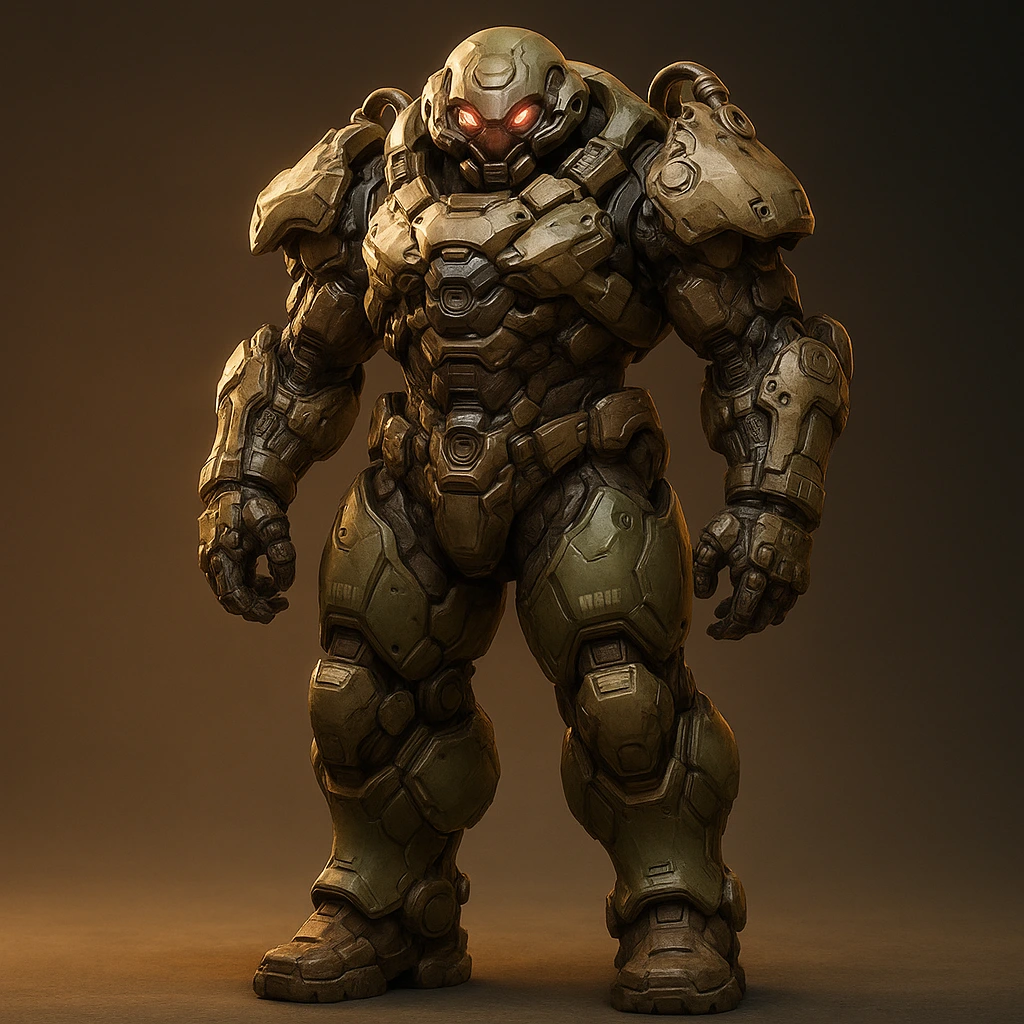
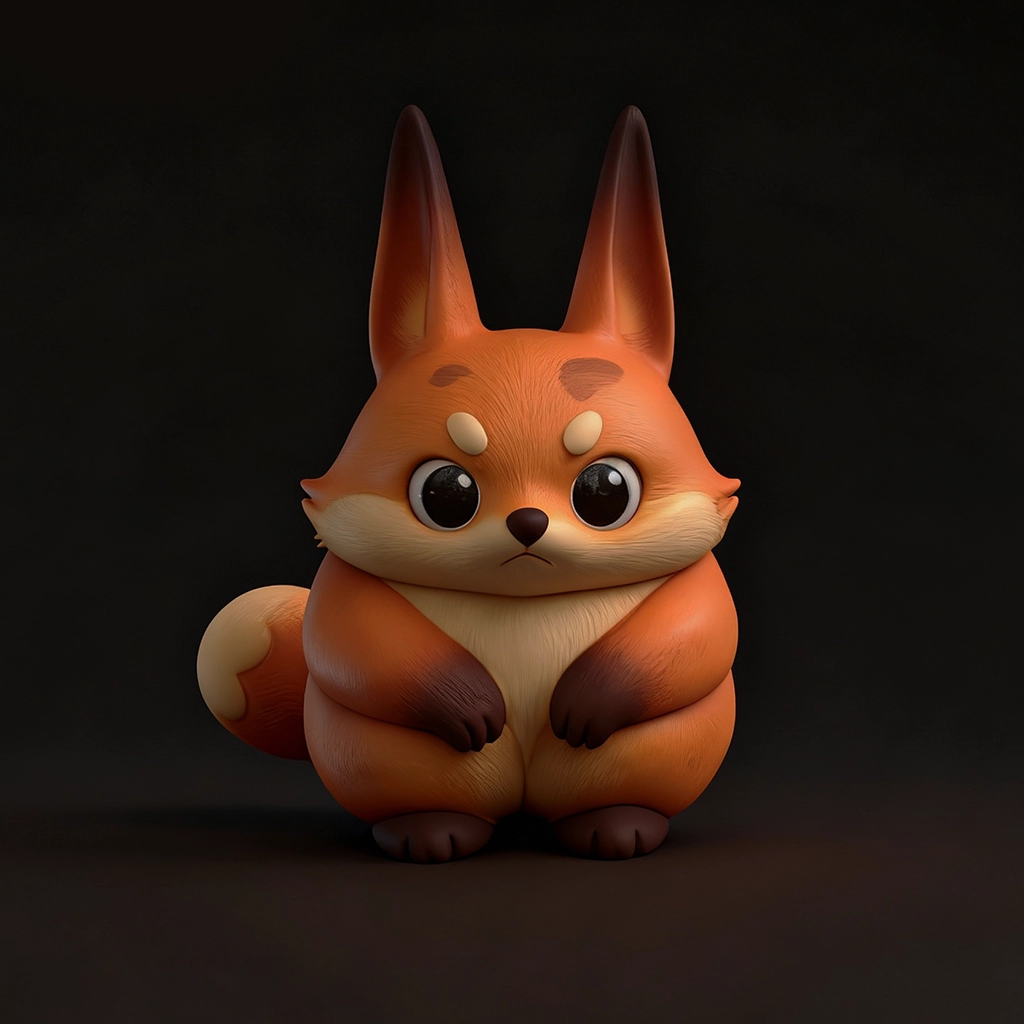
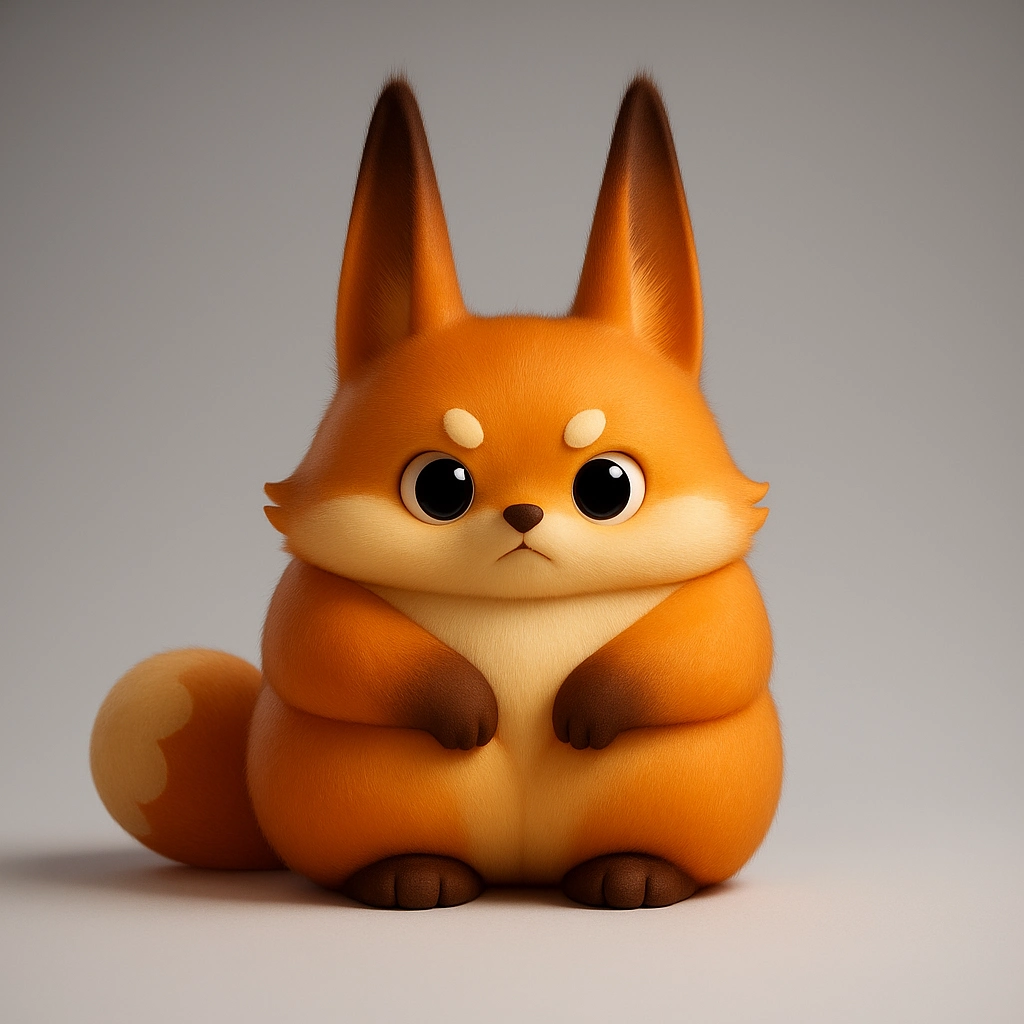
Wonderful AI 3D Modeling Showcases .
Explore what's possible. From 2D concept to print-ready 3D mesh in minutes.
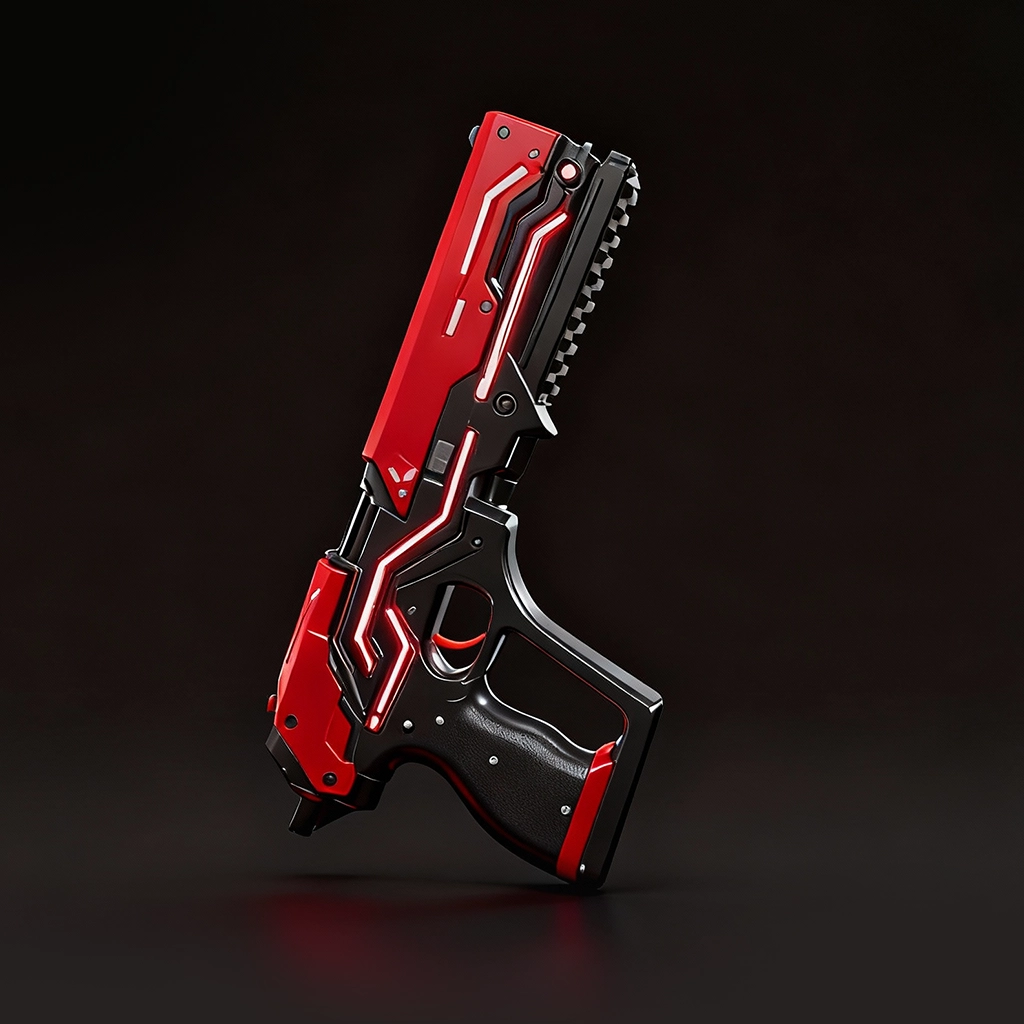
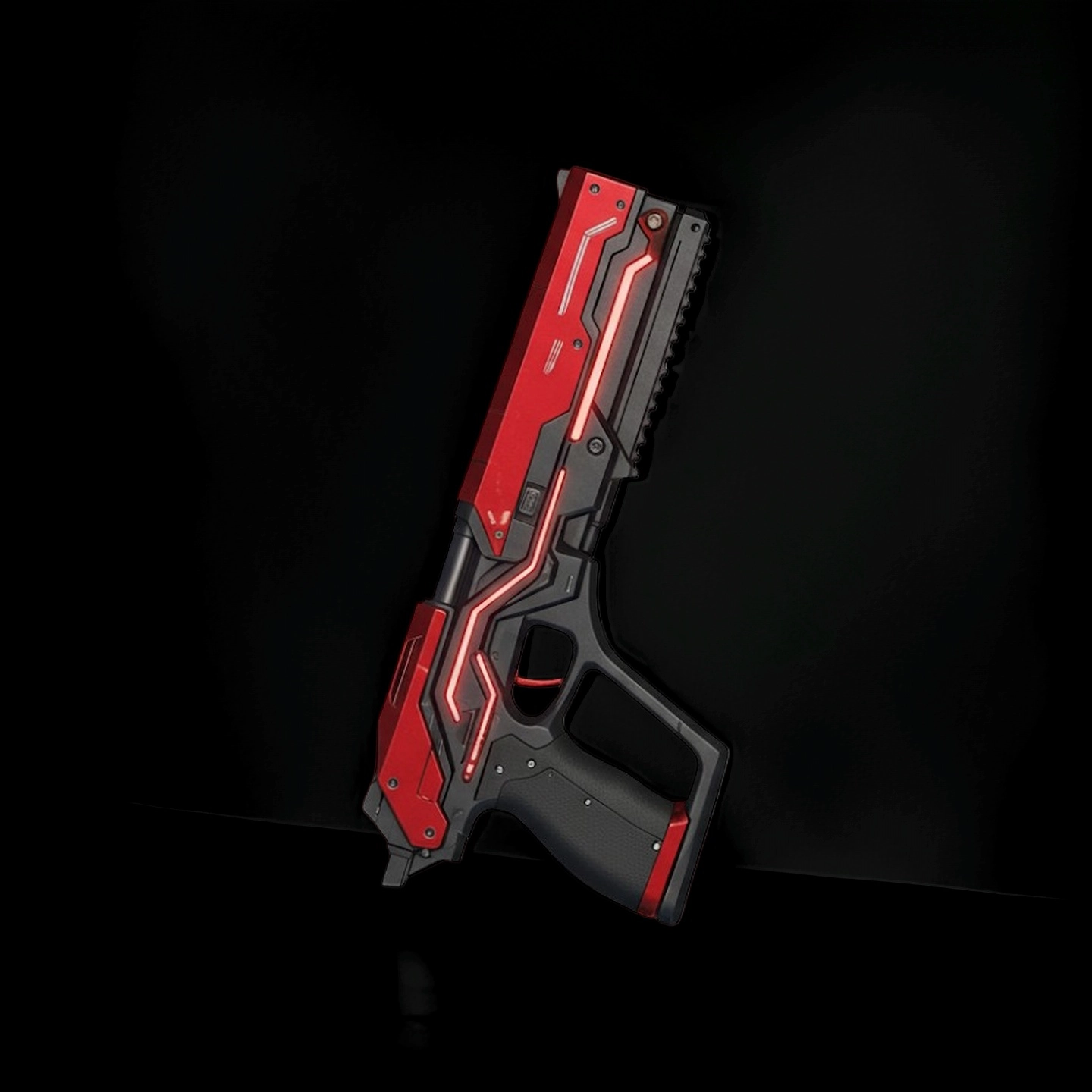
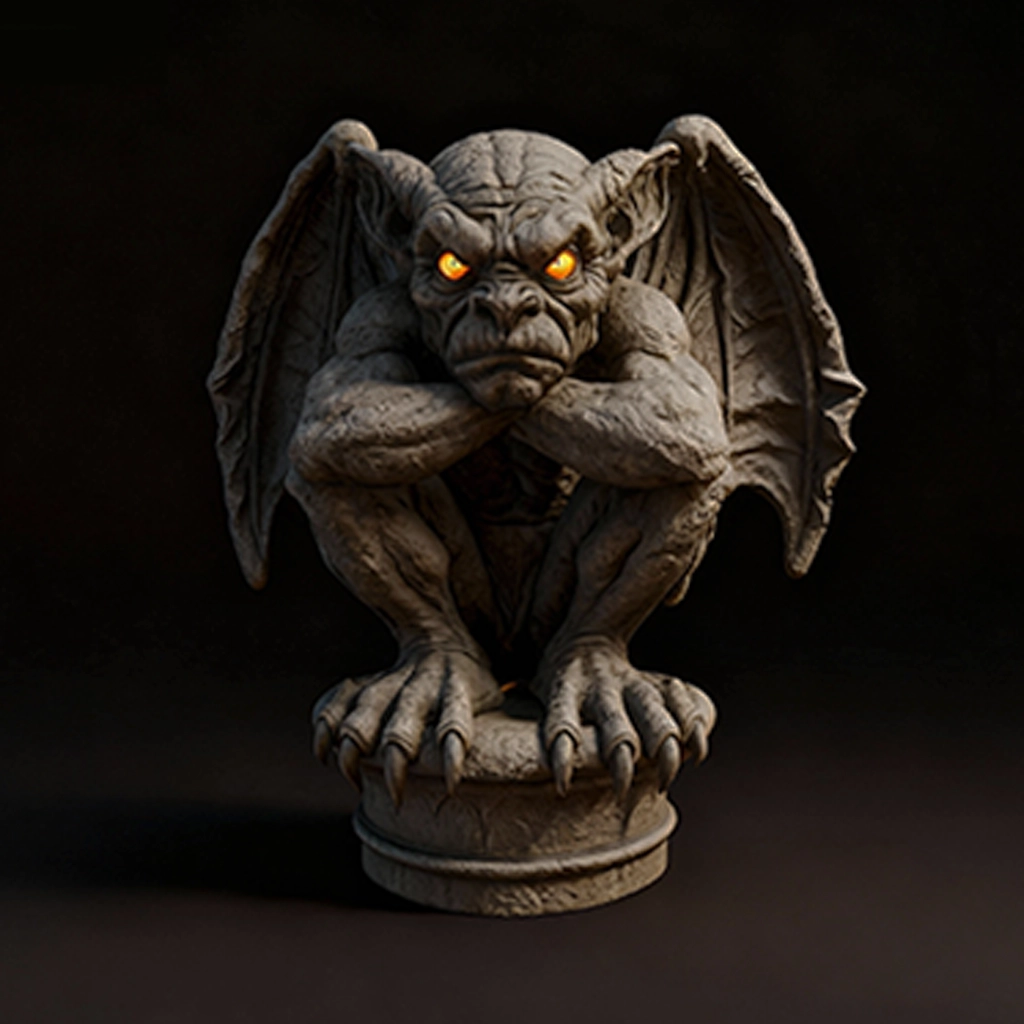

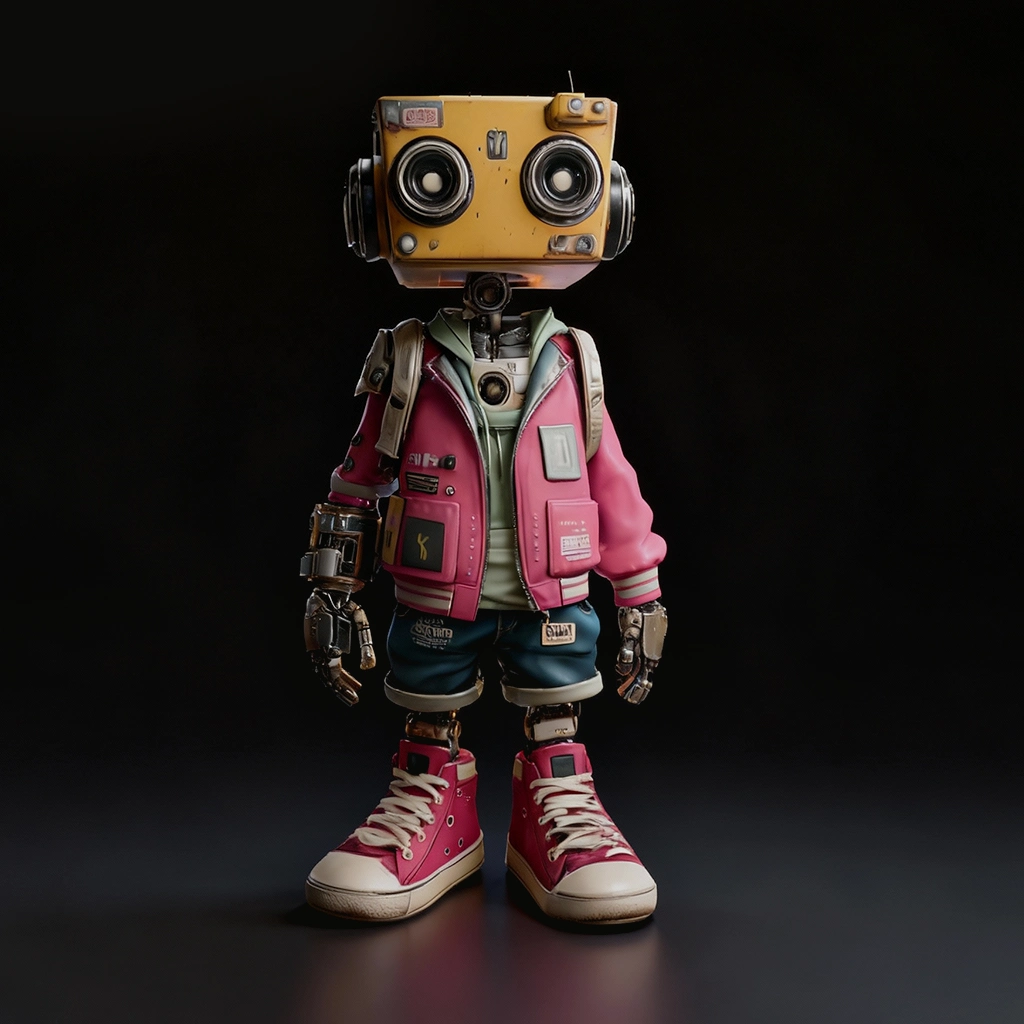
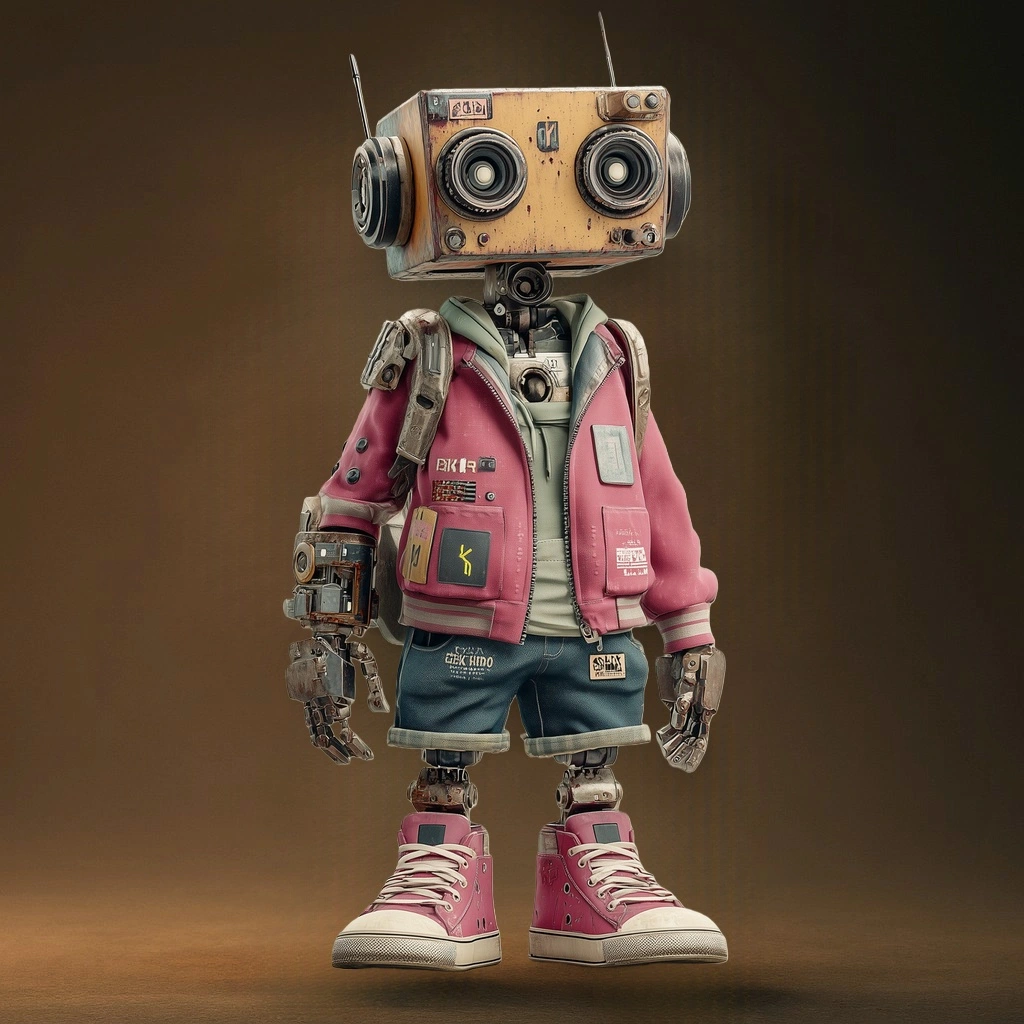
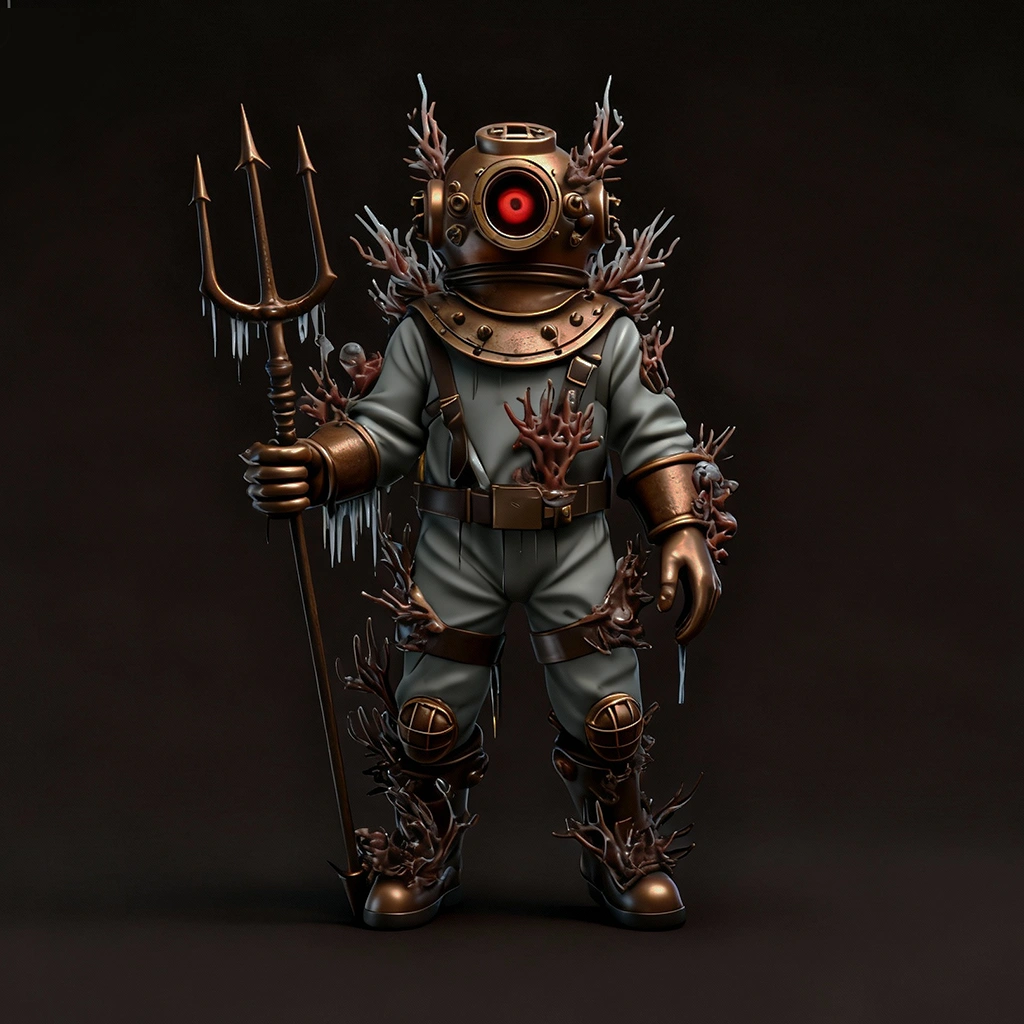
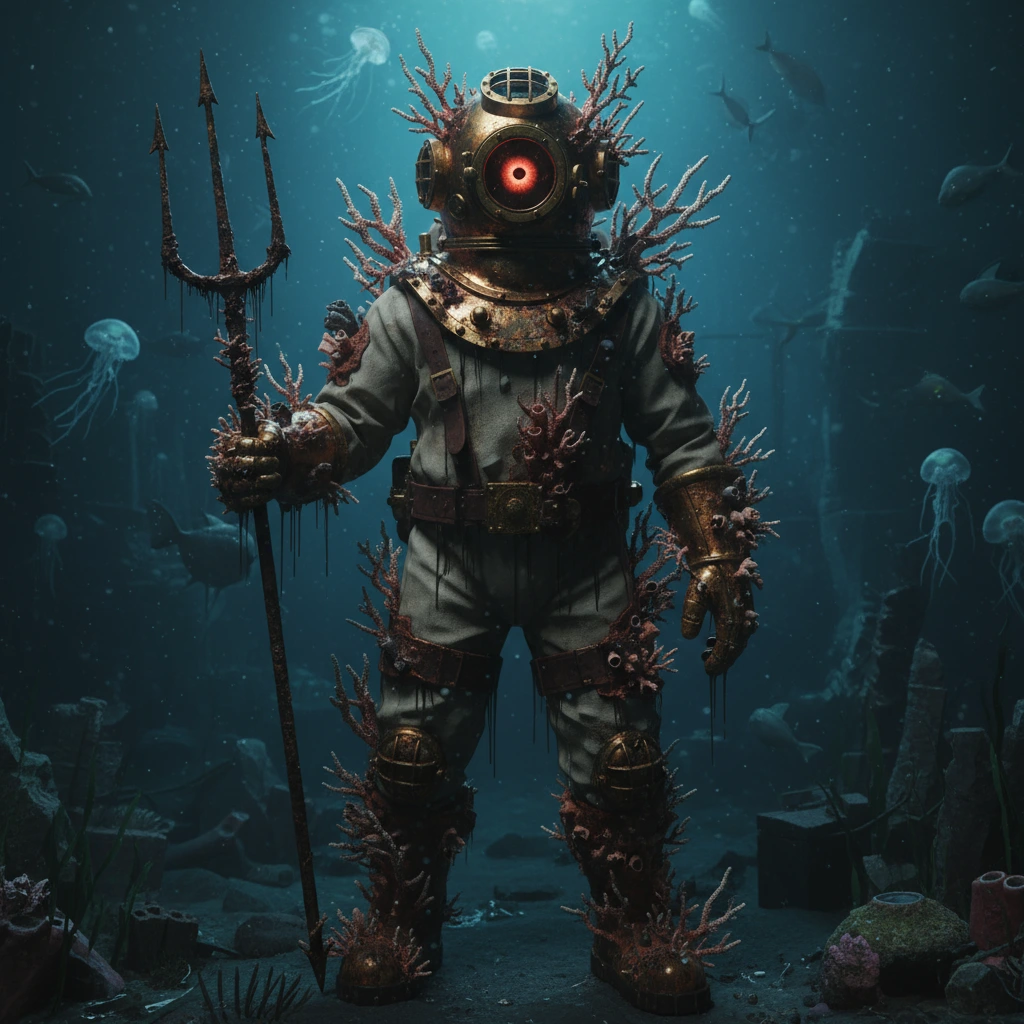
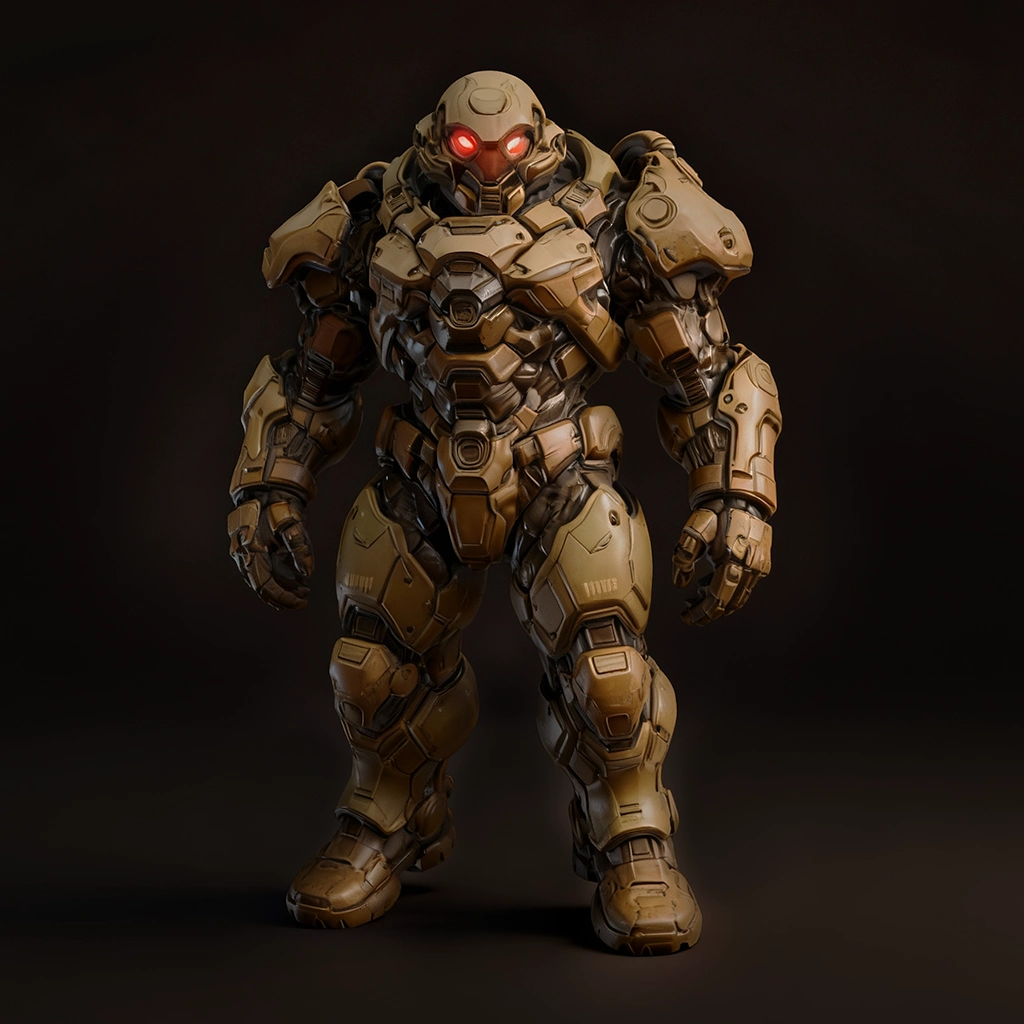
Our Features for 3D Printing .
Immerse in 3D Print Creation. As an AI 3D modeling tool, Tripo solves most problems for users of all levels—from beginners to professionals.
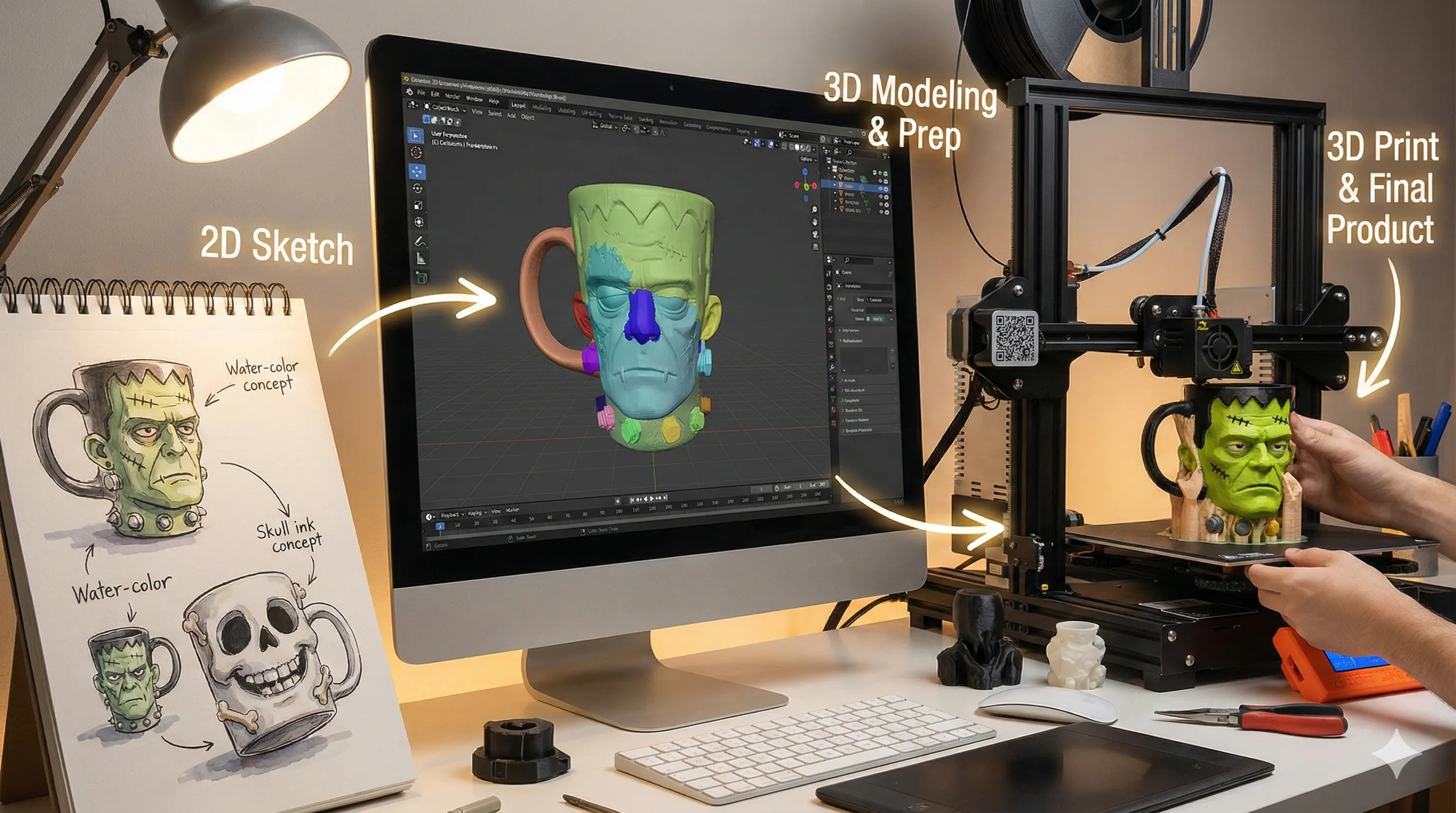
Turns image/Text into 3D Model In Instantly
Upload an image or input plain language—Tripo AI directly generates a printable 3D model file.
Problem Solved
Ideas can't be realized because 3D modeling software is hard to learn.
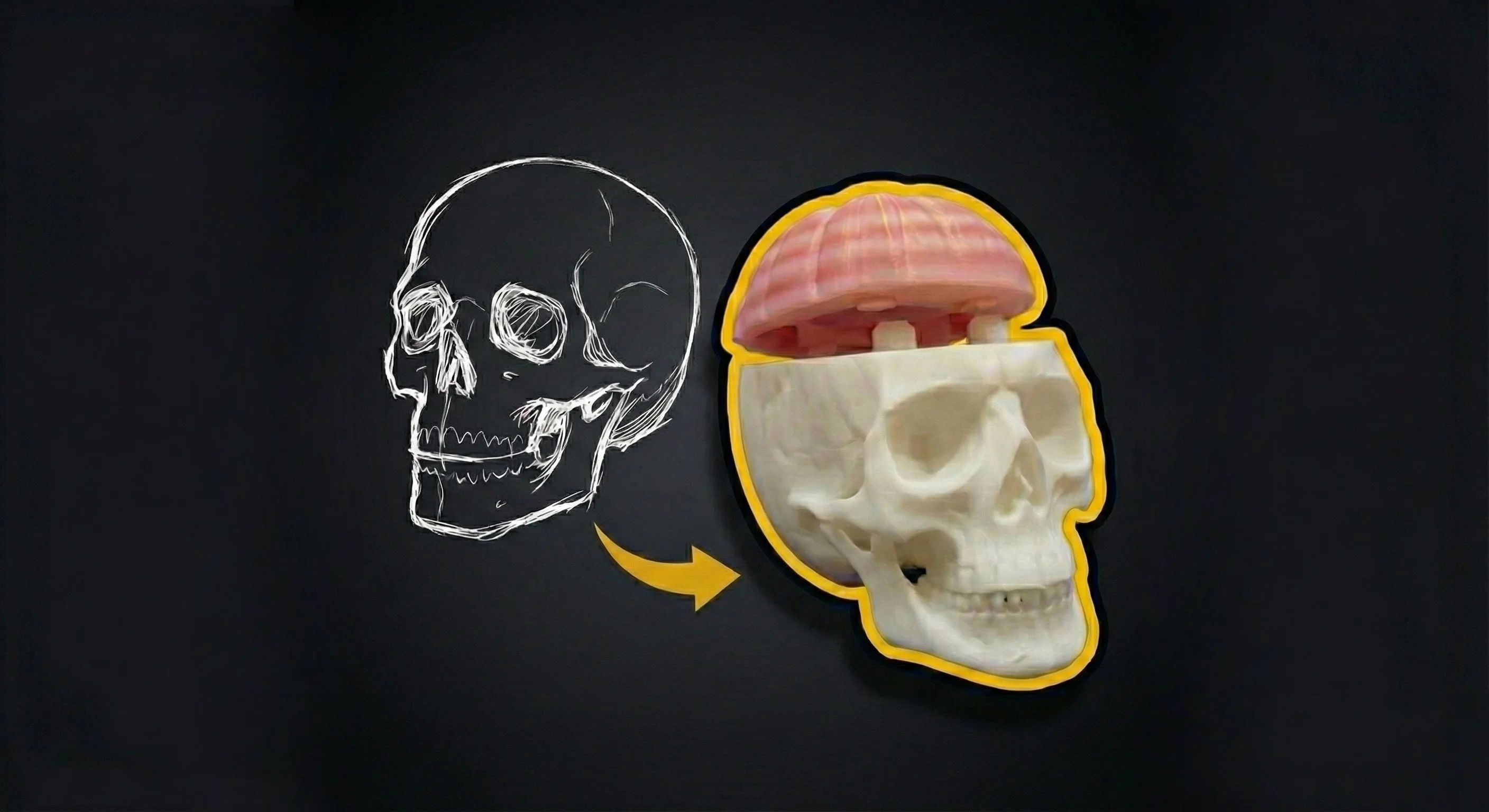
From beginners to Professionals. No PhD in Blender Required.
Skip the complex software. Tripo AI generates high-quality, print-ready 3D models for everyone, guaranteed to succeed.
Problem Solved
Failures due to internal structural issues.
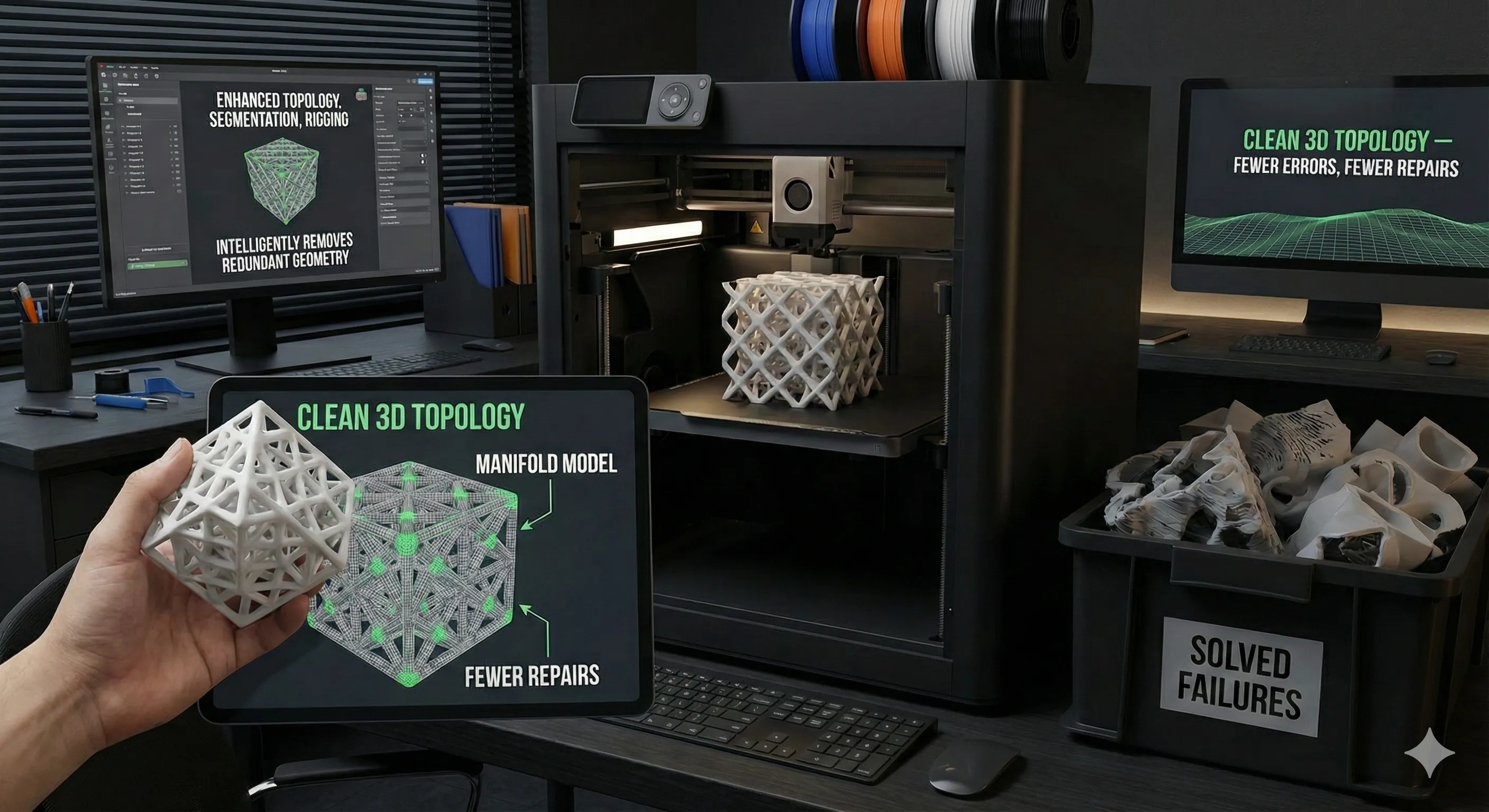
Clean 3D Topology — Fewer Errors, Fewer Repairs
Enhanced topology, segmentation, and rigging. Intelligently removes redundant geometry for clean, manifold models.
Problem Solved
Frequent redundant geometry and structural flaws.
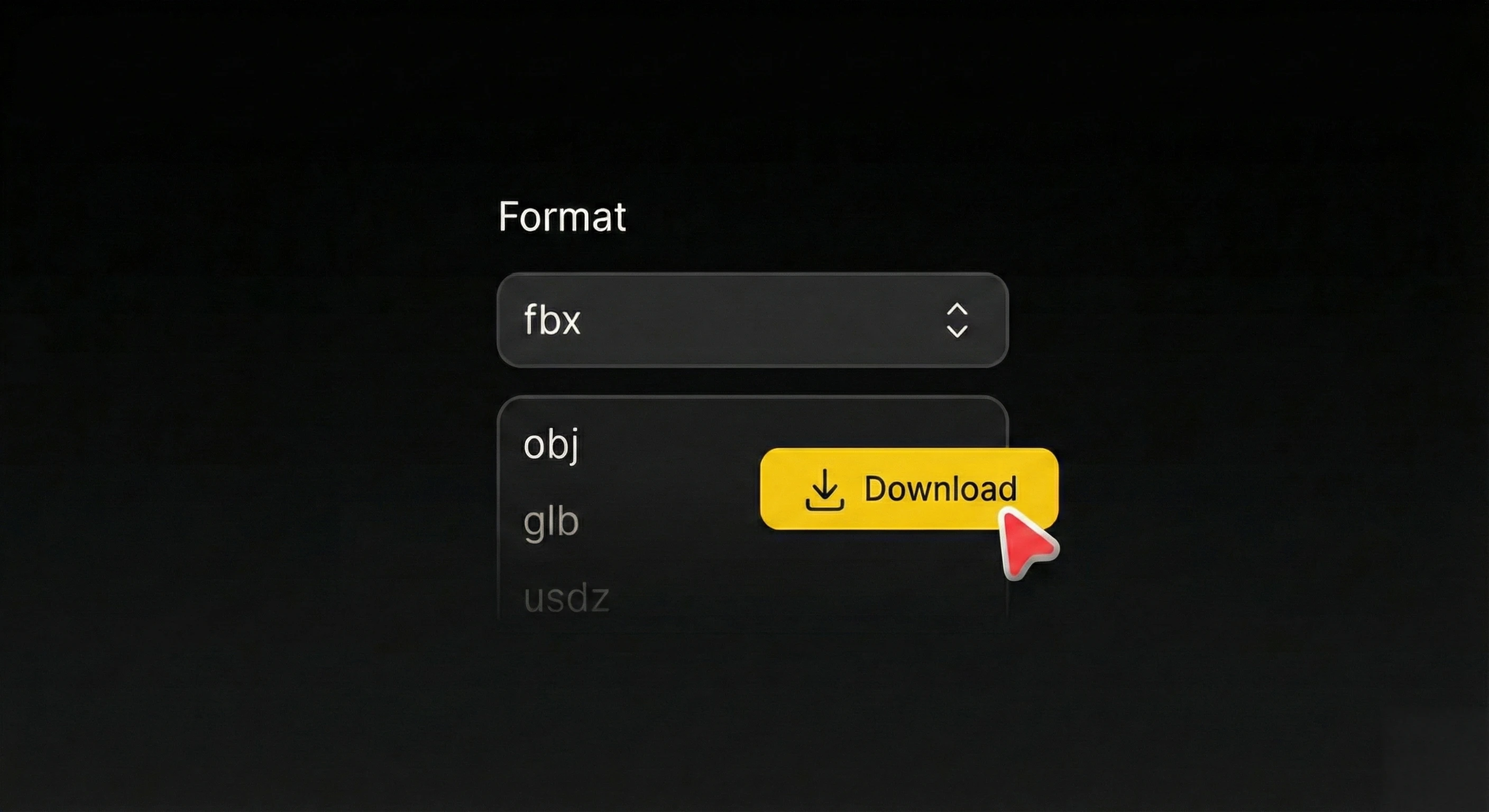
Supports All 3D Formats
One-click export to STL, OBJ, or 3MF. Your models are seamlessly compatible with community favorites like Ultimaker Cura and PrusaSlicer.
Problem Solved
Ensuring universal compatibility from design to slicing.
How to Use Image to 3D in Tripo
Current Task
Choose one or more images to get started. Supports JPG, PNG, and more.
Upload
Choose one or more images to get started. Supports JPG, PNG, and more.
Generate
Tripo creates your model in seconds, quick and precise.
(Optional) Enhance
Rig, animate, apply textures, or split parts as needed.
Download & Print
Export your 3D model in STL, OBJ, 3MF, FBX, and other formats.
How Tripo Helps You with Print-Ready 3D Models .
Tripo AI handles all technical challenges and turns everything in your mind into print-ready 3D models.
Accelerate Concept to Creation
Product development that once took weeks now takes hours. Delivers about 90% in modeling time savings.
Minimize Costs, De-risk Innovation
Lowers cost per design from hundreds of dollars to less than $10. 0 learning curve, cut trial-and-error costs by 70%.
Make Your Products Stand Out
100% original designs set you apart from generic public libraries. Effortlessly increase brand value by 15%-30%.
Turn Success Rates Into Return Rates
3D printing success rate is optimized to over 95%. Effectively addresses watertightness, structural strength, and support.
Supercharge your Graphic Design Process with Tripo AI
Start for Free - No Commitment Required
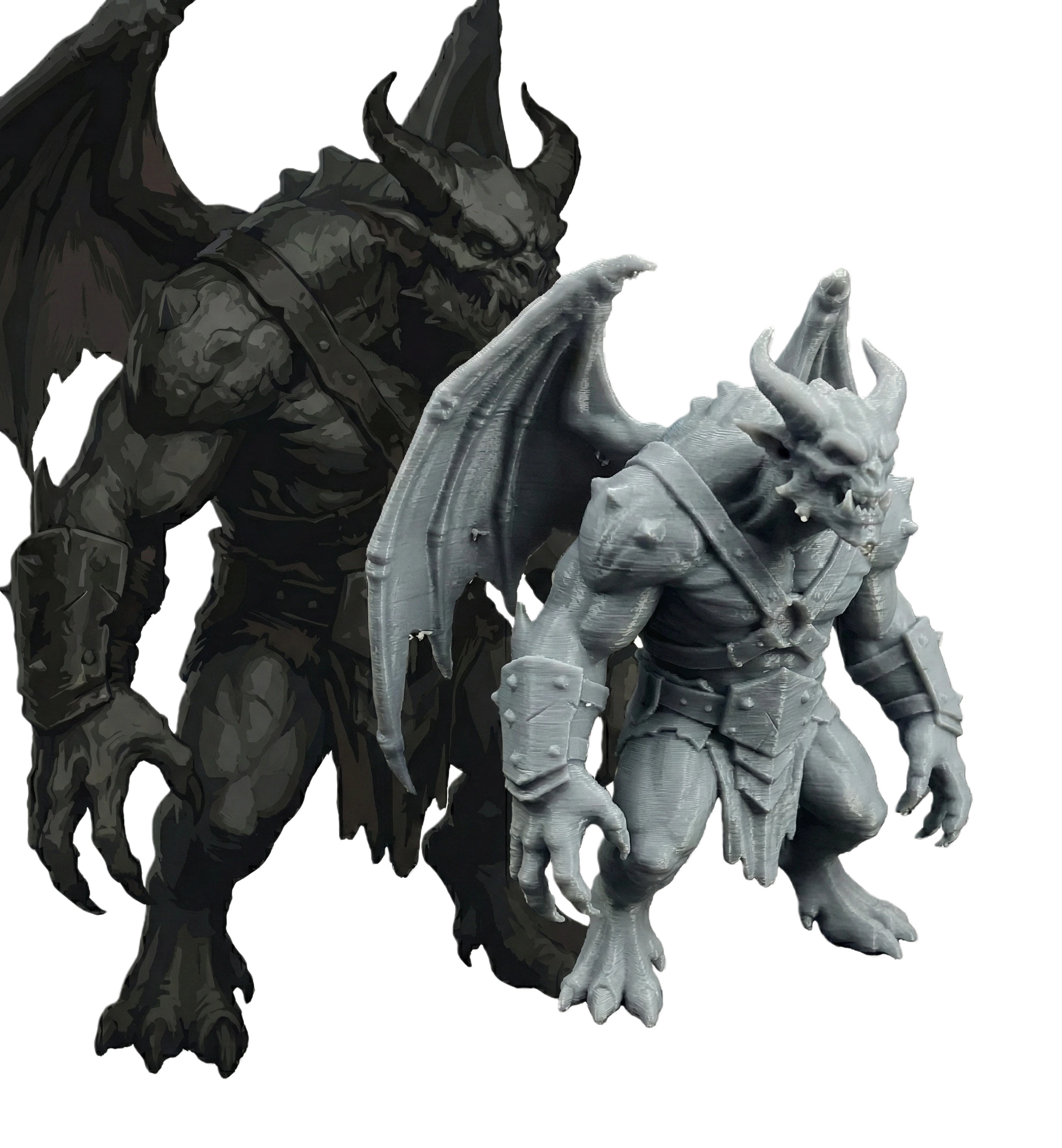
Build for Best 3D Model Prints .
All Scenarios Apply. See how Tripo AI transforms ideas into reality across different industries.
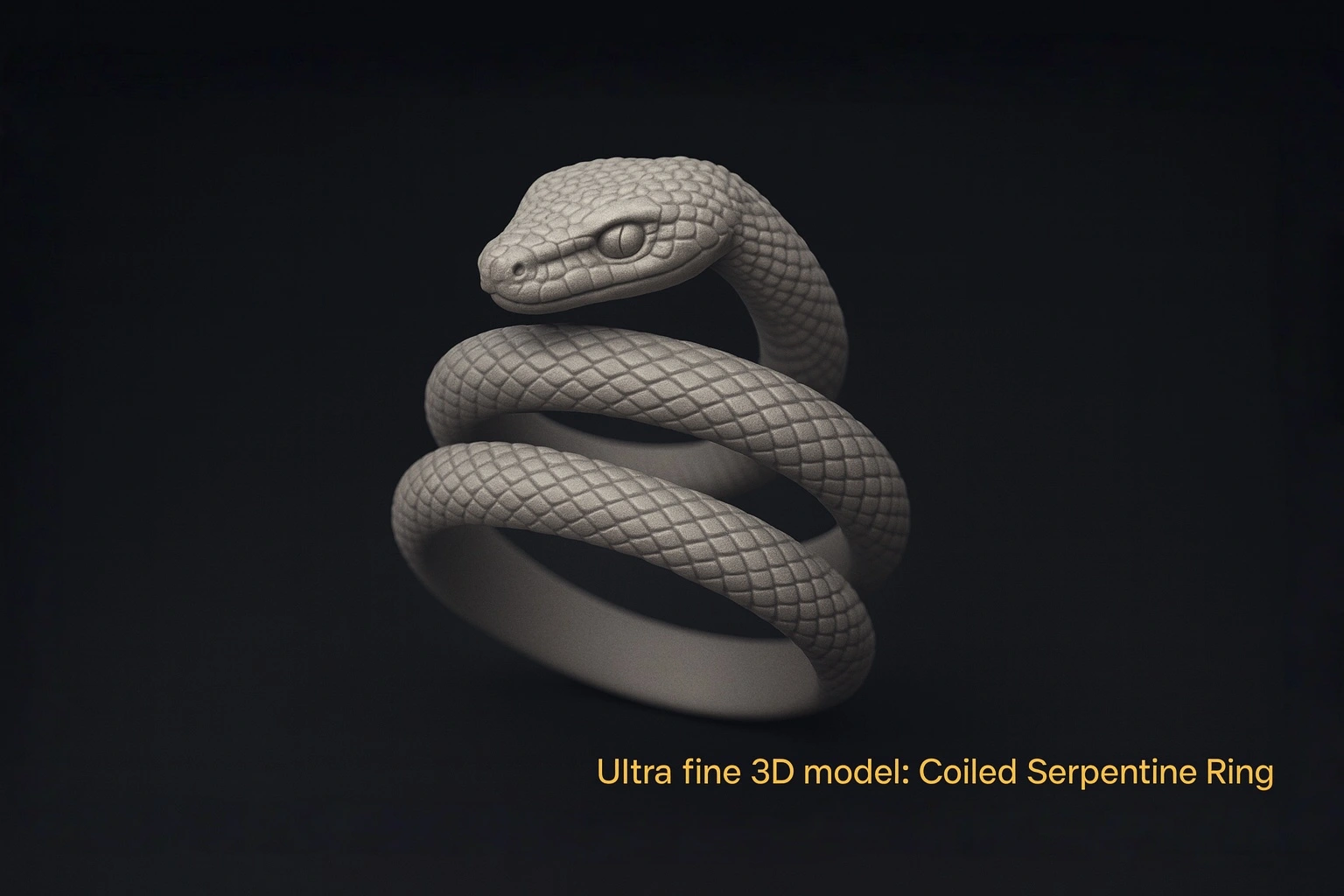
Personalized Jewelry
One-pass modeling with high precision. Uniform wall thickness.
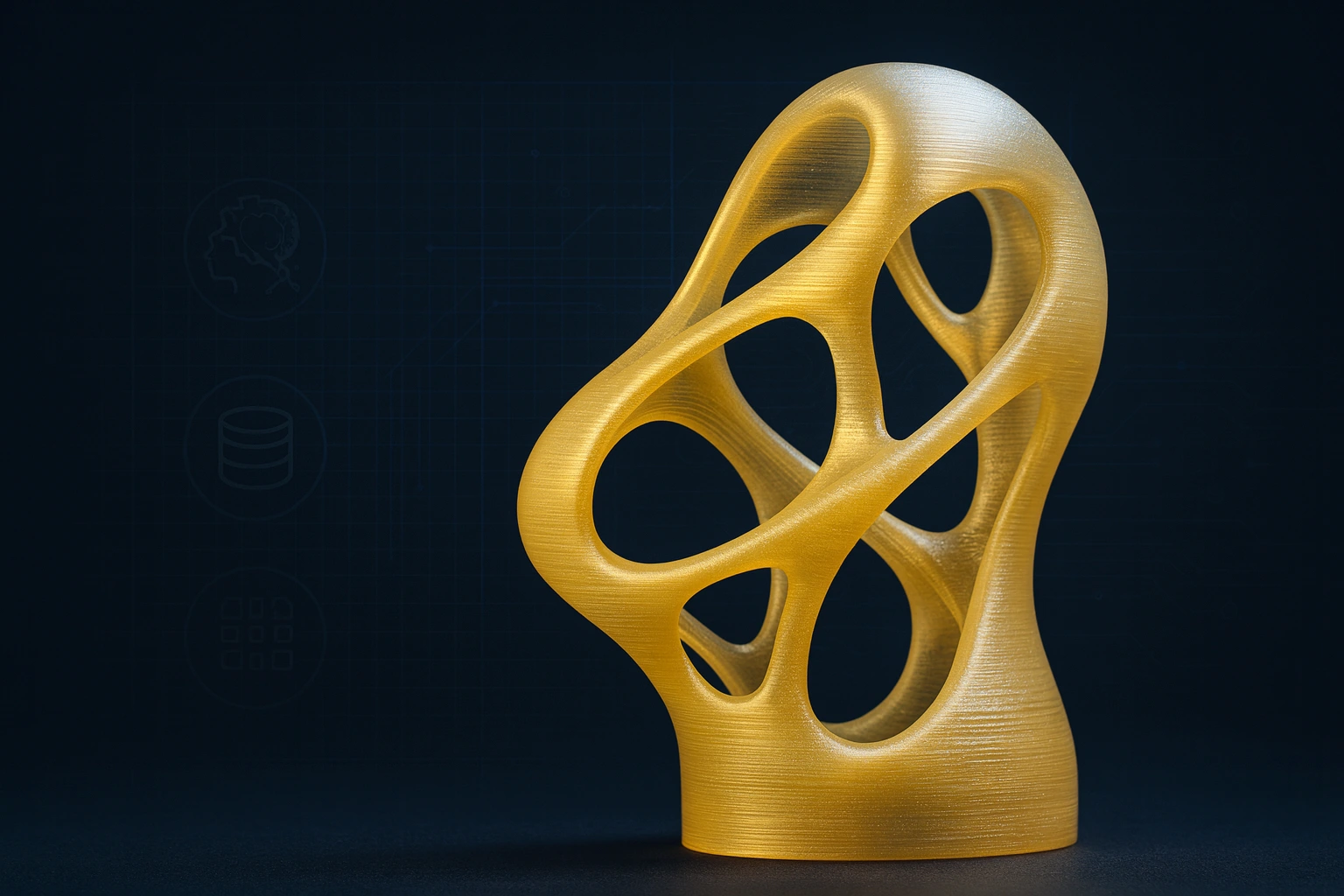
Art Sculptures
Intricate geometries with smart support generation. Flawless surfaces.
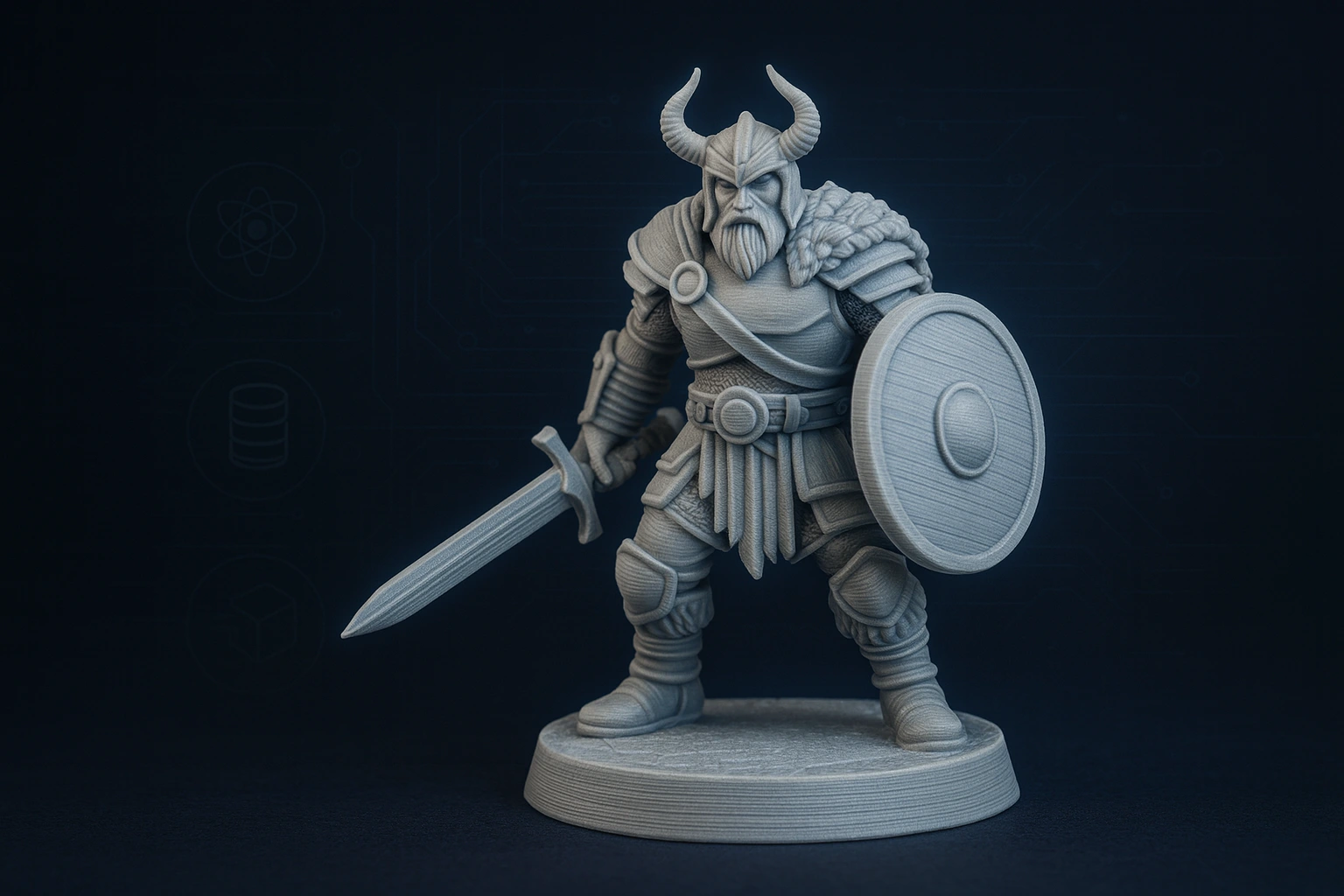
Tabletop Miniature
Ready-to-play out of the box. Auto-generated bases and pose stability.
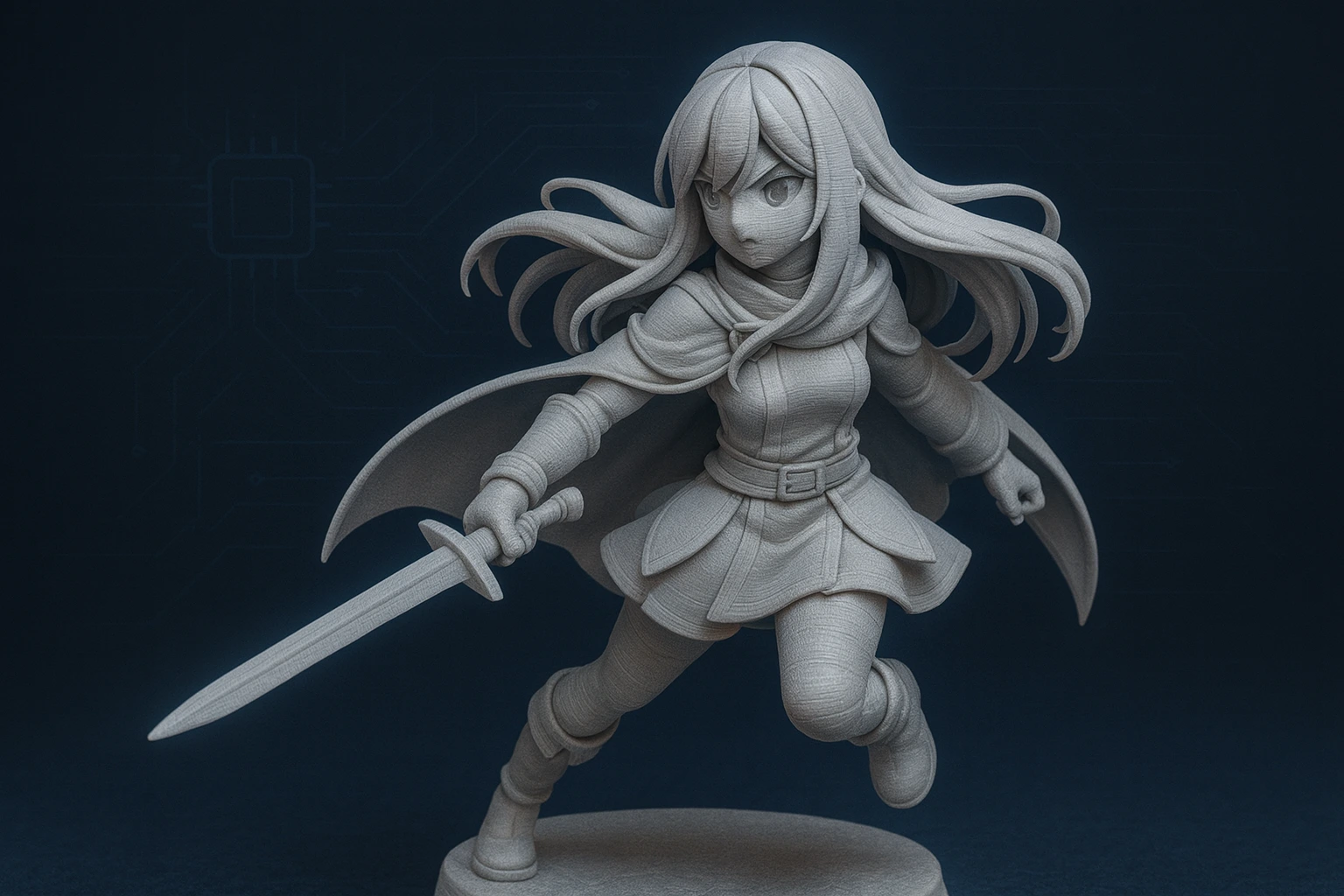
Anime Figures
High-fidelity modeling that fans love. AI-optimized segmentation.
Community Voices .
Join thousands of creators who have streamlined their creative process.
"Tripo AI completely changed my workflow. I used to spend days modeling basic shapes. Now I get print-ready STL files in seconds with perfect watertight geometry."
Alex Chen
3D Printing Enthusiast
"The watertight meshes are a game changer for 3D printing. I literally just download and slice. No more mesh repair headaches. My print success rate went from 60% to 95%+."
Sarah Jenkins
Tabletop Miniature Creator
"Impressive texture generation and high-fidelity details. It's not just for printing; I use these 3D models for rapid prototyping in Unity as well."
Marcus V.
Indie Game Developer
"Tripo AI completely changed my workflow. I used to spend days modeling basic shapes. Now I get print-ready STL files in seconds with perfect watertight geometry."
Alex Chen
3D Printing Enthusiast
"The watertight meshes are a game changer for 3D printing. I literally just download and slice. No more mesh repair headaches. My print success rate went from 60% to 95%+."
Sarah Jenkins
Tabletop Miniature Creator
"Impressive texture generation and high-fidelity details. It's not just for printing; I use these 3D models for rapid prototyping in Unity as well."
Marcus V.
Indie Game Developer
"Creating personalized jewelry 3D models used to take weeks. With Tripo AI, I generate commercial-grade STL files in minutes. No fragile structures, clean topology every time."
Emily Rodriguez
Jewelry Designer
"The AI handles complex organic forms perfectly. Support generation is smart, hollowing optimization is automatic. My art sculptures print flawlessly on the first try."
David Kim
Art Sculpture Artist
"Finally, an AI tool that understands anime proportions! High-fidelity facial features, optimized segmentation, and robust structural integrity. Fans love the quality."
Lisa Zhang
Anime Figure Creator
"Image to 3D conversion is mind-blowing. I upload a sketch, get a printable OBJ file back. The 90% time savings accelerated our entire product development cycle."
James Wilson
Product Designer
"As a beginner, I was intimidated by 3D modeling software. Tripo AI's text-to-3D feature is a lifesaver. Zero learning curve, just describe what I want and print it."
Maria Garcia
Hobbyist Maker
"Tripo AI completely changed my workflow. I used to spend days modeling basic shapes. Now I get print-ready STL files in seconds with perfect watertight geometry."
Alex Chen
3D Printing Enthusiast
"The watertight meshes are a game changer for 3D printing. I literally just download and slice. No more mesh repair headaches. My print success rate went from 60% to 95%+."
Sarah Jenkins
Tabletop Miniature Creator
"Impressive texture generation and high-fidelity details. It's not just for printing; I use these 3D models for rapid prototyping in Unity as well."
Marcus V.
Indie Game Developer
"Creating personalized jewelry 3D models used to take weeks. With Tripo AI, I generate commercial-grade STL files in minutes. No fragile structures, clean topology every time."
Emily Rodriguez
Jewelry Designer
"The AI handles complex organic forms perfectly. Support generation is smart, hollowing optimization is automatic. My art sculptures print flawlessly on the first try."
David Kim
Art Sculpture Artist
"Finally, an AI tool that understands anime proportions! High-fidelity facial features, optimized segmentation, and robust structural integrity. Fans love the quality."
Lisa Zhang
Anime Figure Creator
"Image to 3D conversion is mind-blowing. I upload a sketch, get a printable OBJ file back. The 90% time savings accelerated our entire product development cycle."
James Wilson
Product Designer
"As a beginner, I was intimidated by 3D modeling software. Tripo AI's text-to-3D feature is a lifesaver. Zero learning curve, just describe what I want and print it."
Maria Garcia
Hobbyist Maker
"Dimensional accuracy is spot-on for replacement parts. Snap-fit mechanisms work perfectly, load-bearing design is solid. Saved me hundreds in outsourcing costs."
Thomas Anderson
Replacement Parts Specialist
"100% original designs set my products apart. My brand value increased by 25% on Etsy. Customers love the unique, high-quality 3D printed items."
Rachel Foster
Etsy Shop Owner
"Cut trial-and-error costs by 70%. The built-in optimization ensures models are always manifold and print-ready. Material waste is nearly eliminated."
Michael Chang
3D Printing Business Owner
"Generating architectural models for my thesis was a nightmare until I found Tripo AI. Clean 3D topology, no redundant geometry, exports in every format I need."
Sofia Andersson
Architecture Student
"All STL files work perfectly with my Ender 3. Structural strength is optimized, supports are minimal. First-layer adhesion has never been better."
Carlos Mendoza
FDM Printer User
"For SLA printing, detail is everything. Tripo AI delivers ultra-fine textures, lifelike facial features, and fabric drapery that rivals hand-sculpted models."
Yuki Tanaka
Resin Printing Specialist
"I needed custom phone case designs. Uploaded photos, got perfect-fit 3MF files back. Precise assembly, dimensional stability—it just works. Highly recommend!"
Emma Foster
DIY Enthusiast
"Dimensional accuracy is spot-on for replacement parts. Snap-fit mechanisms work perfectly, load-bearing design is solid. Saved me hundreds in outsourcing costs."
Thomas Anderson
Replacement Parts Specialist
"100% original designs set my products apart. My brand value increased by 25% on Etsy. Customers love the unique, high-quality 3D printed items."
Rachel Foster
Etsy Shop Owner
"Cut trial-and-error costs by 70%. The built-in optimization ensures models are always manifold and print-ready. Material waste is nearly eliminated."
Michael Chang
3D Printing Business Owner
"Generating architectural models for my thesis was a nightmare until I found Tripo AI. Clean 3D topology, no redundant geometry, exports in every format I need."
Sofia Andersson
Architecture Student
"All STL files work perfectly with my Ender 3. Structural strength is optimized, supports are minimal. First-layer adhesion has never been better."
Carlos Mendoza
FDM Printer User
"For SLA printing, detail is everything. Tripo AI delivers ultra-fine textures, lifelike facial features, and fabric drapery that rivals hand-sculpted models."
Yuki Tanaka
Resin Printing Specialist
"I needed custom phone case designs. Uploaded photos, got perfect-fit 3MF files back. Precise assembly, dimensional stability—it just works. Highly recommend!"
Emma Foster
DIY Enthusiast
Questions Answered .
Everything you need to know about 3D printing with AI.
Until 2025, the most common file formats for 3D printing are:
- STL (.stl) – Standard for most 3D printers; represents the model’s surface geometry.
- OBJ (.obj) – Supports color, textures, and more detailed geometry.
- 3MF (.3mf) – Modern format; supports colors, materials, and printer metadata.
- AMF (.amf) – Less common, supports multiple materials and colors.
- PLY (.ply) – Mainly used for scanned models; stores vertex and color info.
The most widely used: STL for simplicity; OBJ/3MF if you need color or texture.
Tripo AI supports to generate and convert all 3D printing file formats to download to print.