Creating a Sci-Fi Skyscraper 3D Model: Expert Workflow & Tips
Designing a sci-fi skyscraper in 3D is both a creative and technical challenge. Over years of working on real-world projects for games and XR, I’ve developed a streamlined workflow that blends AI-powered tools with classic modeling techniques. This guide shares my complete process—from concept to export—highlighting how I leverage AI for rapid iteration, avoid common pitfalls, and ensure models are production-ready. If you’re aiming for stunning, efficient results in a professional pipeline, these insights are for you.
Key takeaways:
- AI-driven tools can dramatically speed up prototyping and iteration.
- Clear planning and references are crucial for cohesive sci-fi designs.
- Retopology and mesh cleanup are non-negotiable for production use.
- Texturing and lighting define the final look—don’t rush these steps.
- Export settings must match your target platform (games, film, XR).
Executive Summary: Key Insights for Sci-Fi Skyscraper Modeling
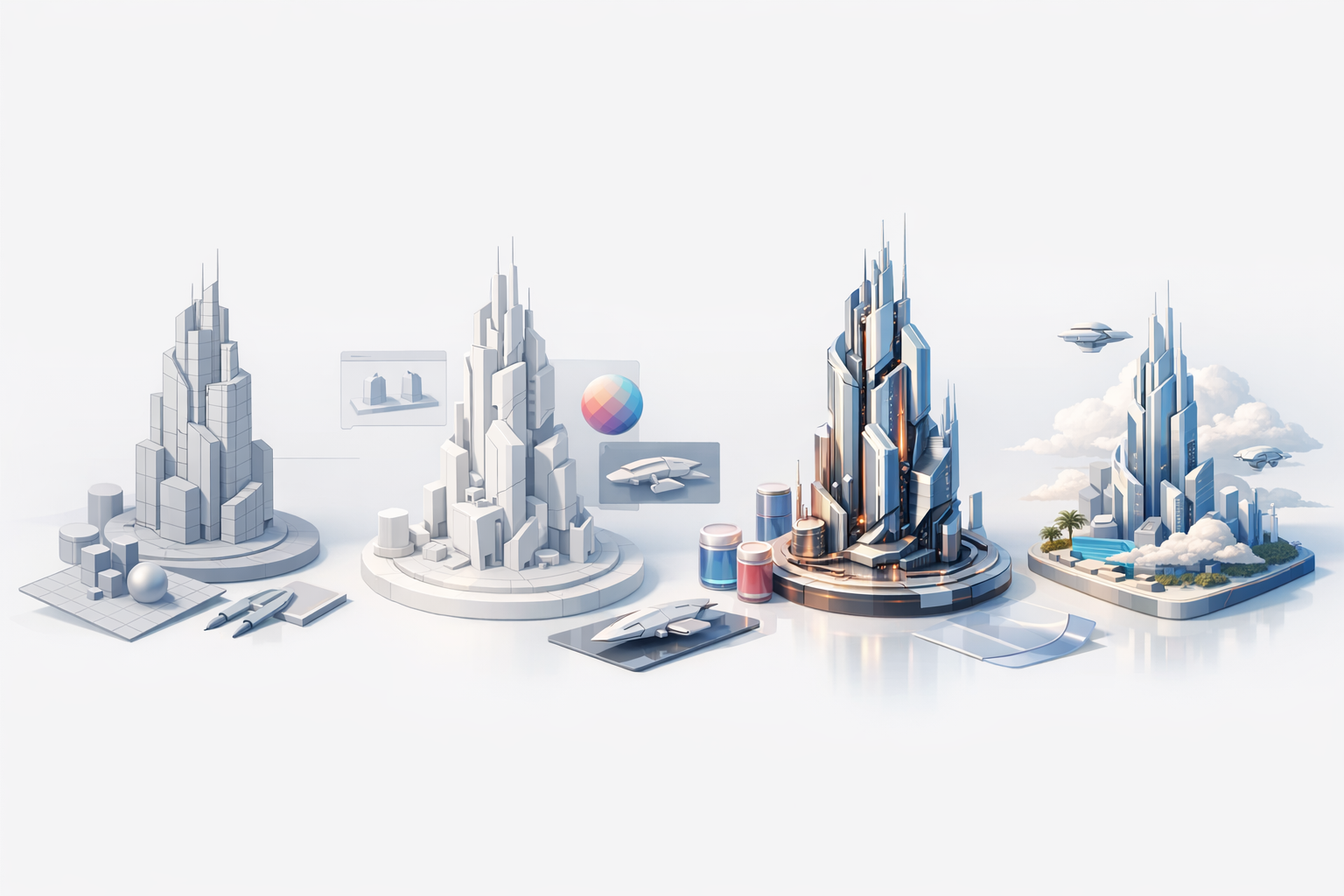
What I’ve learned from real-world projects
Working on sci-fi environments taught me that balancing creativity with technical constraints is essential. AI-assisted modeling platforms have become invaluable for quick prototyping and concept validation, but manual refinement is still necessary for top-tier results. Consistent communication with art direction and technical teams ensures the final asset meets both visual and performance goals.
Top takeaways for efficient 3D workflows
- Start with a strong concept and clear references.
- Use AI tools for rapid blockouts, then refine manually.
- Prioritize non-destructive workflows—always keep backups.
- Regularly check topology and texel density.
- Test exports early to catch issues before final delivery.
Conceptualizing a Sci-Fi Skyscraper: Design Foundations
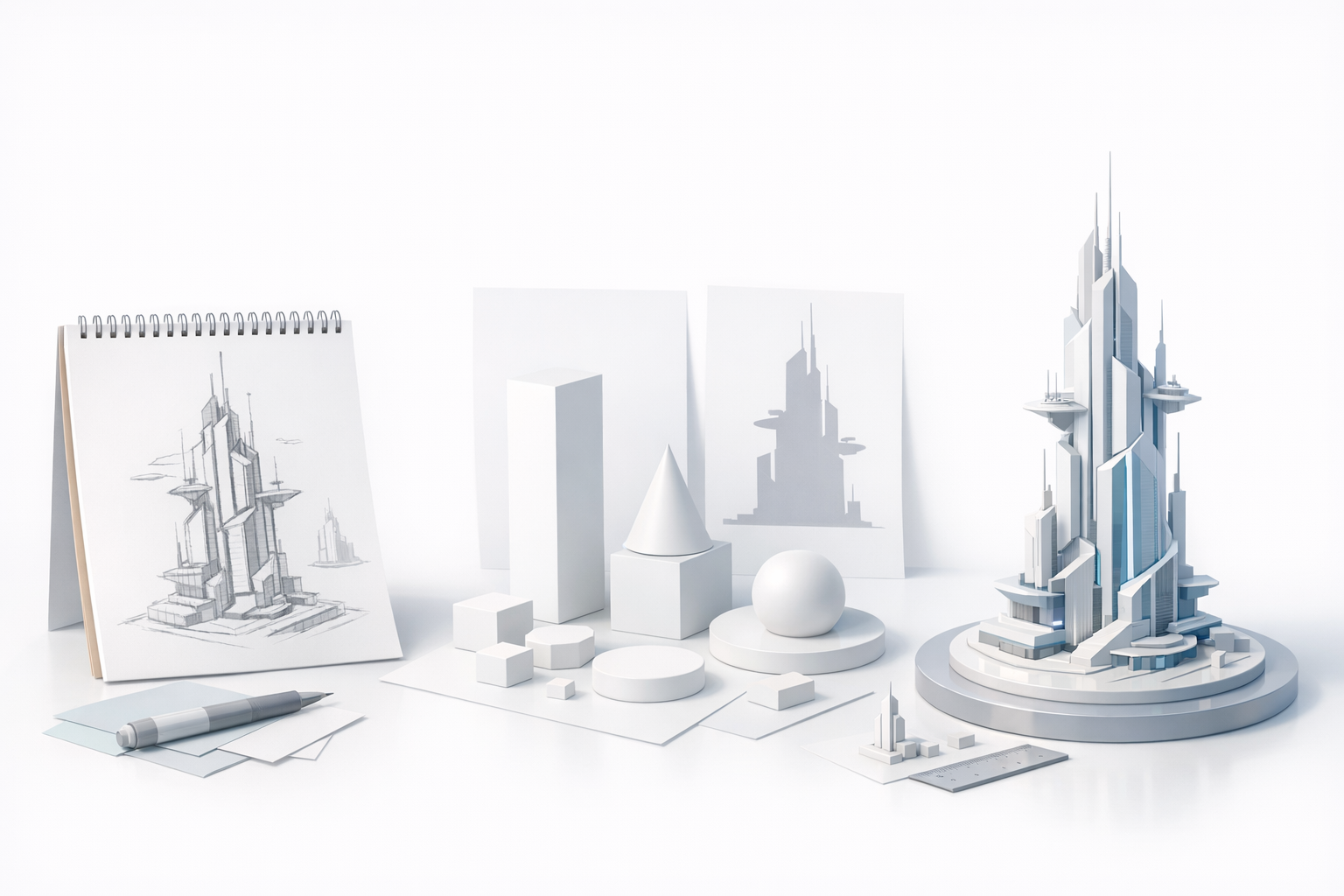
Gathering references and inspiration
Before opening any 3D software, I gather visual references—artbooks, movies, real-world architecture, and concept art. For sci-fi skyscrapers, I look for unique silhouettes, futuristic materials, and lighting schemes. I organize these in a reference board for quick access during modeling.
Checklist:
- Curate 10–20 strong images (real and fictional)
- Note recurring shapes, motifs, and materials
- Identify signature lighting and color palettes
Sketching and planning the structure
I always sketch the basic form, either digitally or on paper. This helps clarify proportions and key features before committing to 3D. For complex designs, I break the building into modular sections (base, mid, spire, details).
Tips:
- Use simple shapes to block out the massing
- Annotate sketches with material and lighting ideas
- Plan for modularity—reuse elements for efficiency
Choosing the Right Tools for 3D Modeling
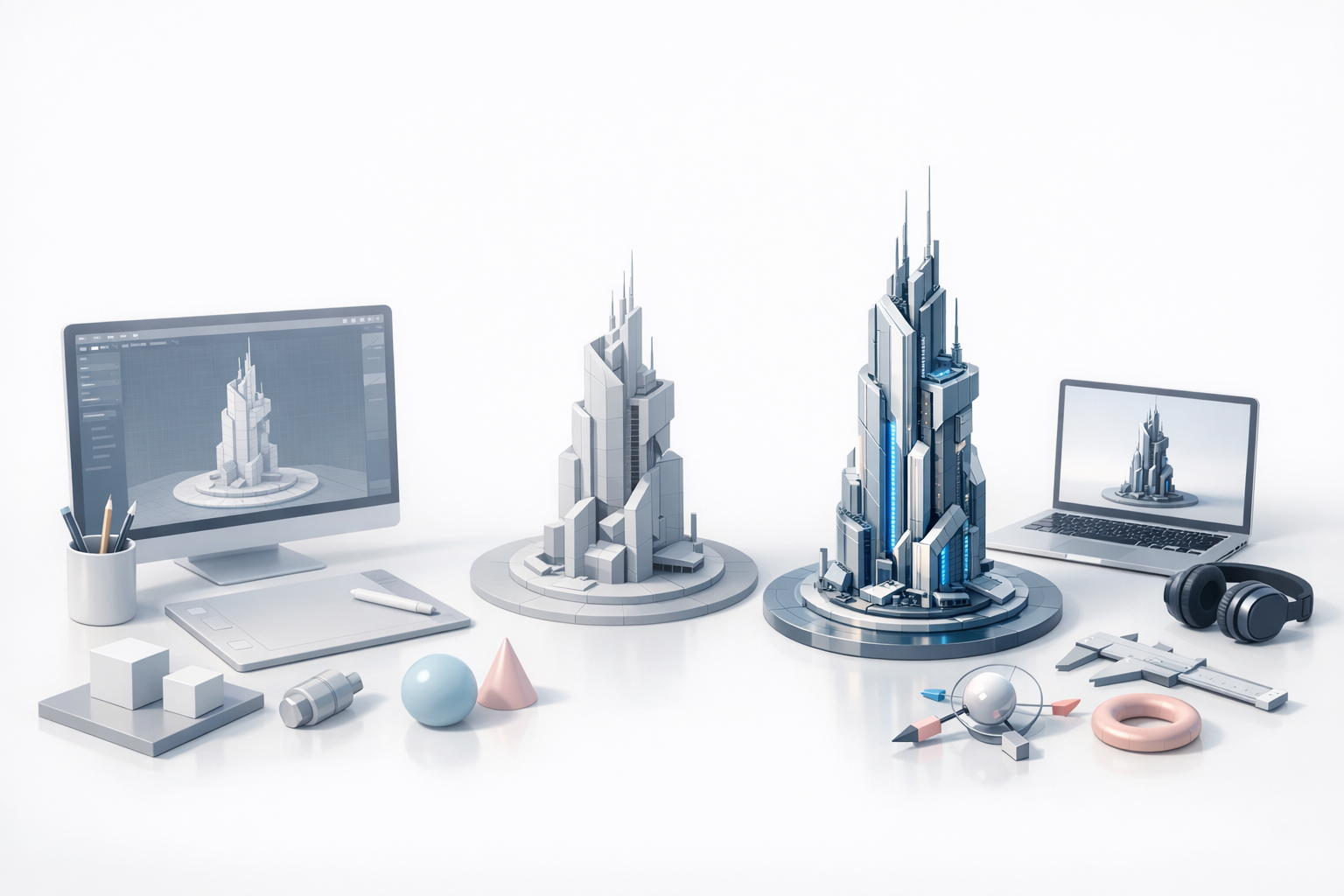
Why I use AI-powered platforms for rapid prototyping
AI-driven 3D tools, like Tripo, have transformed my workflow. I can generate a detailed base mesh from a text prompt, sketch, or image in seconds. This lets me explore more ideas quickly and focus manual effort where it matters most.
Practical uses:
- Generate multiple base concepts for client review
- Quickly iterate on variations (different facades, spires)
- Use AI segmentation to isolate building sections for refinement
Comparing traditional and AI-assisted workflows
Traditional modeling is still essential for fine control and custom features. However, AI-assisted workflows excel at speeding up the early phases and handling repetitive tasks like retopology and UV unwrapping.
My approach:
- Use AI for initial blockout and segmentation
- Switch to manual modeling for unique details and polish
- Combine both for the best speed and quality
Step-by-Step: Building the 3D Model
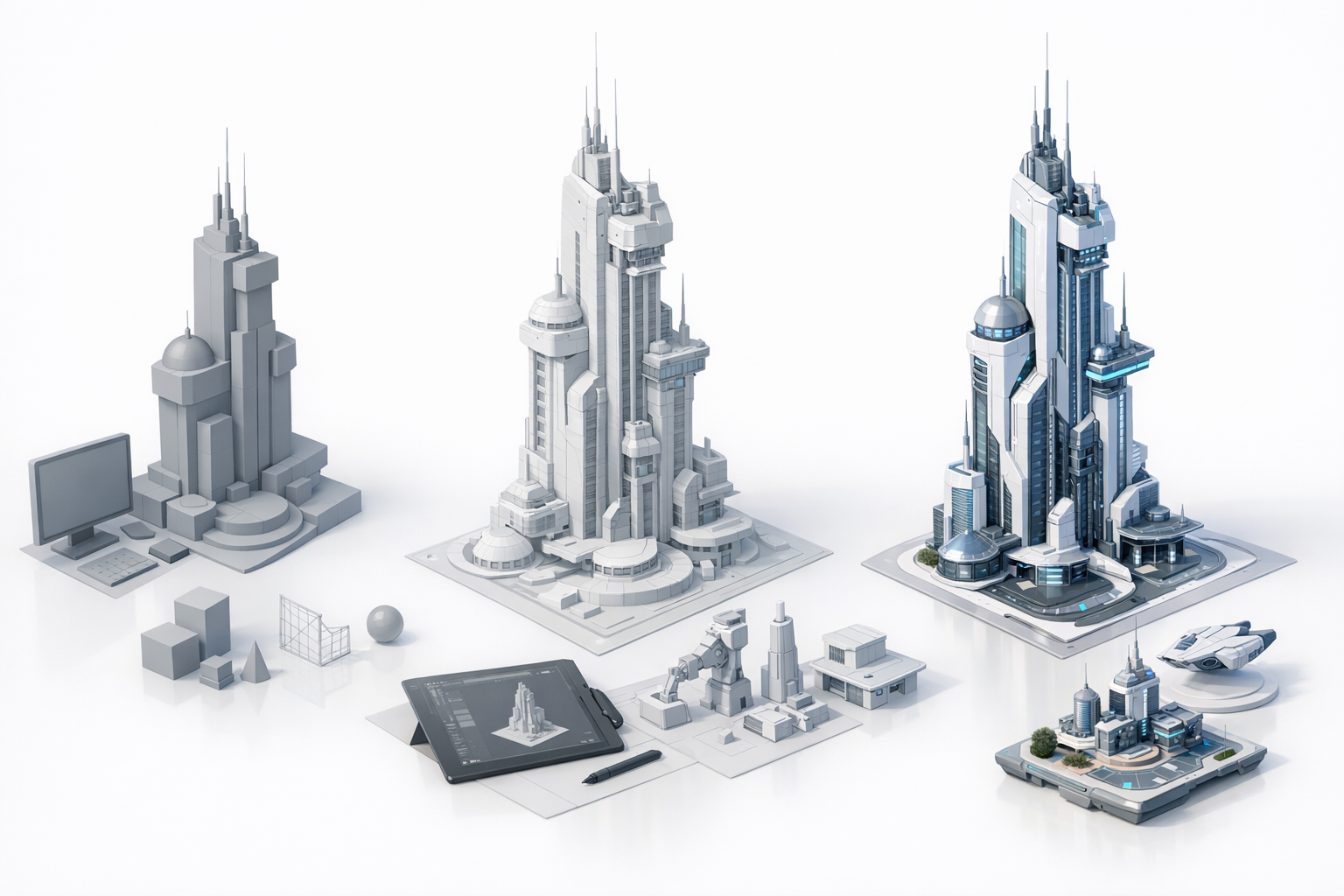
Blocking out forms and proportions
I start with a low-res blockout, focusing on silhouette and scale. In Tripo, I input my sketch or a text description to generate a base mesh, then adjust proportions in my 3D software of choice.
Steps:
- Generate or manually create a basic blockout
- Check proportions against references
- Adjust for modularity and composition
Refining details and architectural features
Once the blockout feels right, I add architectural details—windows, panels, antennae, etc. I break the model into logical sections for easier texturing and optimization later.
Tips:
- Work from large to small details
- Use non-destructive modifiers (arrays, booleans)
- Regularly preview the model in your target engine or renderer
Texturing, Materials, and Lighting for Sci-Fi Aesthetics
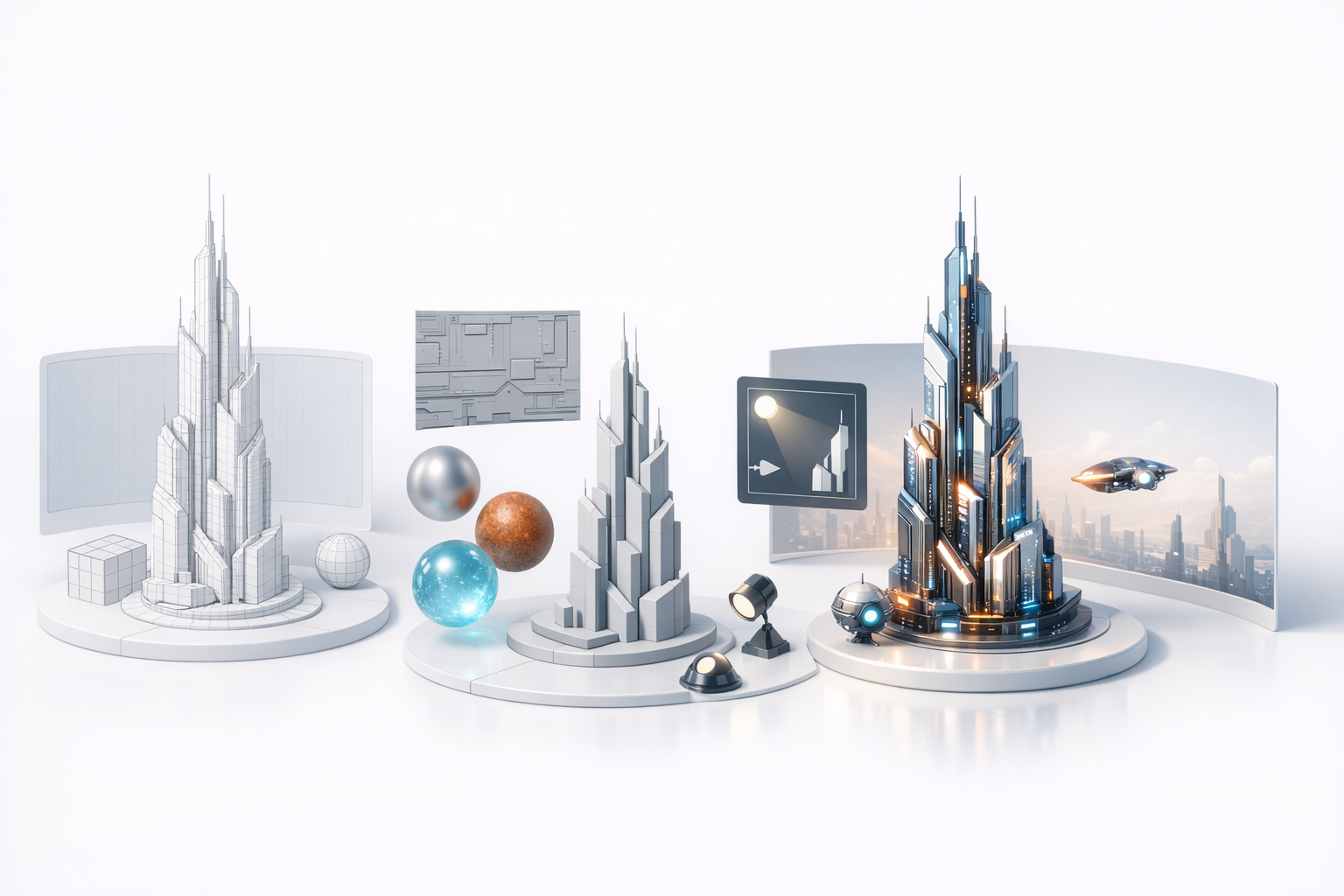
Applying advanced texturing techniques
I prefer procedural texturing for flexibility, but also bake custom details for hero assets. Tripo’s automated UV mapping and material suggestions save time, but I always tweak materials for realism.
Checklist:
- Assign unique materials to key surfaces (glass, metal, neon)
- Use masks for wear and tear, emissive panels
- Test textures under different lighting conditions
Setting up lighting for dramatic effect
Lighting makes or breaks sci-fi scenes. I set up dramatic, high-contrast lighting—often with colored rim lights and glowing elements. Real-time previews help dial in the mood before final renders.
Tips:
- Use area lights and spotlights to highlight shapes
- Add subtle volumetrics or fog for atmosphere
- Balance emissive materials to avoid overexposure
Optimization and Export: Preparing for Production
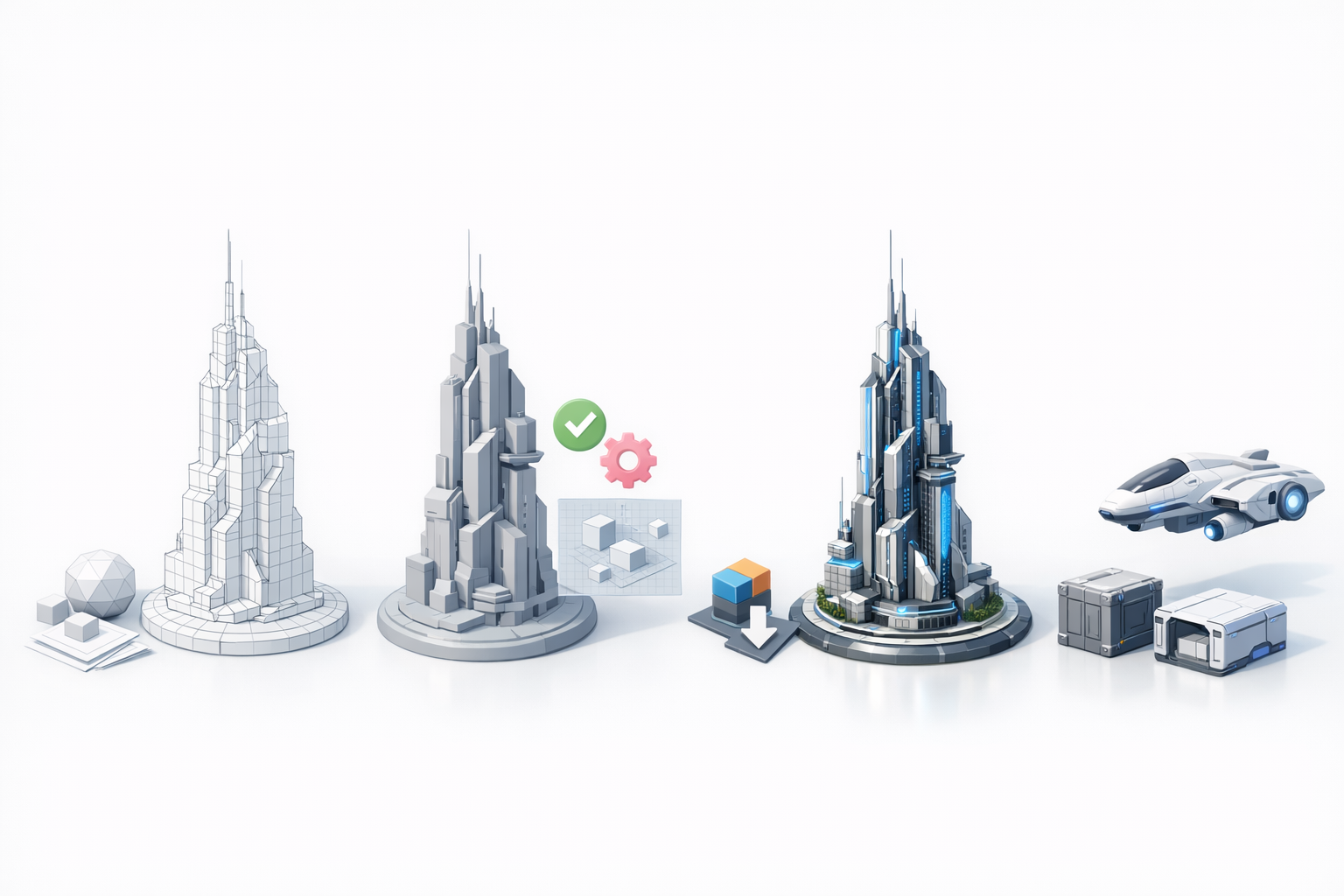
Retopology and mesh cleanup best practices
Even with AI tools, I always check and clean up the mesh. Good topology is critical for animation, game engines, and efficient rendering.
Steps:
- Run automated retopology, then inspect edge flow
- Remove unnecessary geometry and ngons
- Ensure UVs are non-overlapping and logically laid out
Export settings for games, film, and XR
Export requirements vary by platform. I maintain export presets for each target—games (FBX with optimized textures), film (high-res OBJ with displacement), XR (low-poly GLTF with baked maps).
Checklist:
- Match scale and orientation to project standards
- Bake and pack textures efficiently
- Test imports in the target engine before delivery
My Favorite Tips and Lessons Learned
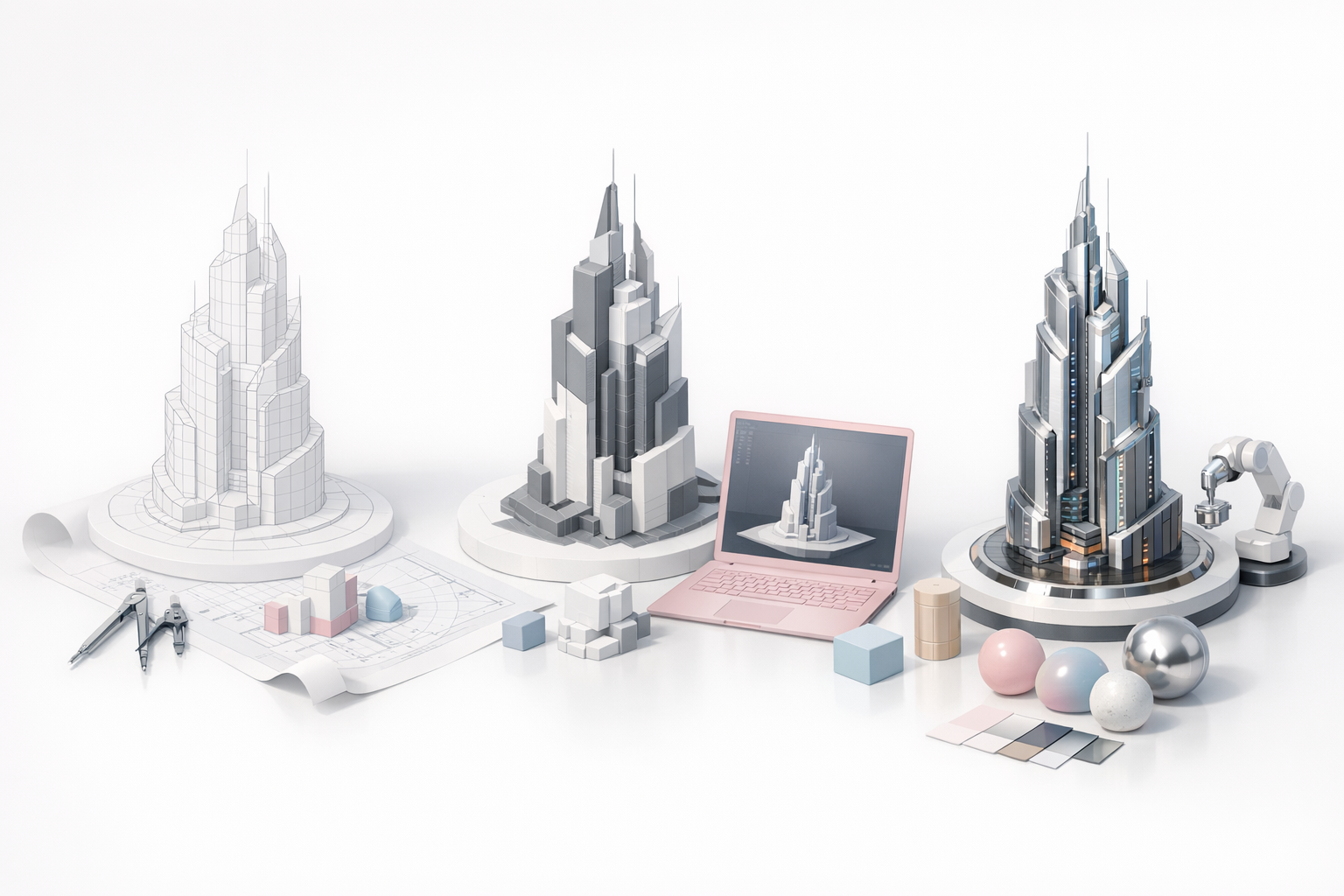
Common pitfalls and how to avoid them
- Over-detailing early: Focus on big shapes first; details come later.
- Ignoring topology: Bad geometry can break rigs and shaders.
- Rushing exports: Always test in the target environment.
Workflow hacks for faster results
- Use AI tools for repetitive tasks (retopology, UVs)
- Work in layers—blockout, refine, detail, texture
- Keep backups at every major stage
- Use modular assets to build complexity quickly
By combining careful planning, AI-powered speed, and manual refinement, I consistently deliver sci-fi skyscraper models that are both visually striking and technically robust. Whether you’re in games, film, or XR, this workflow will help you create production-ready assets efficiently and creatively.


