Far Cry 6 3D Model Creation: Expert Workflow & Best Practices
Creating 3D models inspired by Far Cry 6 requires a blend of strong artistic vision, technical skill, and efficient workflows. Over the years, I’ve refined my approach to streamline production, leverage AI tools, and ensure assets are truly game-ready. This guide is for artists, developers, and technical leads who want to elevate their 3D asset pipeline—whether for games, XR, or cinematic projects. Below, I’ll break down my end-to-end process, highlight essential best practices, and share how AI-powered platforms like Tripo AI fit into modern workflows.
Key takeaways
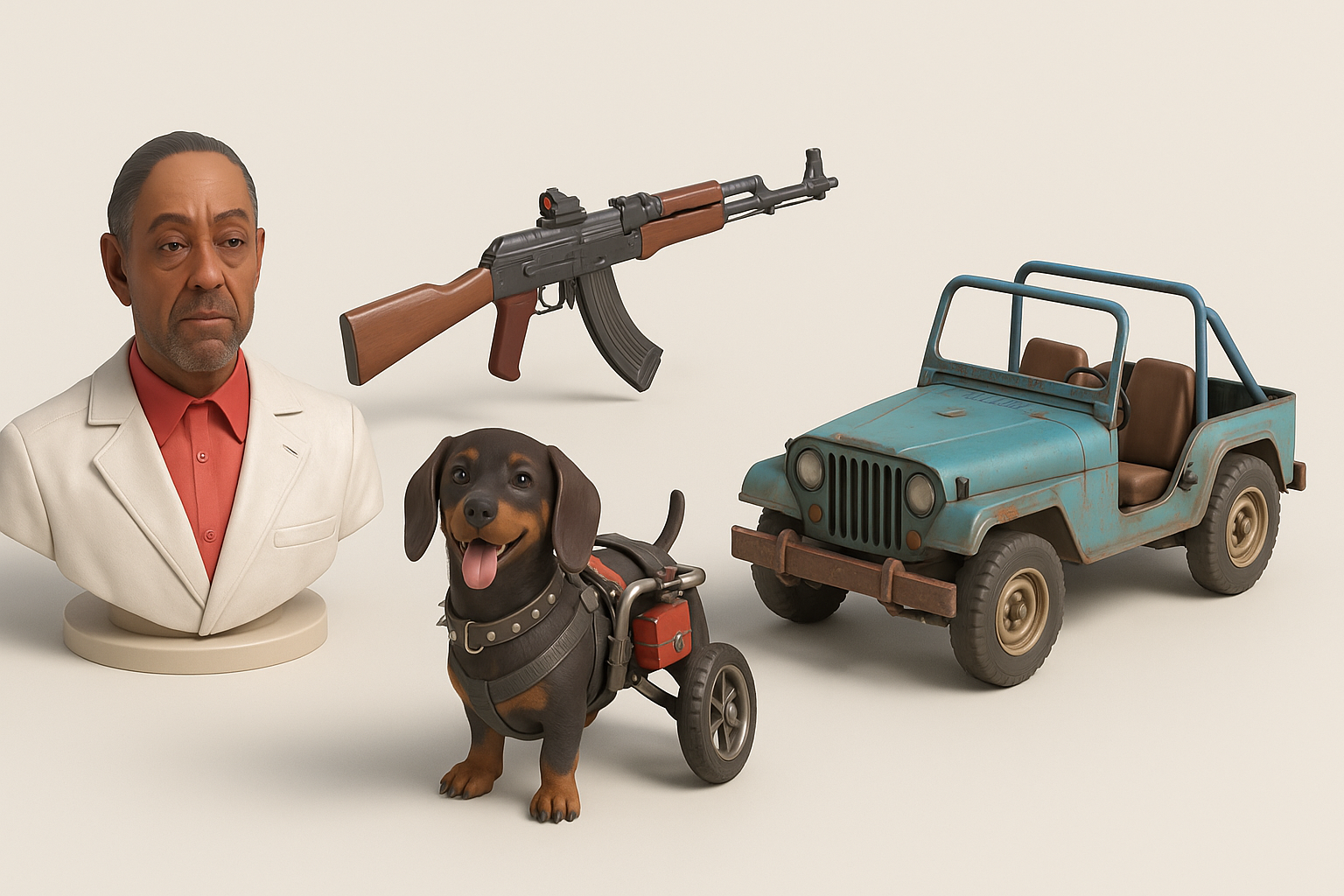
- Reference gathering and planning are critical for Far Cry 6’s distinct style.
- Efficient modeling starts with strong blockouts and clear proportion work.
- Retopology, UV mapping, and texturing must be optimized for game engines.
- AI tools can speed up segmentation, texturing, and base mesh generation.
- Always test assets in-engine to catch issues early.
- Balance automation with manual control for best results.
Overview of Far Cry 6 3D Models
Key features and visual style
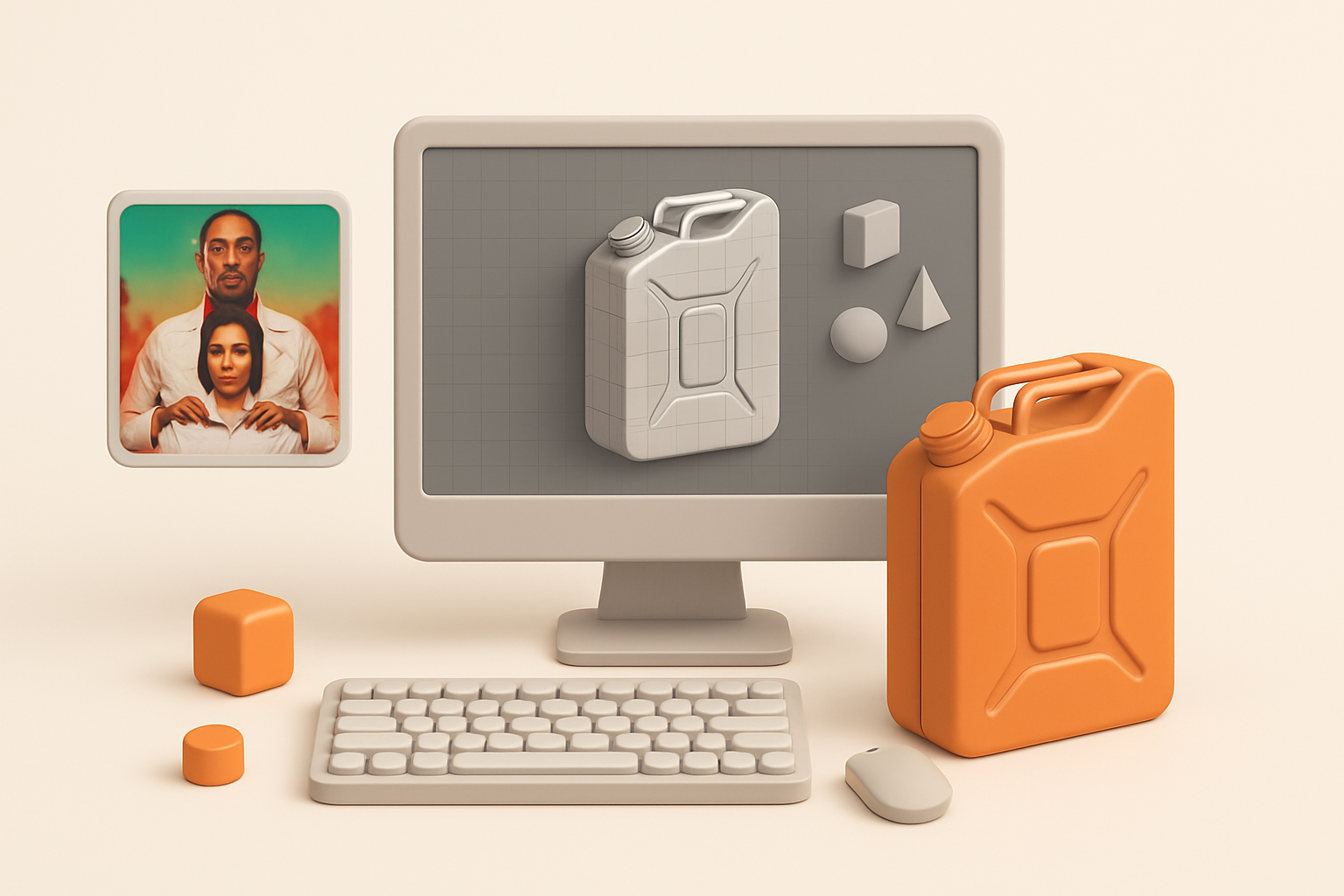
Far Cry 6 assets stand out for their gritty realism, rich detail, and believable wear-and-tear. I focus on layered materials—scratched metals, weathered woods, and lived-in fabrics. The models strike a balance between stylized exaggeration and functional design, making them both visually striking and practical for gameplay.
Common use cases in projects
I’ve used Far Cry 6-inspired models for:
- Game environments (urban, jungle, military outposts)
- Hero props (weapons, vehicles, interactive objects)
- Cinematic sequences and cutscenes
- XR and VR experiences requiring immersive realism
My Workflow for Creating Far Cry 6-Inspired 3D Models

Gathering references and planning
I always start with a thorough reference hunt. This means collecting:
- Screenshots from Far Cry 6 and similar games
- Real-world photos matching the asset’s function and era
- Concept art, mood boards, and material samples
I organize references in a visual board (PureRef or similar), then sketch rough silhouettes and annotate key design features.
Choosing the right tools and platforms
For modeling and sculpting, I use a mix of standard DCC software and AI-powered platforms. Tripo AI is particularly useful for quickly generating base meshes or segmenting complex objects. For texturing, I rely on both procedural tools and hand-painting, depending on asset needs.
Tips:
- Match your tool to the asset’s complexity.
- Use AI tools to accelerate repetitive or technical steps, not creative ideation.
Step-by-Step Guide: From Concept to Production-Ready Model
Blocking out shapes and proportions
I begin by blocking out the model in low-poly, focusing on silhouette and overall proportions. This stage is about speed and iteration:
- Use primitives to rough out forms
- Check scale against reference and in-engine units
- Adjust proportions before adding detail
Detailing, texturing, and optimization
Once the blockout feels right, I move to secondary forms and surface detail. I’ll often generate a high-poly sculpt for baking normals and AO maps. For texturing, I:
- Bake maps from high to low poly
- Apply smart materials for base layers
- Add hand-painted details for wear and story
Checklist:
- Keep polycount within engine budgets
- Optimize UVs for minimal seams and efficient space usage
- Test textures under in-game lighting
Best Practices for Game-Ready 3D Assets
Retopology and UV mapping tips
Clean topology is non-negotiable for animation and performance. My approach:
- Use quad-dominant meshes for deforming assets
- Minimize poles and n-gons, especially in visible areas
- Unwrap UVs with logical seams (hide them where possible)
- Pack UVs efficiently to maximize texture resolution
Efficient texturing and material workflows
I build materials modularly, reusing smart masks and tileable textures. AI can assist by generating base textures or segmenting material zones, but I always fine-tune by hand.
Pitfalls to avoid:
- Overlapping UVs on non-tileable assets
- Excessive material IDs (keep it engine-friendly)
- Ignoring mipmap and compression artifacts
Integrating AI Tools for Faster 3D Model Creation

How I use AI-powered platforms in my process
AI tools like Tripo AI help me:
- Generate base meshes from sketches or references
- Automate segmentation of complex objects
- Speed up retopology and texture base creation
I treat AI outputs as a starting point—refining, optimizing, and injecting creative intent as needed.
Balancing automation with creative control
The key is to let AI handle repetitive, technical steps, while I focus on design, storytelling, and polish. I always review and manually adjust AI-generated results to ensure they meet project standards.
Tips:
- Don’t skip manual QA—AI can miss subtle errors.
- Use AI to prototype quickly, then iterate with intent.
Exporting, Testing, and Using Models in Game Engines
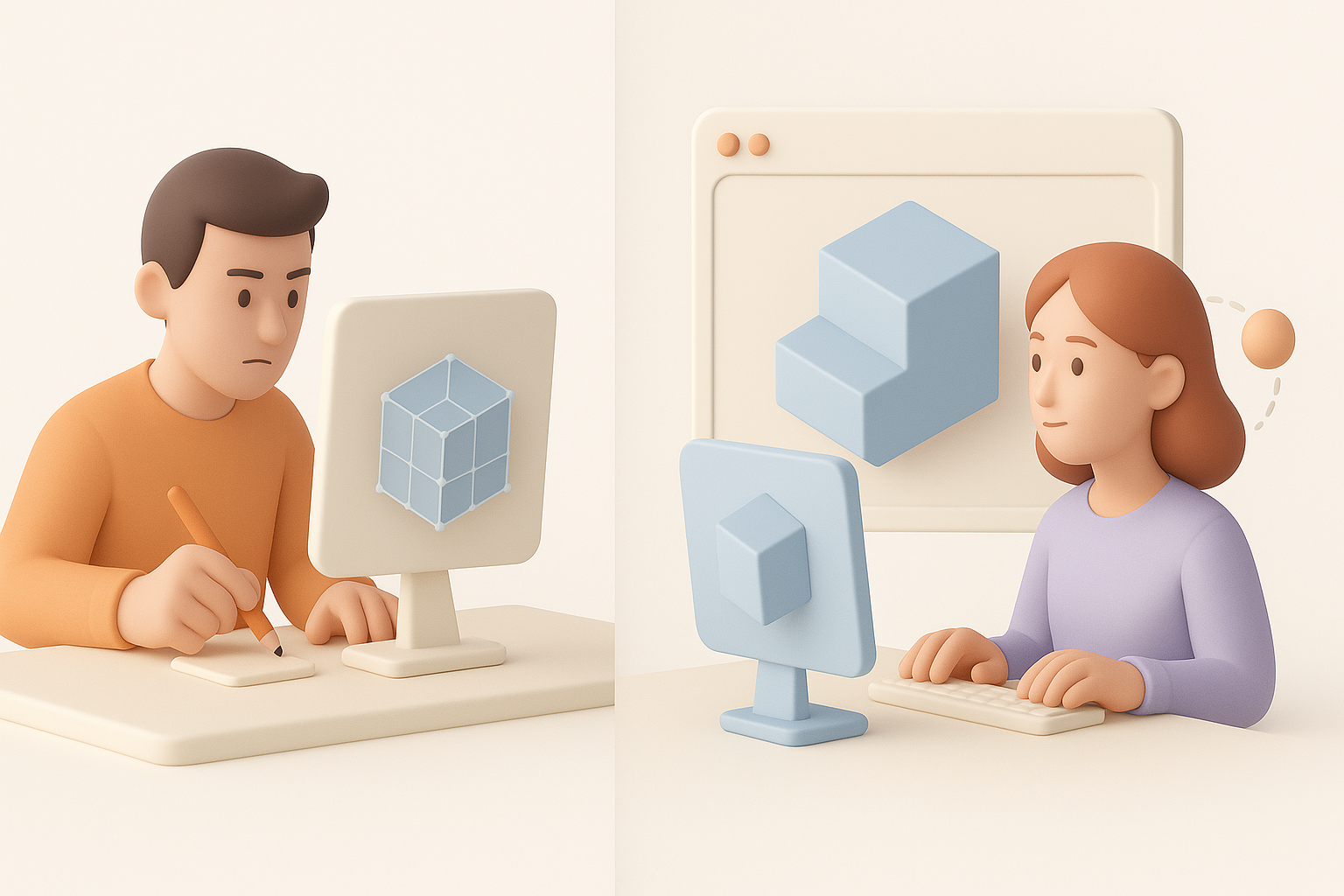
Export settings and compatibility
I export models in engine-friendly formats (FBX, OBJ, GLTF). Key settings:
- Apply transforms and freeze scale
- Use triangulated meshes if required by the engine
- Embed or export textures separately as needed
In-engine testing and troubleshooting
After import, I test for:
- Correct scale and orientation
- Material assignment and texture fidelity
- Lighting and shadow behavior
- Performance (polycount, draw calls)
Troubleshooting tips:
- Watch for flipped normals and missing tangents
- Double-check collision and LODs
- Profile asset performance in the target platform
Comparing Manual and AI-Assisted 3D Modeling Approaches
Pros and cons from my experience
Manual modeling:
- Full creative control
- Time-consuming for repetitive tasks
- Essential for hero assets and unique designs
AI-assisted workflow:
- Rapid prototyping and iteration
- Great for background assets and batch tasks
- May require extra cleanup and manual polish
When to choose each method
I use manual methods for high-visibility, story-driven assets and AI-assisted workflows for speed, especially with large asset libraries or tight deadlines. The best results come from blending both approaches—using AI to handle the grunt work, then applying human artistry for the final touch.
By following these principles and leveraging the right mix of tools and techniques, I consistently deliver Far Cry 6-quality 3D assets—on time and at scale.
